
QR Scanner and Code Generator
Scan & Create QRCodes
Designed for iPhone, iPad
Free · In-app purchases
- Age rating4+
- CategoryUtilities
- DeveloperRufat Babayev
- LanguagesEnglish
- Size17.9 MB
Links to the official App Store page
Download.org hosts no file of QR Scanner and Code Generator. The button opens its official App Store page, published by Rufat Babayev. Listing last checked on Nov 15, 2026.
Screenshots
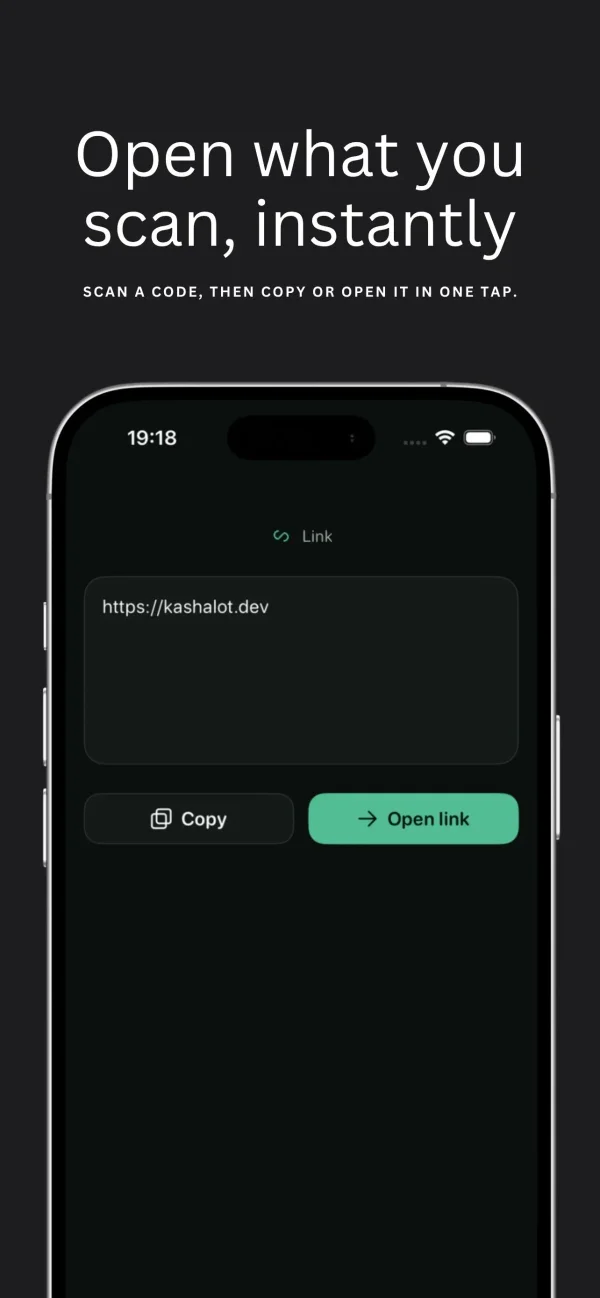
About
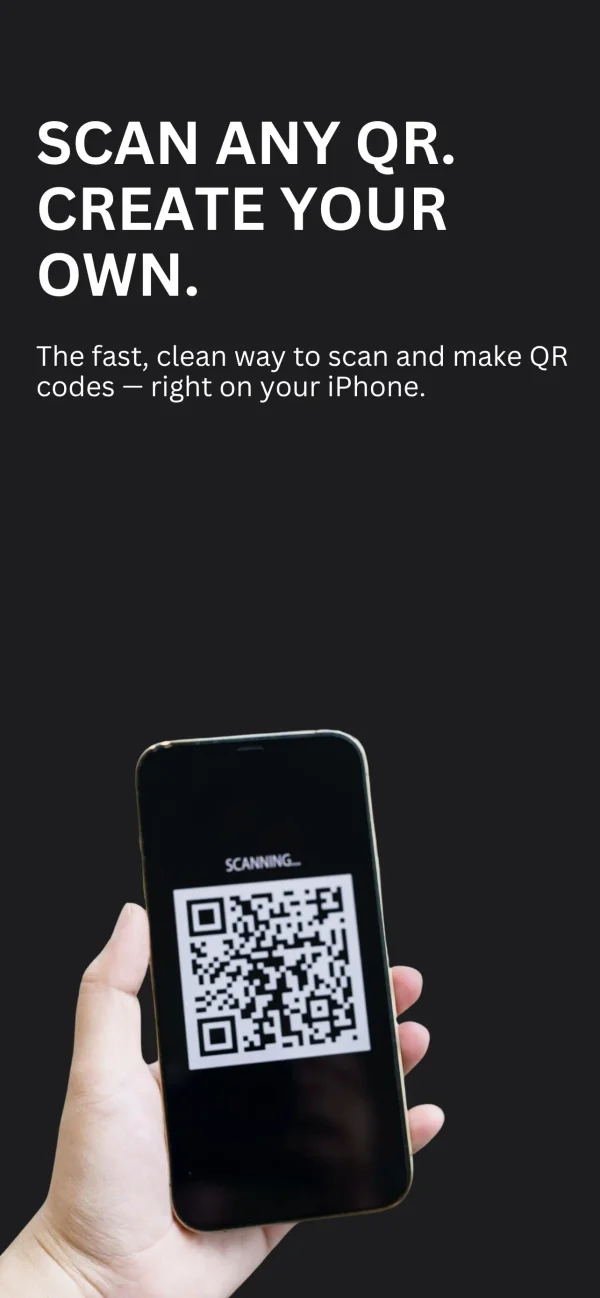
The scanning program is extremely easy to use:
You need to choose a QR code, place it in the scanning field and the program will automatically read the data, providing you with all the encrypted information in response.
There is no need to press any buttons, take photos or adjust the scale, as the code reader works automatically.
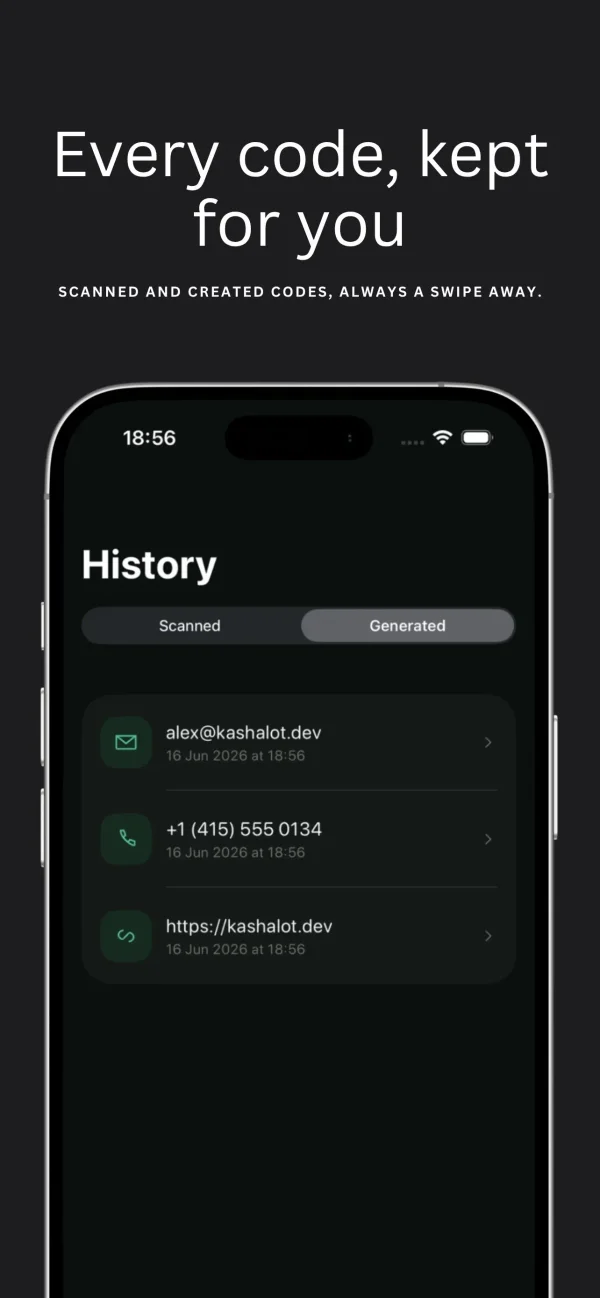
Further you can save the result of the scanning in the history of the application or share the QR code with other contacts.
For comfortable use in insufficiently lit rooms you can switch on the lantern mode.
The application allows you to import a QR code directly from your phone device (gallery) and read data from a QR code already saved in your phone. QR Code Scanner with Generator can scan and read all QR codes including text, URL, social media, phone numbers, email and many other formats. QR codes are everywhere these days!
Our app is also a QR code generator in your pocket.
It is a QR code generator with easy navigation and user-friendly interface that allows you to generate QR codes in seconds.
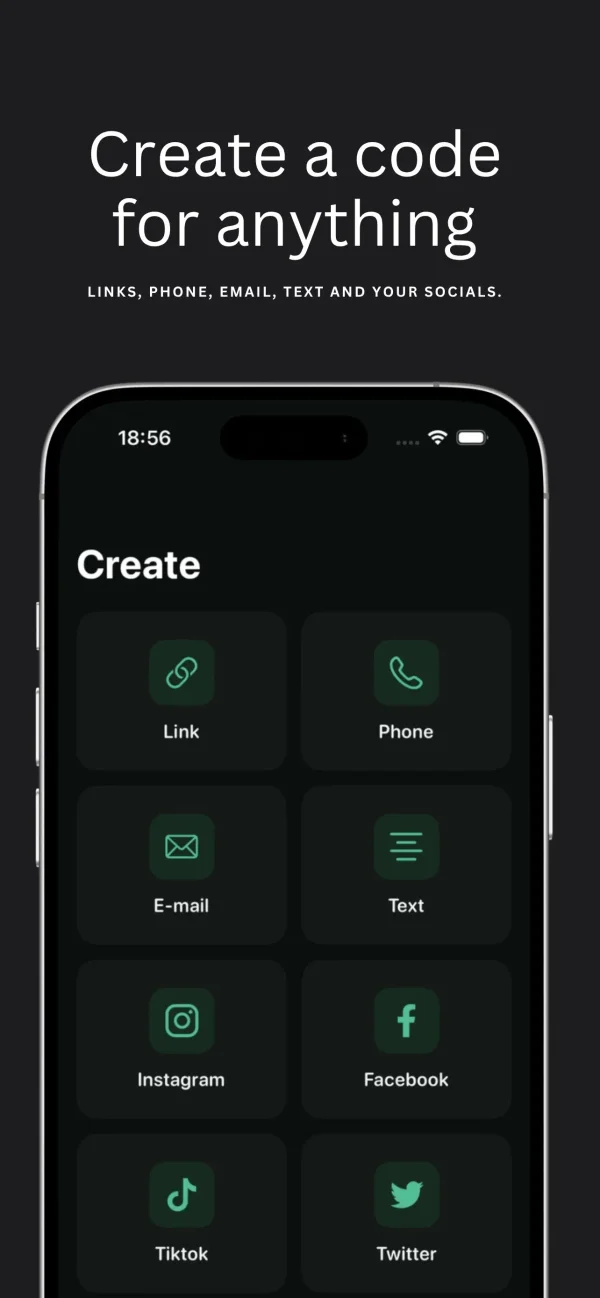
The program will instantly help you generate QR codes for links, phone numbers, postal addresses, texts, social networks, etc. Save the history of code generation and share QR codes with other contacts.
The QR code generator is suitable for everyone, especially ideal for adding to advertising campaigns, social media, flyers, business cards or even newsletters. The possibilities are truly endless when it comes to QR codes.
Creating a QR Code with the QR Code Scanner with Generator is very easy:
1. Login to the app
2. Go to the code generation tab.
3. Select the information you want to encrypt
4. Place the data in the field for the information.
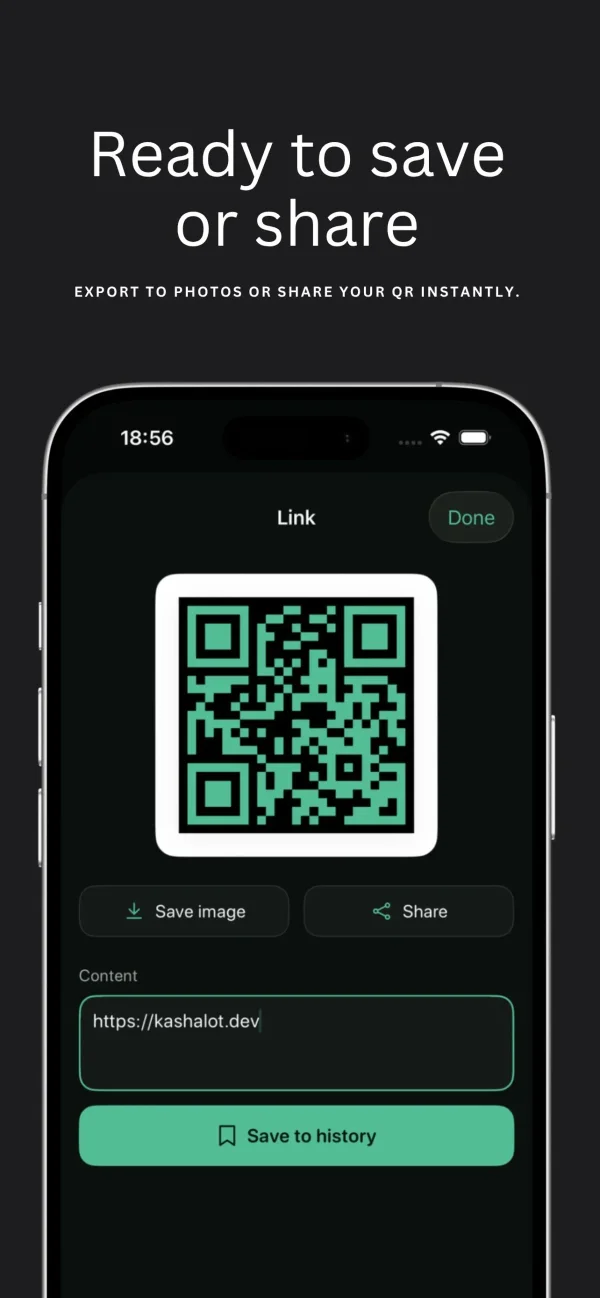
5. The program will automatically create a QR code
6. Now you can save it on your device or share it with other contacts.
There is no subscription for this app. You buy it once and you can scan and generate an unlimited number of QR codes. The application is equally profitable and great for both ordinary users and companies of different scale.
The QR Scanner and Code Generator app will be your faithful assistant in working with QR codes.
If you have any suggestions or problems with using our app, you can contact us via the contact form (Settings -> Contact Us).
We will be glad to hear your suggestions on how to improve our app.
Terms of use : https://kashalot.dev/legal/qr-code-terms/
What’s new
Version 1.7 · Jun 18, 2026
New Design
App privacy
What Rufat Babayev declares on the App Store about how this app handles data.
-
Data not linked to you
May be collected but is not linked to your identity.
- Diagnostics
Privacy practices may vary, for example with the features you use or your age.
Information
- Seller
- Rufat Babayev
- Category
- Utilities
- Version
- 1.7
- Updated
- Jun 18, 2026
- Released
- Jan 2, 2023
- Size
- 17.9 MB
- Requires
- iOS 26.0 or later
- Age rating
- 4+
- Price
- Free
- In-app purchases
- Yes
- Languages
- English
- Copyright
- © Diagonalis
You might also like
-
 Simply QR Code generatorCreate your vCard in a QrCode
-
 CraftPass: Password GeneratorSecure Password Generator
-
 Password Generator ToolSecure & Strong Passwords
-
 ExtenderExtend Your Mac Display
-
 Ez QR Scanner and GeneratorFastest QR Reader & Generator
-
 Typing Speed Test: WPM DrillsTouch type lessons + key stats
-
 Link SanitizerRemove trackers from links
-
 Qshot - Website BuilderUtilities
-
 Is This QR Safe?Scan QR safely. Always verify.
-
 QR Code Reader - PDF ConverterBarcode Scanner - Image to PDF