
QR Scanner - Quick Read & Scan
Fast Barcode Reader&Bar Code
Designed for iPhone, iPod touch
Free · In-app purchases
- Age rating4+
- CategoryUtilities
- Developer秀秀 王
- LanguagesEnglish+ 1 more
- Size23.6 MB
Links to the official App Store page
Download.org hosts no file of QR Scanner - Quick Read & Scan. The button opens its official App Store page, published by 秀秀 王. Listing last checked on Nov 12, 2026.
Screenshots
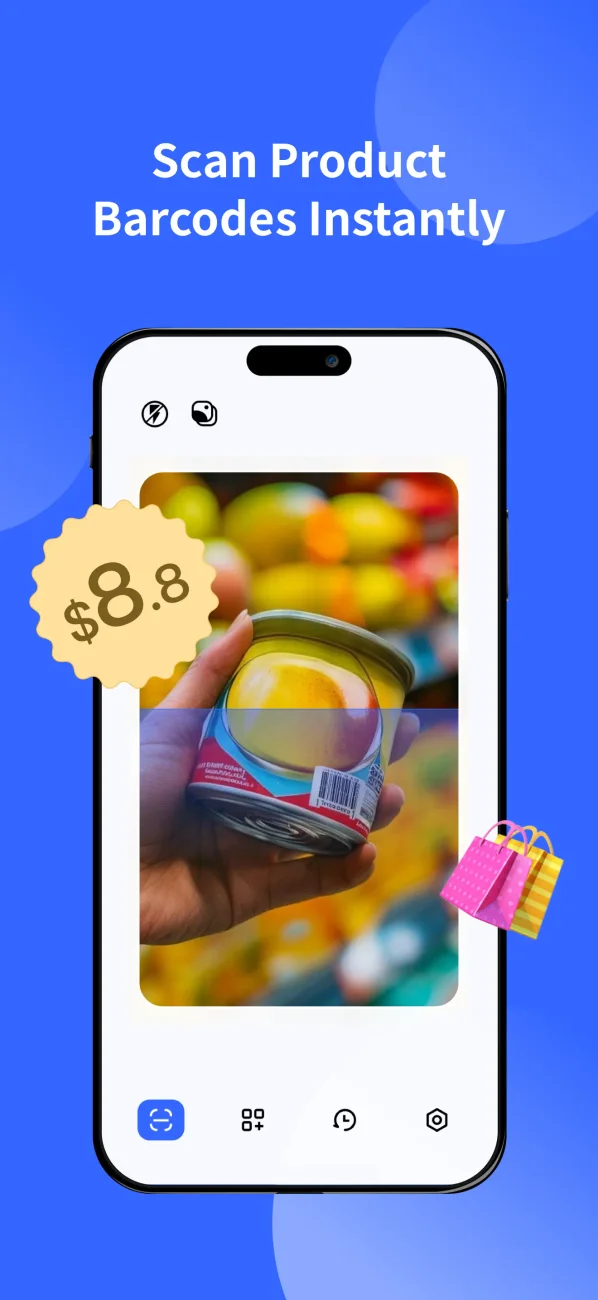
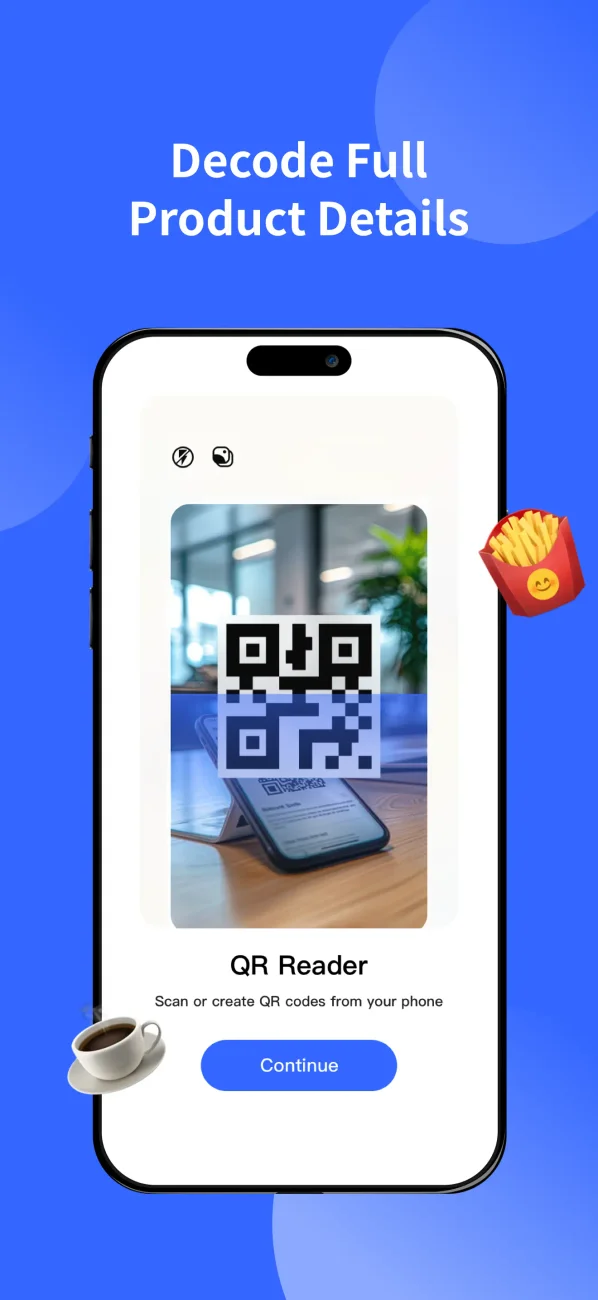
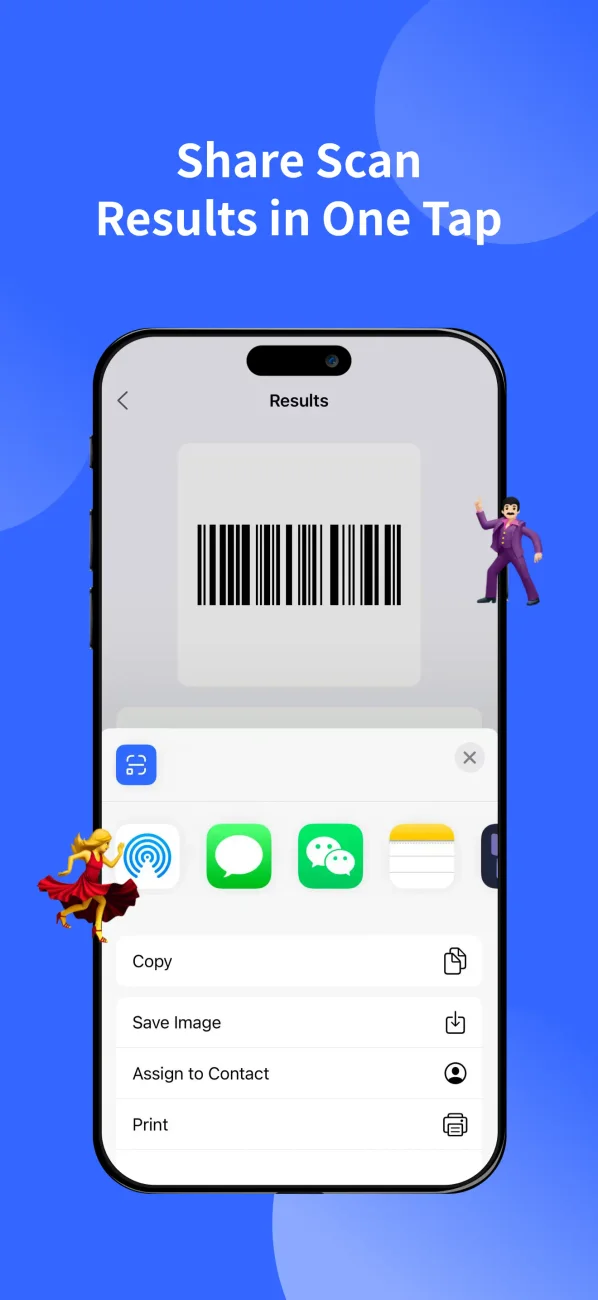

About
QR Scanner - The Ultimate Tool for Scanning and Creating QR Codes
QR Scanner is a free and user-friendly app designed for iPhone users to scan and create QR codes and barcodes with ease. Whether you’re a beginner or a pro, this app is your perfect companion for all your QR code needs!
SUBSCRIPTION OPTIONS
Enjoy unlimited gallery cleaning with one of the following plans:
* Weekly Subscription
* Monthly Subscription
3 DAY FREE TRIAL
Get unlimited access to all features during your free trial.
Payment: Payment will be charged to the iTunes account within 24-hours prior to the end of the free trial period.
Renewal: Subscription gets automatically renewed unless the auto-renew option is turned off at least 24-hours before the end of the current period. Renewal will be charged within 24-hours prior to the end of the current period.
Privacy Policy: https://kdocs.cn/l/cf0sFAGYodqJ
End User Licence Agreement (EULA): https://www.apple.com/legal/internet-services/itunes/dev/stdeula/
Key Features
• Instant Start: The camera launches immediately when you open the app—no waiting required.
• Photo Scanning: Scan QR codes directly from your photo albums.
• Scan History: Access your past scans quickly and easily.
• Flashlight Support: Use the built-in light button for scanning in low-light conditions.
• Beginner-Friendly: Intuitive design and easy operation make it perfect for all users.
Notes
Make sure to allow the app access to your camera upon first launch.
If the screen appears dark when you open the app, go to [Settings] > [Privacy & Security] > [Camera] and enable the [QR Scaner] option.
Download QR Scanner now and enjoy fast, accurate QR Scaner scanning and creation!
What’s new
Version 1.5.1 · Oct 30, 2026
Bug fixes and performance improvements.
App privacy
What 秀秀 王 declares on the App Store about how this app handles data.
-
Data used to track you
May be used to track you across apps and websites owned by other companies.
- Identifiers
-
Data not linked to you
May be collected but is not linked to your identity.
- Identifiers
Privacy practices may vary, for example with the features you use or your age.
Information
- Seller
- 秀秀 王
- Category
- Utilities
- Version
- 1.5.1
- Updated
- Oct 30, 2026
- Released
- Feb 6, 2025
- Size
- 23.6 MB
- Requires
- iOS 15.0 or later
- Age rating
- 4+
- Price
- Free
- In-app purchases
- Yes
- Languages
- English, Japanese
- Copyright
- © saner is powerful
You might also like
-
 Scan QR Code & BarcodeQR Code & Barcode AI Scanner
-
 QR & Barcode Pro - ScanWizardUtilities
-
 QR Code Reader Master UltraQR, Barcode Scan and Generate
-
 Scan QR Code - Create QR CodeScan QR Code, Barcode
-
 QR Code Barcode Ai ReaderScan Codes & Generator: QR NOW
-
 Scan QR Code NowQR Code Scanner & Barcode Scan
-
 Scan QR Code&Barcode ScannerQR code price comparison tool
-
 QR Code: Reader & GeneratorBarcode Scanner & Maker App
-
 QR Code Reader—Barcode ScannerFast Scan QR & Barcode Creator
-
 Scan QR Code - QR ScannerFast QR & Barcode Scanner