QR Time Clock - Work Hours
Staff Attendance & CSV Reports
Designed for iPhone, iPad
In-app purchases
- Age rating4+
- CategoryBusiness
- DeveloperTAKASHI KOJIMA
- LanguagesJapanese+ 16 more
- Size8.0 MB
Links to the official App Store page
Download.org hosts no file of QR Time Clock - Work Hours. The button opens its official App Store page, published by TAKASHI KOJIMA. Listing last checked on Nov 24, 2026.
Screenshots
About
From daily clock-ins to month-end reports, all on your shop’s device.
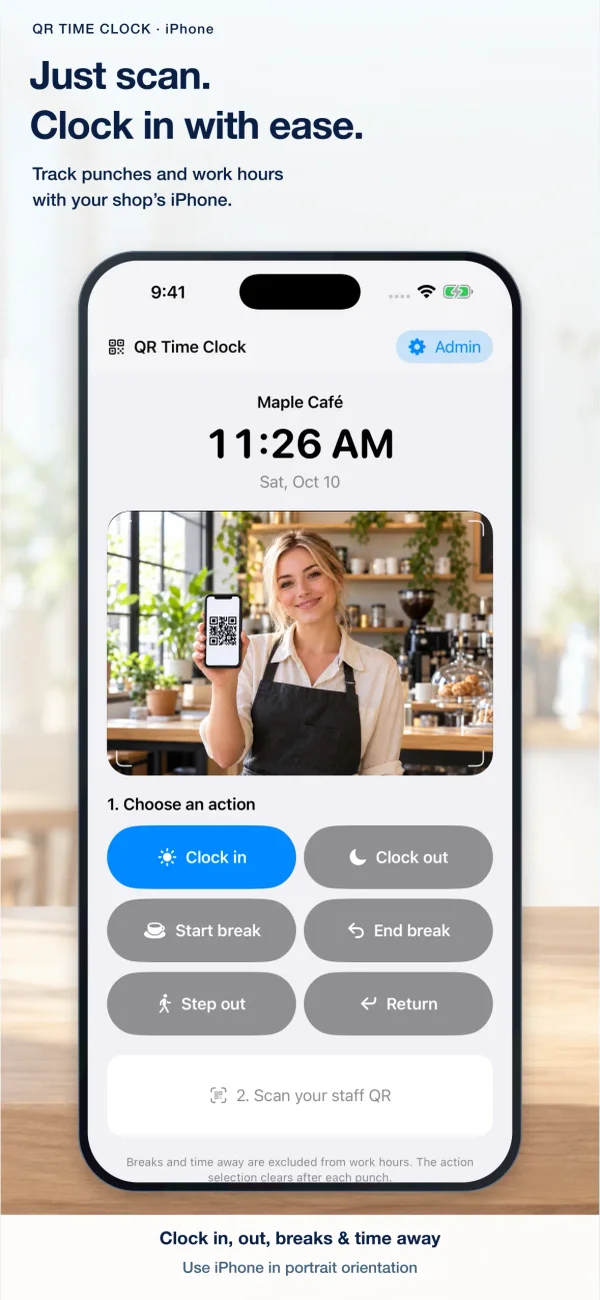
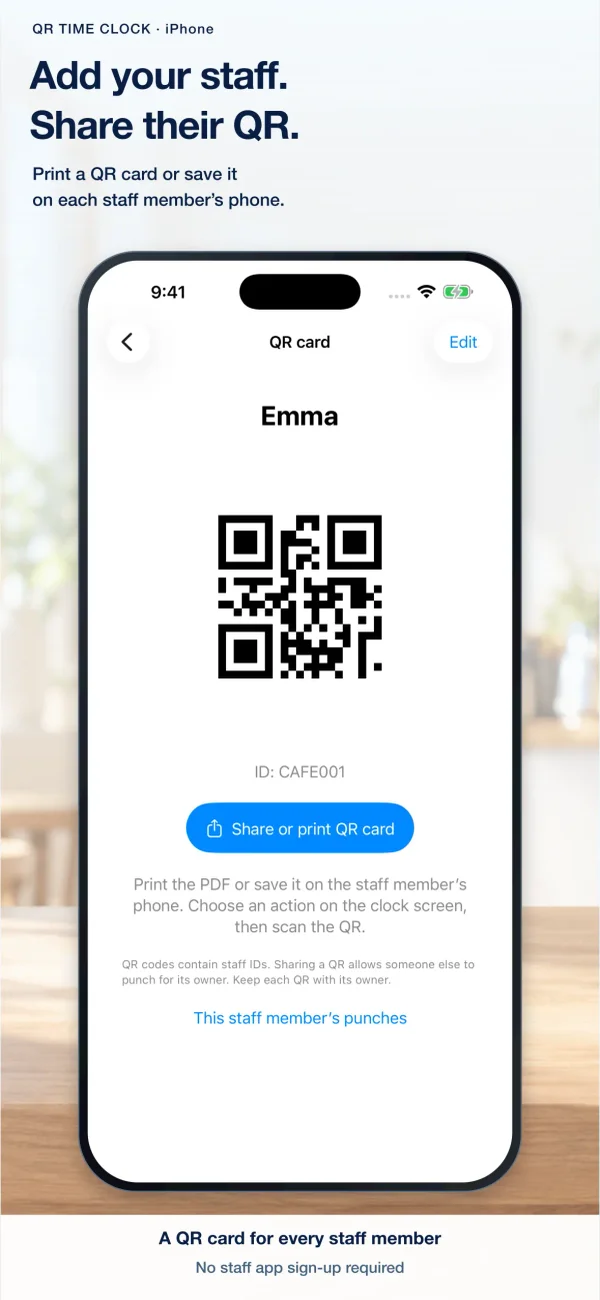
QR Time Clock helps small shops, cafés, offices, and teams record attendance and calculate work hours. Give each staff member a QR card and scan it on a shared iPhone or iPad. Staff do not need to install the app or create an account.
An iPad is recommended for a shared time clock. Use iPad in portrait or landscape, and iPhone in portrait.
EVERYDAY CLOCK-IN
Record clock-ins, clock-outs, break starts and ends, and time away from work. A confirmation message and sound let you know when a punch has been saved.
WORK HOURS AND CORRECTIONS
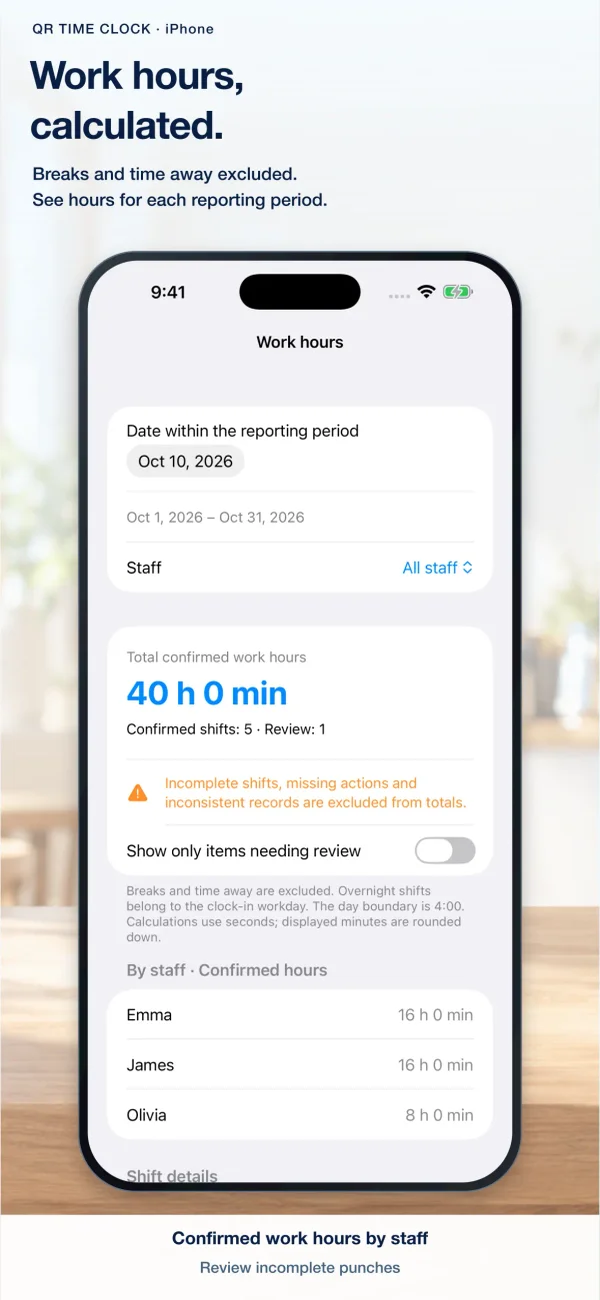
Calculate work hours by staff member and reporting period, excluding breaks and time away. Missing clock-outs and inconsistent records are flagged for review. Administrators can add missing punches and correct records with a reason. Original punches and correction history are retained.
CSV REPORTS
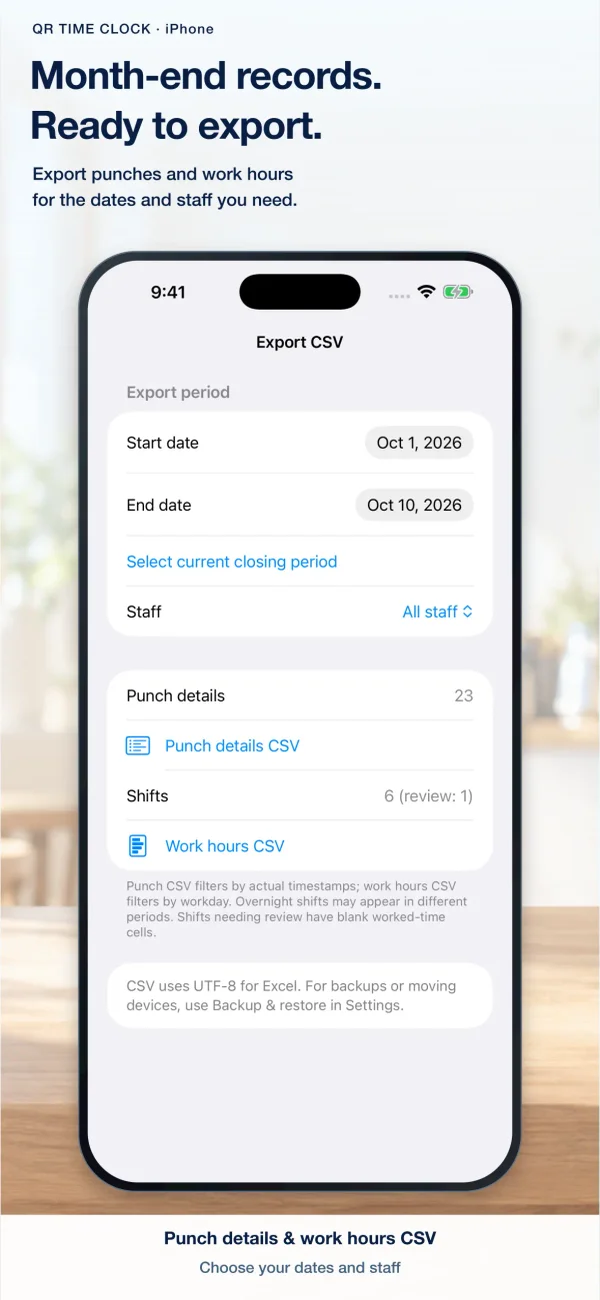
Export punch details and work hours by date range and staff member. Open the files in Excel or share them with your bookkeeper.
QR CARDS AND BACKUPS
Share or print individual QR cards as PDFs. Back up and restore staff, punches, corrections, and settings. Customize the clock screen with your company name and logo.
18 LANGUAGE OPTIONS
Administration follows your device or app language setting. Choose a separate language for the shared clock screen to suit your team.
FREE FOR UP TO 10 ACTIVE STAFF
Use punches, corrections, basic work-hour calculations, CSV export, individual QR cards, and backups for up to 10 active staff. Deactivate departing staff while keeping their past records.
PRO: A ONE-TIME PURCHASE
Remove the staff limit, import and update staff in bulk with CSV, create bulk QR card PDFs, and remove ads. No monthly subscription. See the purchase screen for the current price.
The free version includes ads. Pro removes ads. Ad placement may vary depending on screen size, text size, and available space.
HOW YOUR DATA IS HANDLED
Attendance records are stored on the device you use. There is no automatic synchronization between devices. The administrator menu uses the device’s biometric authentication or passcode. Camera images are not saved.
Breaks and time away are excluded from worked hours. The app calculates work hours but does not calculate wages, overtime or night-work premiums, or manage paid leave.
Review your records before exporting them and save backups regularly.
What’s new
Version 2.2.1 · Nov 23, 2026
Added links to the developer page and related apps in the settings.
App privacy
What TAKASHI KOJIMA declares on the App Store about how this app handles data.
-
Data used to track you
May be used to track you across apps and websites owned by other companies.
- Identifiers
-
Data linked to you
May be collected and linked to your identity.
- Location
- Identifiers
- Usage data
- Diagnostics
-
Data not linked to you
May be collected but is not linked to your identity.
- Diagnostics
Privacy practices may vary, for example with the features you use or your age.
Information
- Seller
- TAKASHI KOJIMA
- Category
- Business
- Version
- 2.2.1
- Updated
- Nov 23, 2026
- Released
- Aug 8, 2026
- Size
- 8.0 MB
- Requires
- iOS 17.0 or later
- Age rating
- 4+
- In-app purchases
- Yes
- Languages
- Japanese, Arabic, Italian, Indonesian, Urdu, Spanish, Thai, German, Hindi, French, Vietnamese, Bengali + 5 more
- Copyright
- © 2026 Takashi Kojima