
- Age rating4+
- CategoryUtilities
- DeveloperThorsten Ludewig
- LanguagesEnglish+ 12 more
- Size20.6 MB
Links to the official App Store page
Download.org hosts no file of QR Viewer. The button opens its official App Store page, published by Thorsten Ludewig. Listing last checked on Nov 23, 2026.
Screenshots
About
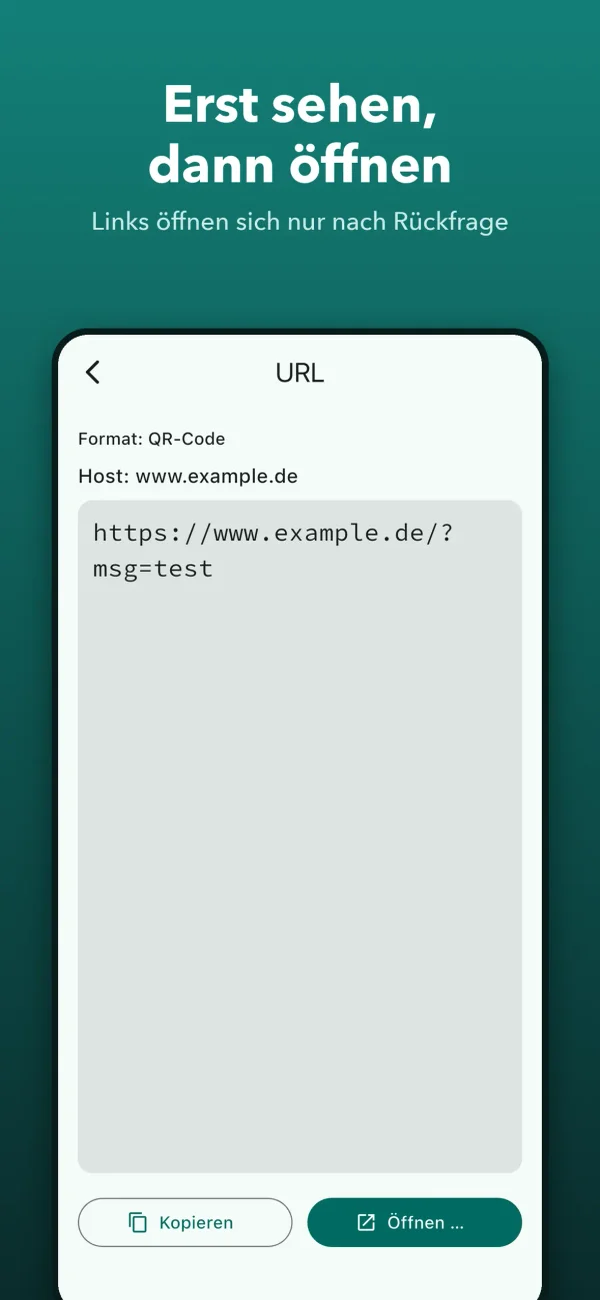
QR Viewer is a lean scanner for QR codes and barcodes that doesn't catch you off guard: everything you scan is shown first. Links and other actions only start once you turn them on and confirm. That way you see beforehand where a code really leads.
SCANNING
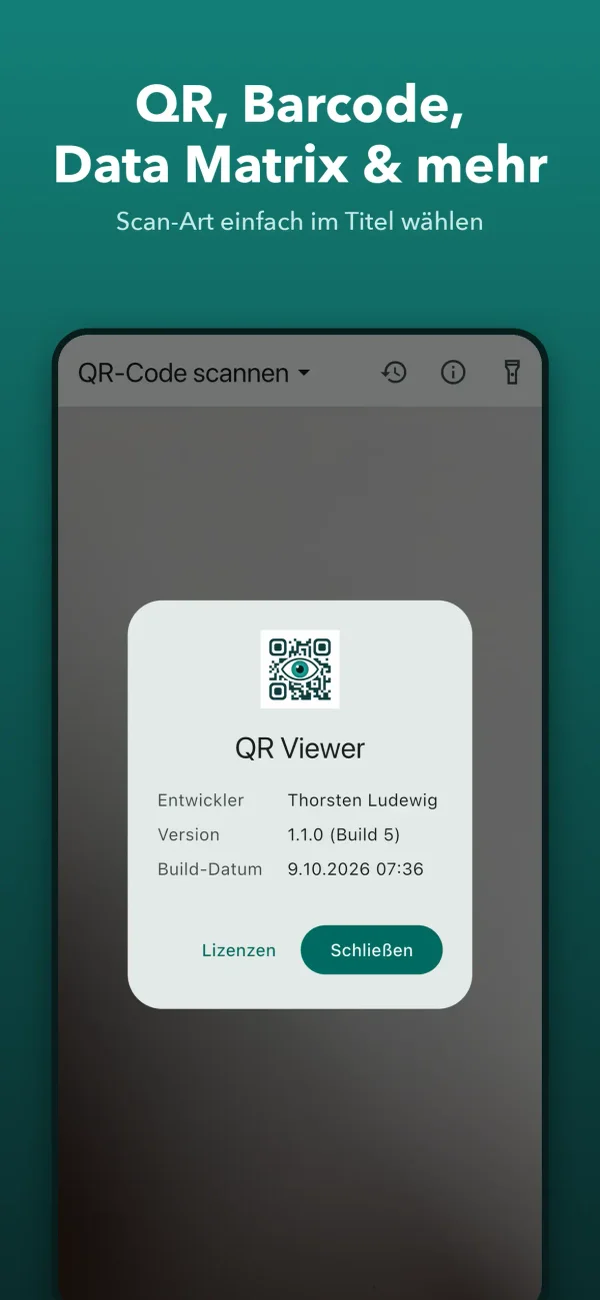
• QR codes, barcodes (EAN-13, EAN-8, UPC-A, UPC-E, Code 128, Code 39, Code 93, Codabar, ITF-14), Data Matrix, PDF417 and Aztec
• Choose the scan type right in the title or recognize all codes at once
• Rear camera zoom levels as in the Camera app, e.g. 0.5× · 1× · 2× · 5×
• Flashlight and a short vibration on detection
• Also read codes from photos and screenshots (can be turned on in the settings)
UNDERSTANDING CONTENT
• Contacts (vCard, MECARD), events, Wi-Fi access, email, phone, SMS, locations, links, bank transfers (GiroCode), one-time passwords (2FA), bookmarks, Matter setup codes (smart home), JSON, product numbers (EAN, ISBN, ISSN) and Deutsche Post matrix codes are shown clearly as a card with labeled fields
• Every field can be copied on its own
• An info button explains in plain words what data the code contains and what happens when you tap an action
• VDV eTickets such as the Deutschlandticket become readable: ticket number, product, validity and signature check
• German federal medication plan: patient, practice and all medicines with dosage, note and reason become readable; the PZN can be copied. The plan is never stored in the history
• Amazon anti-counterfeiting codes (Transparency) with serial number
• Binary codes appear as a hex view with a text column
ACTIONS – OPTIONAL, ALWAYS WITH CONFIRMATION
• Off by default: QR Viewer then only shows the content. Turn on the actions in the menu under "Settings"
• Open links; known tracking parameters are removed first
• Write an email, call, send an SMS, show a place on the map
• Add contacts and events, hand 2FA keys to your authenticator app
• Look up products and books online, track shipments
COPY, SHARE, SHOW
• Copy and share content
• Show the scanned code as an image – in its original format or as a QR code
HISTORY
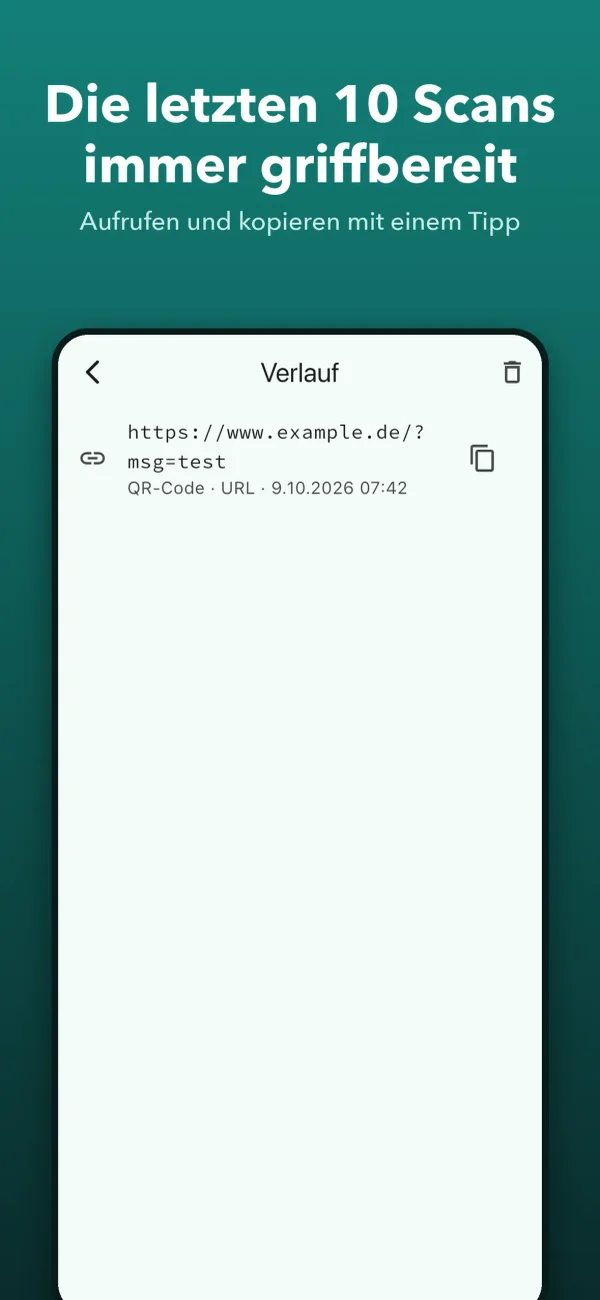
• Reopen, search, swipe away or export the last 25 scans as CSV or JSON
• 2FA keys are not stored
• The history is stored encrypted (AES-256); the key stays in your device's Keychain
Light and dark mode, available in 13 languages.
PRIVACY
QR Viewer needs no account, contains no ads and collects no data. Codes are analyzed only on your device. When scanning photos, the app only gets the picture you choose – without access to your other photos. The history stays on your device and can be deleted at any time.
What’s new
Version 2.3.2 · Nov 21, 2026
NEW IN 2.3.2
• Wallet presentation requests: QR codes asking for a digital credential (EUDI wallet, OpenID4VP) are recognized – verifier, requested credential and request server are shown. QR Viewer never calls the request address; on request it passes the code to your wallet app
• Updated manual and privacy policy
App privacy
What Thorsten Ludewig declares on the App Store about how this app handles data.
-
Data not collected
The developer does not collect any data from this app.
Privacy practices may vary, for example with the features you use or your age.
Information
- Seller
- Thorsten Ludewig
- Category
- Utilities
- Version
- 2.3.2
- Updated
- Nov 21, 2026
- Released
- Oct 11, 2026
- Size
- 20.6 MB
- Requires
- iOS 15.0 or later
- Age rating
- 4+
- Price
- Free
- Languages
- English, Arabic, French, German, Hindi, Italian, Japanese, Polish, Portuguese, Russian, Simplified Chinese, Spanish + 1 more
- Copyright
- © 2026 Thorsten Ludewig
You might also like
-
 KennzeichenFinderUtilities
-
 WeASSIST - WERMA Signaltechnikoptimise production processes
-
 UCwareUtilities
-
 Goneo EV ChargerUtilities
-
 Nikaya ReadingNikaya Reading
-
 Selects: Clean Up PhotosKeep the best, clear the rest
-
 StellarMateAstrophotography Controller
-
 WristSpeed ProWatch Speedometer
-
 QundoMeUtilities
-
 Glimpsy: Battery ComplicationsAuto-hide, Date & Photo Widget