
- Age rating4+
- CategoryLifestyle
- LanguagesEnglish+ 1 more
- Size19.8 MB
Links to the official App Store page
Download.org hosts no file of QRPop. The button opens its official App Store page, published by . Listing last checked on Nov 10, 2026.
Screenshots
About
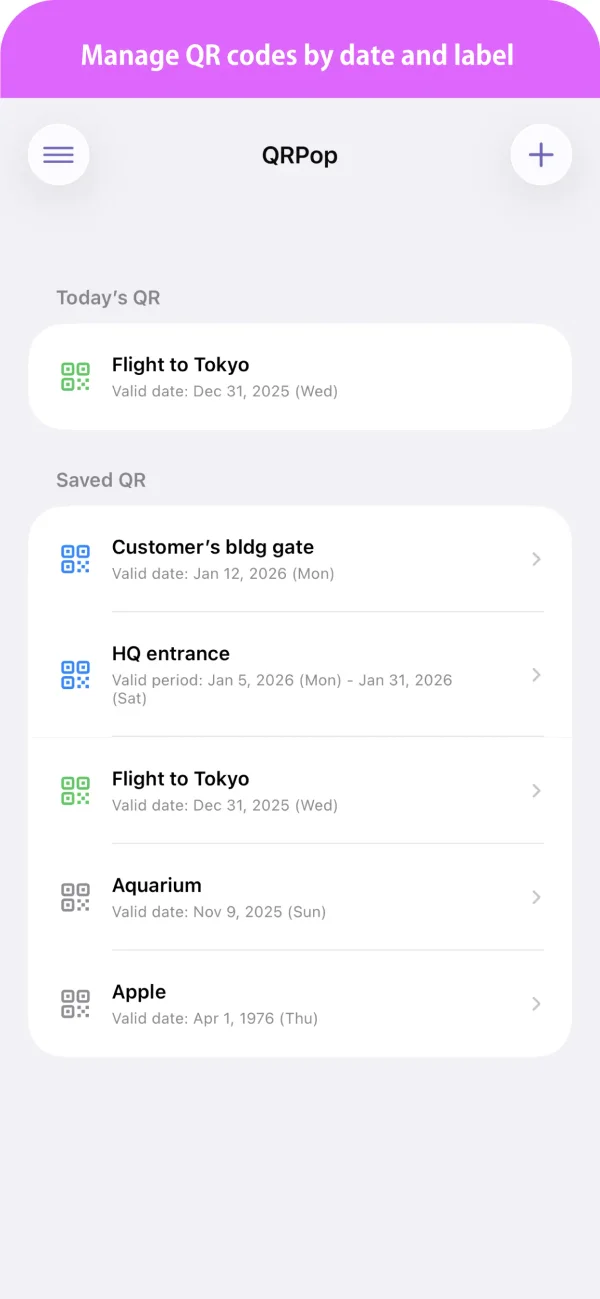
QRPop is a simple and focused app for saving and managing QR codes with expiration dates.
Key Features
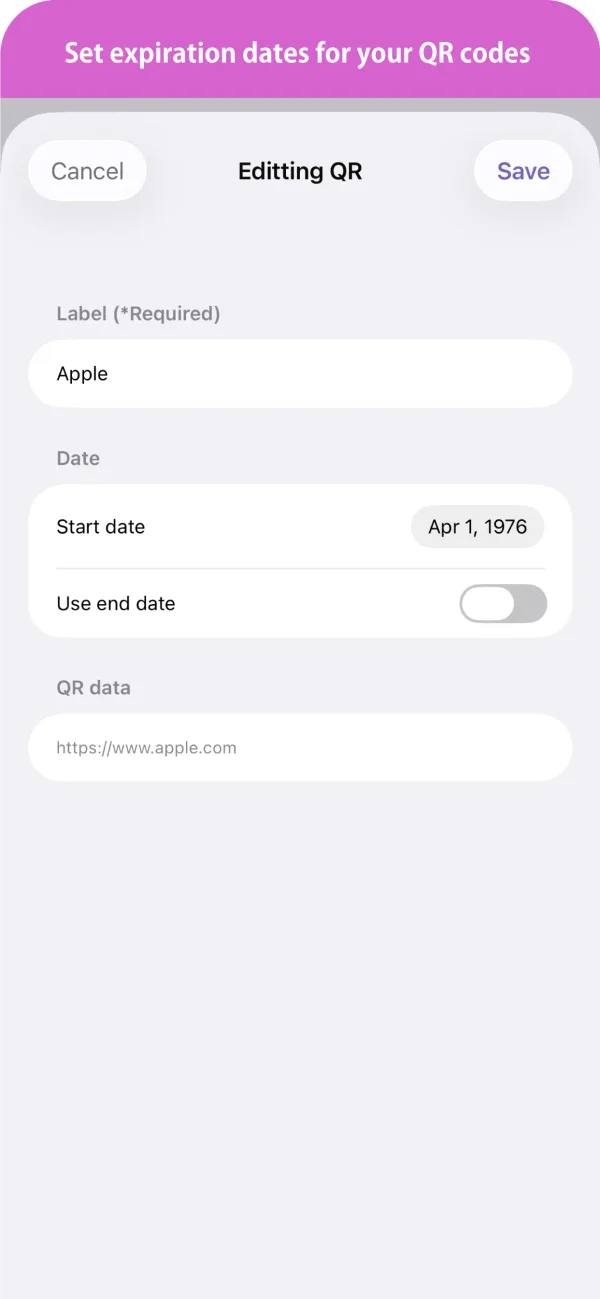
■ Save and manage QR codes
• Save QR codes with custom labels from your Photos app or email attachments
• Set valid dates, including start and end dates, for each QR code
■ Quickly access QR codes for today
• Automatically highlights QR codes for today
• Easily distinguish between QR codes for today, upcoming dates, and past dates
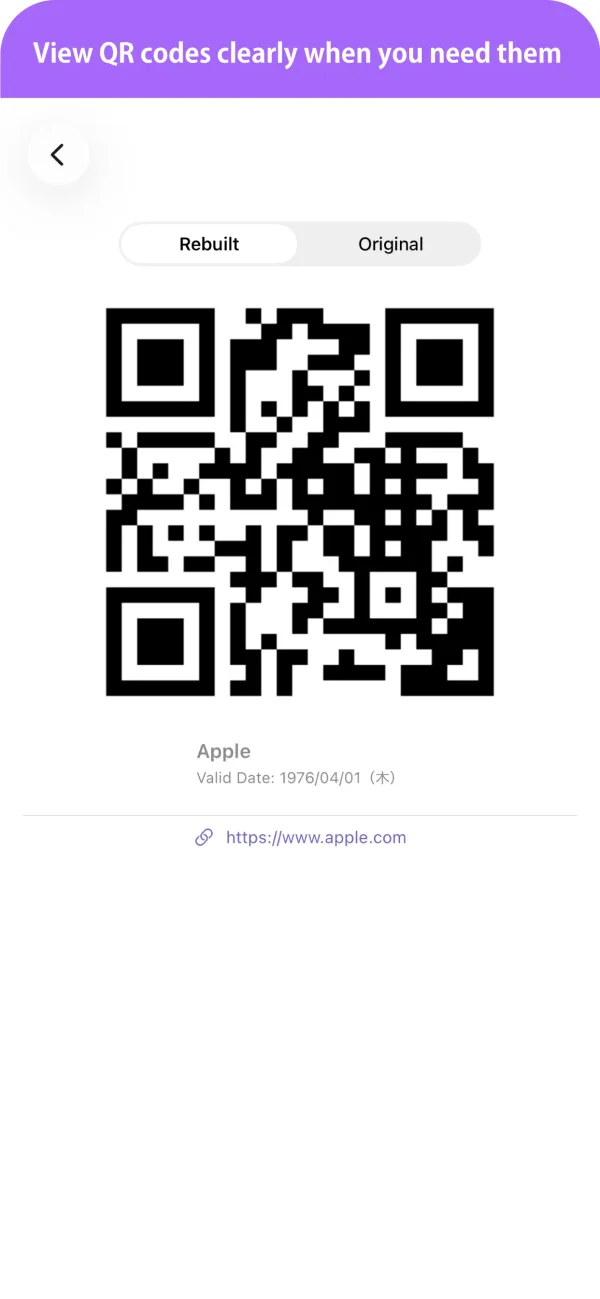
■ Switch display modes
• Rebuilt QR code (REBUILT)
• Original QR image (ORIGINAL)
■ External link support
• If a QR code contains a URL, it can be opened directly as a link
QRPop lets you display the QR codes you need exactly when you need them—perfect for events, facilities, and time-limited access.
Use Cases
• Entry QR codes for offices or facilities
• Check-in QR codes for events and exhibitions
• Time-limited web links
• Organizing frequently used QR codes
QRPop removes ads and unnecessary features, allowing you to focus on using your QR codes efficiently.
The app does not collect any personal information.
App privacy
What declares on the App Store about how this app handles data.
-
Data not collected
The developer does not collect any data from this app.
Privacy practices may vary, for example with the features you use or your age.
Information
- Seller
- Yasuo Nagasaka
- Category
- Lifestyle
- Version
- 1.0
- Updated
- Jan 12, 2026
- Released
- Jan 12, 2026
- Size
- 19.8 MB
- Requires
- iOS 26.0 or later
- Age rating
- 4+
- Languages
- English, Japanese
- Copyright
- Copyright © 2026 Yasuo Nagasaka. All rights reserved.