
- Age rating4+
- CategoryUtilities
- DeveloperFuzhou Nengge Technology Co.,Ltd.
- LanguagesEnglish+ 8 more
- Size93.4 MB
Links to the official App Store page
Download.org hosts no file of QRScanner App - Scan & Create. The button opens its official App Store page, published by Fuzhou Nengge Technology Co.,Ltd. Listing last checked on Nov 14, 2026.
Screenshots


About
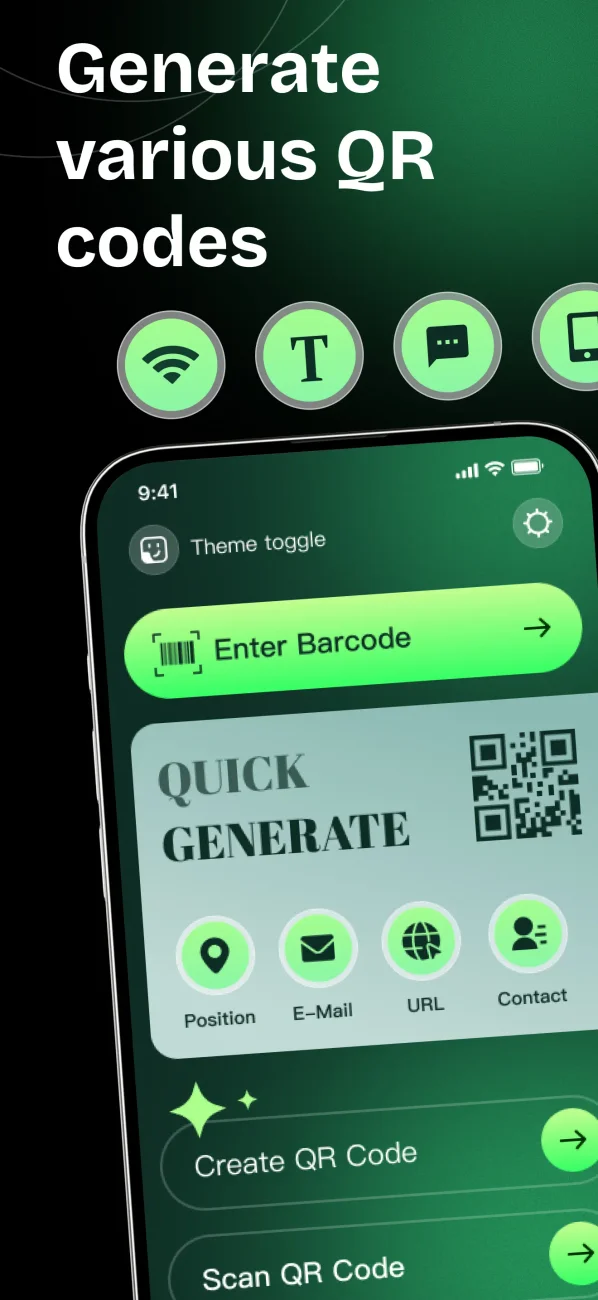
QRScanner App is a simple and practical QR code tool built for everyday use. Whether you need to open a link, read a barcode, create a contact card, share WiFi access, or keep track of previous scan results, QRScanner App helps you handle it quickly in one place.
Fast Code Scanning
Use your camera to scan QR codes and barcodes instantly, or import an image from your photo library to read codes from screenshots, posters, labels, documents, and saved pictures.
QRScanner App supports common QR code and barcode content types, including links, text, contact details, email, SMS, WiFi, location, and more.
Create QR Codes for Daily Needs
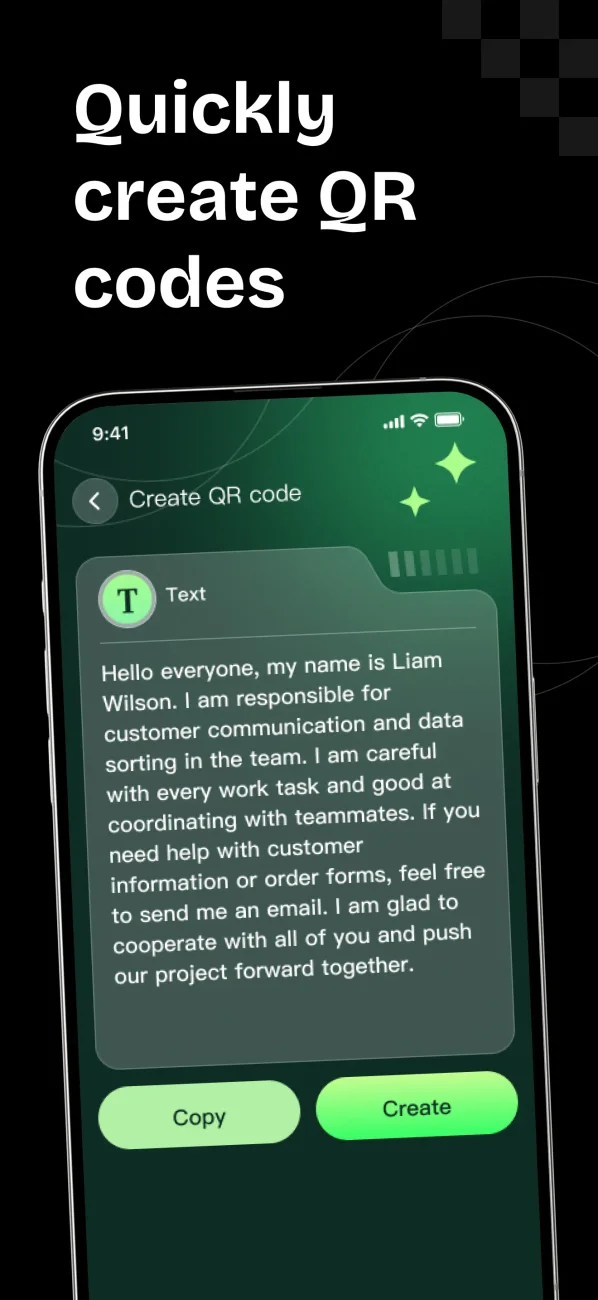
Turn useful information into scannable QR codes in seconds.
You can create QR codes for:
· Website URLs
· Plain text
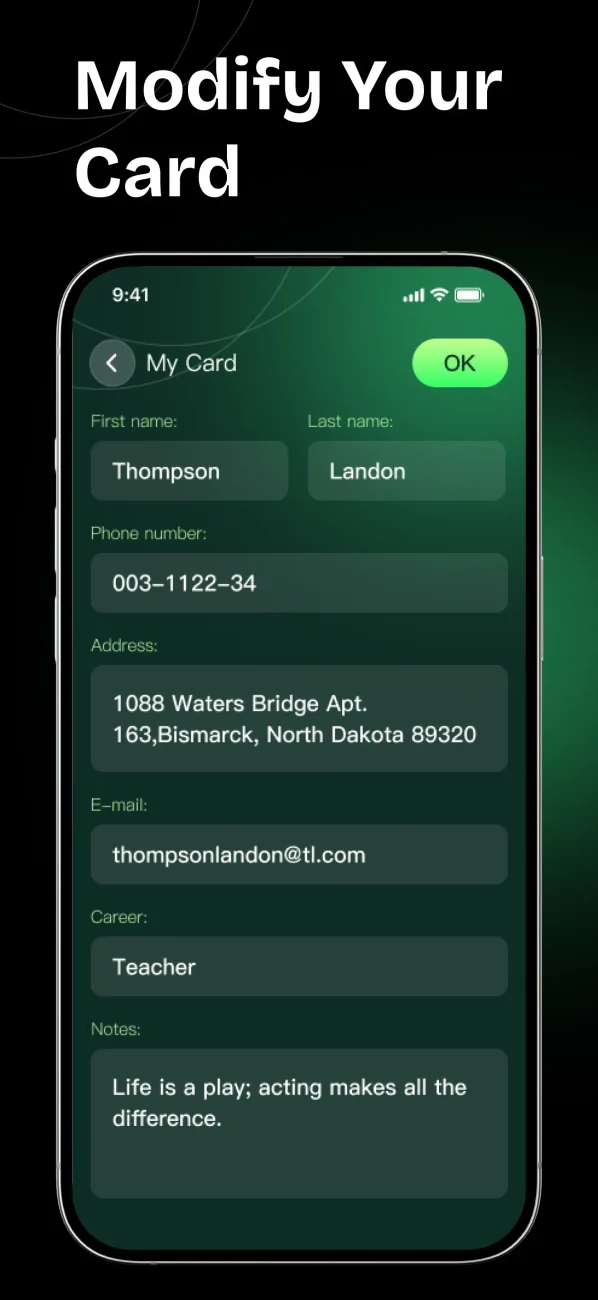
· Contact cards
· Phone numbers
· Email templates
· SMS messages
· WiFi network access
· Location information
· Social profile links
It is a convenient way to share information without repeated typing, copying, or manual input.
Share Your Contact and Social Profiles
Create QR codes for your personal contact details, business information, or social media profiles. Others can scan your code to open your profile, save your contact information, or reach you more efficiently.
Supported use cases include personal cards, business cards, online profiles, social links, and quick contact sharing.
Link Preview Before Opening
When a scanned QR code contains a website link, QRScanner App lets you view the destination before opening it.
This gives you an extra moment to check where the code leads before visiting an external website.
Scan History for Quick Access
Your scan results can be saved in history, so you can return to previous records whenever needed.
You can review, copy, open, or manage past results without scanning the same code again.
QRScanner App is designed to keep QR code scanning and creation straightforward. No complicated steps, no unnecessary distractions — just the tools you need for quick scanning, easy generation, and efficient sharing.
What’s new
Version 1.1.0 · Jul 21, 2026
This update includes routine maintenance, general bug fixes, and performance tweaks.
App privacy
What Fuzhou Nengge Technology Co.,Ltd. declares on the App Store about how this app handles data.
-
Data used to track you
May be used to track you across apps and websites owned by other companies.
- Identifiers
-
Data not linked to you
May be collected but is not linked to your identity.
- Identifiers
- Diagnostics
Privacy practices may vary, for example with the features you use or your age.
Information
- Seller
- Fuzhou Nengge Technology Co.,Ltd.
- Category
- Utilities
- Version
- 1.1.0
- Updated
- Jul 21, 2026
- Released
- Jul 6, 2026
- Size
- 93.4 MB
- Requires
- iOS 16.6 or later
- Age rating
- 4+
- Price
- Free
- Languages
- English, Arabic, French, German, Japanese, Korean, Portuguese, Spanish, Traditional Chinese
- Copyright
- © Fuzhou Nengge Technology Co., Ltd.
You might also like
-
 EasyScan QR - QR ScanningScan, Read & Create Text
-
 PDF Scanner - File ReaderScan, Edit, Merge & Manage
-
 PixelQR ScanScan, Create & Export Codes
-
 QR Scanner - Create, ScanScan & Create With Ease
-
 Scan QRCode: QR & BarcodeQR Code Reader and Generator
-
 ScanQR GoSimple Tools for Everyday Use
-
 QR AtelierDesign, Scan, Export
-
 QR Code Reader & Scanner ProBarcode Reader, QR Generator
-
 PDF Reader: Edit & SignRead, convert, sign PDF files
-
 Document PDF Scanner.Scan to PDF, OCR & Sign Docs