
- Age rating4+
- CategoryProductivity
- DeveloperMasashi Sasaoka
- LanguagesEnglish+ 6 more
- Size22.2 MB
Links to the official App Store page
Download.org hosts no file of QRTaro. The button opens its official App Store page, published by Masashi Sasaoka. Listing last checked on Nov 21, 2026.
Screenshots





About
QRTaro is an application that can read QR code and create QR code.
Easy operation! Read history will also remain.
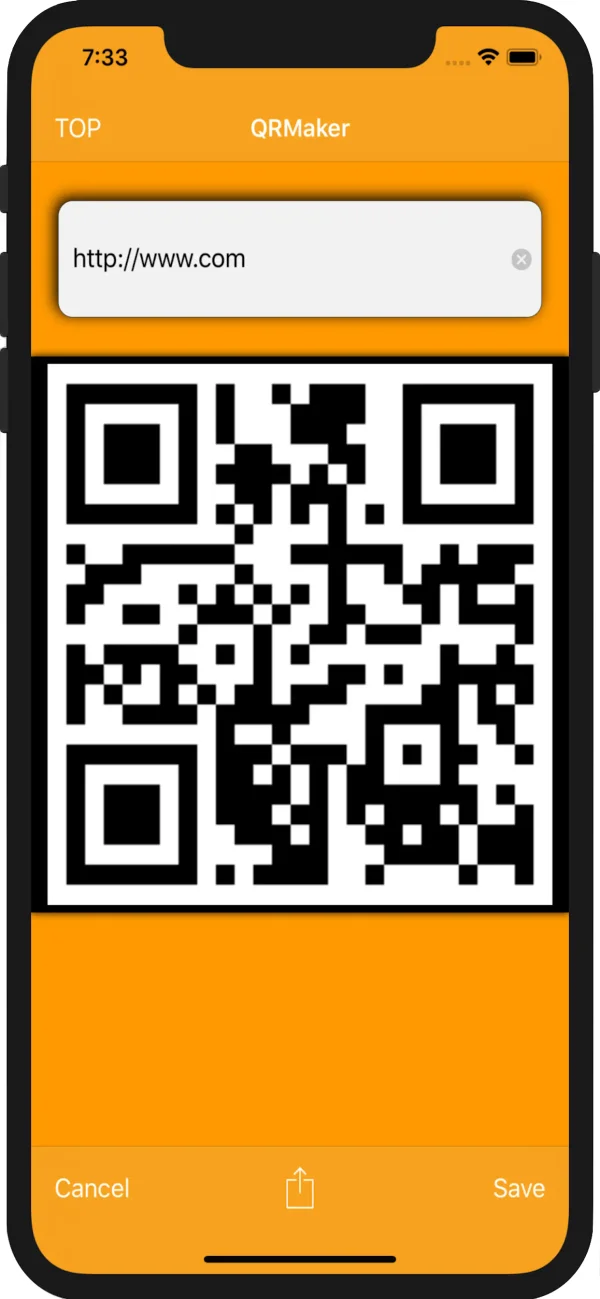
◆ QRMaker:
Create a QR code from the input text.
The created QR code can be saved as an image in a photo album.
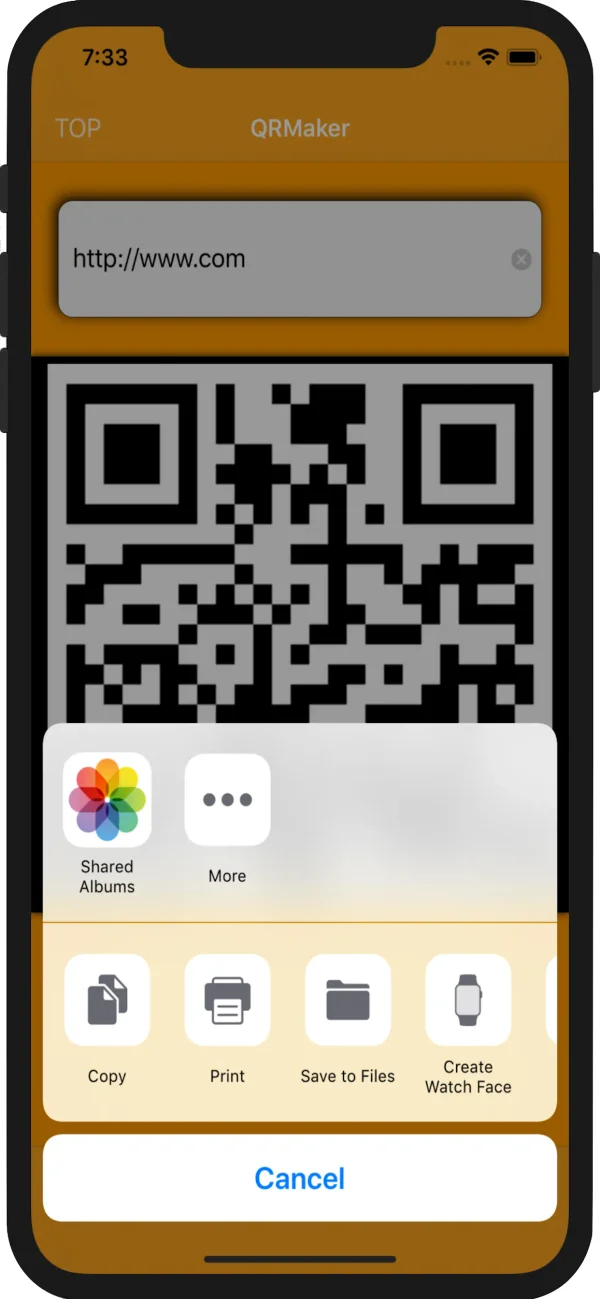
Also, the created QR code can be sent directly to an application such as a message, mail, memo, Twitter, LINE, Gmail, etc.
◆ QRReader:
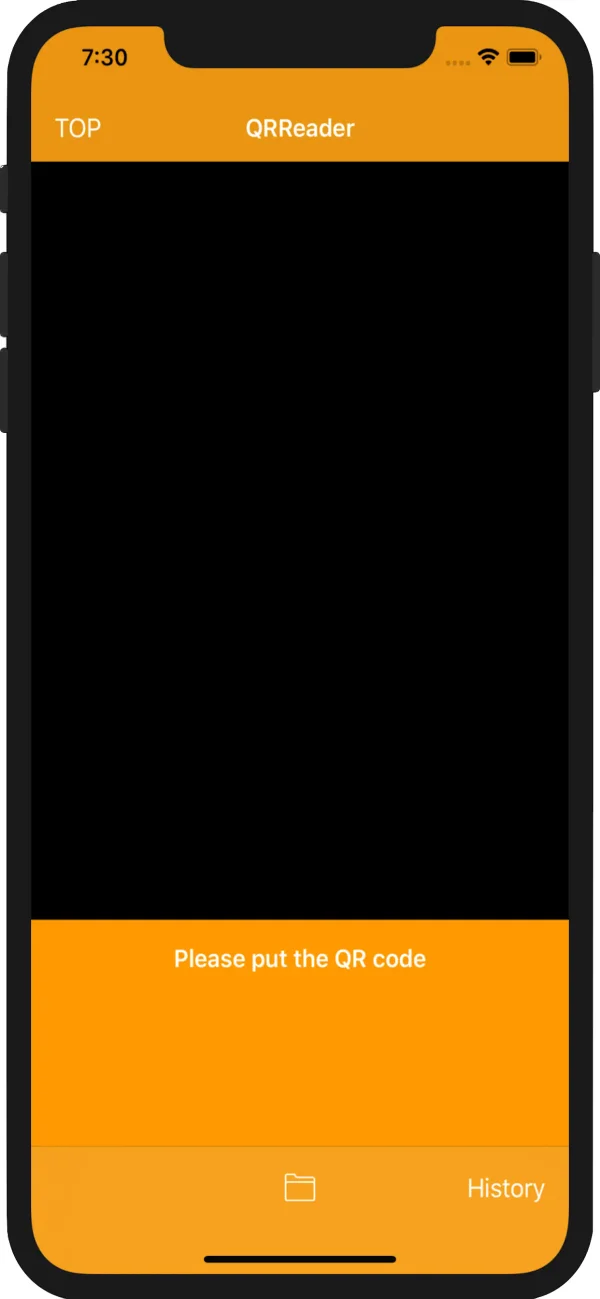
Read the QR code from the camera and photo album images.
Since pinch-in pinch-out and tap focus function are carried, focus adjustment can be done easily.
By tapping the folder icon displayed at the bottom of the top screen, the photo album is displayed and you can also select the previously saved QR code image for reading.
You can also pass the scanned data directly to the application such as message, mail, memo, Twitter, LINE, Gmail from the reading result screen.
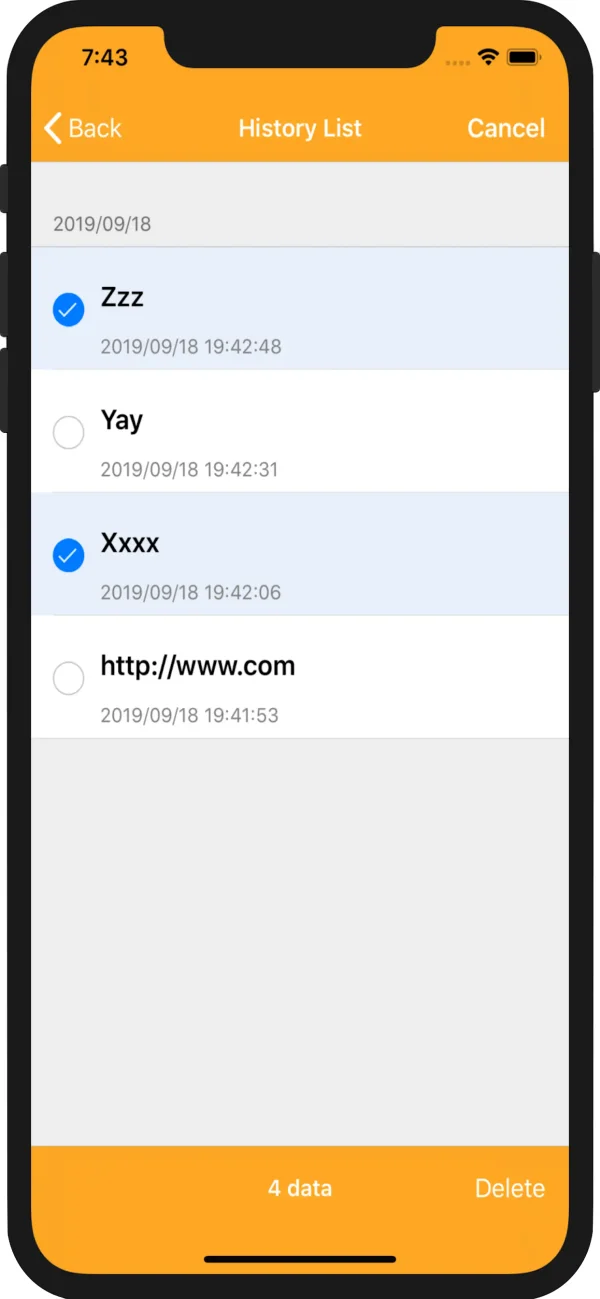
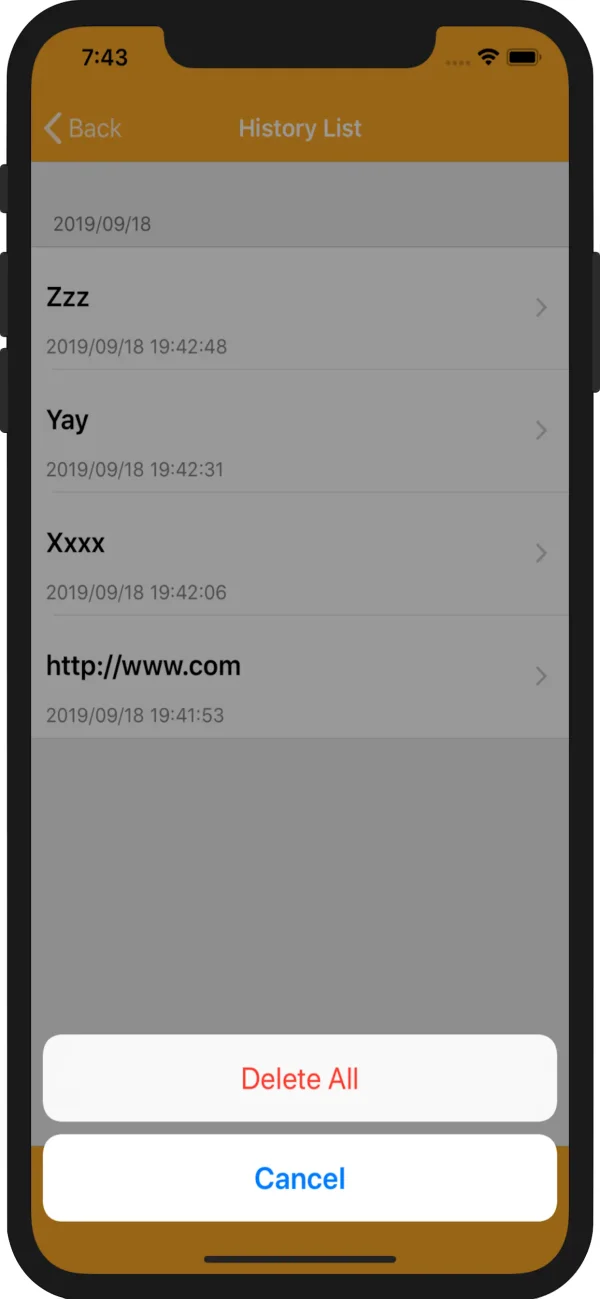
Also, since the scanned data of the QR code is displayed as a scan history by date on the history list screen, you can tap the scanned data and obtain the reading result again.
Since historical data has selective batch delete and delete all functions, it is also possible for users to organize them.
※ Up to 30 history lists are displayed. If it exceeds 30, the history data of the oldest date is deleted.
◆ Note:
Ads will be hidden if you pay.
What’s new
Version 11.2 · Oct 3, 2026
Minor bug fixes
App privacy
What Masashi Sasaoka declares on the App Store about how this app handles data.
-
Data used to track you
May be used to track you across apps and websites owned by other companies.
- Location
-
Data not linked to you
May be collected but is not linked to your identity.
- Location
- User content
- Browsing history
- Diagnostics
Privacy practices may vary, for example with the features you use or your age.
Information
- Seller
- Masashi Sasaoka
- Category
- Productivity
- Version
- 11.2
- Updated
- Oct 3, 2026
- Released
- Jun 30, 2017
- Size
- 22.2 MB
- Requires
- iOS 17.0 or later
- Age rating
- 4+
- Price
- Free
- In-app purchases
- Yes
- Languages
- English, French, Hindi, Japanese, Simplified Chinese, Spanish, Traditional Chinese
- Copyright
- © 2016-2026 ms-associe
You might also like
-
 QR Code Maker: Logo & ShareCreate, customize & share QR
-
 PlugnotesCreate digital forms
-
 QRHub - QR Code Reader/CreatorProductivity
-
 Lock Screen Notes - PinNoteSticky Widgets & Reminders
-
 FasCounter: Fastener CounterCount Bolts, Nuts & More
-
 CIRE ConnectProductivity
-
 Gas-mainGas pipeline calculation
-
 Photo Swipe: Gallery CleanerSwipe & Delete Photos Fast
-
 Calizy ProProductivity
-
 MySafeLink AppProductivity