
QScan - Ultimate QR Code Tool
Add Logos & Colors to QR Codes
Designed for iPhone, iPad
Free · In-app purchases
- Age rating4+
- CategoryProductivity
- DeveloperChia-Chun Hsieh
- LanguagesEnglish+ 6 more
- Size4.0 MB
Links to the official App Store page
Download.org hosts no file of QScan - Ultimate QR Code Tool. The button opens its official App Store page, published by Chia-Chun Hsieh. Listing last checked on Nov 15, 2026.
Screenshots
About
Tired of slow, clunky QR code scanners and boring, generic codes? QScan is here to revolutionize your experience!
We combine powerful, lightning-fast scanning with unparalleled customization options to bring you the most advanced QR code tool on the market. Whether for daily use, business branding, or personal style, QScan is your perfect choice.
【Lightning-Fast & Smart Scanning】
- Instant Scan: Launch the app and start scanning immediately with zero lag.
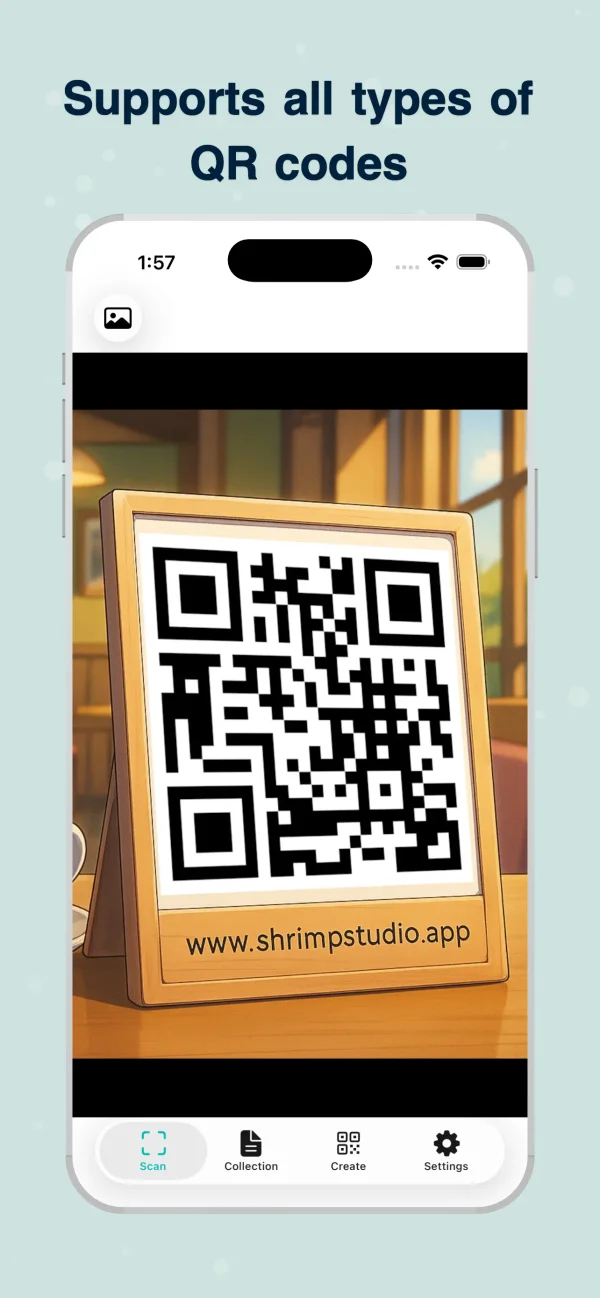
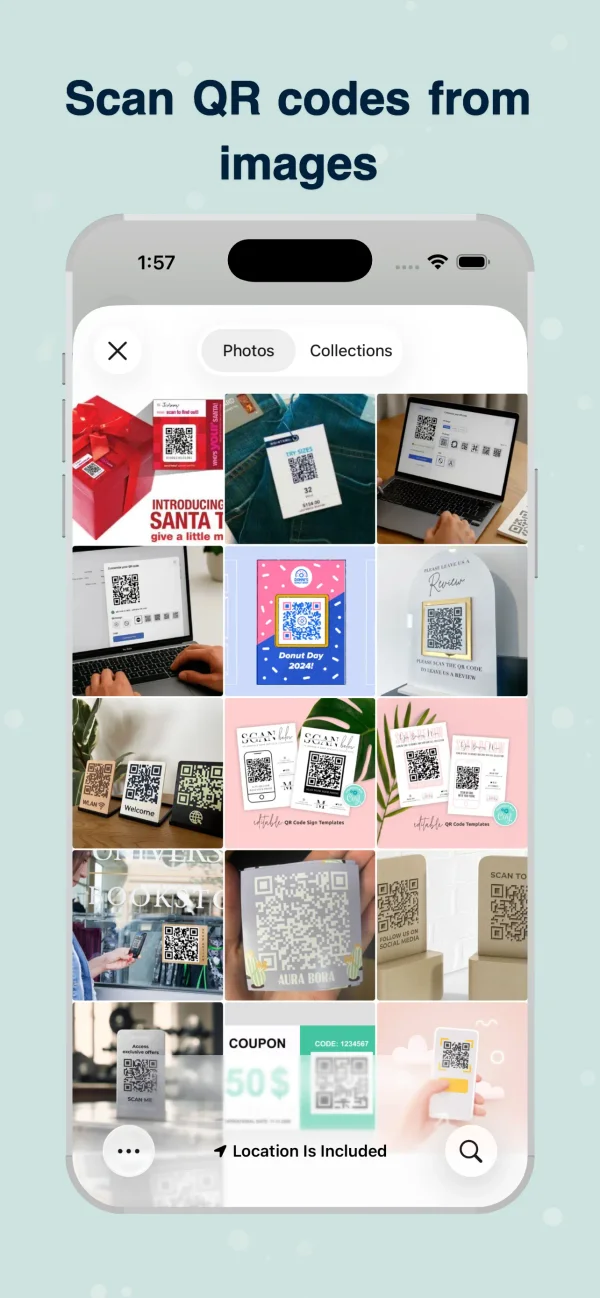
- Smart Detection: Accurately detect and frame codes whether you're using the live camera or scanning from your photo library.
- Multiple Code Handling: Effortlessly select and switch between multiple QR codes in a single view.
- Safe Content Preview: Instantly see what's inside a code—links, text, contact info, Wi-Fi credentials, and more—before you open it.
【Endless Creativity & Customization】
- 15+ Supported Types: Create codes for websites, text, email, phone numbers, SMS, Wi-Fi, vCards, calendar events, App Store links, social media profiles, and much more!
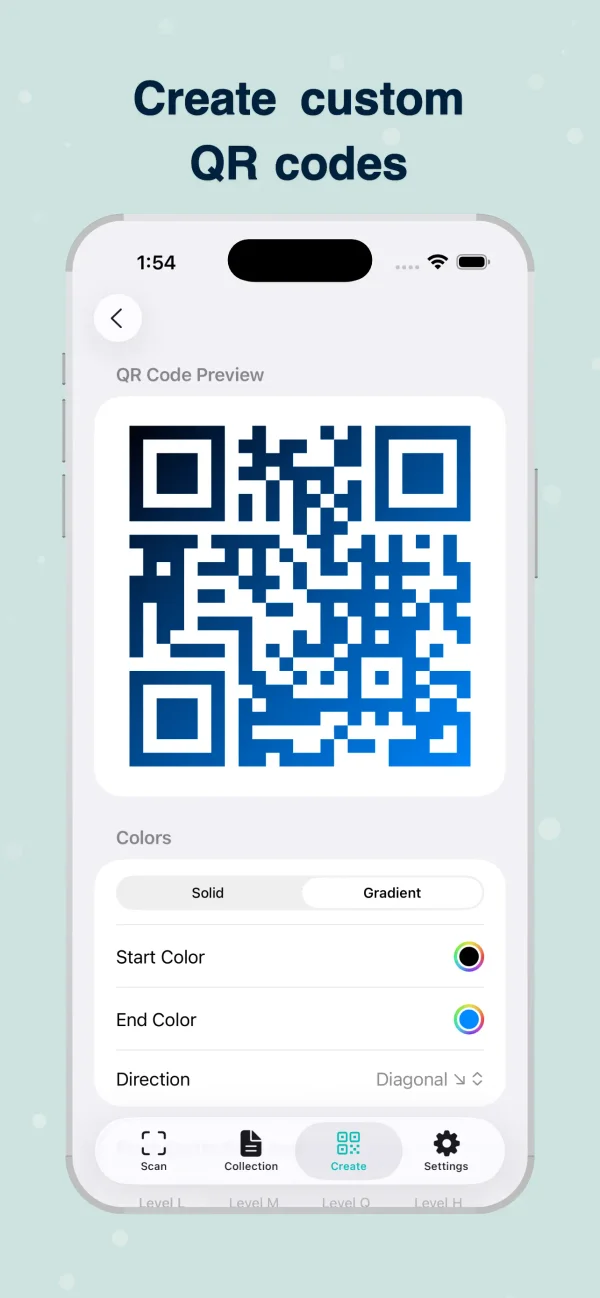
- Vibrant Custom Colors: Change the foreground and background colors to match your brand, mood, or style.
- Embed Your Logo: Place your company logo, profile picture, or any custom icon in the center of your QR code. Multiple mask shapes (circle, square) are available to make it truly unique.
- Professional-Grade Options: Choose from four error correction levels (L/M/Q/H) to ensure maximum scannability, even for complex designs.
【Full History & Easy Management】
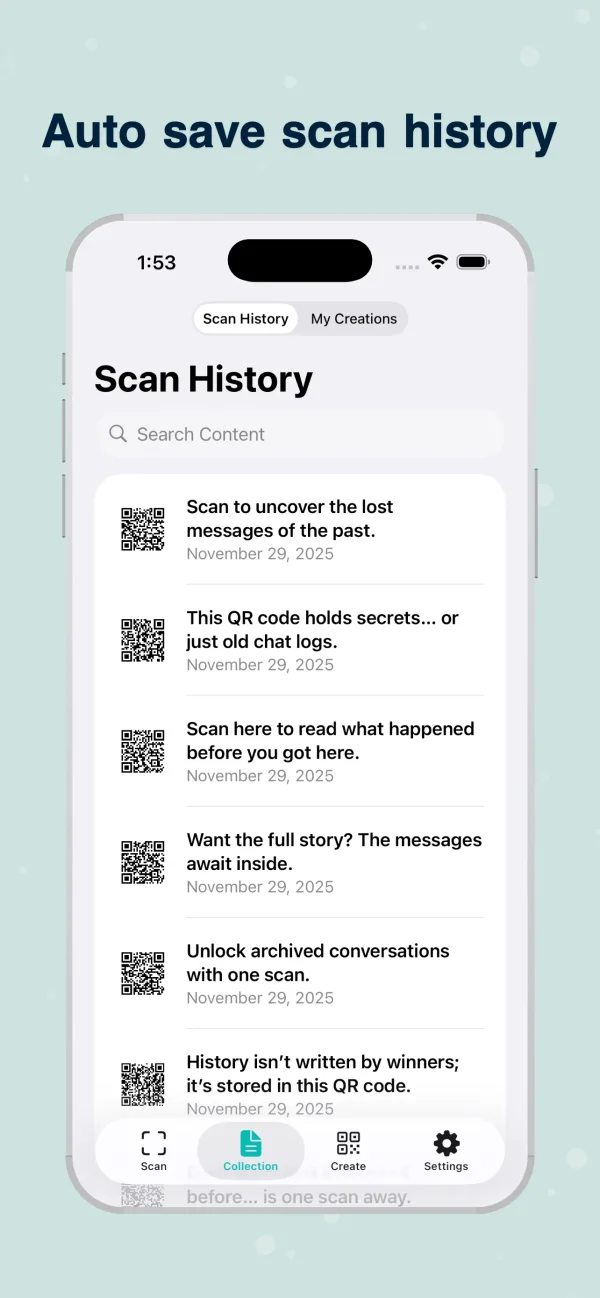
- Automatic History: Every QR code you scan or create is automatically saved to your history for quick access.
- Built-in Search: Find any code in your history with the powerful and fast search feature.
- One-Tap Sharing: Save your finished QR codes to your photo album or share them instantly through any app.
【Personalized & Thoughtful Experience】
- Sensory Feedback: Enable vibration or sound effects for satisfying confirmation on every successful scan.
- Auto-Open Links: Automatically launch trusted websites in your browser to save time.
- Privacy First: Your privacy matters. The camera is only active on the main scan screen and is disabled the moment you switch tabs.
QScan is more than just a utility—it's a powerful assistant for your digital life.
Download now and experience the magic of QR codes like never before!
What’s new
Version 2.1.0 · Aug 18, 2026
- Faster QR code preview when customizing colors, gradients, and logos
- Smoother, quicker-loading scan history and creations list
- More responsive haptic feedback while scanning
- Smoother tab switching and navigation
- Various stability improvements and bug fixes
App privacy
What Chia-Chun Hsieh declares on the App Store about how this app handles data.
-
Data not collected
The developer does not collect any data from this app.
Privacy practices may vary, for example with the features you use or your age.
Information
- Seller
- Chia-Chun Hsieh
- Category
- Productivity
- Version
- 2.1.0
- Updated
- Aug 18, 2026
- Released
- Jan 16, 2018
- Size
- 4.0 MB
- Requires
- iOS 17.6 or later
- Age rating
- 4+
- Price
- Free
- In-app purchases
- Yes
- Languages
- English, French, Japanese, Korean, Russian, Simplified Chinese, Traditional Chinese
- Copyright
- © 2018-2026 Shrimp Studio
You might also like
-
 Dewey: Disorganized NotesRemember everything
-
 Pomopush: Pomodoro Focus TimerCalm study & deep work, no ads
-
 PasteHub Snippet Copy & PasteText Snipping Tool & Keyboard
-
 Form MemosCustomize Your Memo Templates
-
 World Clock-Time Zone TrackerCompare time zones easily
-
 QR Code Generator & DesignerQr scanner, generator, designs
-
 Scan Boss for Google Drive1 Tap Scan PDF to Google Drive
-
 I-95 Nissan ConnectLive car tracking & security
-
 Photos to PDF :PDFCameraMerge images into a single PDF
-
 Black Menu for WikipediaProductivity