
QSnap - QR Reader & Transfer
PC & Phone Instant QR Transfer
Designed for iPhone
In-app purchases
- Age rating4+
- CategoryUtilities
- Developerkouhei sasaki
- LanguagesJapanese+ 1 more
- Size49.9 MB
Links to the official App Store page
Download.org hosts no file of QSnap - QR Reader & Transfer. The button opens its official App Store page, published by kouhei sasaki. Listing last checked on Nov 12, 2026.
Screenshots

About
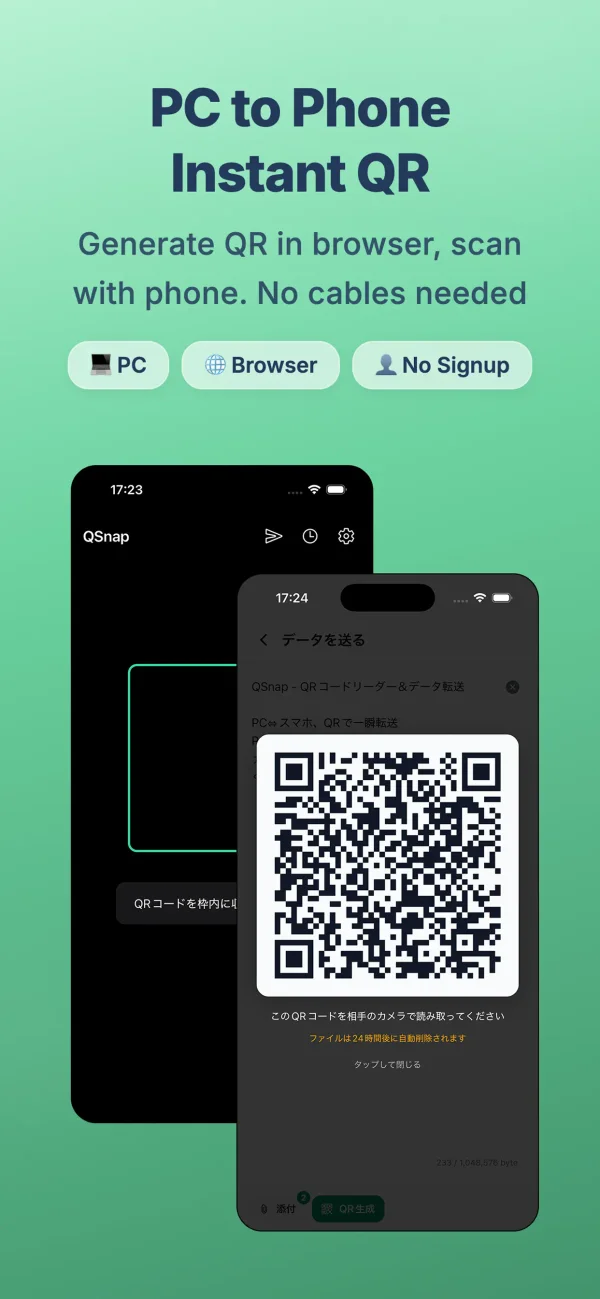
Free & no account needed. Transfer text and files between PC and phone — just scan a QR code.
No cables. Works across iPhone, iPad, and any browser.
Send photos, documents, and more in seconds.
"I want to send this URL from my PC to my phone."
"I need to get these photos off my phone to my PC."
— QSnap solves this with just a QR code.
--------------------
FEATURES
--------------------
PC-to-Phone Transfer (Web App)
Open QSnap Web in your browser. Transfer files without installing anything. Log in by scanning a QR code from your phone.
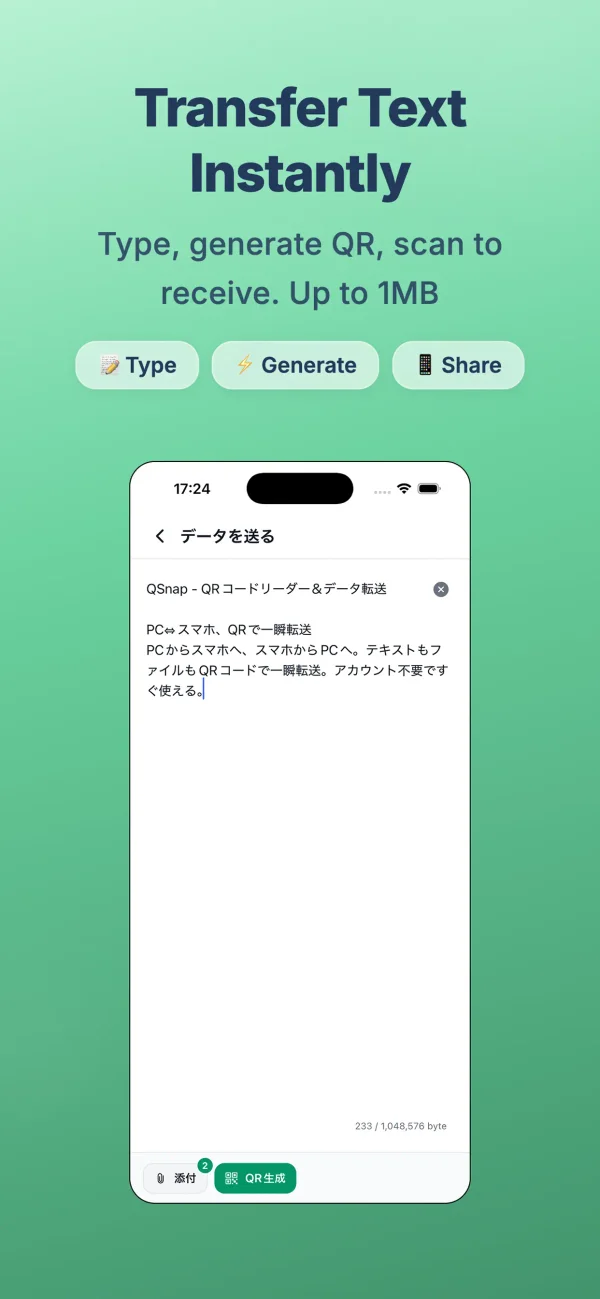
Text to QR Code
Type any text up to 1MB and generate a QR code with one tap.
QR Scanner
Scan any QR code with your camera. Copy results with a single tap.
Smart QR Classification (15 Types)
Auto-identifies content: URL, email, phone, WiFi, location, SMS, vCard, MECARD, iCal, crypto, UPI, FTP, OTP, store link, and text. Shows the best action for each type.
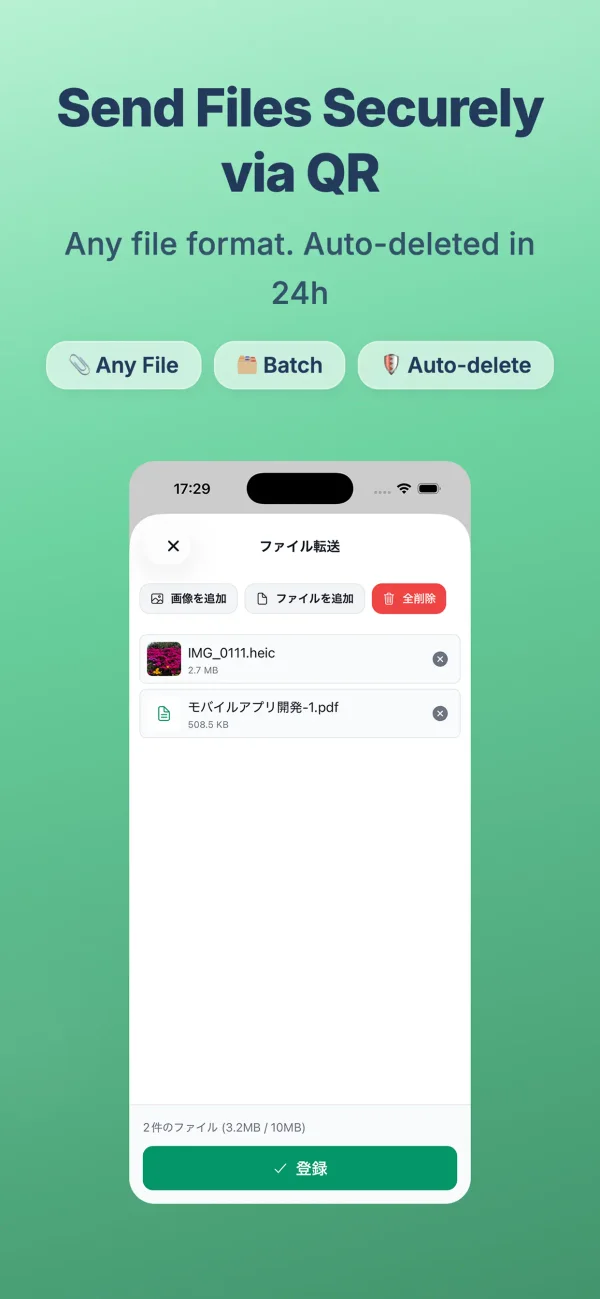
File Transfer
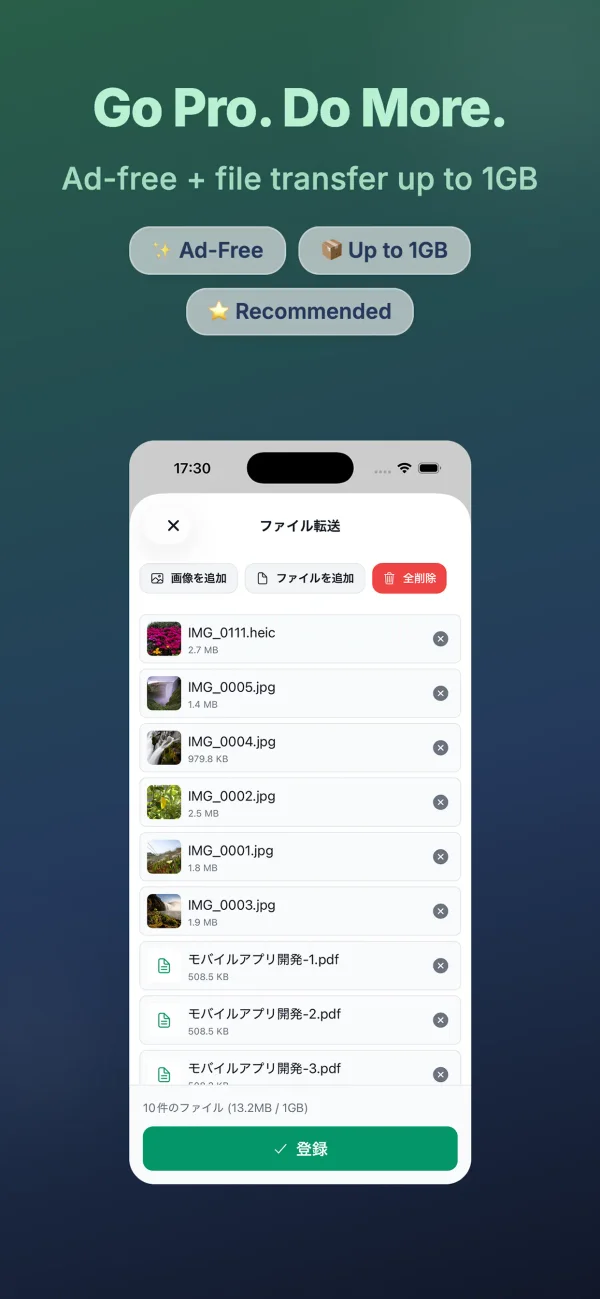
Send photos, documents, videos, and more via QR code. Supports multiple files at once. Up to 10MB free, 1GB with Pro.
Password Protection
Set a password on transfers. Recipients must enter it before downloading.
History
Every QR code you generate or scan is saved. Regenerate or reuse past codes anytime.
Dark Mode & Multi-Language
Follows your system theme. Supports English and Japanese.
--------------------
PRO PLAN
--------------------
Ad-Free
Remove all ads for a distraction-free experience.
Expanded File Transfer
Increase the limit from 10MB to 1GB.
* Payment is charged to your App Store account.
* Auto-renews unless canceled 24 hours before the period ends.
* Manage or cancel in App Store settings.
--------------------
USE CASES
--------------------
- Send URLs or notes from PC to phone without email
- Get photos off your phone without cables
- Share URLs or passwords with a friend instantly
- Send files to someone's phone on the spot
- Share photos across devices instantly
- Scan WiFi QR codes and copy the password
--------------------
SECURITY & PRIVACY
--------------------
- Password protection with server-side hashing
- 24-hour auto-delete for all uploaded data
- HTTPS encrypted communication
- History stored on device only
- No account required for basic features
--------------------
SUPPORT
--------------------
Email: qsnap.developer@gmail.com
Terms: https://q-snap.net/terms.html
Privacy: https://q-snap.net/policy.html
QSnap - cross-device transfer, simplified.
What’s new
Version 1.1.0 · Mar 22, 2026
- Renamed from "QR Memo" to "QSnap"
- NEW: File attachments — transfer photos and documents via QR
- NEW: Pro Plan — ad-free + file transfer up to 1GB
- Under-the-hood improvements
- Smoother experience — UI and performance improvements
App privacy
What kouhei sasaki declares on the App Store about how this app handles data.
-
Data used to track you
May be used to track you across apps and websites owned by other companies.
- Usage data
-
Data not linked to you
May be collected but is not linked to your identity.
- User content
- Usage data
Privacy practices may vary, for example with the features you use or your age.
Information
- Seller
- kouhei sasaki
- Category
- Utilities
- Version
- 1.1.0
- Updated
- Mar 22, 2026
- Released
- Oct 15, 2025
- Size
- 49.9 MB
- Requires
- iOS 16.0 or later
- Age rating
- 4+
- In-app purchases
- Yes
- Languages
- Japanese, English
- Copyright
- © 2026 QSnap
You might also like
-
 QRCodr - Scanner & GeneratorScan & Create QR Barcodes Easy
-
 OneTimeShareShare a Photo via QR Code
-
 フセン電卓Utilities
-
 MojiQR: Text QR GeneratorCreate QR codes from words
-
 MyBet 収支管理Utilities
-
 割り勘:飲み会・旅行の精算アプリUtilities
-
 TaniWorksバーコードUtilities
-
 ScanList - QR & Barcode ScanBatch Scan & Data Export
-
 SoundIntervalTimer byNSDevwith the countdown sound.
-
 NO-NET QR Generatorfast transfer