
- Age rating12+
- CategoryUtilities
- Developer震 张
- LanguagesEnglish+ 2 more
- Size74.1 MB
Links to the official App Store page
Download.org hosts no file of QU Printing. The button opens its official App Store page, published by 震 张. Listing last checked on Nov 14, 2026.
Screenshots
About
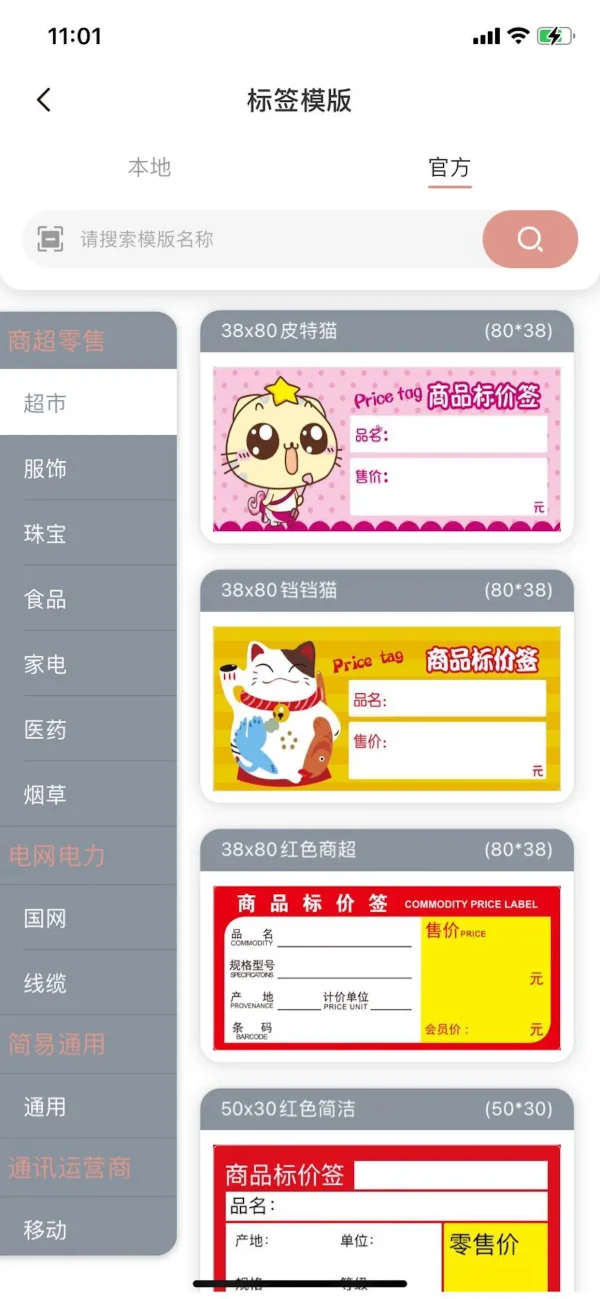
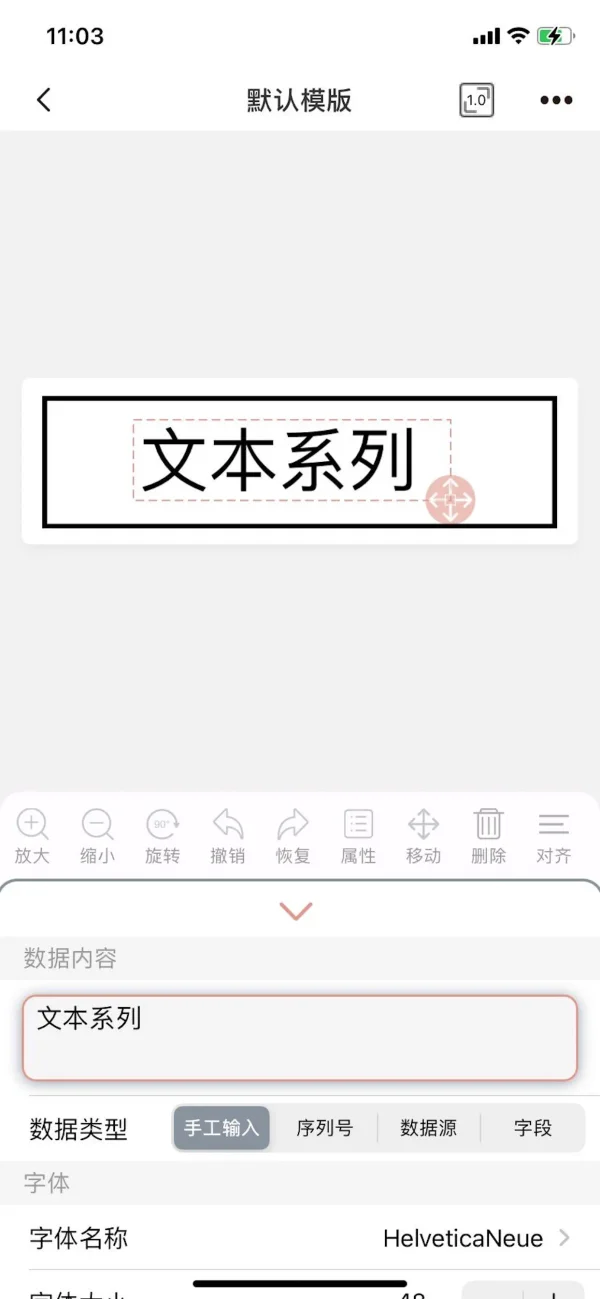
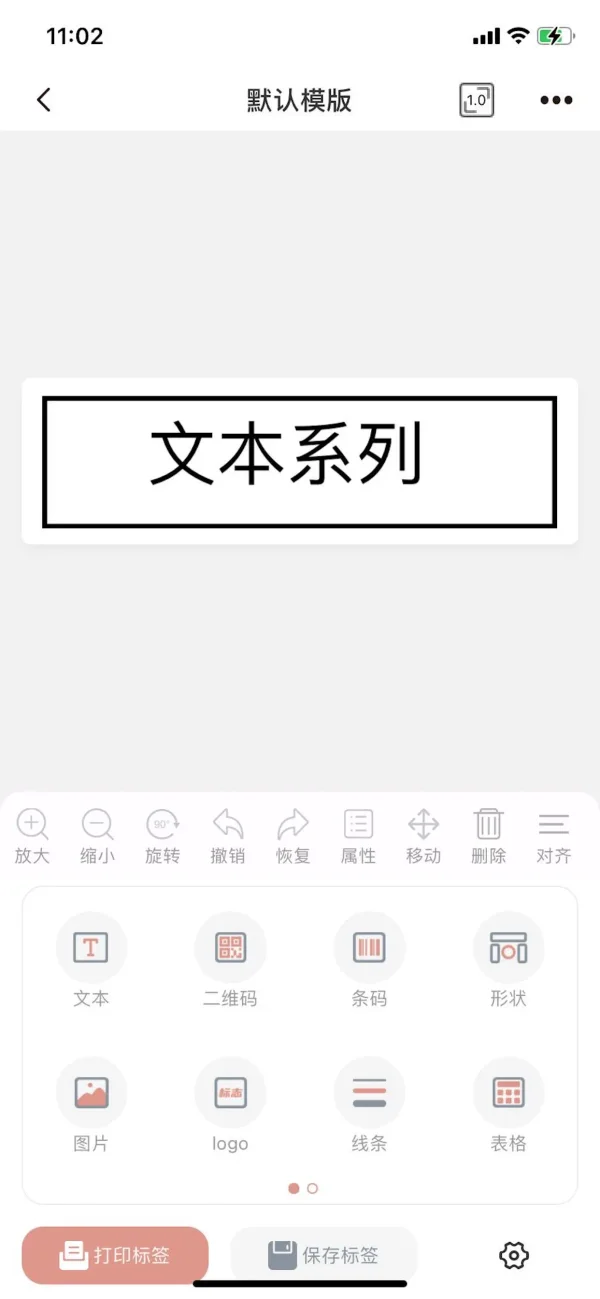
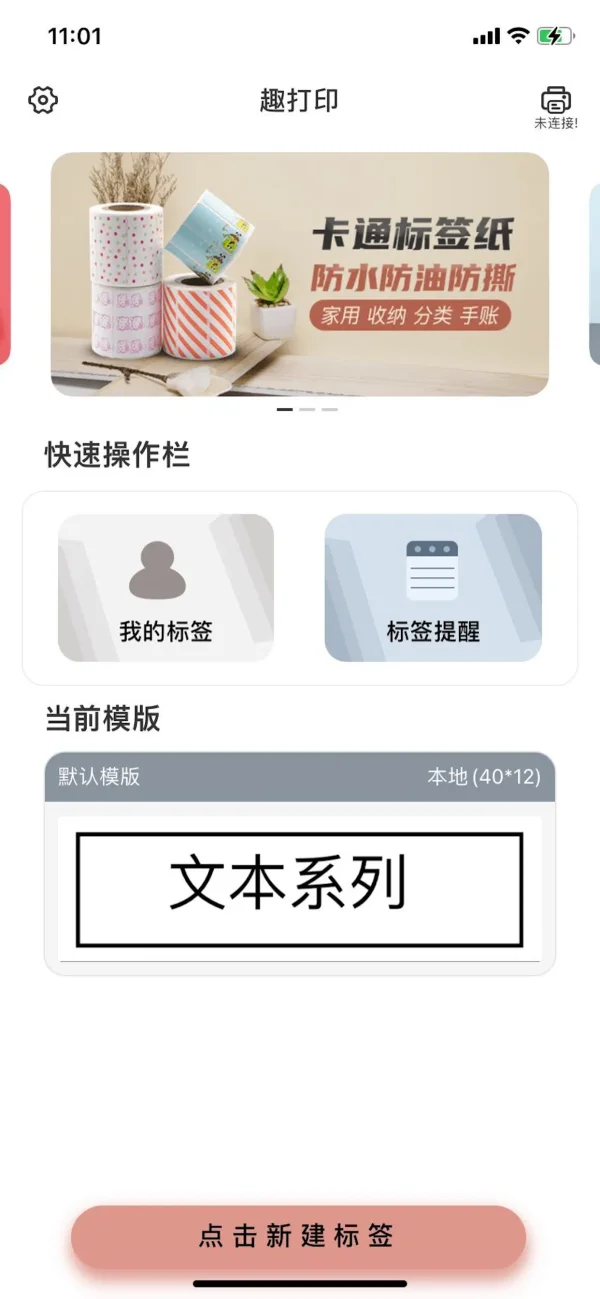
QU Printing is a label editing and printing software based on SaaS and local storage. The main technical features include bar code two-dimensional code scanning identification input, form and serial number data source input, label printing output, etc. The main functions include scanning and printing, label reminder and label template creation, multi-element editing, multi-terminal storage and label printing including the number of copies, direction, imitation volume adjustment. Realize the requirements of flexible editing and portable printing of commodity labels, life labels, etc.
What’s new
Version 1.4.7 · Oct 9, 2024
Optimize some known issues.
App privacy
What 震 张 declares on the App Store about how this app handles data.
-
Data not collected
The developer does not collect any data from this app.
Privacy practices may vary, for example with the features you use or your age.
Information
- Seller
- 震 张
- Category
- Utilities
- Version
- 1.4.7
- Updated
- Oct 9, 2024
- Released
- Nov 1, 2021
- Size
- 74.1 MB
- Requires
- iOS 9.0 or later
- Age rating
- 12+
- Price
- Free
- Languages
- English, Simplified Chinese, Traditional Chinese
- Copyright
- © 张震
You might also like
-
 Smart Printer App:PrintLynkAir Print,Photos, PDF&Docs
-
 Printer:Air printPrint Documents and Photos
-
 手机打印机-无线连接手机打印软件Utilities
-
 联想至像打印Utilities
-
 WePrint AppPortable Printing Expert
-
 微信小店助手Utilities
-
 TP-LINK物联Utilities
-
 全球网测Utilities
-
 地震预警-倒计时警报Utilities
-
 AI Video Generator + AI MakerText to Video & Movie Gen &V2V