- Age rating4+
- CategoryEducation
- DeveloperPorter360, LLC
- LanguagesEnglish
- Size22.4 MB
Links to the official App Store page
Download.org hosts no file of QuackyBrush. The button opens its official App Store page, published by Porter360, LLC. Listing last checked on Nov 18, 2026.
Screenshots

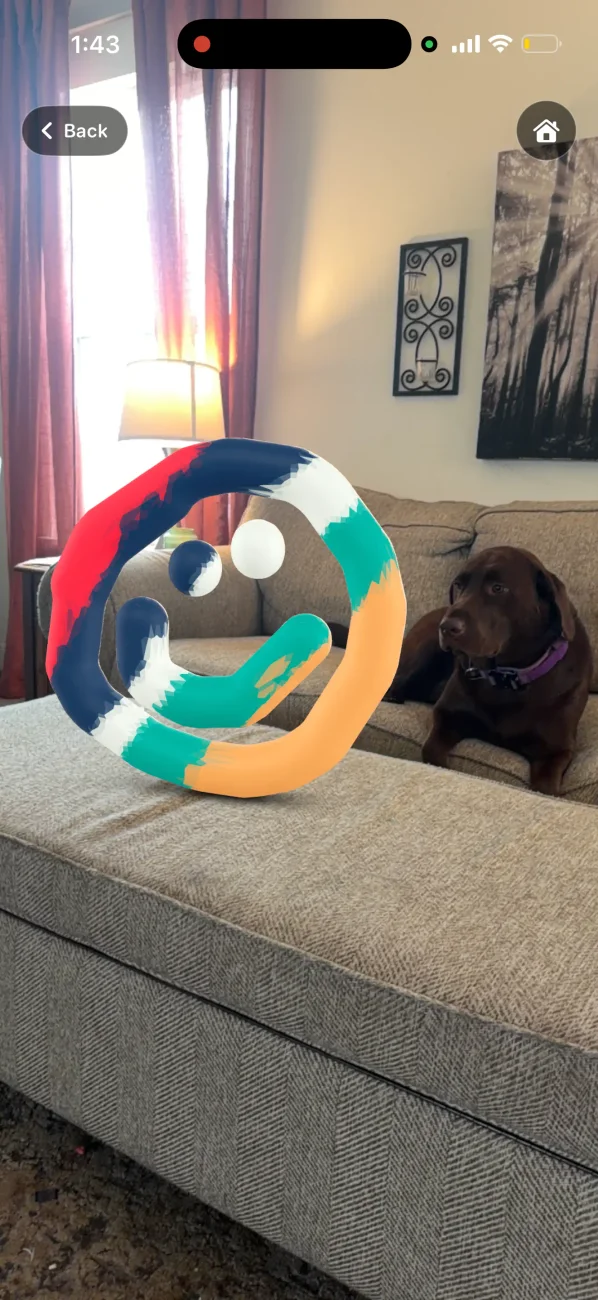
About
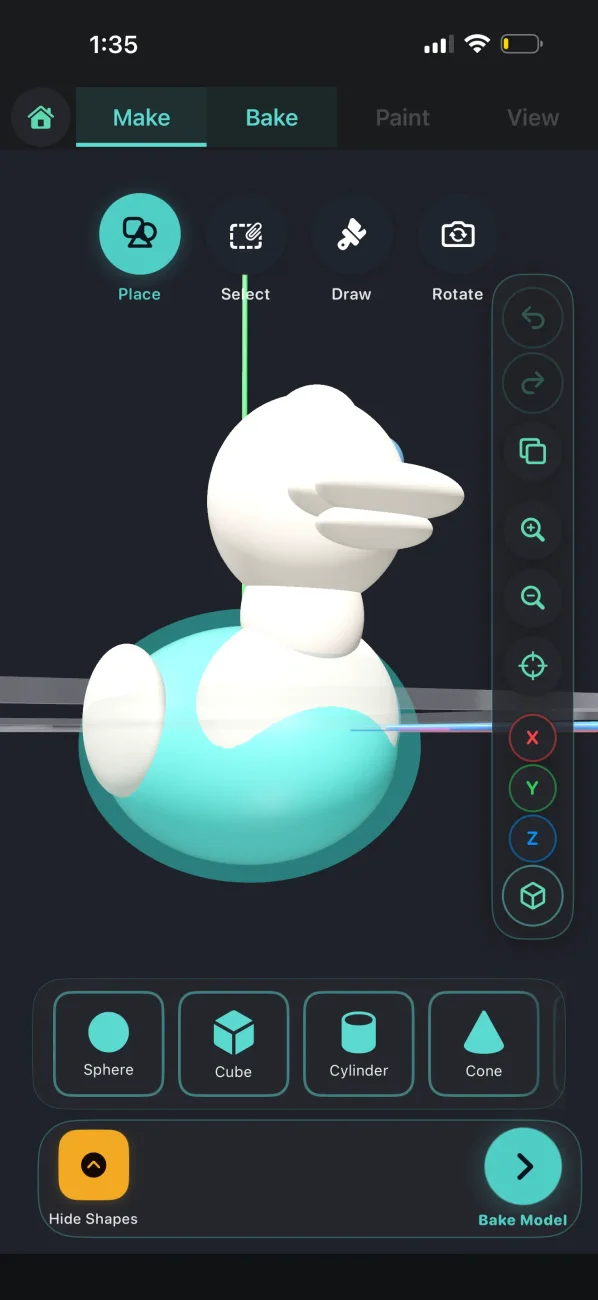
QuackyBrush 3D is a freestyle 3D modeler and painter. Tap to place primitives — sphere, ellipsoid, cylinder, capsule, cone, frustum, torus, box. Move, resize, rotate, mirror, group, and carve them into anything you can picture.
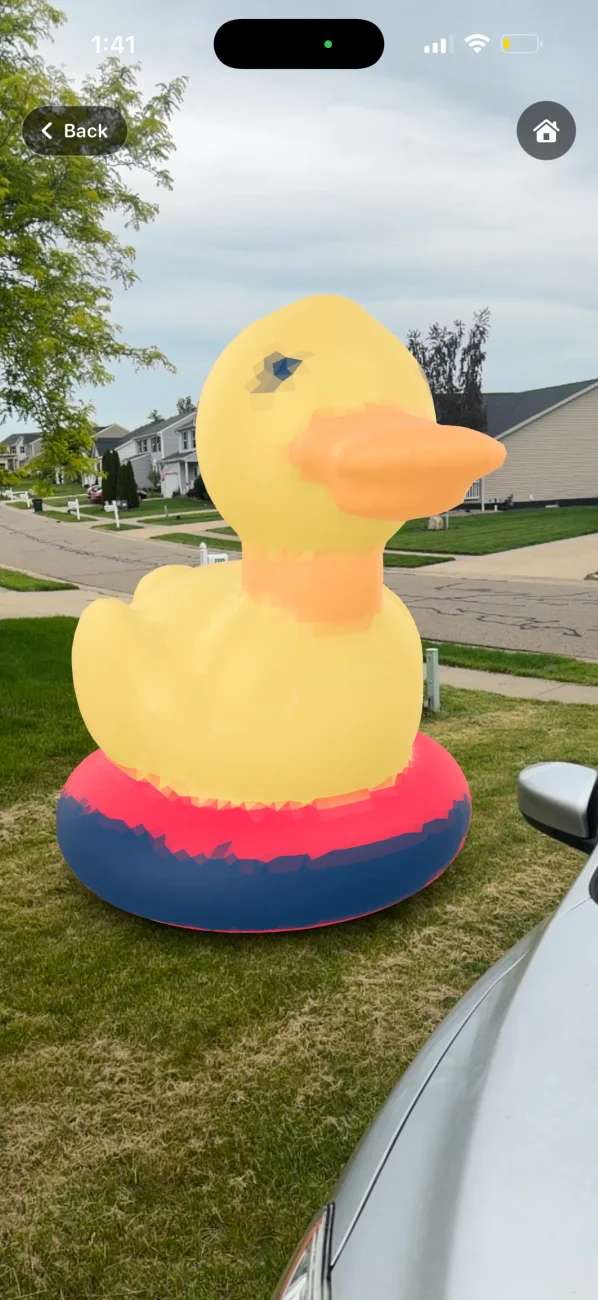
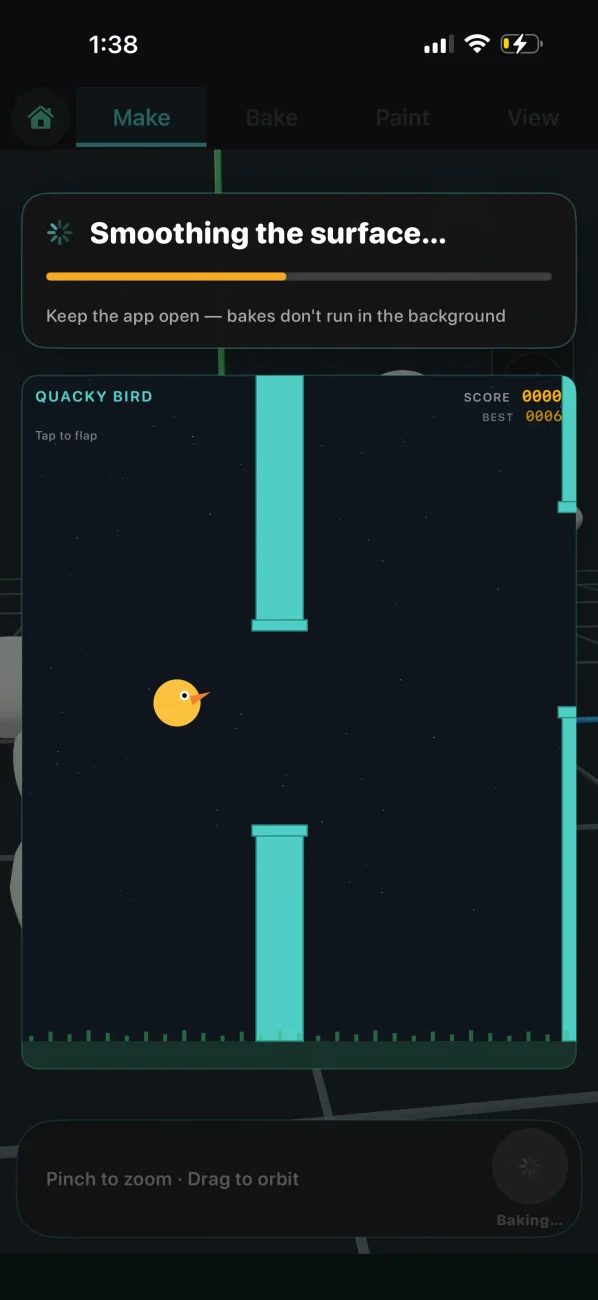
When the shape is right, bake to fuse the primitives into a single smooth model. Then paint directly on the surface. Save as a Creation. Place it in a Scene with a movable light and other models. Render the scene to your camera roll.
Built for everyone - ideal for 7+ (kids who play Minecraft/Roblox or other 3D games performed well in UX testing). The interface respects your time. Drag-first input on top of an SDF + smooth-min CSG engine. Premium creative ownership - buy once, no subscription.
What you can make. Stuffed animals, cute characters, low-poly game assets, 3D-print-ready props, game mascots, geometric sculpture, snowmen, ducks, chess pieces, mushrooms, robots. The primitive set composes into more than its parts.
Negative-space carving. Switch any primitive to Carve mode and it becomes a subtractive ghost - eye sockets, mouth slots, embossed details, cavities. Smooth-min CSG fillets the boundary so carves feel hand-shaped, not Boolean-clean.
Groups + pre-bake. Build a head, group its parts, pre-bake the group into a single fused unit. Drag the head as one piece while you keep adding to the body.
Mirror. X, Y, or Z. Place one ear, get the other automatically. Place one eye, get the second symmetric.
Free trackball rotate. Drag in any direction - the model rotates around the axis perpendicular to your finger. Need axis-locked rotation? Switch to X / Y / Z sub-tools.
Orthographic toggle: Faux-orthographic camera for design-grade views.
App privacy
What Porter360, LLC declares on the App Store about how this app handles data.
-
Data not collected
The developer does not collect any data from this app.
Privacy practices may vary, for example with the features you use or your age.
Information
- Seller
- PORTER360 LLC
- Category
- Education
- Version
- 1.0
- Updated
- Jun 14, 2026
- Released
- Jun 14, 2026
- Size
- 22.4 MB
- Requires
- iOS 18.0 or later
- Age rating
- 4+
- Price
- Free
- Languages
- English
- Copyright
- © 2026 PORTER360 LLC
You might also like
-
 Abacus Plus+Learn Abacus & Speed Math
-
 Simplifi LearnStudy songs from your notes
-
 SystemsTradingSimulatorLearn a Trading System
-
 Shape Playground: 3D for KidsKids 3D design — free to print
-
 Beautiful MathMath that finally makes sense
-
 Factiq: World Factbook AIFacts & Statistics by Country
-
 ABC Kids: Phonics & AlphabetLearn Numbers, Tracing & 123
-
 Scio: Homework HelperScan Questions, Get Answers
-
 Bloom AI NotebookRecord. Learn. Master.
-
 The Shape FactoryLearn Geometry & Algorithms