
- Age rating4+
- CategoryProductivity
- DeveloperAli Can
- LanguagesEnglish+ 43 more
- Size10.2 MB
Links to the official App Store page
Download.org hosts no file of Quest Notes. The button opens its official App Store page, published by Ali Can. Listing last checked on Nov 23, 2026.
Screenshots


About
Quest Notes is your complete note hub for iPhone and iPad — a beautifully simple workspace for everything you want to remember.
ONE PURCHASE. NO SUBSCRIPTION. NO ADS.
NEW IN QUEST NOTES
• Recently Deleted keeps deleted notes for 30 days
• Voice notes turned into searchable text on your device
• Folders and a calendar view
• Summaries and to-do lists with Apple Intelligence
WRITE WITH STYLE
• Headings, bold, italic, underline and strikethrough
• Bulleted and numbered lists, indents and alignment
• Highlight words in six colors and add comments to any phrase
• Quotes, dividers and tables
SMART CHECKLISTS
• Create to-do lists in seconds and tick items off
• See your progress on every list
DRAW & ANNOTATE
• Pen, pencil, marker, eraser and lasso with Apple Pencil support
• Draw directly on top of your photos
SCAN DOCUMENTS
• Scan paper with the camera into crisp multi-page PDFs
• Text on scanned pages is recognized so you can search for it
• Turn photos into a PDF in one tap
VOICE NOTES
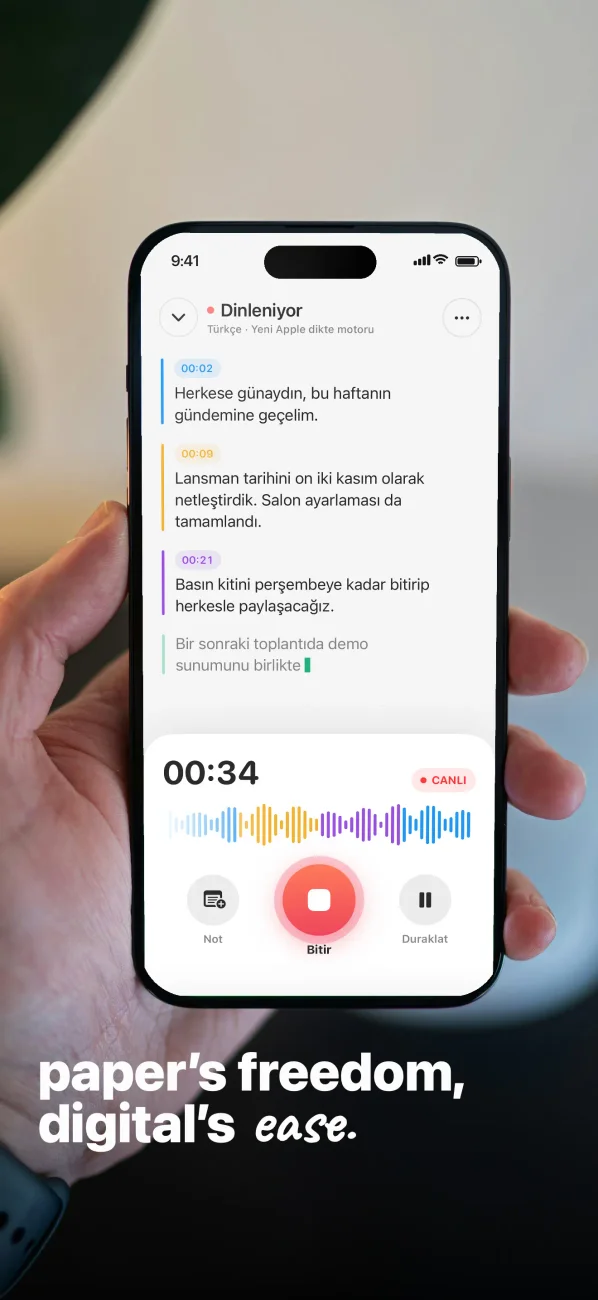
• Record ideas and play them back with a live waveform
STAY ORGANIZED
• Labels, pinned notes, smart filters and instant search
• Reminders that notify you at the right time
• Beautiful grid and list layouts, light and dark mode
• Designed for iPhone and iPad
PRIVATE BY DESIGN
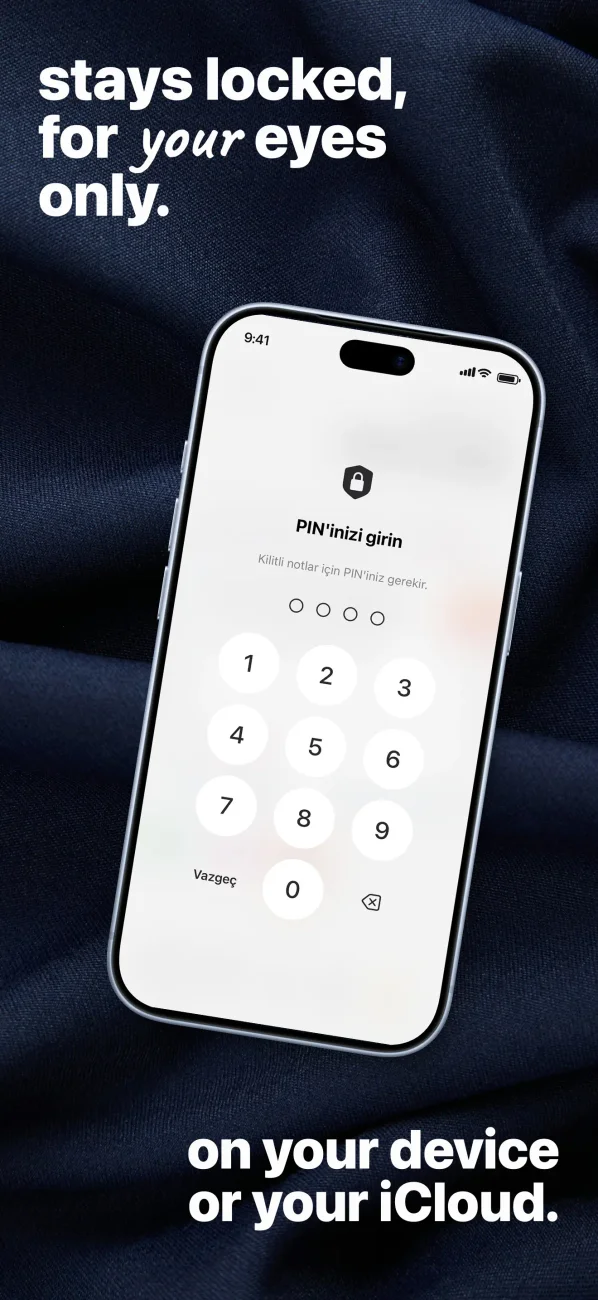
• Lock notes with Face ID, Touch ID or an app PIN
• No account, no tracking, no analytics
• Optional backup to your own iCloud Drive — turn it on or off in Settings
SHARE ANYWHERE
• Export notes as PDF, plain text or Markdown
Questions? We are here to help: support.gepgo@gmail.com
What’s new
Version 1.4 · Nov 19, 2026
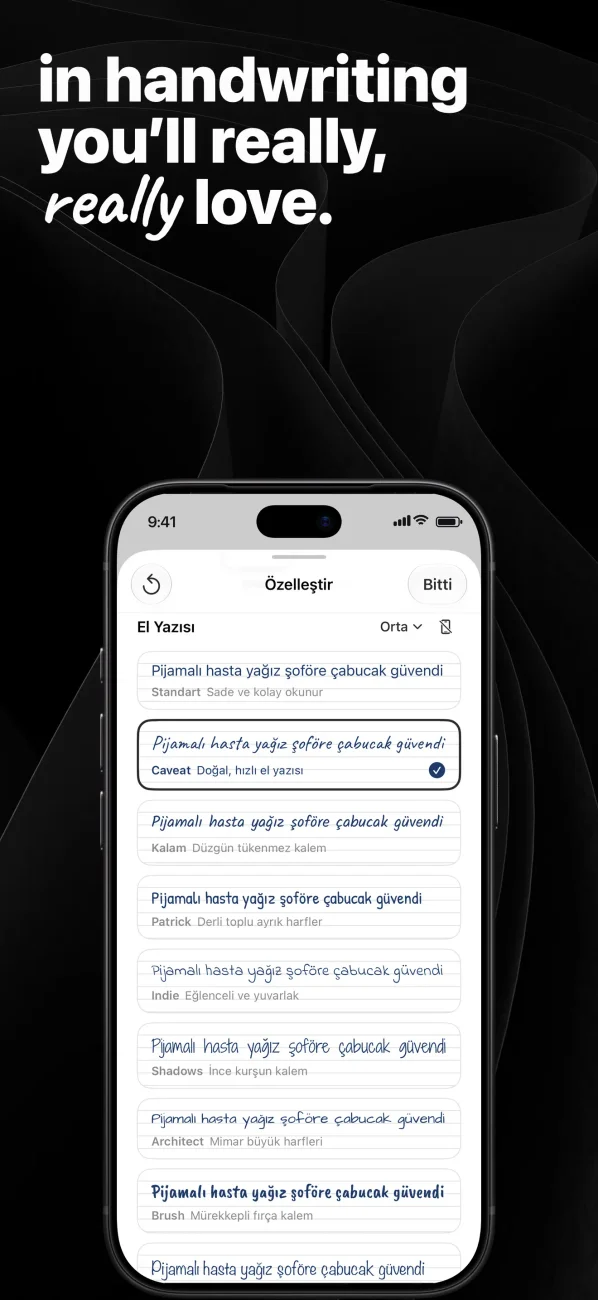
• Handwriting fonts: Type your notes in 13 handwriting styles
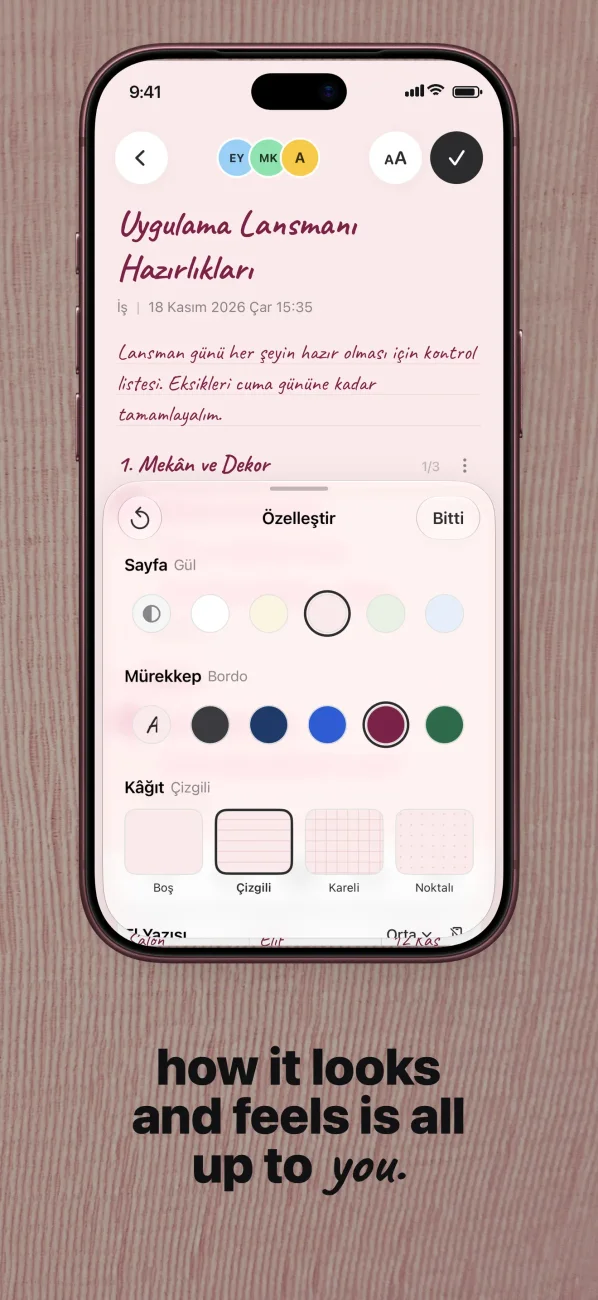
• Customize: Pick page color, ink color, lined, squared or dotted paper and text size
• My Handwriting: Draw your letters once and type in your own handwriting
• Gentle haptics while you type, if you like
• Drawing paper: Draw on dotted, lined, squared or blank paper in white, cream or black
• Live speech to text: talk and watch your words appear, privately on your device
• Siri: create, find and read notes or start listening, just by asking
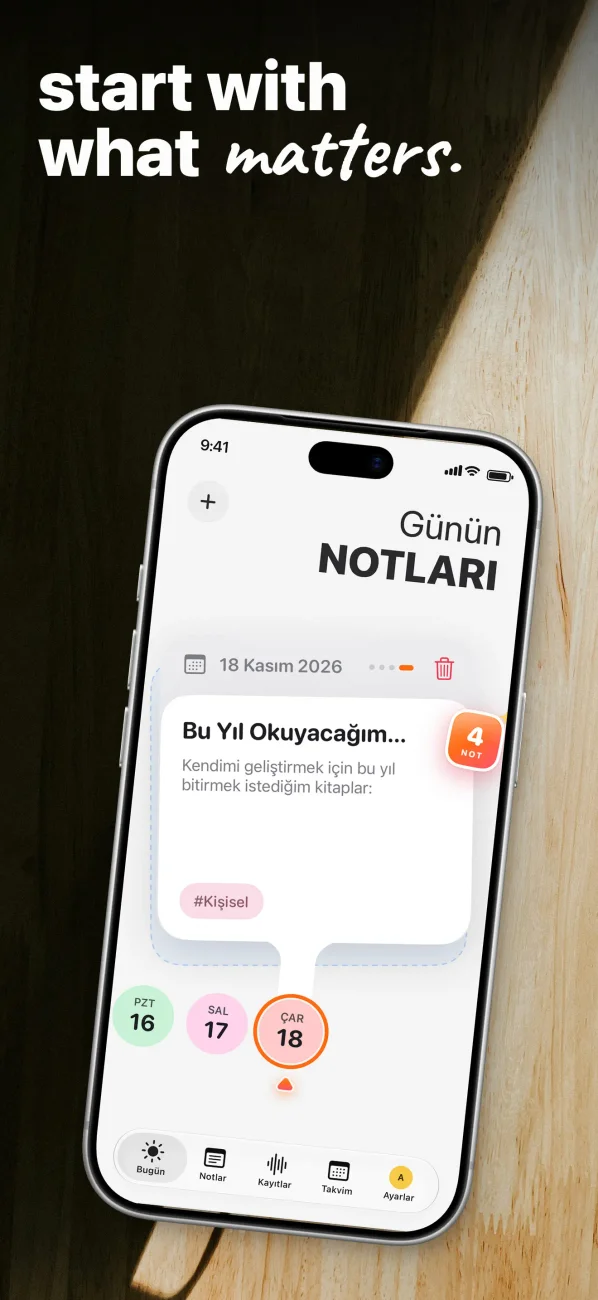
• New Today screen: swipe through your days, one note card at a time
• Redesigned Notes, Calendar and Recordings
• iPad: Today, Recordings and Calendar in the sidebar
• Recently Deleted: deleted notes stay for 30 days and can be restored
• Voice notes are turned into text on your device and can be searched
• Folders to organize your notes
• Apple Intelligence: summarize a note or turn it into a to-do list, on your device
• Calendar view of your notes and reminders
• Hide locked notes from your note list
• Fixes and improvements
App privacy
What Ali Can declares on the App Store about how this app handles data.
-
Data not collected
The developer does not collect any data from this app.
Privacy practices may vary, for example with the features you use or your age.
Information
- Seller
- Ali Can
- Category
- Productivity
- Version
- 1.4
- Updated
- Nov 19, 2026
- Released
- Oct 29, 2026
- Size
- 10.2 MB
- Requires
- iOS 17.0 or later
- Age rating
- 4+
- Price
- $9.99
- Languages
- English, Arabic, Bengali, Catalan, Croatian, Czech, Danish, Dutch, Finnish, French, German, Greek + 32 more
- Copyright
- © 2026 Gepgo