Quick Annotate
Annotate and share quickly.
Designed for iPhone, iPad, iPod touch
Free · In-app purchases
- Age rating4+
- CategoryProductivity
- Developer9468-7969 Quebec Inc.
- LanguagesEnglish
- Size56.2 MB
Links to the official App Store page
Download.org hosts no file of Quick Annotate. The button opens its official App Store page, published by 9468-7969 Quebec Inc. Listing last checked on Nov 15, 2026.
Screenshots
About
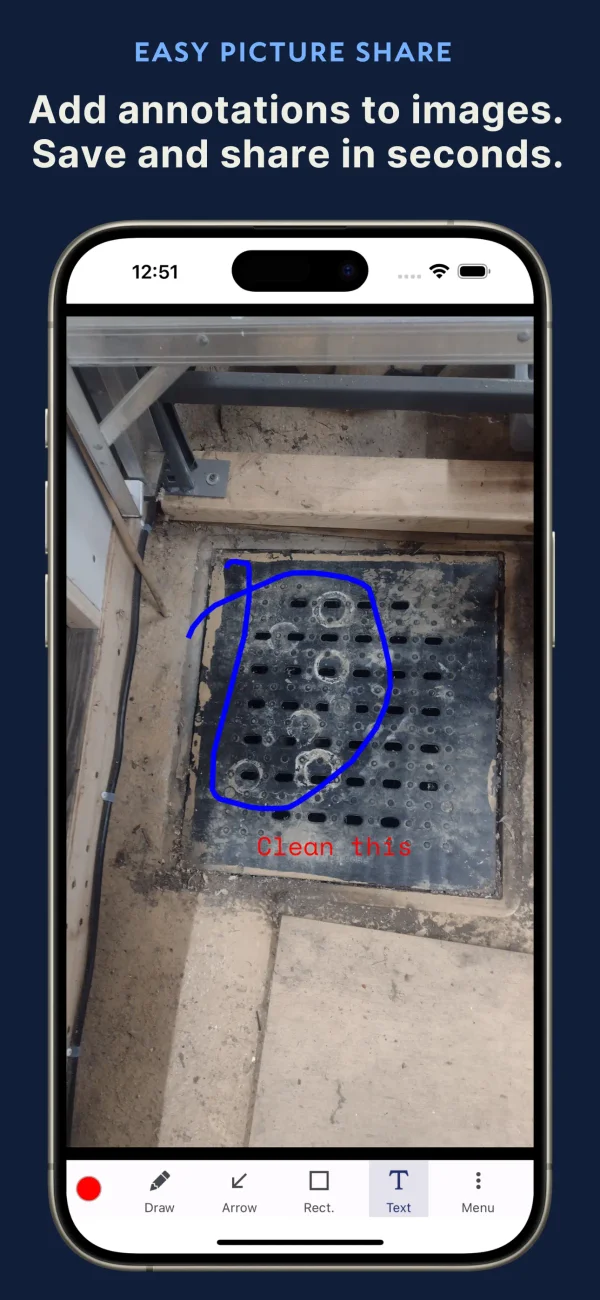
Quick Annotate is the fastest way to mark up photos on the go. Whether you're a building inspector, contractor, field technician, or project manager, this will help you add visual notes directly on your images in an instant.
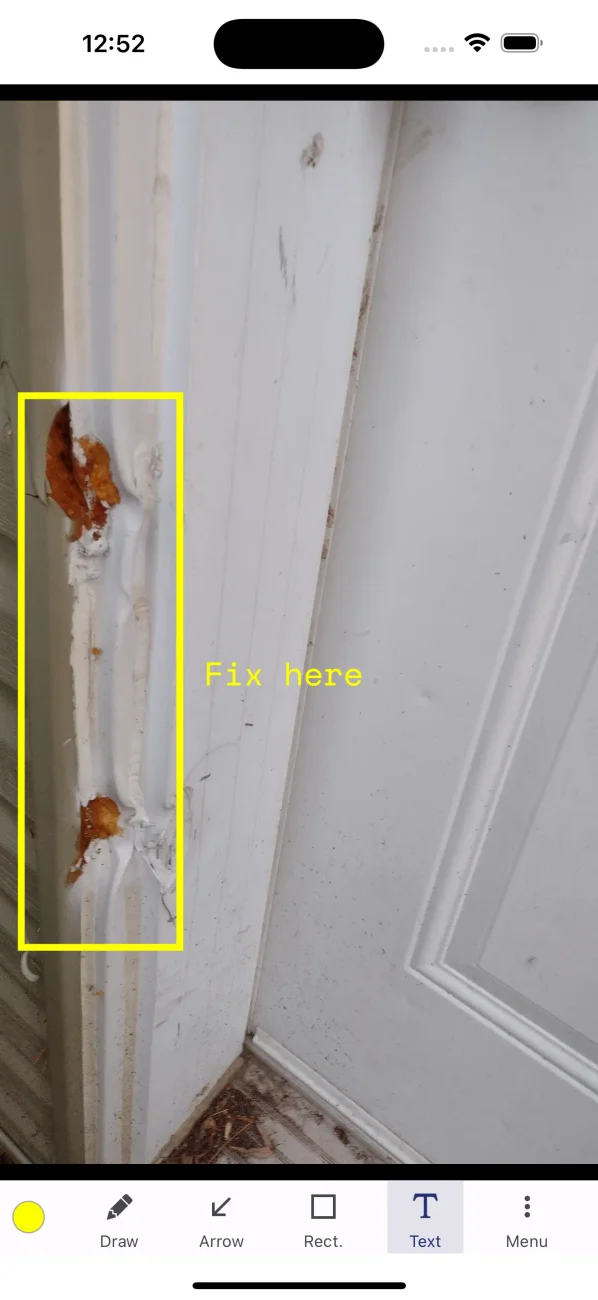
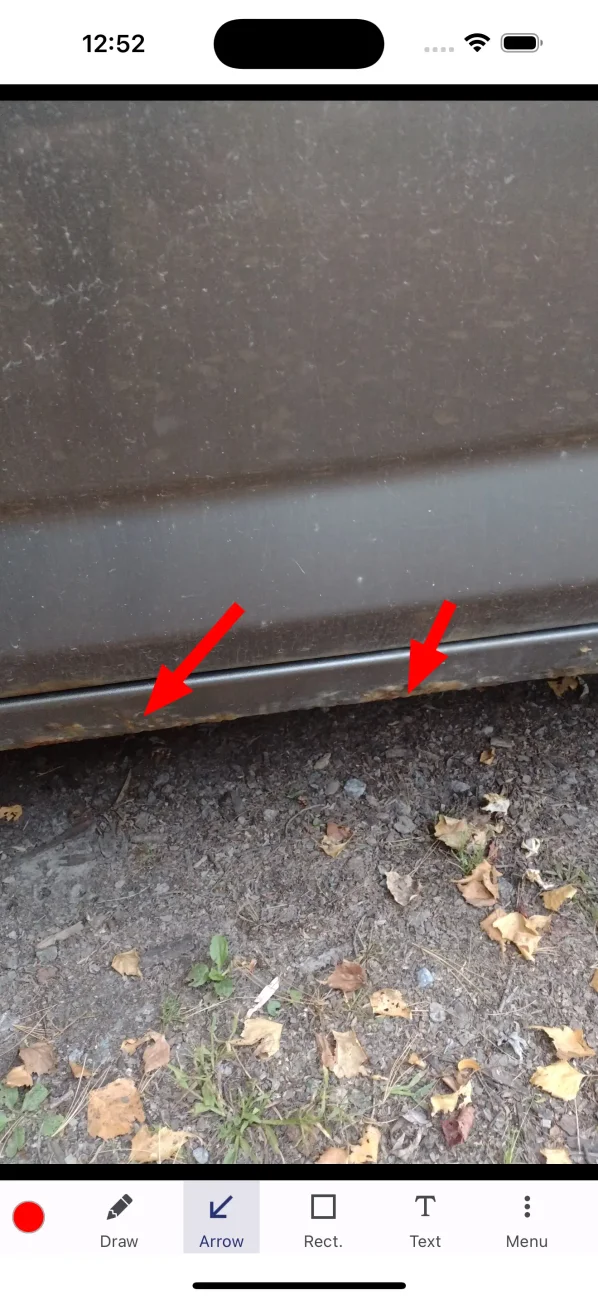
- Draw arrows, rectangles, or freehand lines to point out exactly what matters.
- Add text annotations to explain issues or give instructions.
- Share your marked up images, or save them to your device to use them later.
What’s new
Version 1.0.4 · Jan 31, 2026
Add support for HEIC/HEIF images (editor would be displayed without an image).
App privacy
What 9468-7969 Quebec Inc. declares on the App Store about how this app handles data.
-
Data not collected
The developer does not collect any data from this app.
Privacy practices may vary, for example with the features you use or your age.
Information
- Seller
- 9468-7969 Quebec Inc.
- Category
- Productivity
- Version
- 1.0.4
- Updated
- Jan 31, 2026
- Released
- Oct 24, 2025
- Size
- 56.2 MB
- Requires
- iOS 15.1 or later
- Age rating
- 4+
- Price
- Free
- In-app purchases
- Yes
- Languages
- English
- Copyright
- © 2026 Cptn.tech
You might also like
-
 Snapnote: Quick Image AnnotateMarkup photos & capture ideas
-
 TapeSharePhoto Markup & Field Reports
-
 Photo Report XProperty Photo Report Maker
-
 Fast AnnotateAnnotate your images
-
 Punch List PhotosSite walk to PDF report
-
 Photo Report: Before & AfterJobsite PDF & Inspection Notes
-
 SnapLog - Inspection LogsLog and share inspections
-
 WSSC FHPFire Hydrant Painting
-
 InspectionSight - Photo ReportHome Inspection Field Camera
-
 MarkSnap: Screenshot MarkupDetect shapes. Add notes.