
Quick Currency
Travel currency cheat sheet
Designed for iPhone, iPad
In-app purchases
- Age rating4+
- CategoryTravel
- DeveloperJonathan Duhig
- LanguagesEnglish+ 8 more
- Size4.4 MB
Links to the official App Store page
Download.org hosts no file of Quick Currency. The button opens its official App Store page, published by Jonathan Duhig. Listing last checked on Nov 13, 2026.
Screenshots


About
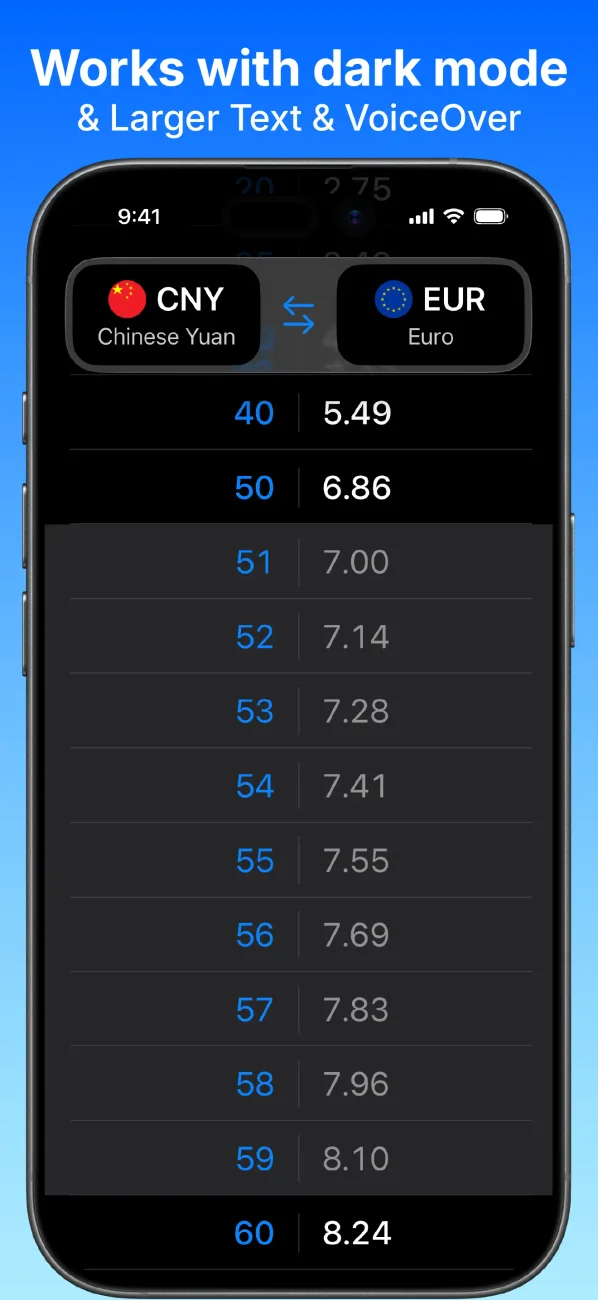
The fastest and easiest currency converter to use while out and about — so fast and easy you can even use it while haggling. Just scroll to the price and see what it costs in your home currency.
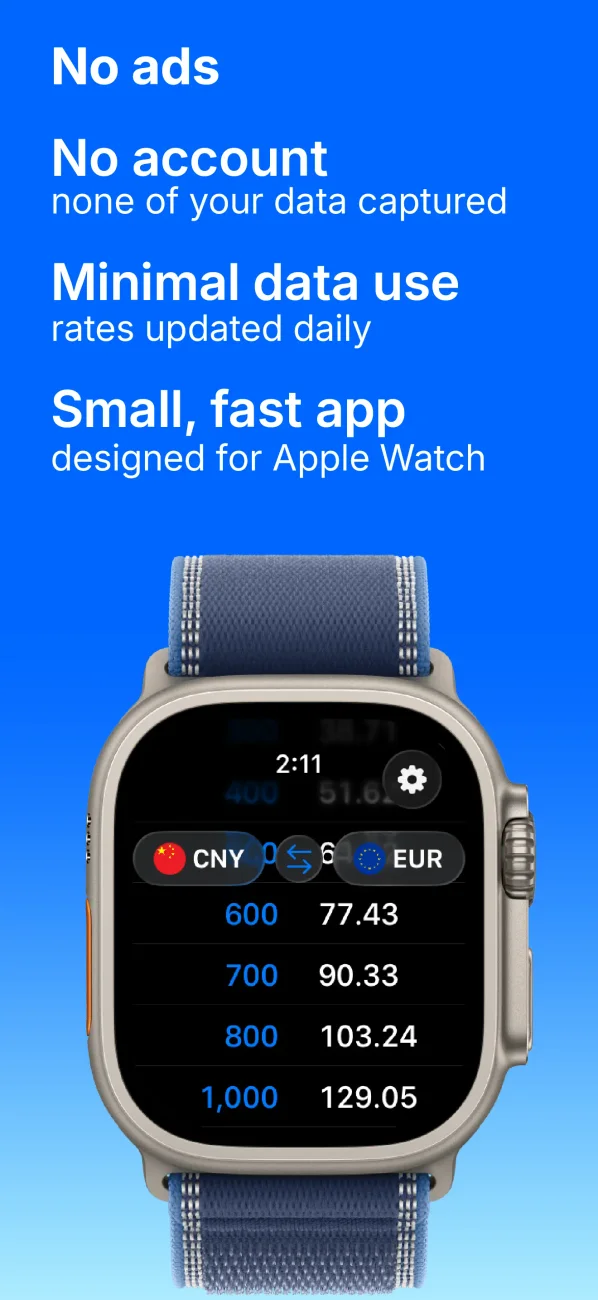
No typing into a calculator — just scroll to a price and you instantly know whether that's $4, $14, or $40 back home. The design is so simple it works on your Apple Watch.
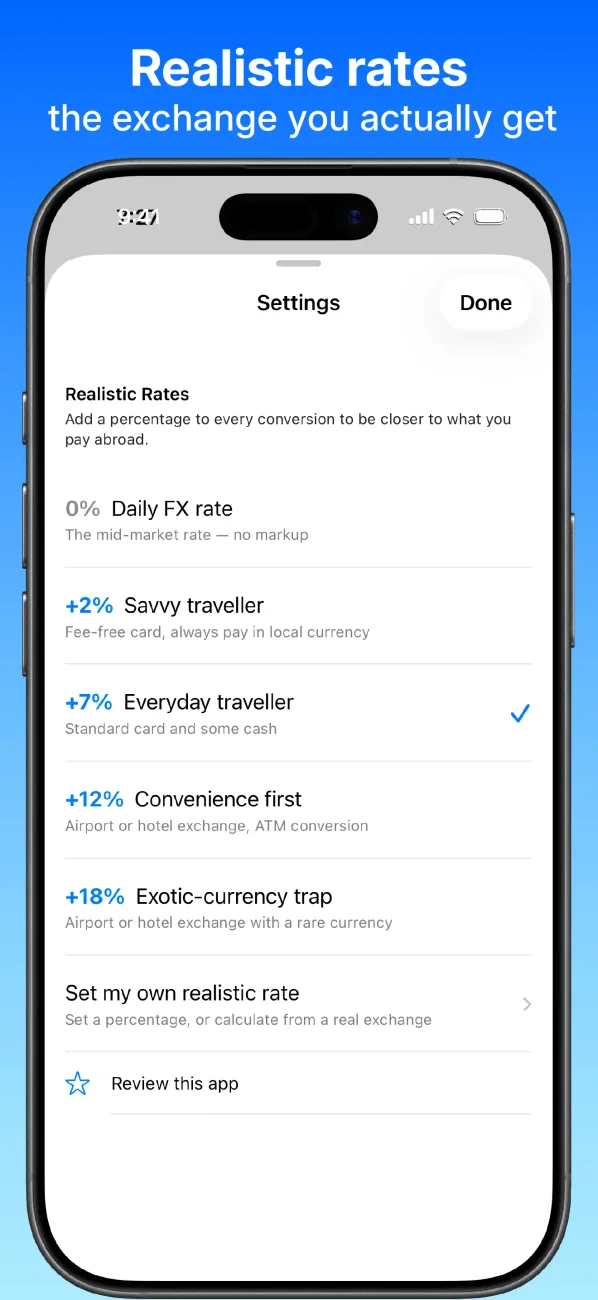
Choose the daily exchange rate, or adapt it with a Realistic Rate that matches how you actually change your money.
WHY IT'S DIFFERENT
Other currency converters make you type a number and give you one answer. Quick Currency shows you a whole table of realistic, round amounts — the way experienced travellers have used printed cheat sheets for years. Quick Currency automatically sets the local currency using your time zone, and updates exchange rates daily.
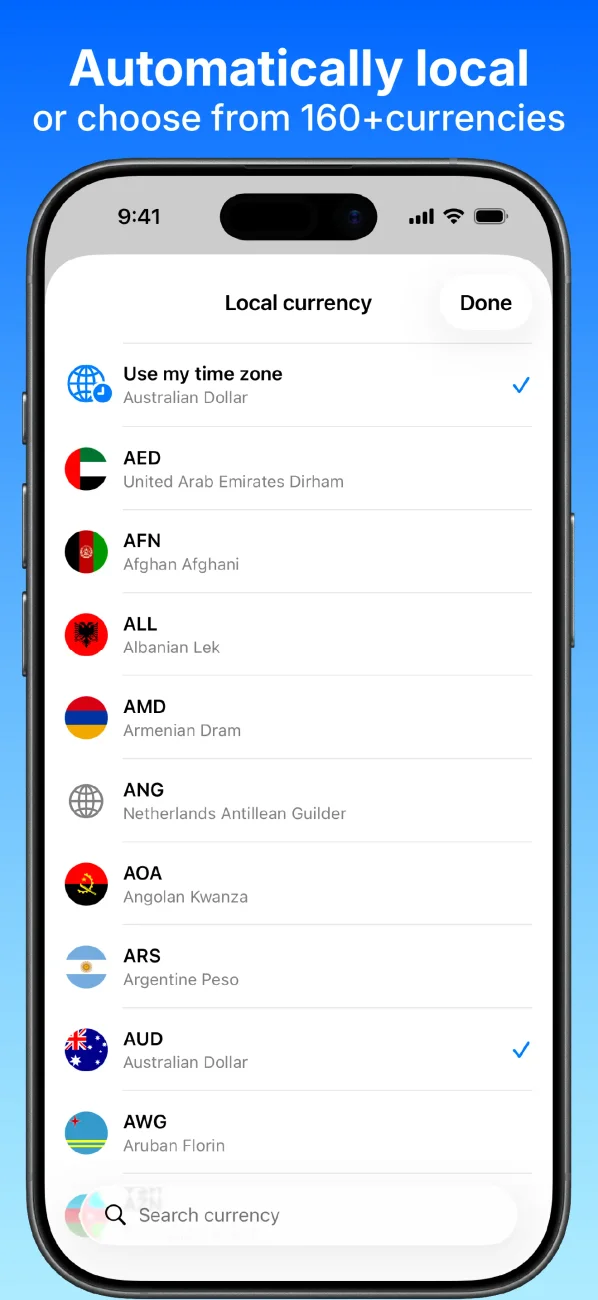
• Automatic: home and local currencies are set from your region and time zone (or choose the currencies yourself). No location permission needed — your privacy is maintained.
• The prices match where you are, using World Bank price data, so the numbers look like real price tags — whether it's yen, rupees, or bolívars.
• Tap any row to reveal more prices in between the round numbers.
• Add the bank mark-up with a simple choice of Realistic Rates.
• Works offline: rates are stored on your device, so it keeps working with no signal.
• Designed for Apple Watch too.
• Around 160 currencies.
REALISTIC RATES
The daily rate is almost never what you actually pay once card fees, cash exchange, or airport counters take their cut. Turn on a Realistic Rate — from a savvy 2% to an airport-and-exotic-currency 18% — and every amount is closer to what you'll really spend.
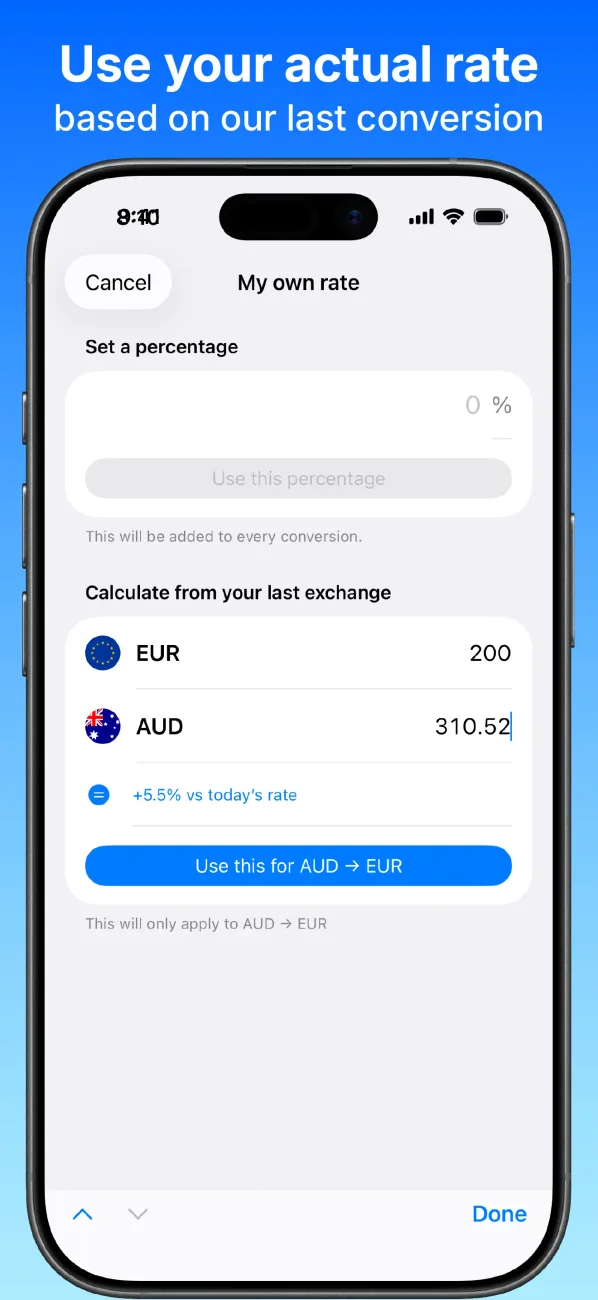
New in version 2, you can set your own rate or enter the exchange rate you actually receive.
CALCULATOR INCLUDED
There's a calculator too, on iPhone and iPad, for the rare moment you need a precise amount.
PRIVATE BY DESIGN
No accounts. No tracking. No GPS. No ads. No data collected. Everything happens on your device.
Exchange rates are provided by Exchange Rate API and updated daily. Quick Currency is an information tool for everyday travel, not a financial or money-transfer service; rates are indicative and don't know the exact fees your bank or card provider may apply.
Terms of use: https://www.apple.com/legal/internet-services/itunes/dev/stdeula/
Privacy policy: https://quickcurrency.app/privacy
What’s new
Version 2.0 · Nov 9, 2026
Languages CHS DE ES FR JA KO pt-BR RU
Set your custom exchange rate
App privacy
What Jonathan Duhig declares on the App Store about how this app handles data.
-
Data not collected
The developer does not collect any data from this app.
Privacy practices may vary, for example with the features you use or your age.
Information
- Seller
- Jonathan Duhig
- Category
- Travel
- Version
- 2.0
- Updated
- Nov 9, 2026
- Released
- Jul 10, 2026
- Size
- 4.4 MB
- Requires
- iOS 18.0 or later
- Age rating
- 4+
- In-app purchases
- Yes
- Languages
- English, French, German, Japanese, Korean, Portuguese, Russian, Simplified Chinese, Spanish
- Copyright
- © 2026 Jonathan Duhig
You might also like
-
 Park Beweis - Auto findenPhoto-proof parking & finder
-
 ECB CurrenciesCurrency Exchange Rates
-
 Safra سفرةTravel · Budget · Expenses
-
 Translate-TravelOn-Device Travel Translator
-
 Translator with VoiceTravel
-
 Simple Speedometer: Car HUDGPS MPH, Odometer & HUD
-
 Currency Exchange - CurrenzyConverter, Calculator & Alerts
-
 CMCA ParksSearch parks, book in minutes
-
 Car Play TV: M3U IPTV PlayerWatch video on your car screen
-
 Cell Tower Locator - 5G/4G LTECell Phone Signal Booster 5G