
- Age rating4+
- CategoryBooks
- DeveloperMustafa Onus
- LanguagesEnglish+ 9 more
- Size9.0 MB
Links to the official App Store page
Download.org hosts no file of Quick Note: Note Taking. The button opens its official App Store page, published by Mustafa Onus. Listing last checked on Nov 15, 2026.
Screenshots
About
Quick Note is a calm, fast notepad for everything you need to remember. Open it, capture the thought, get on with your day.
No sign-up. No email. No password. Your notes are yours the second the app opens.
CAPTURE IN ONE TAP
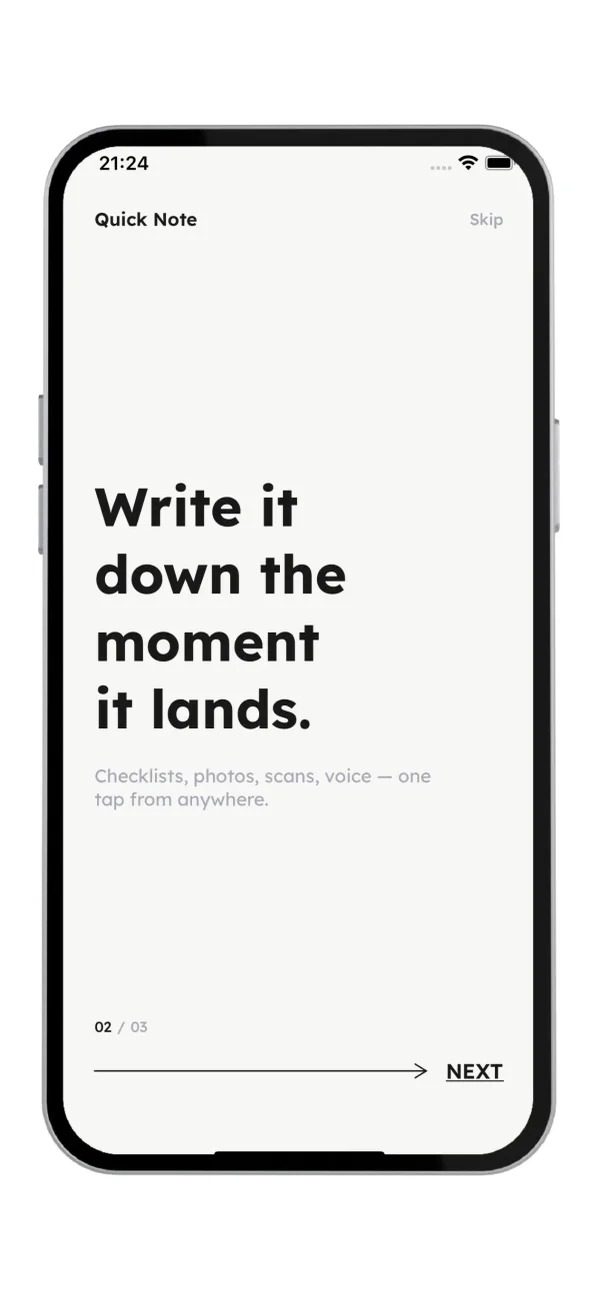
The compose button opens straight into whatever you need: a blank note, a checklist, a reminder, a voice memo or a photo. Nothing to configure first.
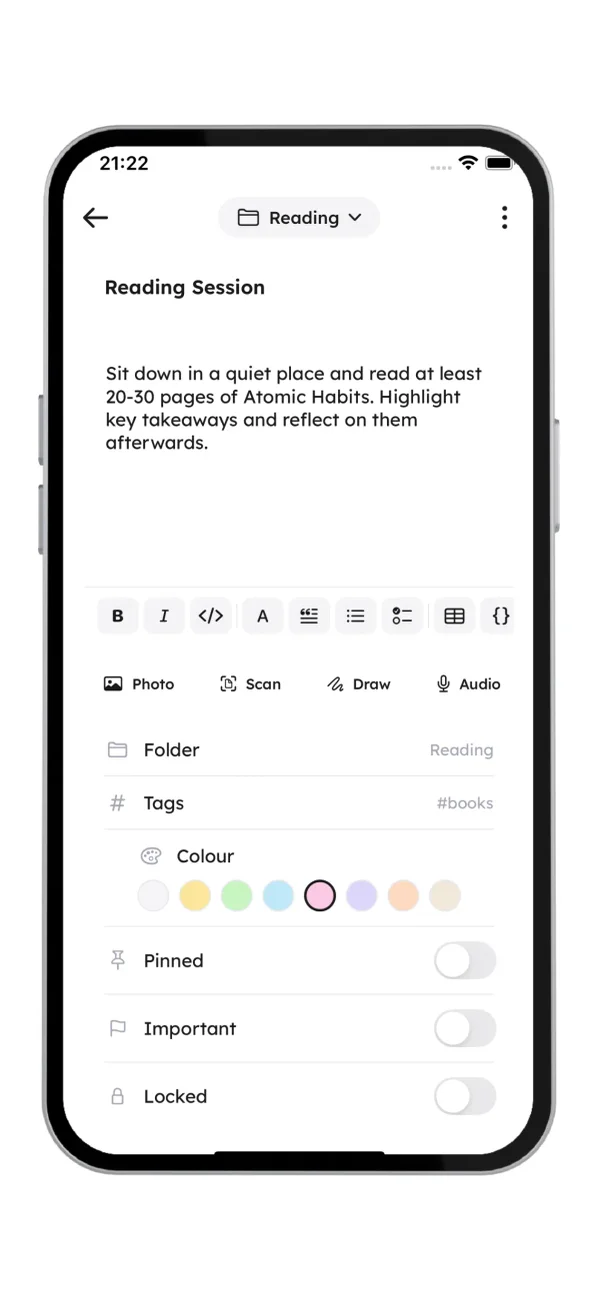
• Rich text with a simple formatting bar — bold, italic, headings, quotes, code and tables
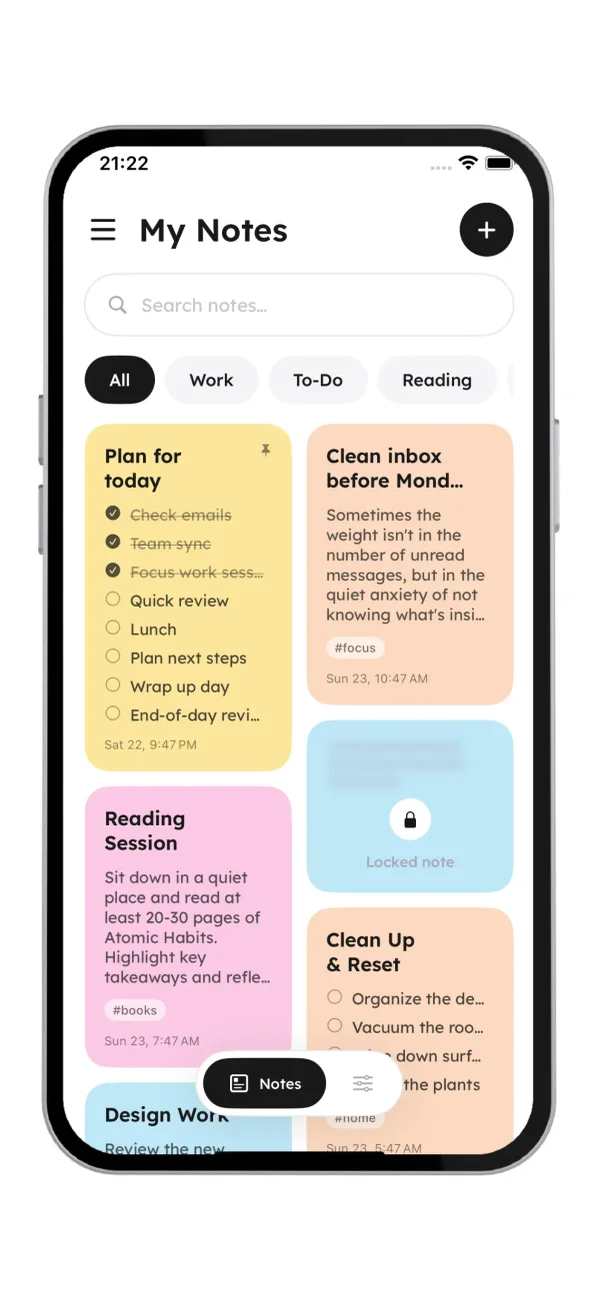
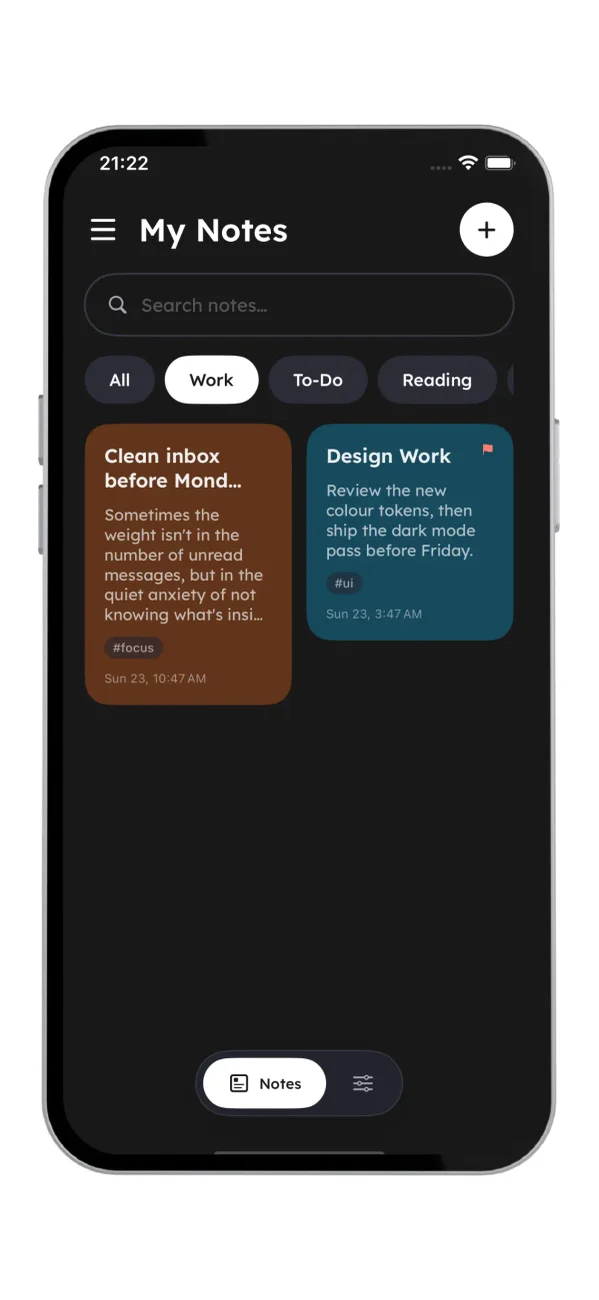
• Checklists you tick off with a tap, right on the card
• Photos from your library, attached in seconds
• Document scanner that turns paper into a clean, cropped page
• Voice notes with live waveform and one-tap playback
• Freehand drawing and handwriting with Apple Pencil or your finger
• Any file, kept alongside the note it belongs to
SEARCH THAT ACTUALLY FINDS IT
Text recognition reads the words inside your photos and scans, so a receipt, a whiteboard or a business card turns up in search like any other note. Search covers titles, body text, tags and recognised text at once.
ORGANISE HOWEVER YOU THINK
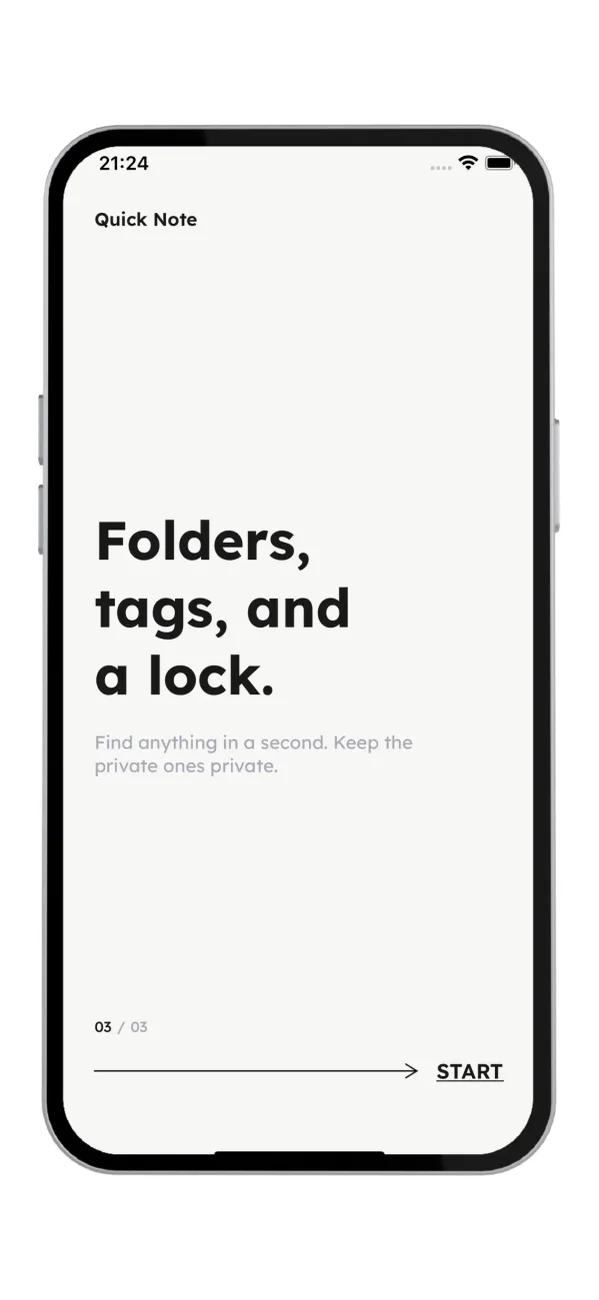
• Folders for the big buckets
• Tags for everything that crosses them
• Eight colours to make a note findable at a glance
• Pin the ones that matter to the top
• Smart folders that save a search you keep repeating
• Archive to clear the list without losing anything
• Trash that holds deleted notes for 30 days
• Grid or list, sorted by newest, oldest, title or last edited
KEEP THE PRIVATE ONES PRIVATE
Mark any note as locked and it disappears behind a passcode, hidden from your list and from search until you unlock it. Face ID and Touch ID work too.
REMINDERS THAT SHOW UP
Attach a date and time to a note and a notification arrives when it matters. No separate reminders app to keep in sync.
BACKED UP, QUIETLY
Notes back themselves up in the background so a lost phone does not mean lost notes. Sign-in is anonymous — there is no account to create and no personal details to hand over. You can delete everything, on the device and on the server, from Settings whenever you like.
ON YOUR HOME SCREEN
• Home screen widgets in three sizes, showing what is still open
• Lock screen widgets for a glance without unlocking
• Siri Shortcuts — "Add a note", or ask how many notes are still open
BUILT TO STAY OUT OF THE WAY
• Full dark mode, or follow your system setting
• Ten languages: English, Turkish, German, French, Japanese, Korean, Portuguese, Russian, Spanish and Italian
• Works offline; everything syncs when you are back
• Designed for iPhone and iPad
Quick Note is free and supported by ads. One small, one-time purchase removes them for good — no subscription, ever.
What’s new
Version 1.10 · Aug 30, 2026
Some bugs have been fixed.
App privacy
What Mustafa Onus declares on the App Store about how this app handles data.
-
Data not collected
The developer does not collect any data from this app.
Privacy practices may vary, for example with the features you use or your age.
Information
- Seller
- Mustafa Onus
- Category
- Books
- Version
- 1.10
- Updated
- Aug 30, 2026
- Released
- Jul 6, 2024
- Size
- 9.0 MB
- Requires
- iOS 17.2 or later
- Age rating
- 4+
- Price
- Free
- Languages
- English, French, German, Italian, Japanese, Korean, Portuguese, Russian, Spanish, Turkish
- Copyright
- © 2026 TOMX. All rights reserved.
You might also like
-
 Silt: WritingWriting, close to your reading
-
 Bookd ClubBooks
-
 NotiSnipsDo what you said you'd do
-
 Plotscribe: Novel WritingStory Planner & Worldbuilding
-
 SleepyTales: Audio FairytalesAudio Sleep Stories for Kids
-
 Reading Log: Book TrackerSimple Book Progress Tracker
-
 Daily Book Summaries read notespeed reading reader word book
-
 Kestrel - Reading and Writingwrite, read, grow
-
 kotori: Japanese Novel ReaderFurigana, Dictionary, Classics
-
 Scepter PublishersSainthood starts here.