- Age rating4+
- CategoryBusiness
- DeveloperFuxin Technology
- LanguagesEnglish
- Size43.6 MB
Links to the official App Store page
Download.org hosts no file of Quick PDF Enchanter. The button opens its official App Store page, published by Fuxin Technology. Listing last checked on Nov 20, 2026.
Screenshots
About
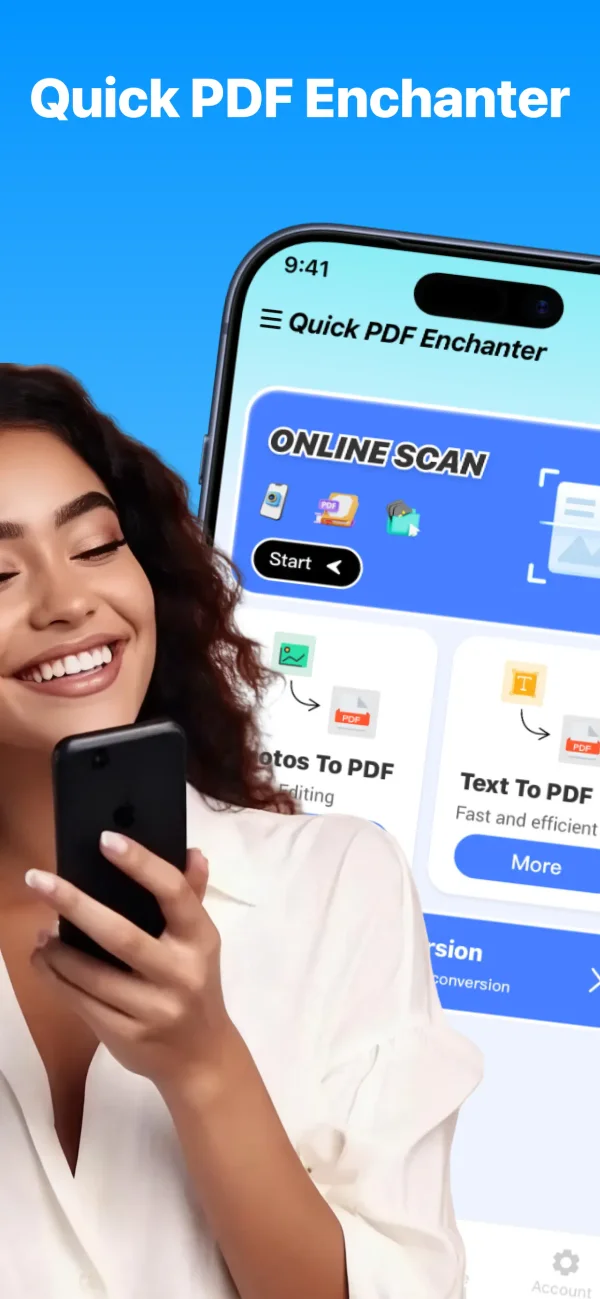
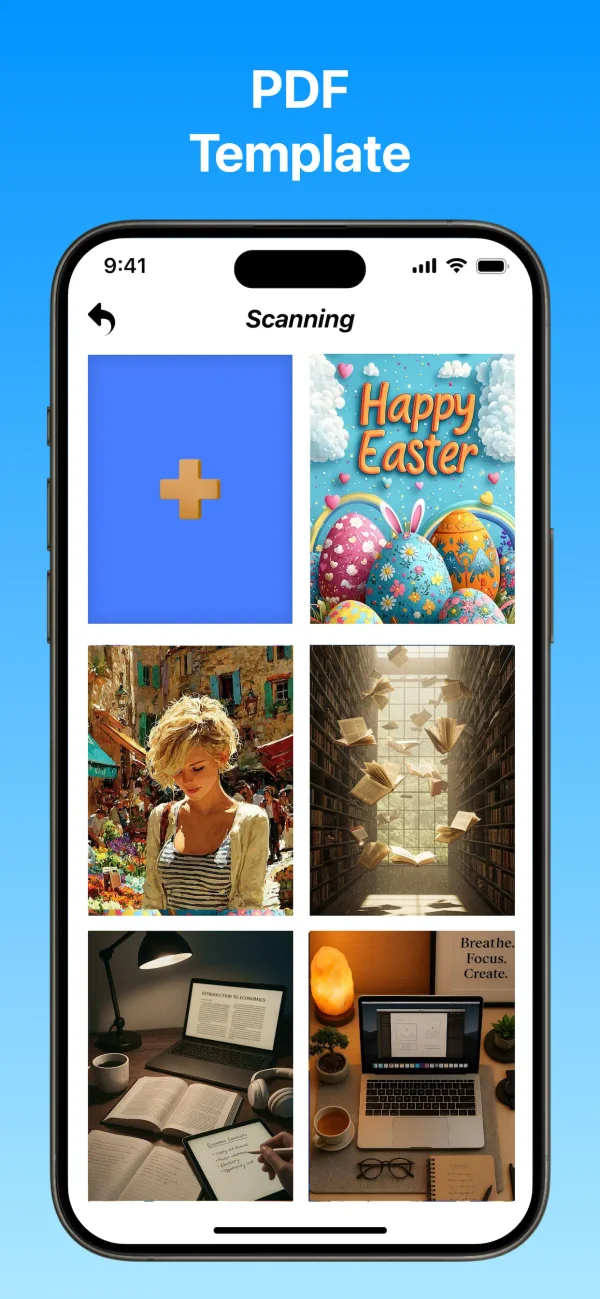
In the current era of information explosion, the PDF format has become an important document carrier due to its stability and universality. However, efficient processing of PDF documents is not an easy task. The excellent application, Quick PDF Enchanter, is like a considerate assistant that solves all your PDF-related problems.
Firstly, Quick PDF Enchanter has a powerful document scanning function. Whether you need to digitize important contracts, precious notes, or wonderful book pages, it can handle it with ease. Just launch the application and use the device's camera, and it can quickly and accurately capture the images and automatically perform cropping, correction, and optimization, making your scanned documents clear and orderly, just like professionally produced ones.
The text-to-PDF function is extremely convenient. You just need to input or paste the text, and Quick PDF Enchanter can instantly transform it into a beautifully formatted PDF document. You can also freely set the font, font size, color, and typesetting style according to your needs to make the document show a unique style and professional level.
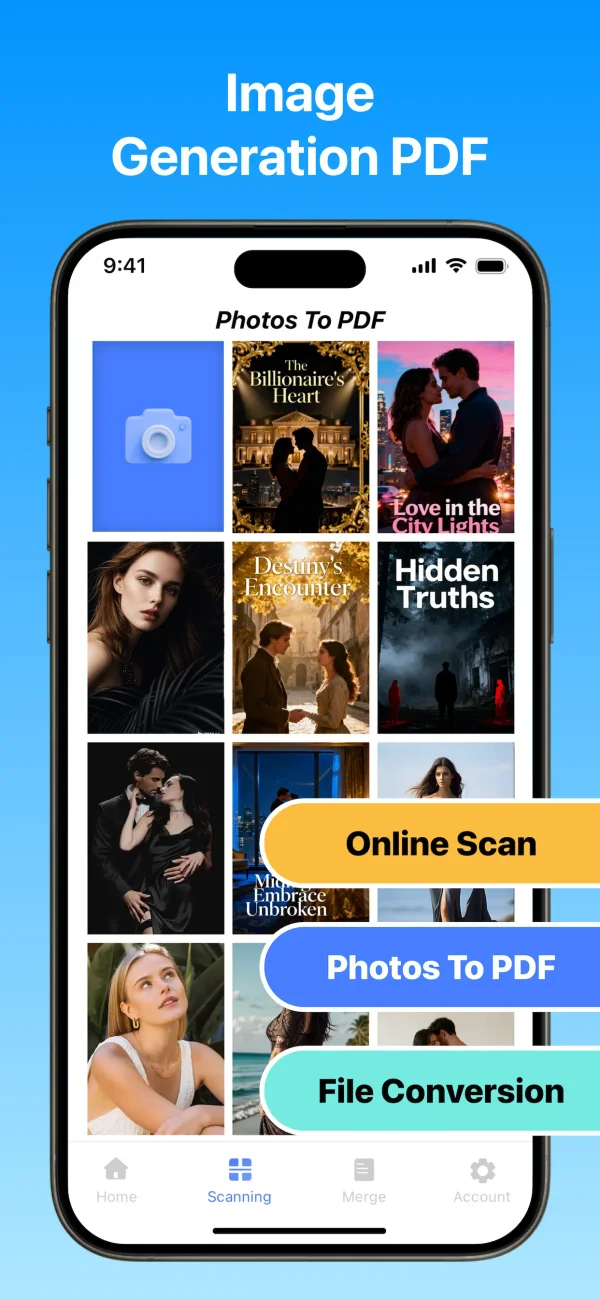
The image-to-PDF function is equally outstanding. Whether it's cherished photos, carefully drawn illustrations, or important charts, you can select them from the local album, arrange them in the desired order, and then generate a PDF with one click. This makes the organization and sharing of images easy and efficient.
The text recognition technology is a major highlight of Quick PDF Enchanter. It can intelligently recognize the text in the images and scanned documents in the PDF and transform it into editable text. This means you can quickly extract key information and easily perform modifications, copying, and searching, greatly improving work efficiency.
In terms of format conversion, Quick PDF Enchanter performs exceptionally well. Whether it's the detailed discussions in Word documents, the wonderful presentations in PPT presentations, or the precise data in Excel spreadsheets, it can quickly and perfectly convert them to PDF format. The converted documents retain the original format, charts, and hyperlinks to ensure the completeness and accuracy of the information.
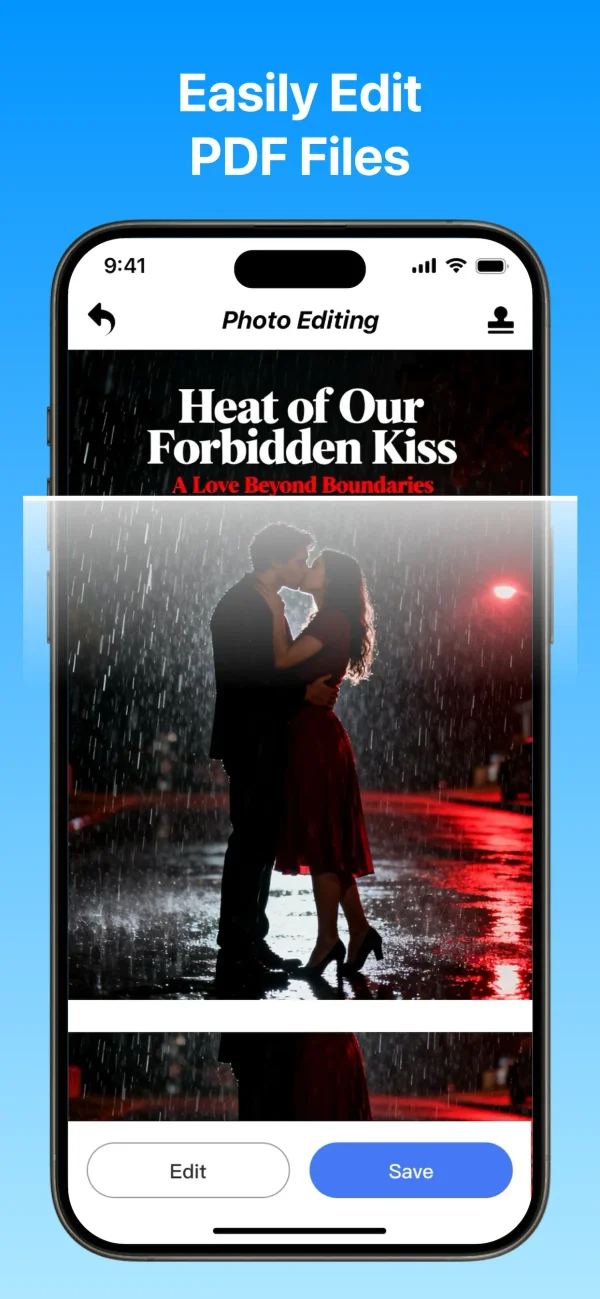
To ensure the security and copyright of the documents, the watermark adding function is essential. Quick PDF Enchanter allows you to customize the content, transparency, position, size, and rotation angle of the watermark. You can add the watermark anywhere in the document to effectively prevent unauthorized use.
Quick PDF Enchanter features a simple and clear interface and intuitive operation process, allowing every user to get started easily. Whether you are an experienced professional or a novice who is encountering PDF processing for the first time, you can quickly find the required functions in this application and easily complete various tasks.
Choose Quick PDF Enchanter, and you choose efficiency, convenience, and professionalism, allowing you to move freely in the world of PDF documents.
Private Policy:https://quickpdfexpert.com/Policy.html
Terms of Service:https://quickpdfexpert.com/Terms.html
What’s new
Version 1.1.7 · Mar 2, 2026
fixed some issues
App privacy
What Fuxin Technology declares on the App Store about how this app handles data.
-
Data used to track you
May be used to track you across apps and websites owned by other companies.
- Identifiers
- Usage data
-
Data not linked to you
May be collected but is not linked to your identity.
- Identifiers
- Usage data
Privacy practices may vary, for example with the features you use or your age.
Information
- Seller
- Shenzhen Fuxin Hudong Technology Co., Ltd.
- Category
- Business
- Version
- 1.1.7
- Updated
- Mar 2, 2026
- Released
- Jul 10, 2024
- Size
- 43.6 MB
- Requires
- iOS 13.0 or later
- Age rating
- 4+
- Price
- Free
- Languages
- English
- Copyright
- © Shenzhen Fuxin Hudong Technology Co., Ltd
You might also like
-
 Swipe to Clean: Photo GalleryAI Storage Clean & Declutter
-
 Smart Cleaner : Free StorageFree Up Storage & Clean Photos
-
 Clean Now: Format ConversionProductivity
-
 AI Easy CleanerProductivity
-
 Fotli CleanerPhoto & Video Cleanup
-
 ZipAi Cleaner:Cleanup StorageFree Up Space, Clean Photos
-
 Scanit PDFAll-in-One PDF Manager
-
 AI Clean-Fast Storage CleanerClean Up Storage,Delete Photo
-
 SweepAI CleanerYour Smarter Storage Partner
-
 BlinkQR Reader-Scan,CreateEasily scan,Create QR