
- Age rating4+
- CategoryShopping
- DeveloperJaeyoung Heo
- LanguagesEnglish+ 7 more
- Size12.6 MB
Links to the official App Store page
Download.org hosts no file of QuickCart+. The button opens its official App Store page, published by Jaeyoung Heo. Listing last checked on Nov 17, 2026.
Screenshots

About
Add shopping items the moment you think of them.
QuickCart+ is a one-screen shopping list built for speed. Tap the widget on your Lock Screen or Home Screen and the app opens with the input field ready: type the item, save it, and you're done.
HOW IT WORKS
• Lock Screen widgets (circular, rectangular and inline) take you straight to adding an item
• Home Screen widgets: a small quick-add widget, and a medium widget that also shows your latest unchecked items
• The rectangular and inline Lock Screen widgets show how many items are left
• Tap an item to check it off while you shop; swipe to edit or delete
• Clear everything you've checked in one tap
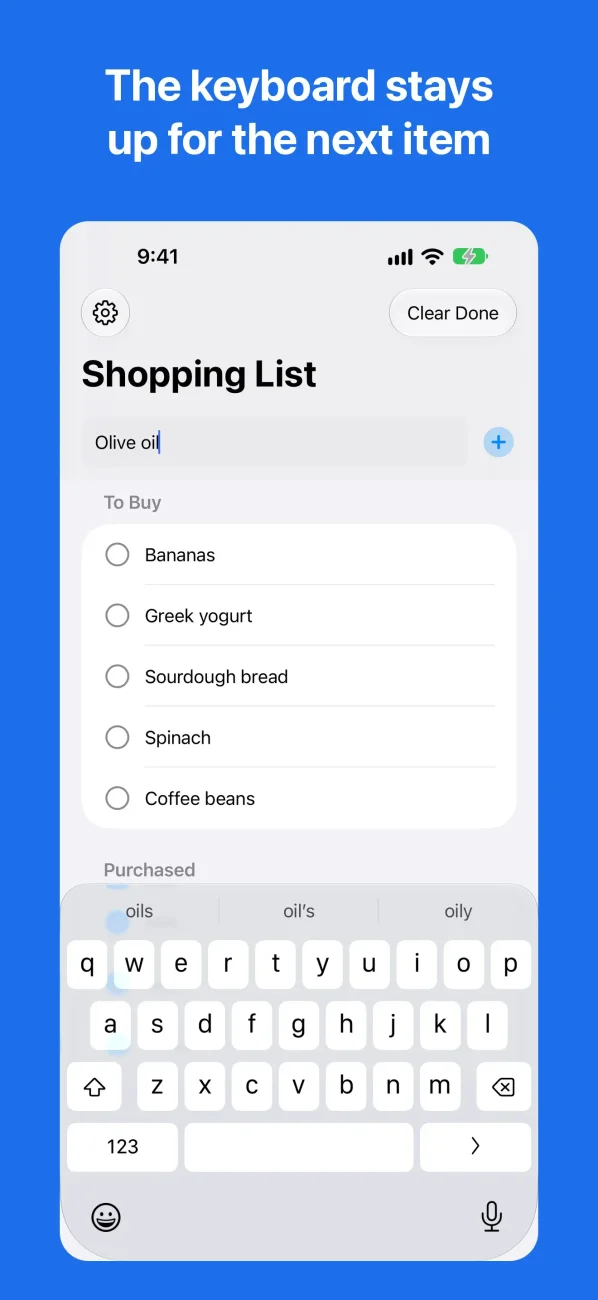
• Continuous entry: press return and the keyboard stays up, so you can add item after item
• Add items with Siri or Shortcuts without opening the app
• Control Center and Lock Screen control that opens the input field
DESIGNED FOR SPEED
One screen. One list. The input field is always at the top, so adding an item takes a moment. No account, no sign-up, no categories to sort.
YOUR LIST STAYS ON YOUR DEVICE
Your items are stored on your device only. QuickCart+ is free and supported by ads; where required, you can change your ad privacy choices in Settings.
Use it for groceries, household essentials, and the things you'd otherwise forget at the wrong time.
What’s new
Version 1.4 · Nov 5, 2026
- Press return to add an item and keep typing: the keyboard stays up
- Add items with Siri or Shortcuts without opening the app
- New Control Center and Lock Screen control that opens the input field
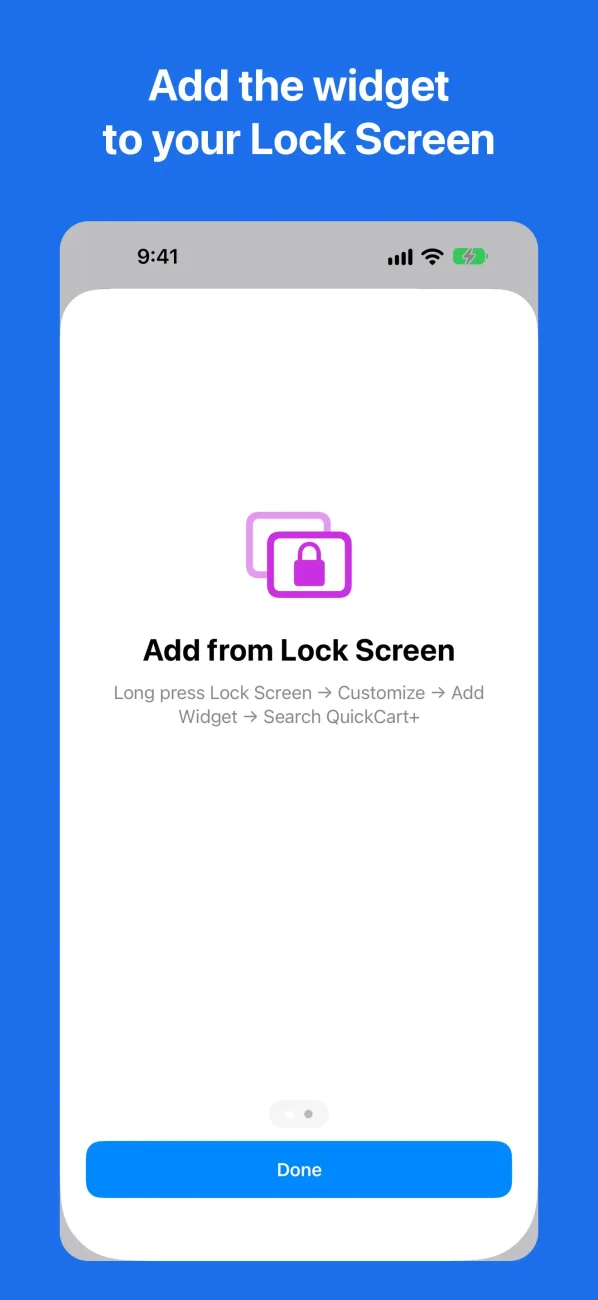
- A quick guide to adding the widget if you haven't yet
- Settings now has Send Feedback and a switch for anonymous usage statistics
- Now available in Japanese, Simplified Chinese, Spanish, French, German and Italian
App privacy
What Jaeyoung Heo declares on the App Store about how this app handles data.
-
Data used to track you
May be used to track you across apps and websites owned by other companies.
- Identifiers
-
Data linked to you
May be collected and linked to your identity.
- Location
- Identifiers
- Usage data
-
Data not linked to you
May be collected but is not linked to your identity.
- Usage data
- Diagnostics
Privacy practices may vary, for example with the features you use or your age.
Information
- Seller
- Jaeyoung Heo
- Category
- Shopping
- Version
- 1.4
- Updated
- Nov 5, 2026
- Released
- Jan 6, 2026
- Size
- 12.6 MB
- Requires
- iOS 18.0 or later
- Age rating
- 4+
- Price
- Free
- Languages
- English, French, German, Italian, Japanese, Korean, Simplified Chinese, Spanish
- Copyright
- © 2026 JaeyoungHeo
You might also like
-
 QuickCart UGShop Online | Fast Delivery!
-
 보성녹돈mallShopping
-
 House of Cards N CollectablesHouse Of Cards
-
 Collectible MadnessYour "ONE-STOP-HOBBY SHOP"
-
 The Little Market BunchShopping
-
 Bluetongue AuctionsShopping
-
 Game LockerBuy & sell your favourite TCGs
-
 Quickart - Farm Fresh GroceryFarm-Fresh Grocery Delivery
-
 Fetch TCGYour TCG collectors app