QuickCopy - Text Transfer
Simple Cross-Device Text Sync
Designed for iPhone, iPad, iPod touch
Free
- Age rating4+
- CategoryUtilities
- Developer朋 李
- LanguagesEnglish
- Size20.7 MB
Links to the official App Store page
Download.org hosts no file of QuickCopy - Text Transfer. The button opens its official App Store page, published by 朋 李. Listing last checked on Nov 17, 2026.
Screenshots


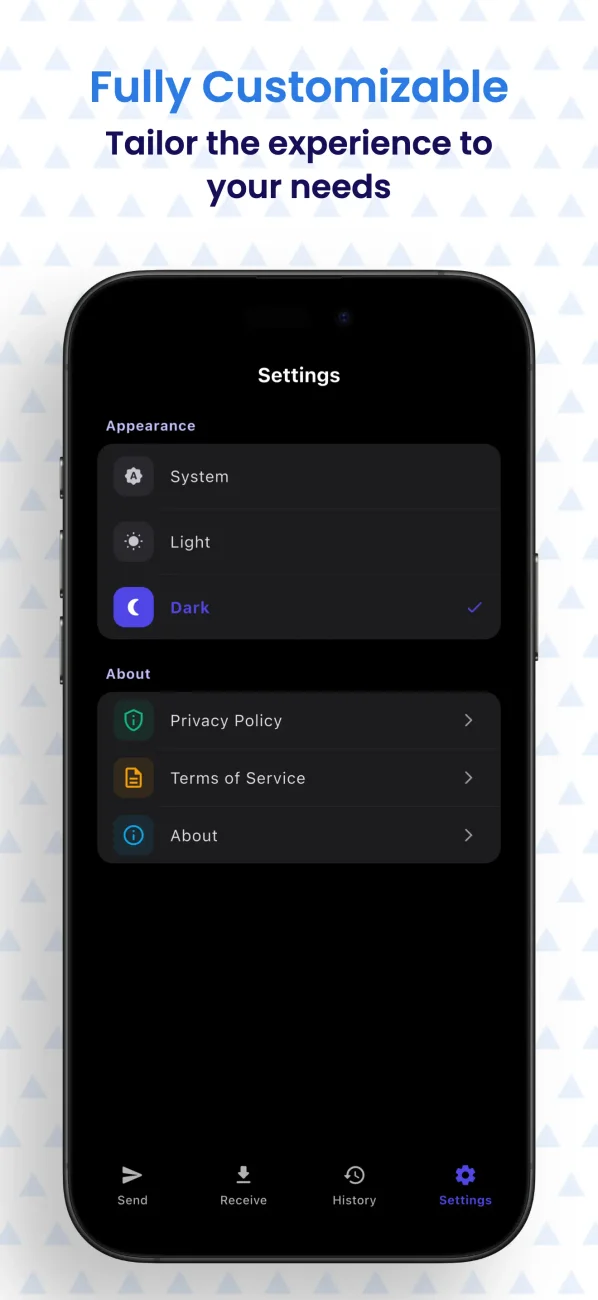
About
[ Introduction ]
Say goodbye to clumsy chat file transfers and emailing yourself. QuickCopy is a minimalist, cross-device text relay hub built for productivity enthusiasts.
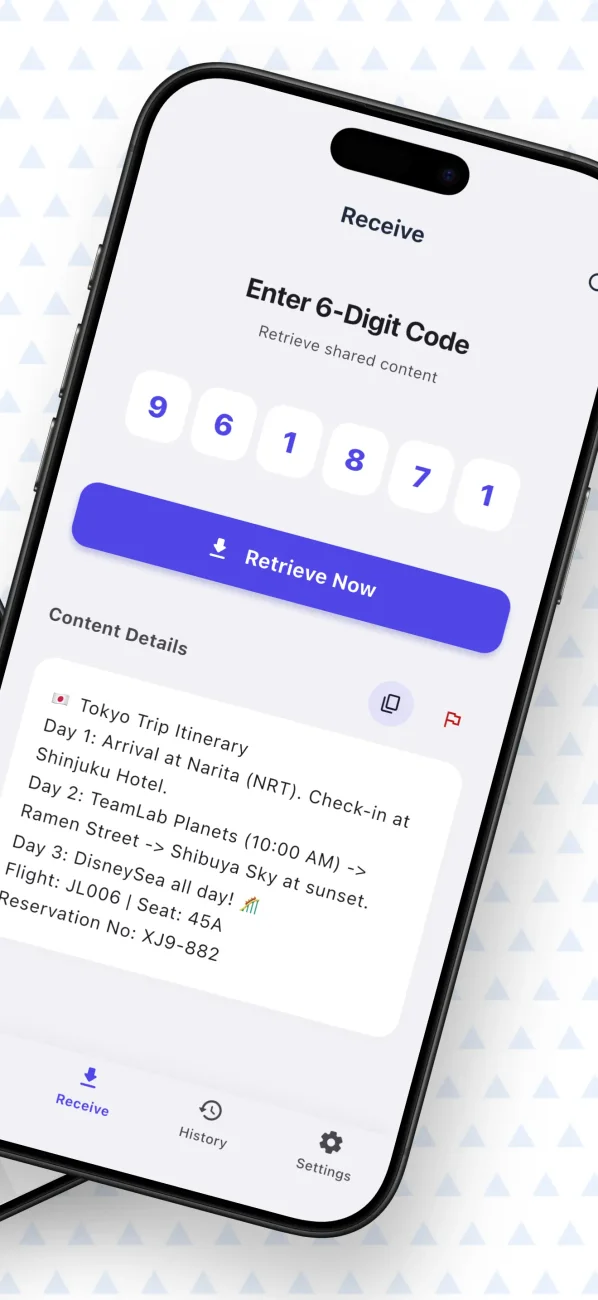
With a single paste, generate a lightweight 6-digit extraction code. Whether between your phone, PC, or tablet, long texts, complex links, and confidential codes sync seamlessly in seconds. Embracing the "less is more" design philosophy, we deliver the purest, most secure clipboard sync experience.
[ Core Features ]
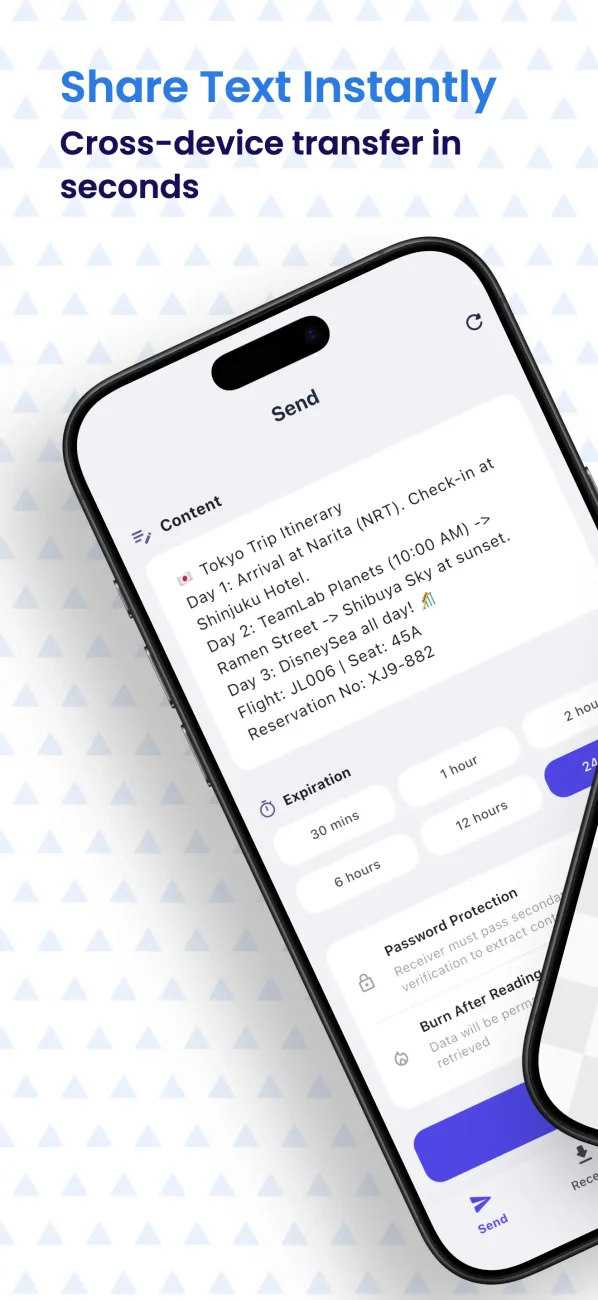
• Lightning Fast & Ephemeral: No tedious sign-ups or logins required. Paste your text to instantly generate a 6-digit code. Enter it on another device to retrieve your content, as smooth and natural as unlocking a personal vault.
• Burn After Reading: Customize the expiration time. Once enabled, your data is permanently destroyed from the cloud the moment it is extracted or reaches its time limit, leaving absolute zero trace.
• Password Protection: Add an exclusive "Secondary Password" for sensitive information (like account credentials or confidential drafts). Only those with both the extraction code and the password can unlock the content, providing bank-level protection for your privacy.
• Native Aesthetics & Minimalism: Built with strictly pure UI design guidelines to eliminate visual noise. We solemnly promise: zero launch ads and zero push notifications, returning an absolutely quiet tool environment to you.
[ High-Frequency Use Cases ]
• Productivity & Office: Seamlessly hand off complex URLs or long meeting minutes found on your PC to your phone with a simple 6-digit code.
• Developer & Geek: Securely transfer server configurations, temporary access tokens, or code snippets across devices. Lock them with a password and set them to auto-destroy.
• Daily Sync: Effortlessly copy reading notes or long paragraphs across different screens and devices.
[ Our Privacy Promise ]
QuickCopy firmly believes that "your data belongs only to you." We act solely as an encrypted data relay channel, and all transferred content is strictly governed by an auto-destruction mechanism. We use a minimalist system permission strategy and will never request access to your photos, contacts, or other sensitive privacy data. Use it with complete peace of mind.
What’s new
Version 1.1.0 · Mar 1, 2026
Visual Overhaul: Adopts a cleaner, native minimalist design language for a more immersive reading experience.
Enhanced Privacy: Introduced"Burn After Reading" advanced settings to safeguard your data.
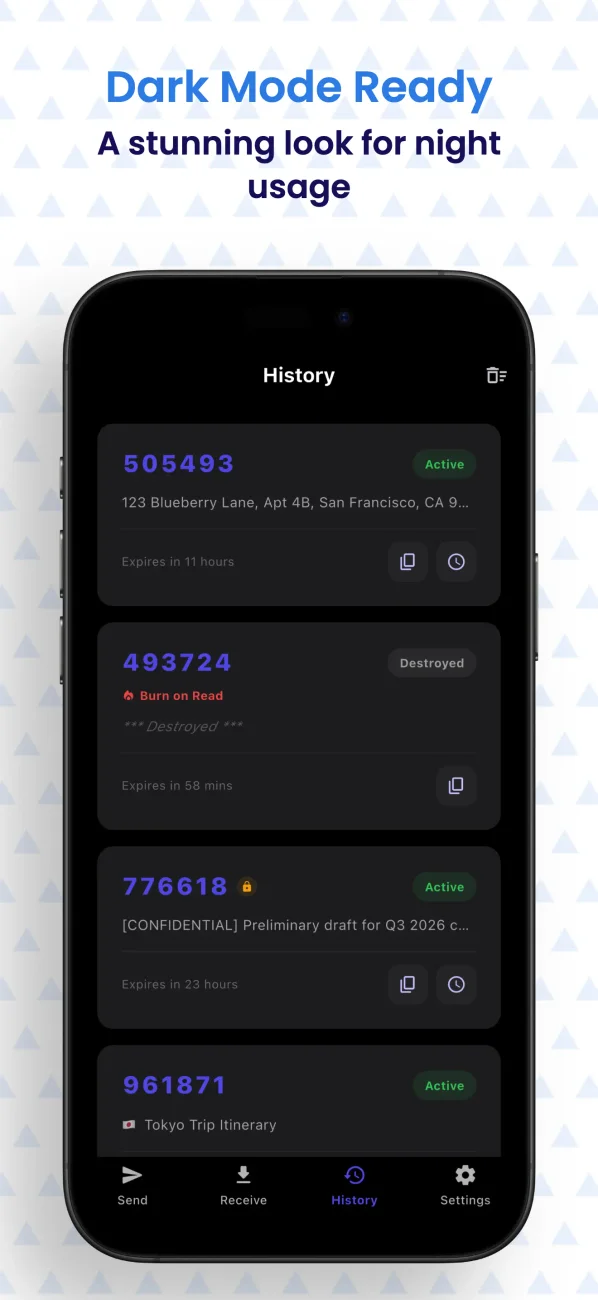
Refined Interactions: Smarter history status tracking and added native haptic feedback for key operations.
App privacy
What 朋 李 declares on the App Store about how this app handles data.
-
Data linked to you
May be collected and linked to your identity.
- User content
- Identifiers
Privacy practices may vary, for example with the features you use or your age.
Information
- Seller
- 朋 李
- Category
- Utilities
- Version
- 1.1.0
- Updated
- Mar 1, 2026
- Released
- Feb 11, 2026
- Size
- 20.7 MB
- Requires
- iOS 13.0 or later
- Age rating
- 4+
- Price
- Free
- Languages
- English
- Copyright
- © 2026 Afcmn Studio
You might also like
-
 HeyDevice: Device FinderHidden & Lost Devices + Family
-
 SafeConvert : HEIC ConverterConvert photos to any format
-
 CryptoSeedPlant Privacy. Sprout Freedom.
-
 ConvertOne – Units & MeasuresUniversal Pro Converter
-
 UpCheck Pro: UPC Digit CheckerScan, Fix & Validate UPC/EAN
-
 AI Voice Note Taker & SummaryAudio Recorder & Memos to Text
-
 SimpleSleep: Brown Noise FocusInsomnia Relief, Study Timer
-
 B4U PostRemoves location, timestamps
-
 Cheese IDSay Cheese!Energetic ID Photos
-
 NeuraClean: Phone CleanerFree Photo & Storage Cleanup