
QuickCut - Remove Background
Offline background remover
Designed for iPhone, iPad
Free · In-app purchases
- Age rating4+
- CategoryPhoto & Video
- DeveloperDaniel Viorel Popa
- LanguagesEnglish
- Size6.1 MB
Links to the official App Store page
Download.org hosts no file of QuickCut - Remove Background. The button opens its official App Store page, published by Daniel Viorel Popa. Listing last checked on Nov 18, 2026.
Screenshots
About
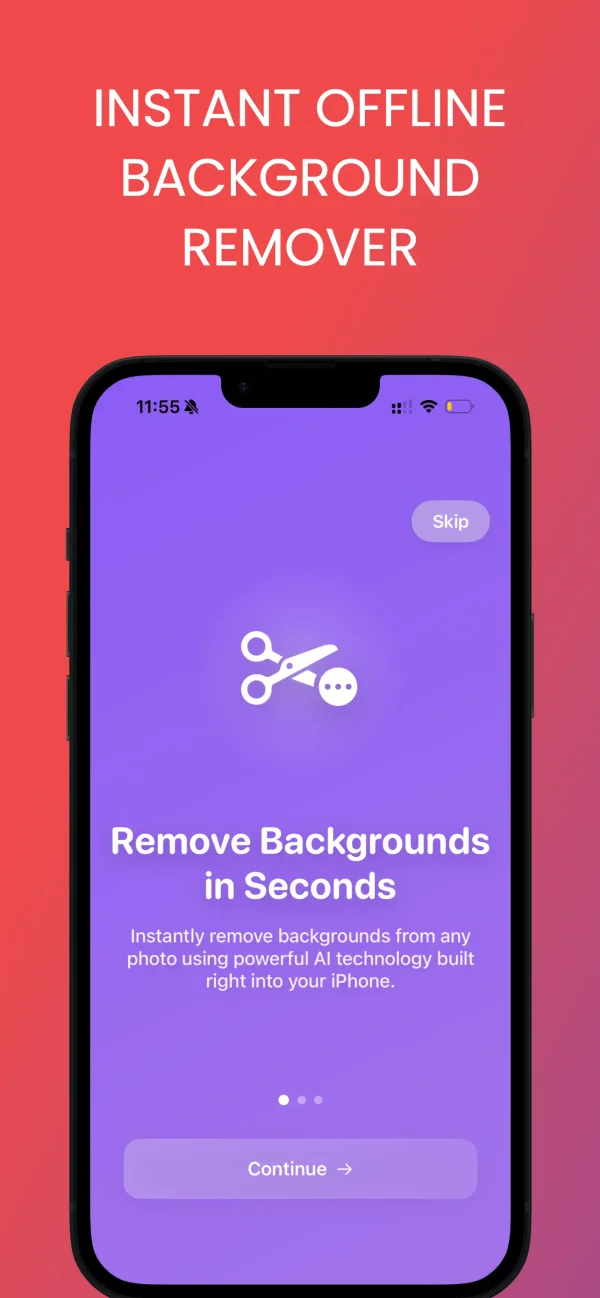
Remove backgrounds from your photos instantly with AI-powered precision! BackgroundRemover uses Apple's advanced Vision framework to automatically detect and extract subjects from any image—no complex editing skills required.
KEY FEATURES
ONE-TAP BACKGROUND REMOVAL
• Remove backgrounds instantly with a single tap
• Powered by Apple Vision AI for accurate subject detection
• Works great with people, pets, objects, and more
• Preserves fine details and edges automatically
BACKGROUND REPLACEMENT
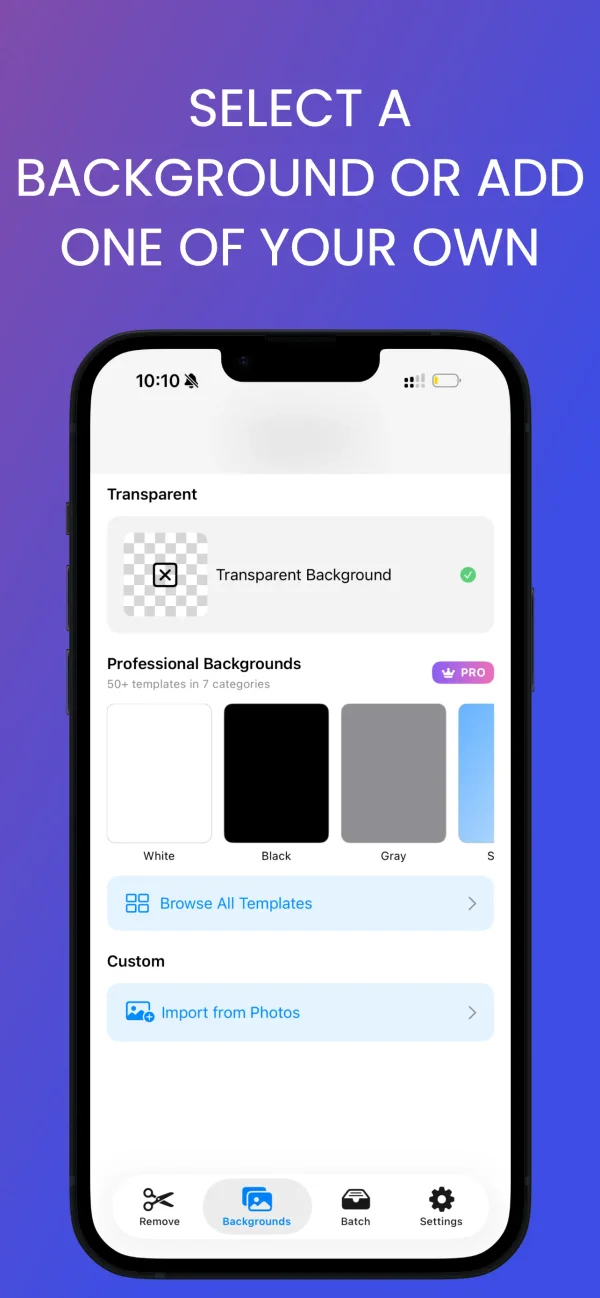
• Replace backgrounds with custom images from your library
• Choose from built-in background templates
• Set a default background for quick access
• Three scale modes: Fill, Fit, or Stretch
• Rotate backgrounds up to 360 degrees
• Adjust edge feathering for smooth blending (0-20px)
ADVANCED EDITING TOOLS
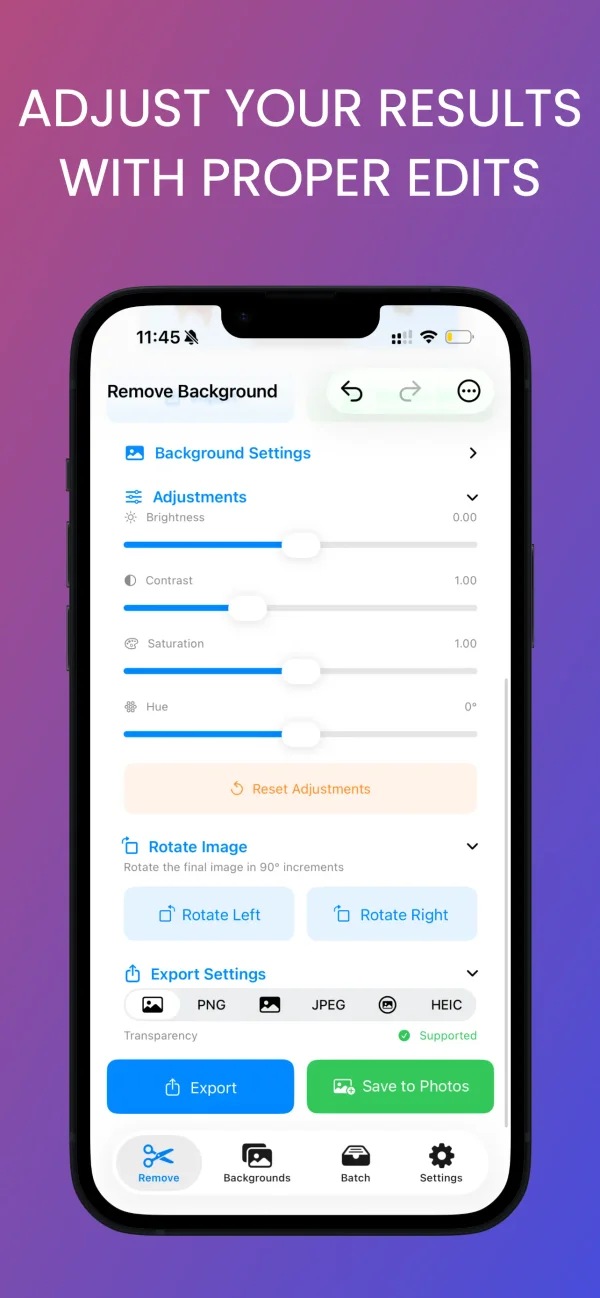
• Image adjustments: Brightness, Contrast, Saturation, Hue
• Rotate final images in 90° increments
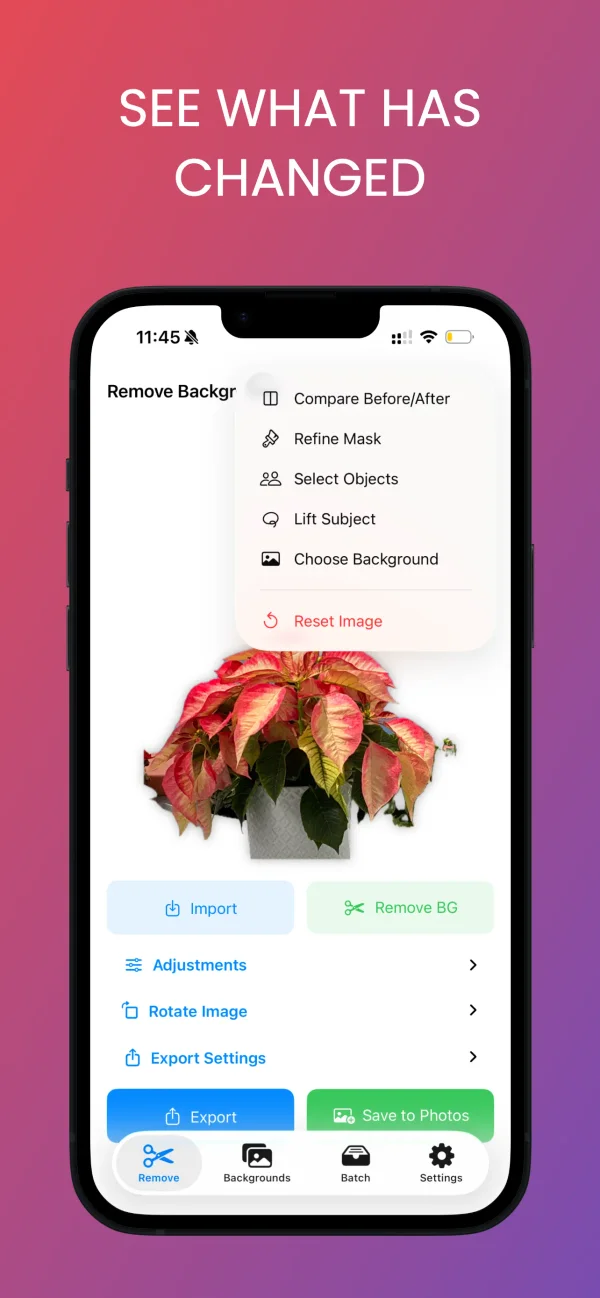
• Brush refinement for manual mask editing
• Before/After comparison view
• Undo/Redo support for all edits
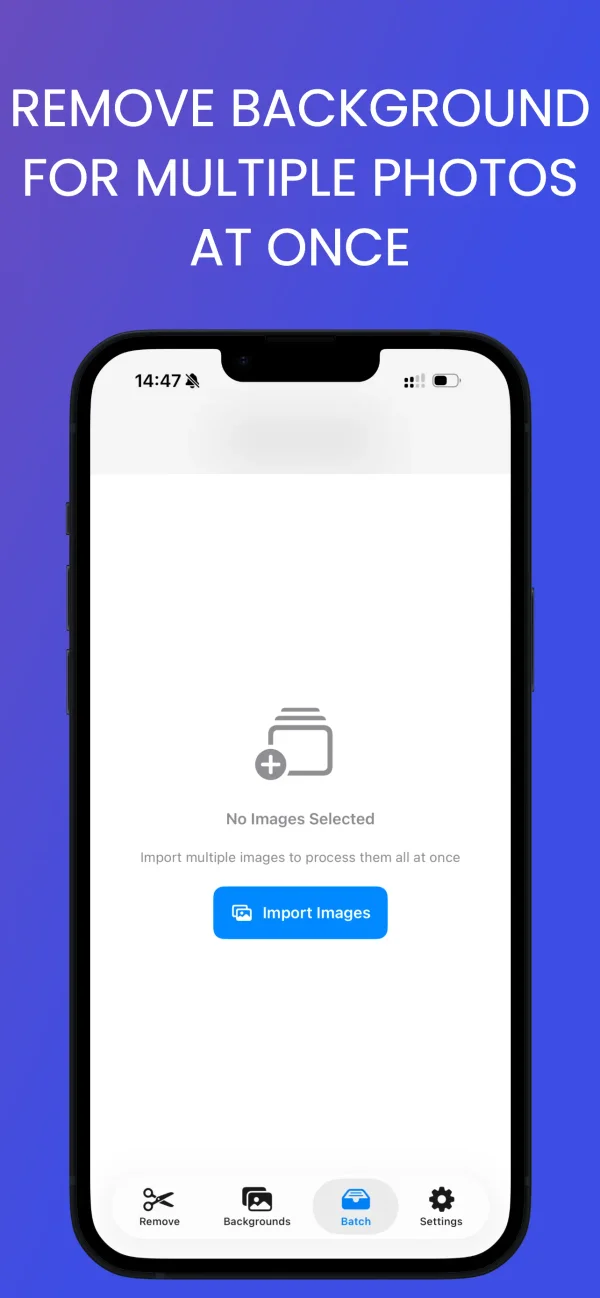
BATCH PROCESSING
• Process multiple images at once
• Progress tracking with real-time updates
• Apply same background to entire batch
• Export all results together
MULTI-OBJECT DETECTION (Premium)
• Detect and select specific objects in complex scenes
• Choose which objects to keep or remove
• Perfect for group photos and crowded images
EXPORT OPTIONS
• Export as PNG (with transparency), JPEG, or HEIC
• Adjustable quality settings for JPEG/HEIC
• Save directly to Photos library
• Auto-save option for seamless workflow
• Share via native iOS share sheet
CUSTOMIZABLE SETTINGS
• Default export format and quality
• Batch size limits
• Edge feather preferences
• Auto-save to Photos toggle
POWERED BY APPLE TECHNOLOGY
Built with Apple's native frameworks for the best performance:
• Vision framework for AI-powered subject detection
• Core Image for high-quality image processing
• VisionKit for interactive subject lifting (iOS 17+)
PREMIUM FEATURES
• Remove all ads with a one-time purchase
• Clean, distraction-free editing experience
• Support ongoing development
PERFECT FOR:
• Social media content creators
• E-commerce product photos
• Personal photo editing
• Marketing materials
• Profile pictures
• Creative projects
HOW IT WORKS
1. Import a photo from your library
2. Tap "Remove BG" for instant background removal
3. Choose a new background or keep it transparent
4. Fine-tune with adjustments and edge refinement
5. Export or save to Photos
All processing happens on-device using Apple's Vision framework—your photos never leave your device, ensuring complete privacy and security.
Download BackgroundRemover today and transform your photos in seconds!
What’s new
Version 3 · Nov 20, 2025
Stability and performance improvements
App privacy
What Daniel Viorel Popa declares on the App Store about how this app handles data.
-
Data used to track you
May be used to track you across apps and websites owned by other companies.
- Location
- Identifiers
- Usage data
-
Data linked to you
May be collected and linked to your identity.
- Purchases
- Usage data
-
Data not linked to you
May be collected but is not linked to your identity.
- Location
- User content
- Identifiers
- Usage data
Privacy practices may vary, for example with the features you use or your age.
Information
- Seller
- Daniel Viorel Popa
- Category
- Photo & Video
- Version
- 3
- Updated
- Nov 20, 2025
- Released
- Nov 12, 2025
- Size
- 6.1 MB
- Requires
- iOS 17.0 or later
- Age rating
- 4+
- Price
- Free
- In-app purchases
- Yes
- Languages
- English
- Copyright
- © Daniel Viorel Popa
You might also like
-
 Memento - Photo WidgetPhotos on your home screen
-
 DeFace PrivacyHide faces in photos offline
-
 VibeAd: AI UGC Video GeneratorAvatars & Influencer Ads
-
 Pixelove - AI Image GeneratorCreate lovely pixels with AI
-
 Magic Eraser Ai Photo CleanBackground Removal & Blur Edit
-
 AI Image Generator - DonmezViral Photo Effects & Edits
-
 BG Remover - BG EraserAI Cutout and Photo Editor
-
 Setless: AI Fashion ModelProduct photos of your clothes
-
 Video Compressor · Resize MP4Compress videos, save space
-
 PaintUp - Remove objectsClear clutter from photos