
QuickEditor - Text & Code
Markdown, regex & remote files
Designed for iPhone, iPad, Mac, iPod touch
Free · In-app purchases
- Age rating4+
- CategoryProductivity
- DeveloperKAZUHIRO KAKIMOTO
- LanguagesEnglish+ 32 more
- Size77.8 MB
Links to the official App Store page
Download.org hosts no file of QuickEditor - Text & Code. The button opens its official App Store page, published by KAZUHIRO KAKIMOTO. Listing last checked on Nov 15, 2026.
Screenshots

About
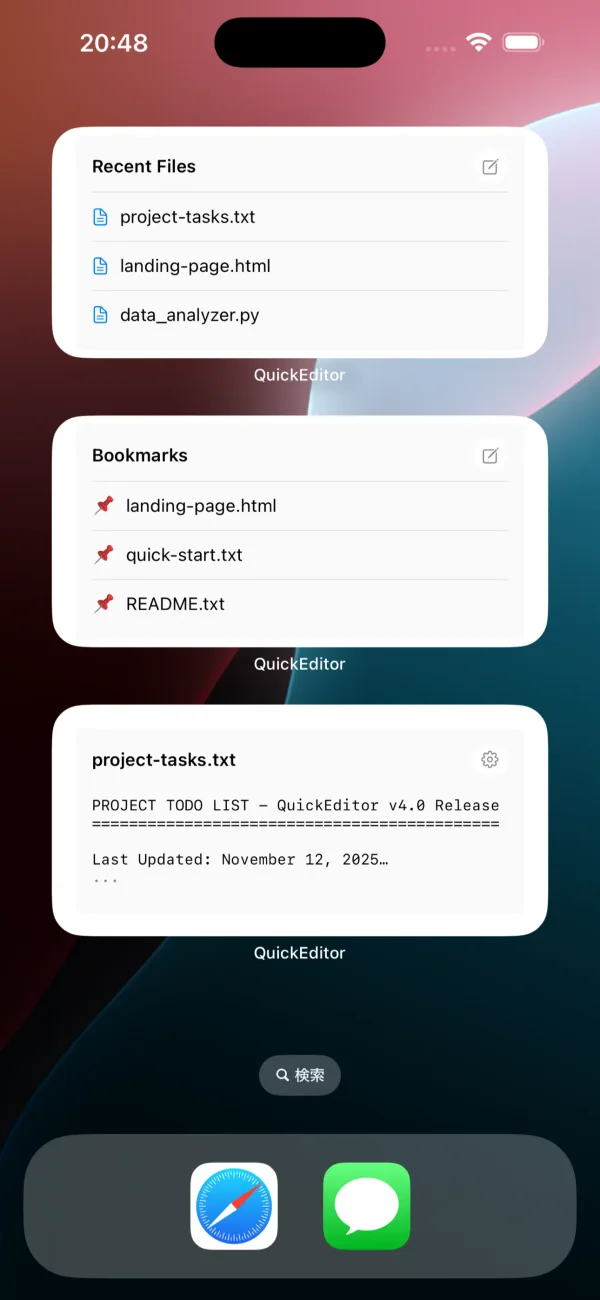
QuickEditor is a text and code editor for writing, Markdown, source code and remote server files. Tabs, search and replace, Diff, batch document generation and AI support bring writing, development and maintenance into one workspace.
KEY FEATURES
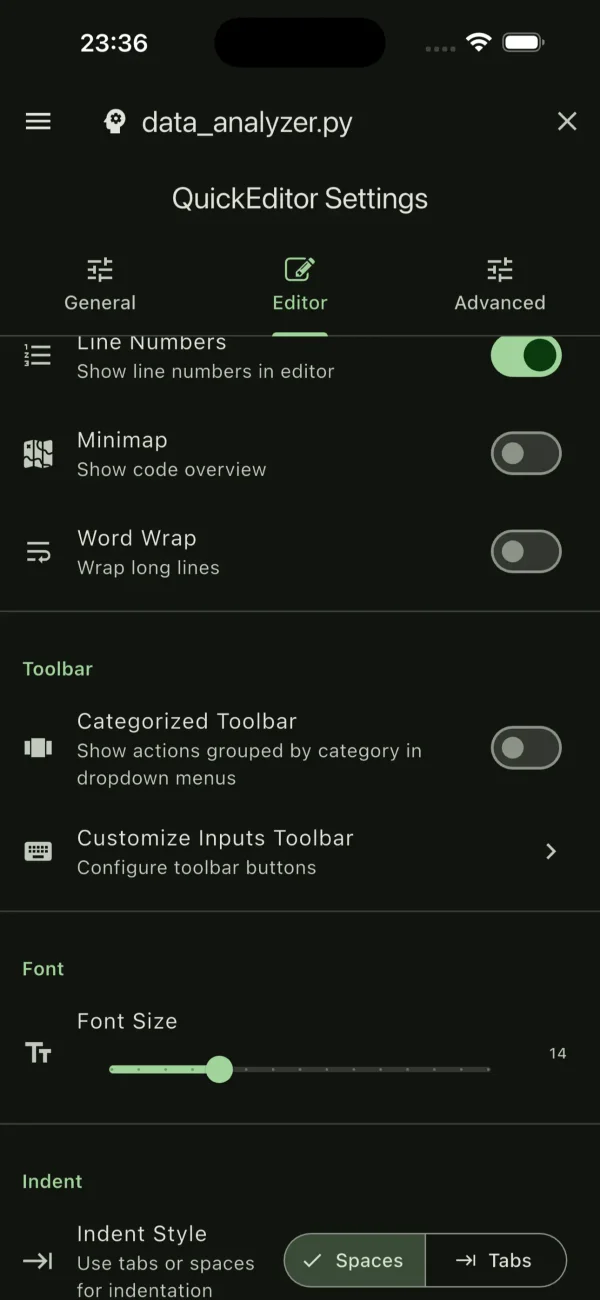
• Tabs and syntax highlighting: edit multiple files with completion and coloring for Python, JavaScript, HTML, CSS, JSON, SQL and more.
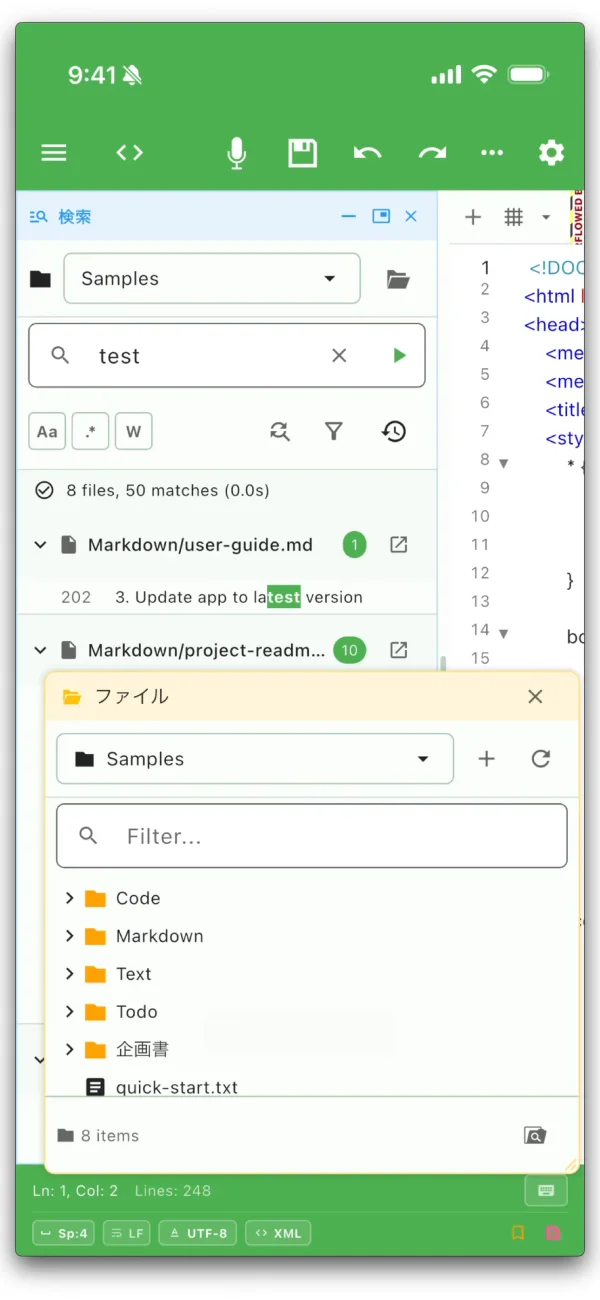
• Grep search: use regular expressions to search and replace across open tabs or files in folders.
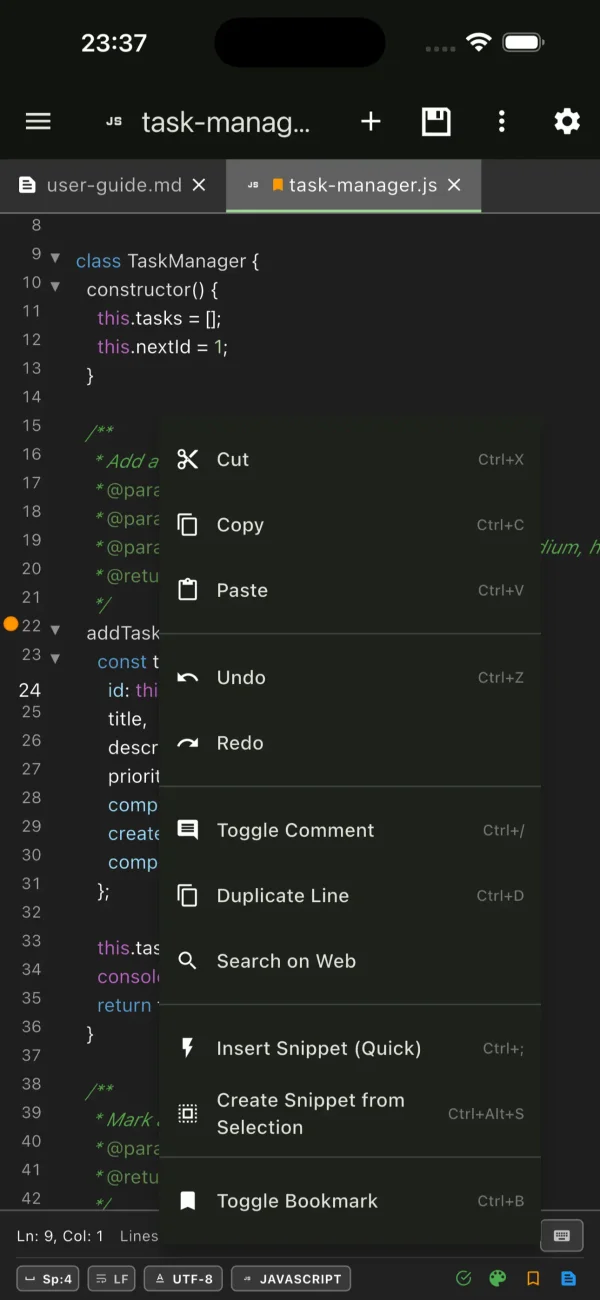
• Precise editing: column selections, line operations, indentation and split views of the same file.
• Diff and merge: compare files or folders side by side and merge changes.
• Live previews: Markdown headings, tables and checklists; CSV/TSV tables; SVG images.
• Encoding and line endings: detect and convert UTF-8, Shift_JIS and other encodings; switch LF/CRLF.
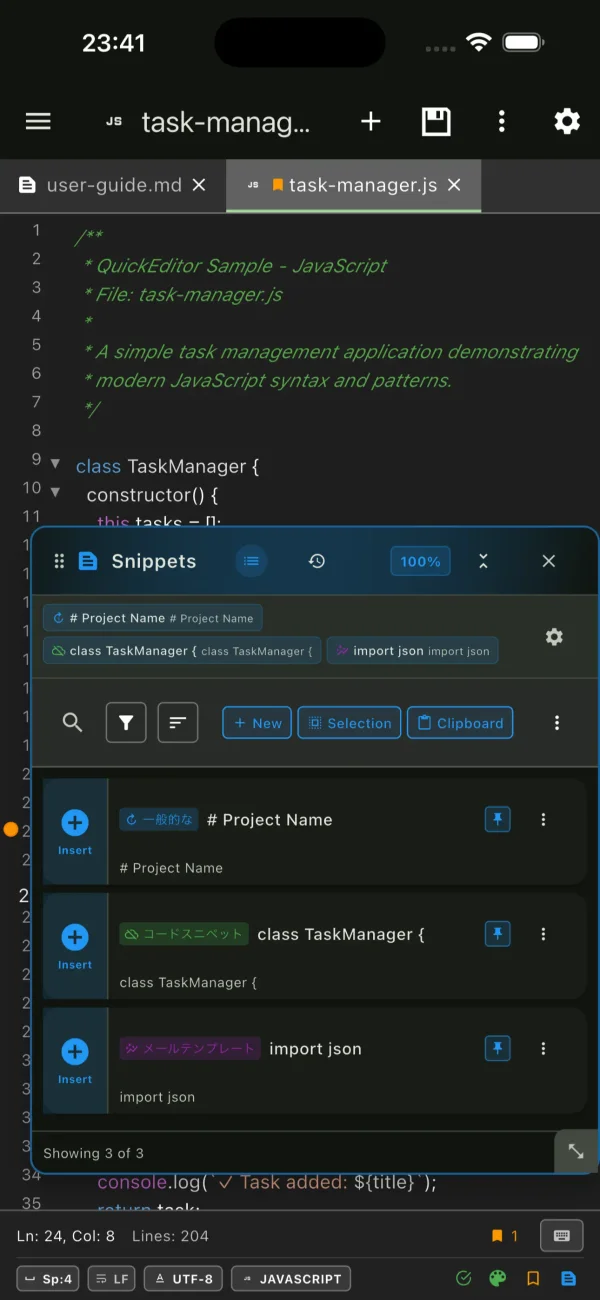
• Snippets and variable templates: save text, code and AI prompts, then insert them using variables and presets.
• Batch generation: combine templates with CSV/TSV data to create mail-merge documents or configuration files.
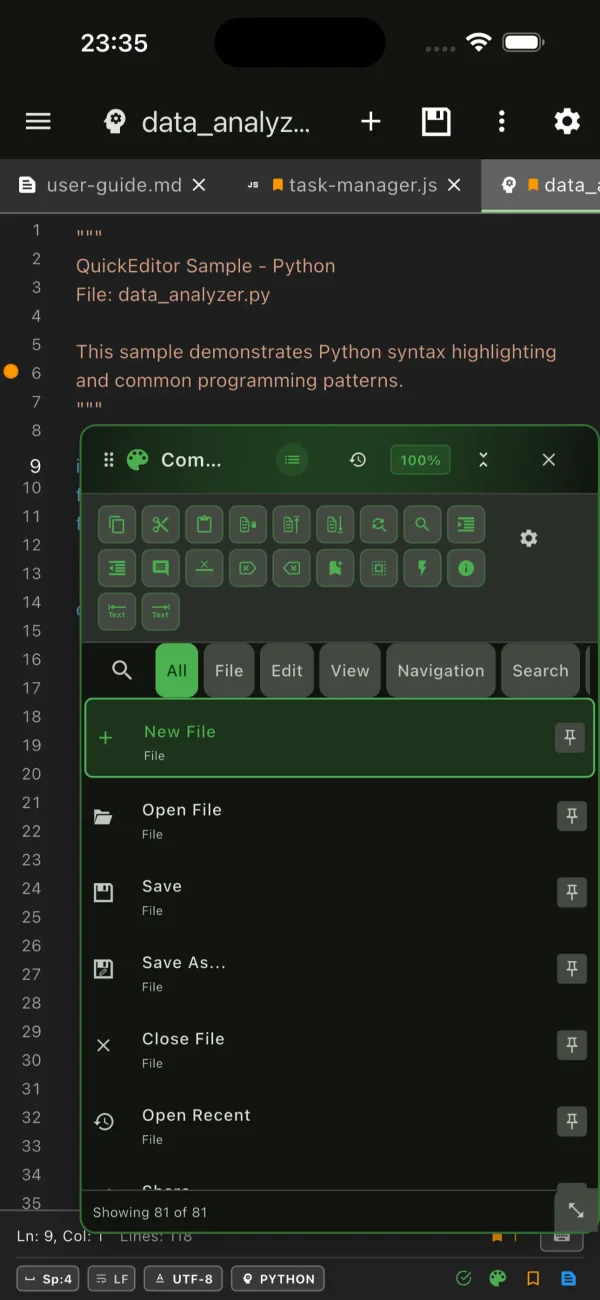
• Fast navigation: bookmark files, folders and lines; use the command palette and keyboard shortcuts.
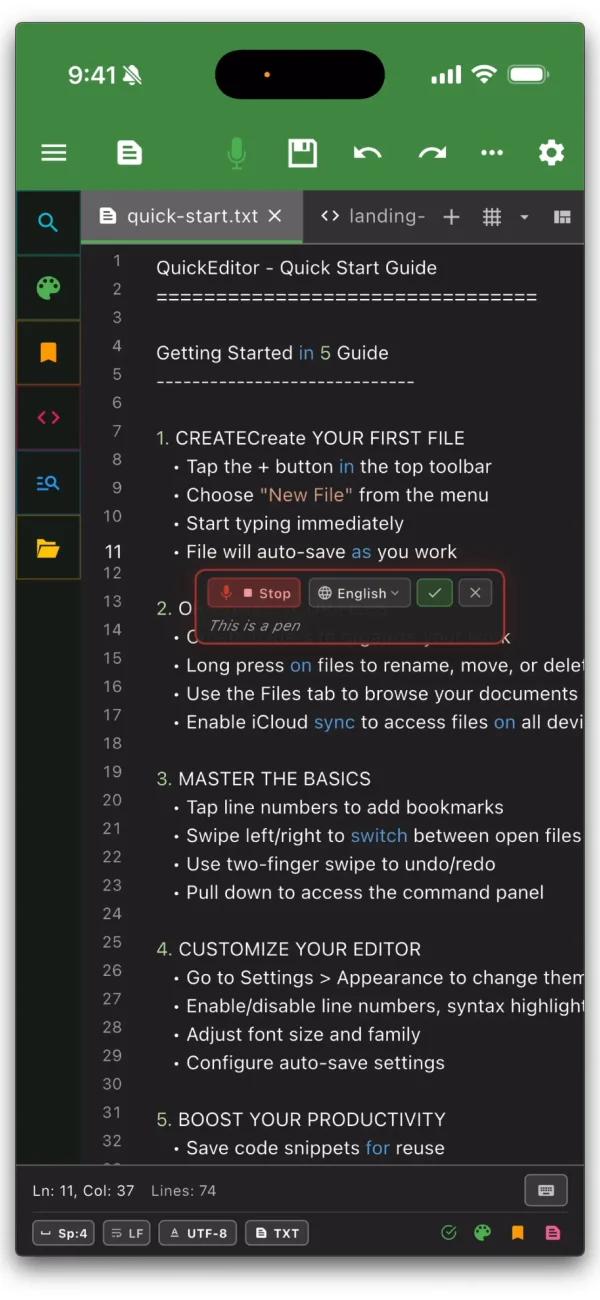
• Voice input and read-aloud: dictate text and listen to your writing.
• AI and MCP: discuss writing or coding with AI; let connected agents search, edit and manage files.
• AI memory and handoff: store project rules, decisions and work notes; manage tasks, progress and handoffs.
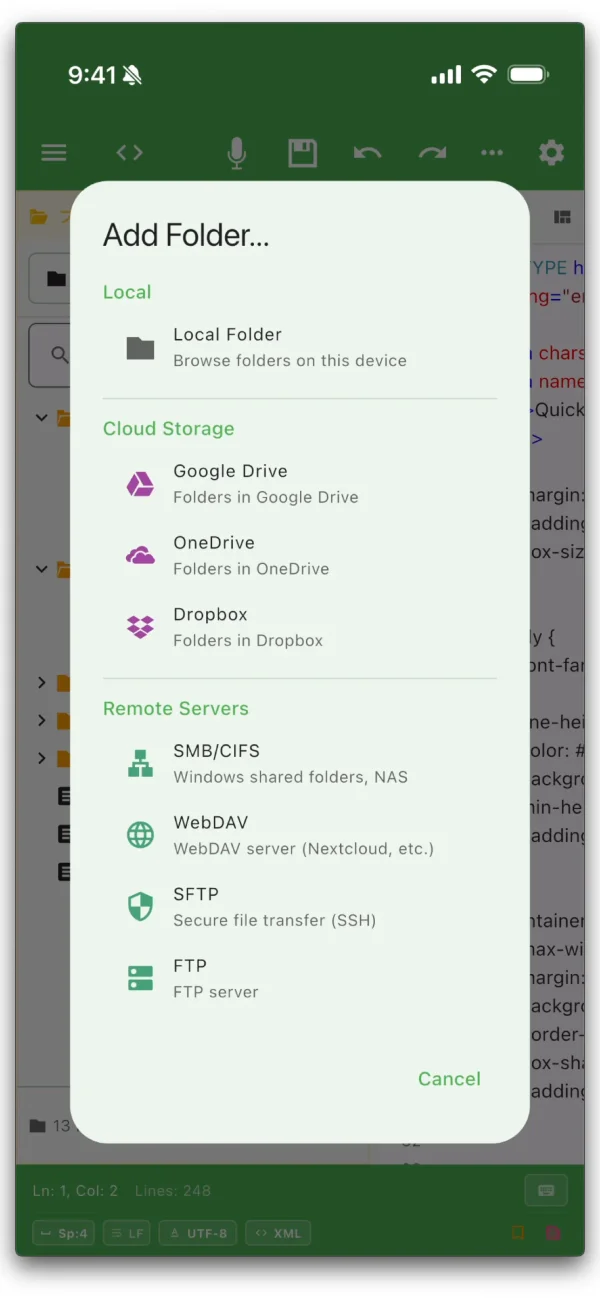
• Direct remote editing: access local, cloud, NAS and server files via SFTP (SSH), SMB, WebDAV or FTP.
• Built-in terminal (desktop): run shell commands alongside editing.
USE CASES
• Write Markdown documents, blogs, technical notes and long drafts.
• Edit source code, HTML/CSS websites and JSON configuration files.
• Search logs or many files with regex and replace text or settings in bulk.
• Compare and merge versions of files and folders.
• Reuse text, code or AI prompts and generate documents from CSV data.
• Edit NAS/server files directly and collaborate with AI agents on maintenance.
DATA AND STORAGE
Save edits as standard files at the original or selected location, with autosave support. Store snippets in a chosen folder and share them with compatible apps using that location.
FREE AND PRO
All basic features remain free after the 7-day trial.
Pro, available as an annual subscription or lifetime purchase, removes mobile ads and desktop upgrade reminders.
Terms of Use: https://kakitiro.com/quickapps/quickeditor/terms/
What’s new
Version 5.6.32 · Nov 11, 2026
• Improved file previews and bookmarks.
• Updated translations and improved usability.
App privacy
What KAZUHIRO KAKIMOTO declares on the App Store about how this app handles data.
-
Data linked to you
May be collected and linked to your identity.
- Location
- Identifiers
- Usage data
-
Data not linked to you
May be collected but is not linked to your identity.
- Diagnostics
Privacy practices may vary, for example with the features you use or your age.
Information
- Seller
- KAZUHIRO KAKIMOTO
- Category
- Productivity
- Version
- 5.6.32
- Updated
- Nov 11, 2026
- Released
- Jan 28, 2019
- Size
- 77.8 MB
- Requires
- iOS 15.0 or later
- Age rating
- 4+
- Price
- Free
- In-app purchases
- Yes
- Languages
- English, Arabic, Catalan, Croatian, Czech, Danish, Dutch, Finnish, French, German, Greek, Hebrew + 21 more
- Copyright
- © kakitiro.com
You might also like
-
 iEditor – Text Code EditorBest source code editor
-
 EasyEditTextEdit .txt files
-
 txt Editor – Text EditorNotepad, Notes, Diary & Lists
-
 TextEdit - Text EditorTXT, RTF, Markdown, LaTeX & AI
-
 Texture maker for Minecraft PEPro tool edit Texture for MCPE
-
 myTextViewer: Code & Log FileOpen Any Text, JSON, YAML, CSV
-
 UTM Remote Virtual MachinesRemote desktop for VMs
-
 Addons Maker for MinecraftCraft Mobs, Weapon, Dimensions
-
 Notepad ++Productivity
-
 Lightweight Text EditorProductivity