
- Age rating4+
- CategoryProductivity
- DeveloperYujin Yano
- LanguagesEnglish+ 4 more
- Size653.0 KB
Links to the official App Store page
Download.org hosts no file of QuickFill PDF. The button opens its official App Store page, published by Yujin Yano. Listing last checked on Nov 12, 2026.
Screenshots
About
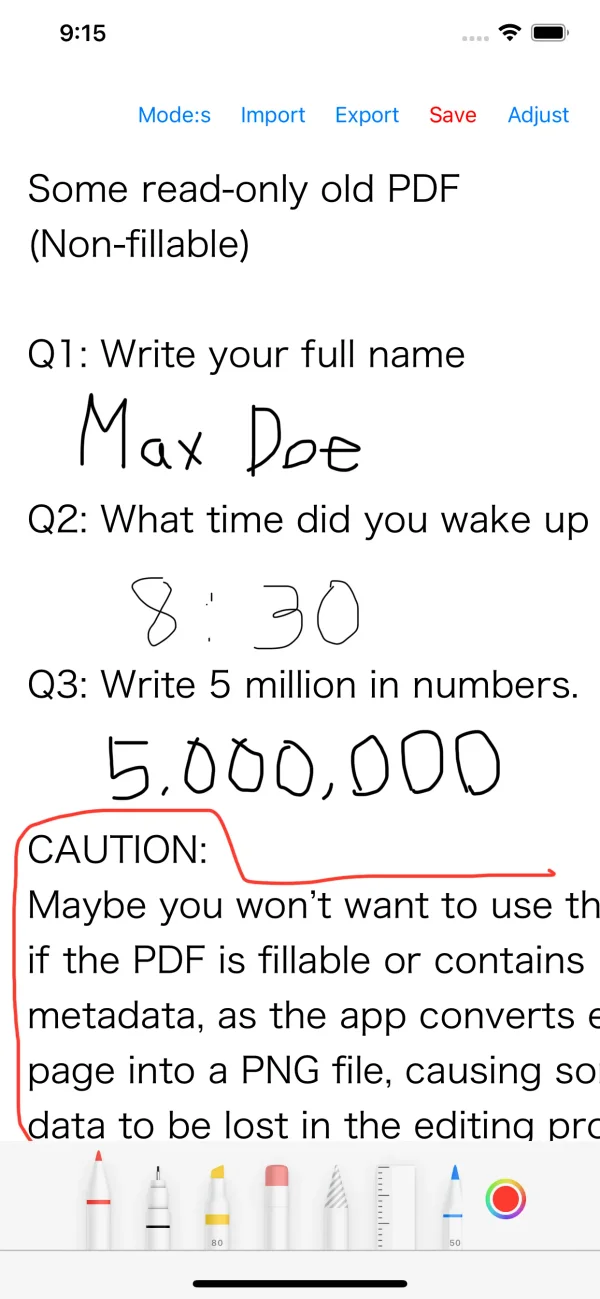
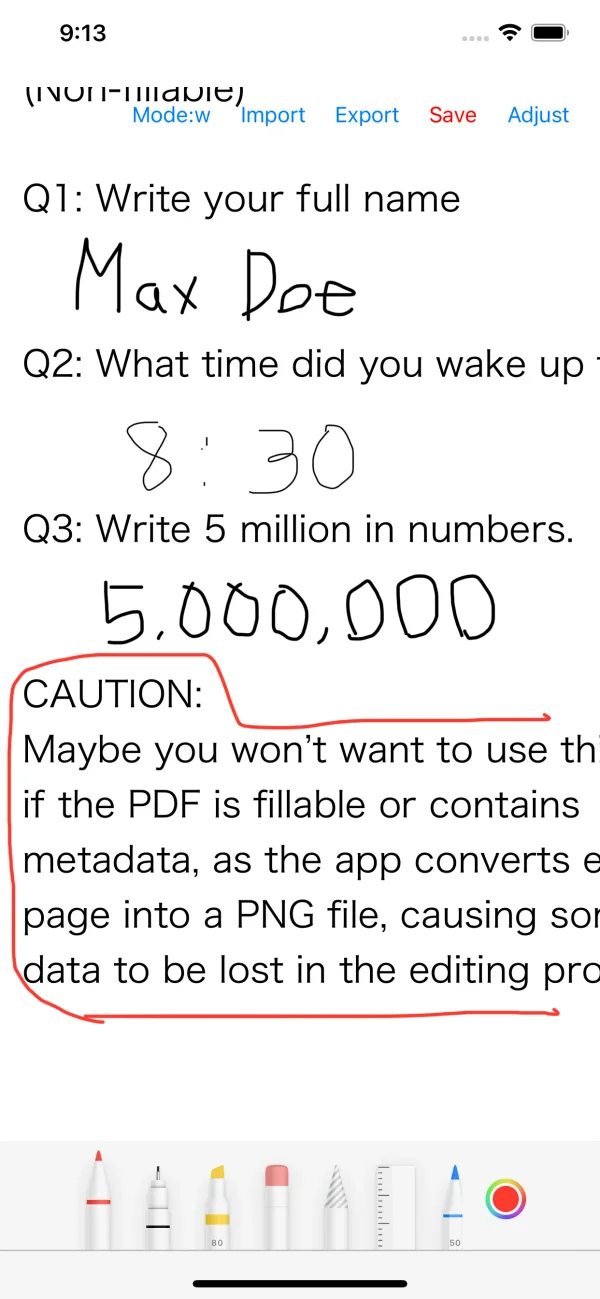
You can fill PDF files quickly with this app.
Pros:
- You can edit PDF files using pen strokes.
- You don't need pen devices to make strokes. These strokes can be scaled down and moved by finger gestures.
Cons:
- Embeds images in PDFs, instead of annotates them.
What’s new
Version 1.1.7 · Sep 13, 2026
This version supports filling fillable form fields .
App privacy
What Yujin Yano declares on the App Store about how this app handles data.
-
Data not collected
The developer does not collect any data from this app.
Privacy practices may vary, for example with the features you use or your age.
Information
- Seller
- Yujin Yano
- Category
- Productivity
- Version
- 1.1.7
- Updated
- Sep 13, 2026
- Released
- Sep 20, 2024
- Size
- 653.0 KB
- Requires
- iOS 15.6 or later
- Age rating
- 4+
- Price
- Free
- Languages
- English, Arabic, German, Simplified Chinese, Vietnamese
- Copyright
- © Yujin Yano
You might also like
-
 Image to PDF: Scanner & ToolsScan, edit & manage PDFs
-
 Datesnap: Flyer to CalendarScan school dates in one tap
-
 YT Minia: Thumbnails from URLShare video & short thumbnails
-
 PDF Scanner - Photos to PDFPocket scan app, photos to PDF
-
 AI Chat - AI TextAI Writing, AI Image Generator
-
 Photo PDF Converter AppJPG to PDF - JPEG Converter
-
 CopyPad: Clipboard Manager AIAI Writer, Voice & Quick Notes
-
 Backup your contacts PROBackup your contacts PRIVATELY
-
 Phone Security & Secret VaultMobile Security & Privacy