
QuickNotes AI Lecture Recorder
Transcribe, Summarize, Study
Designed for iPhone, iPad
Free · In-app purchases
- Age rating4+
- CategoryProductivity
- DeveloperKevin Li
- LanguagesEnglish+ 2 more
- Size22.1 MB
Links to the official App Store page
Download.org hosts no file of QuickNotes AI Lecture Recorder. The button opens its official App Store page, published by Kevin Li. Listing last checked on Nov 13, 2026.
Screenshots

About
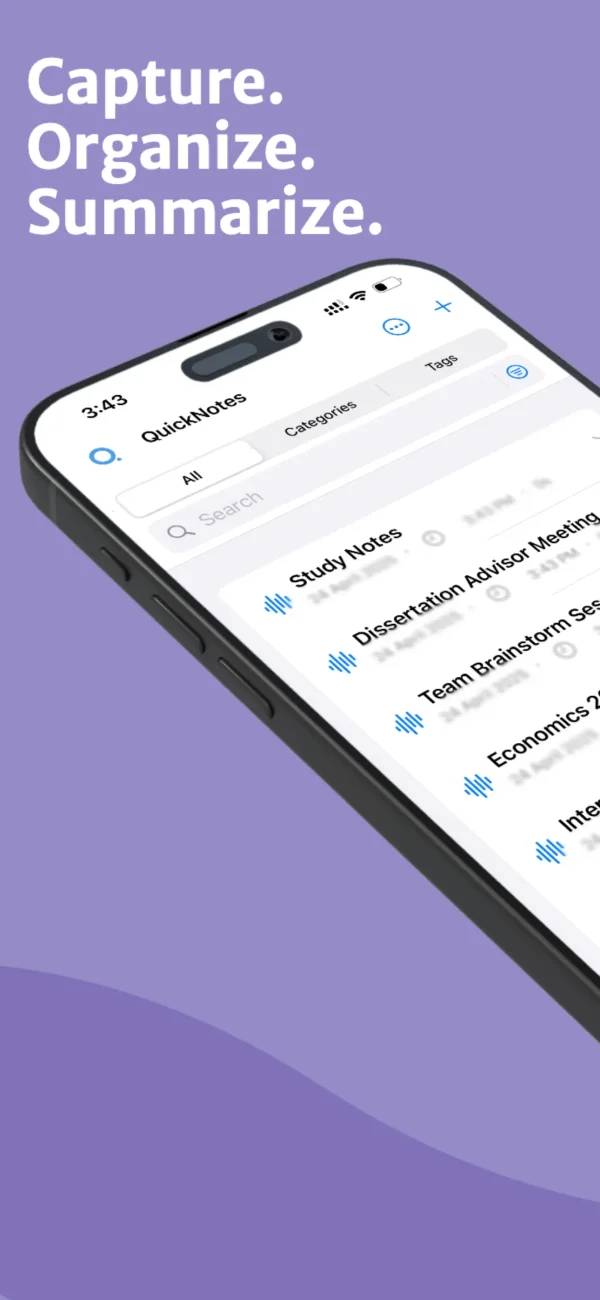
Record a lecture, meeting or interview. Get the transcript, an AI summary and flashcards to study from.
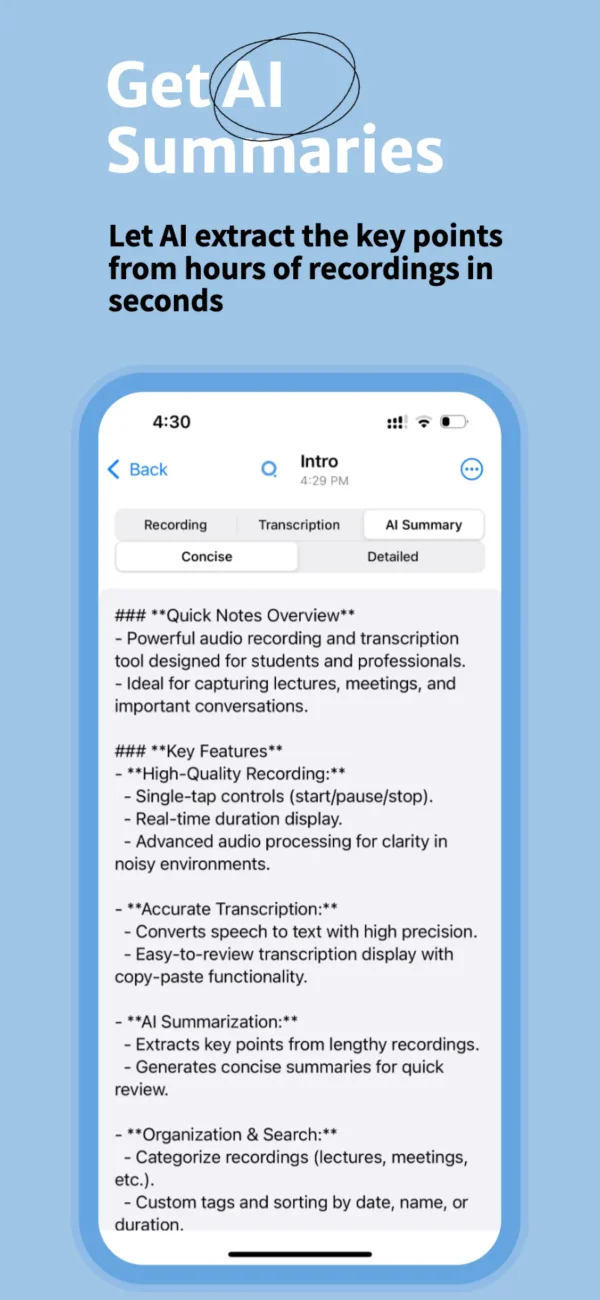
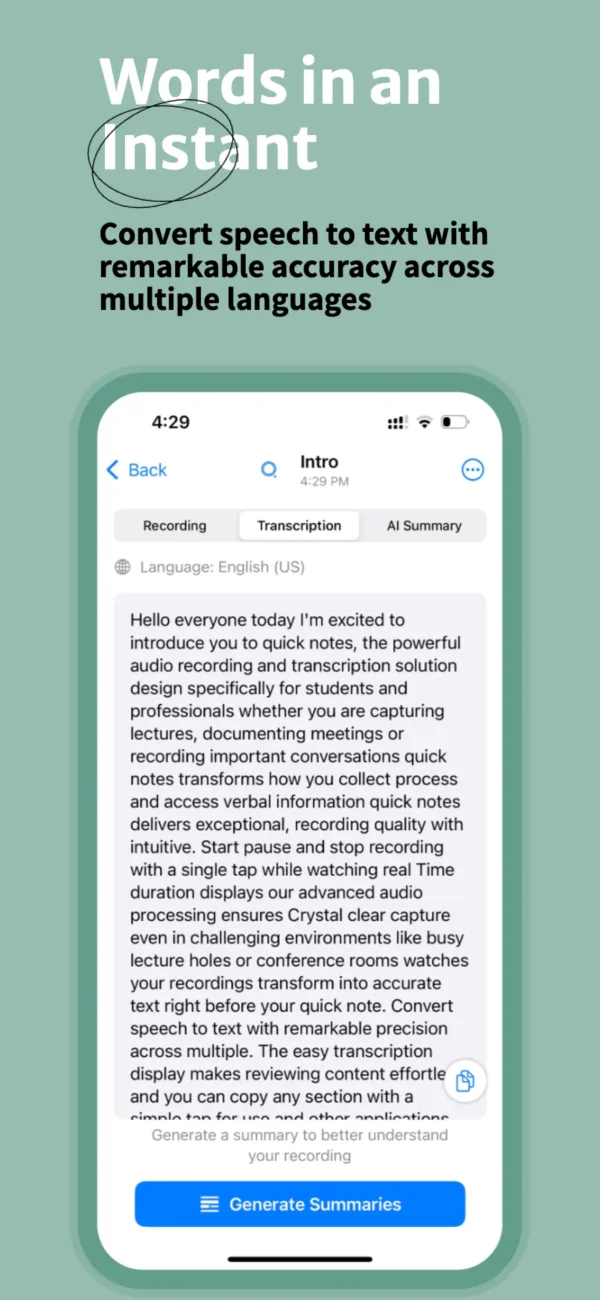
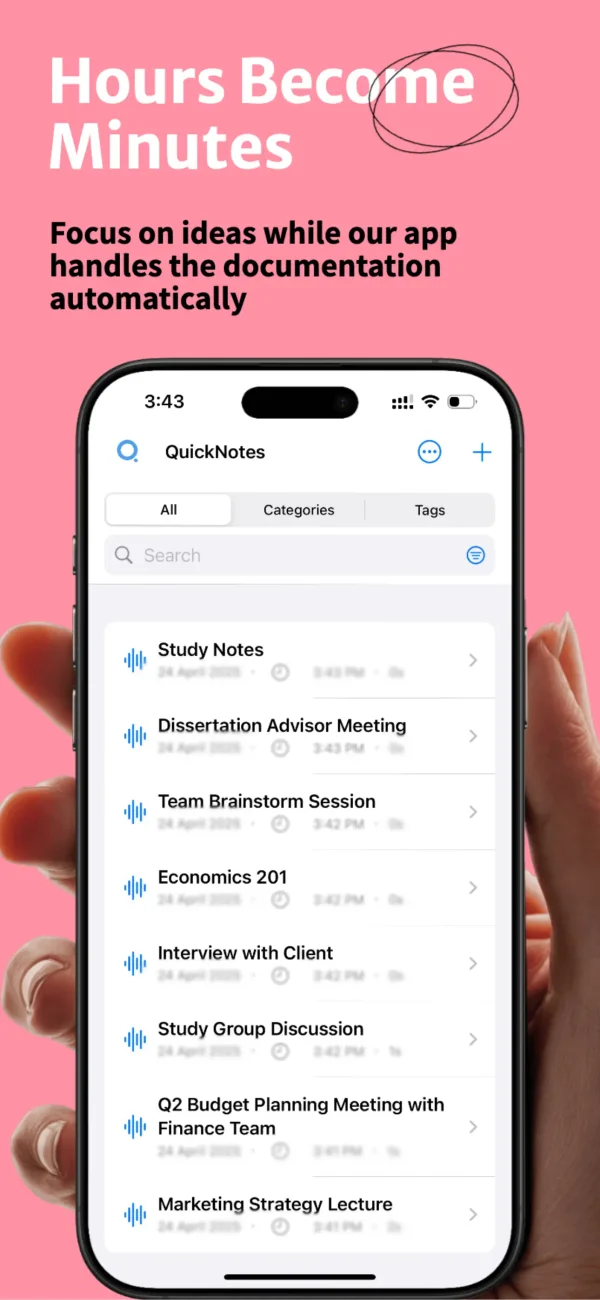
QuickNotes turns any recording into notes you can revise from. Tap record or import an audio file, then get a full transcript and a Concise or Detailed AI summary. Study mode builds flashcards and a quiz from your summary.
STUDY MODE
• Flashcards generated from a recording's summary
• A multiple-choice quiz to test yourself
• Saved with each recording
• Want fresh cards? Generate a new set anytime
RECORD OR IMPORT
• One-tap recording with a live level meter
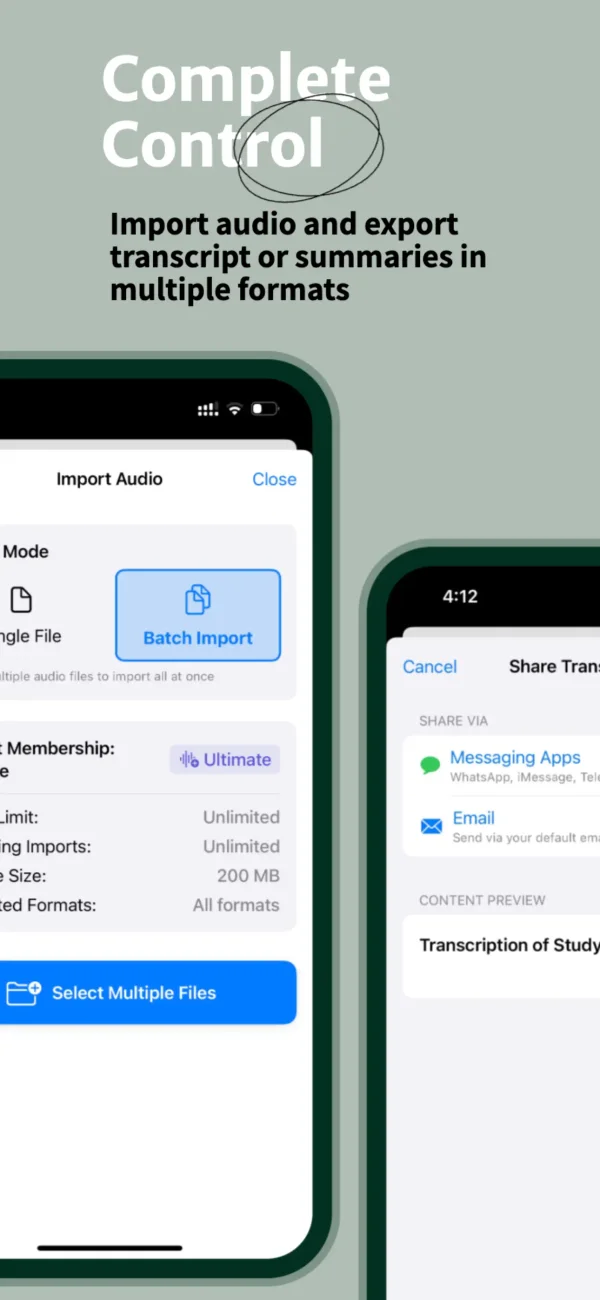
• Import MP3, WAV, M4A, AAC, AIFF and FLAC files
• Play back a recording alongside its transcript
TRANSCRIBE IN 14 LANGUAGES
Choose the language you are listening to: English, Cantonese (Hong Kong), Mandarin (Simplified), Mandarin (Traditional), Spanish, French, German, Italian, Japanese, Korean, Portuguese (Brazil), Russian, Arabic and Hindi.
AI SUMMARIES, YOUR WAY
• Concise: the key points at a glance
• Detailed: fuller notes for revision and reference
STAY ORGANIZED
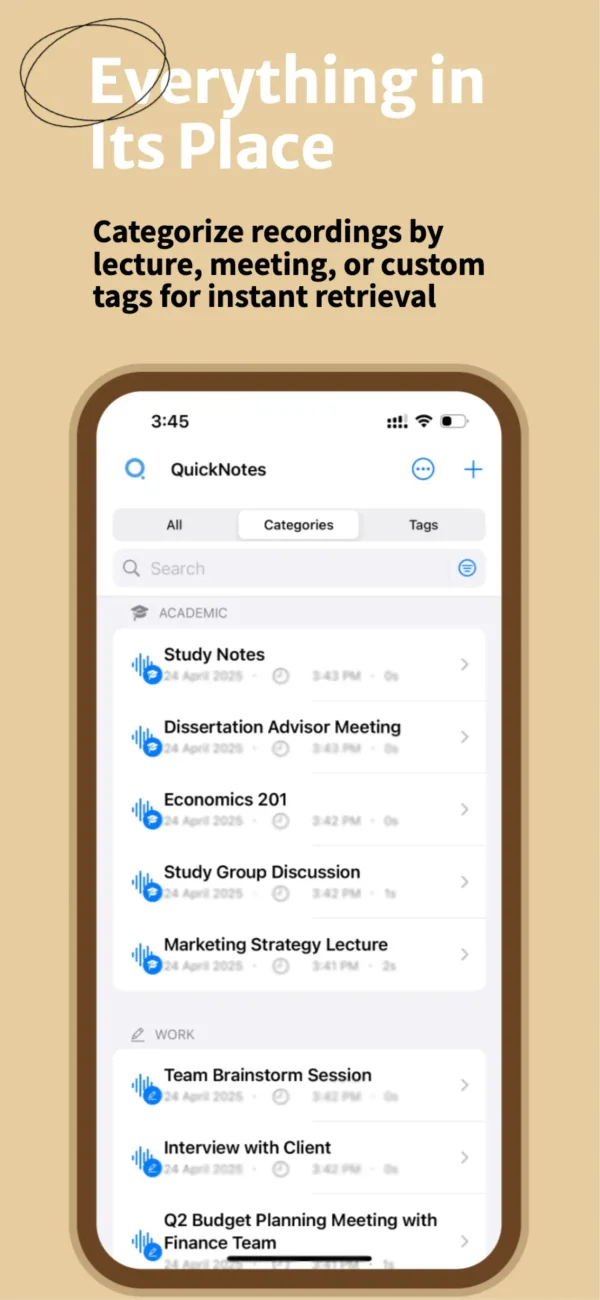
• Sort recordings into courses with your own category icons
• Add tags, then search and filter to find any recording fast
• Export and share transcripts and summaries
• Dark mode for late-night study sessions
BUILT FOR
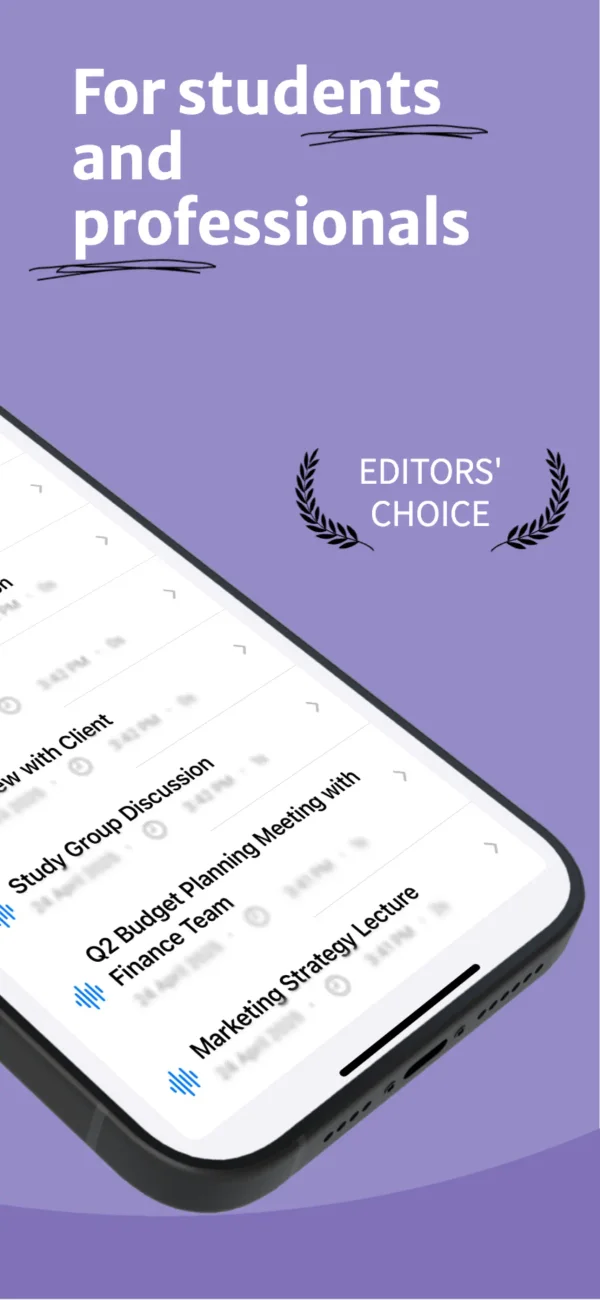
• University and college students: record lectures, then revise from summaries, flashcards and quizzes
• Meetings and interviews: keep a searchable written record
• Language learners: transcribe audio in the language you are practicing
ACCOUNT AND PRIVACY
An account is required for transcription and AI features. To create your transcripts, summaries and study sets, your audio and text are processed in the cloud by our service providers. Privacy Policy: https://quicknotesapp.io/privacy
FREE TO START
QuickNotes is free to download and includes a free tier. Optional subscription plans (Basic, Pro and Ultimate) offer higher limits. Pricing and limits are shown in the app before you subscribe. Payment is charged to your Apple ID account at confirmation of purchase, and subscriptions renew automatically unless cancelled at least 24 hours before the end of the current period. Manage or cancel anytime in your Apple ID account settings.
Terms of Use: https://www.apple.com/legal/internet-services/itunes/dev/stdeula/
Download QuickNotes and turn your next lecture into a study set.
What’s new
Version 1.16 · Oct 3, 2026
Functions Enhancement.
App privacy
What Kevin Li declares on the App Store about how this app handles data.
-
Data not collected
The developer does not collect any data from this app.
Privacy practices may vary, for example with the features you use or your age.
Information
- Seller
- Kevin Li
- Category
- Productivity
- Version
- 1.16
- Updated
- Oct 3, 2026
- Released
- May 29, 2025
- Size
- 22.1 MB
- Requires
- iOS 17.6 or later
- Age rating
- 4+
- Price
- Free
- In-app purchases
- Yes
- Languages
- English, Simplified Chinese, Traditional Chinese
- Copyright
- © QuickNotes
You might also like
-
 LectoNote: Class TranscriptionLecture Recording to Notes
-
 HumanDriveYour Memory Vault
-
 Canto AI Note Taker & RecorderVoice Notes & Transcription
-
 Calendar Quick Notes (JotFast)Calendar Fast notes for ideas
-
 YT Notes: Youtube SummarizerSummary for Youtube
-
 Voquio: Lecture to Study NotesTranscribe, summarize, review
-
 Calendar Alarm: PealoMeetings Ring Through Silent
-
 Whisper AI TranscriptionSpeech to Text or Voice App
-
 ScriptDraftAI Screenplay Editor
-
 AI QuickNote: Smart Note TakerRecord, Transcribe, Organize