QuickPDF: PDF Tools & AI Chat
Your all-in-one PDF toolkit
Designed for iPhone, iPod touch
Free · In-app purchases
- Age rating4+
- CategoryProductivity
- DeveloperUNIQUE-EDGE INNOVATIONS LTD.
- LanguagesEnglish
- Size68.7 MB
Links to the official App Store page
Download.org hosts no file of QuickPDF: PDF Tools & AI Chat. The button opens its official App Store page, published by UNIQUE-EDGE INNOVATIONS LTD. Listing last checked on Nov 18, 2026.
Screenshots
About
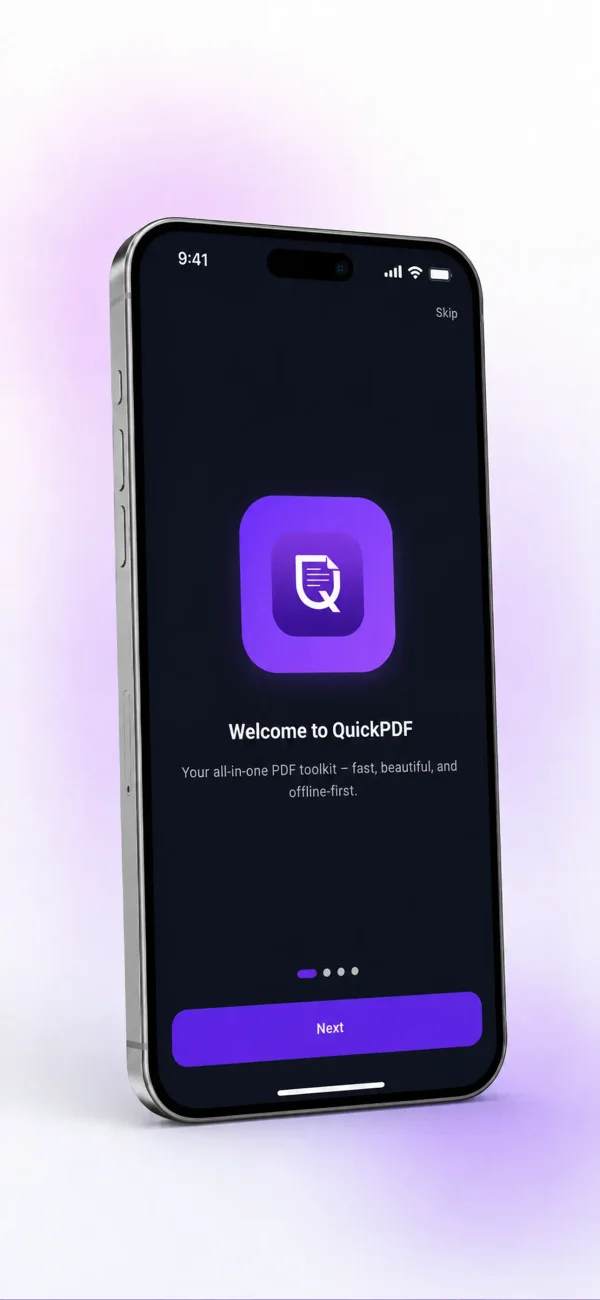
QuickPDF — the complete PDF toolkit, signing, and AI chat, all in one app.
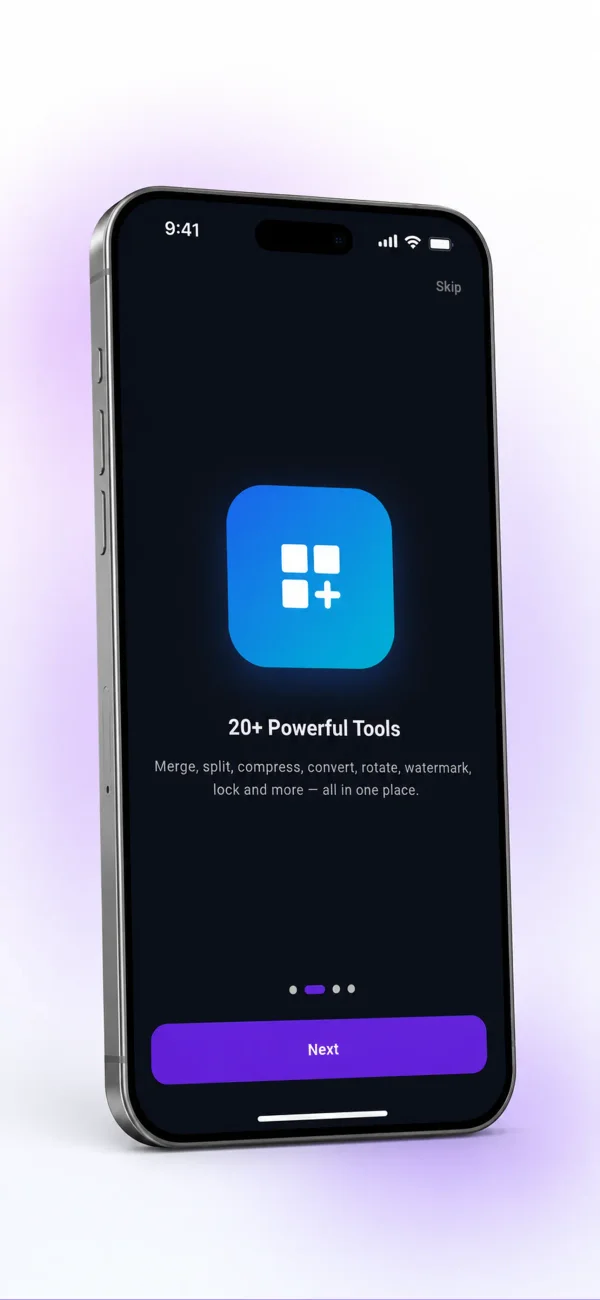
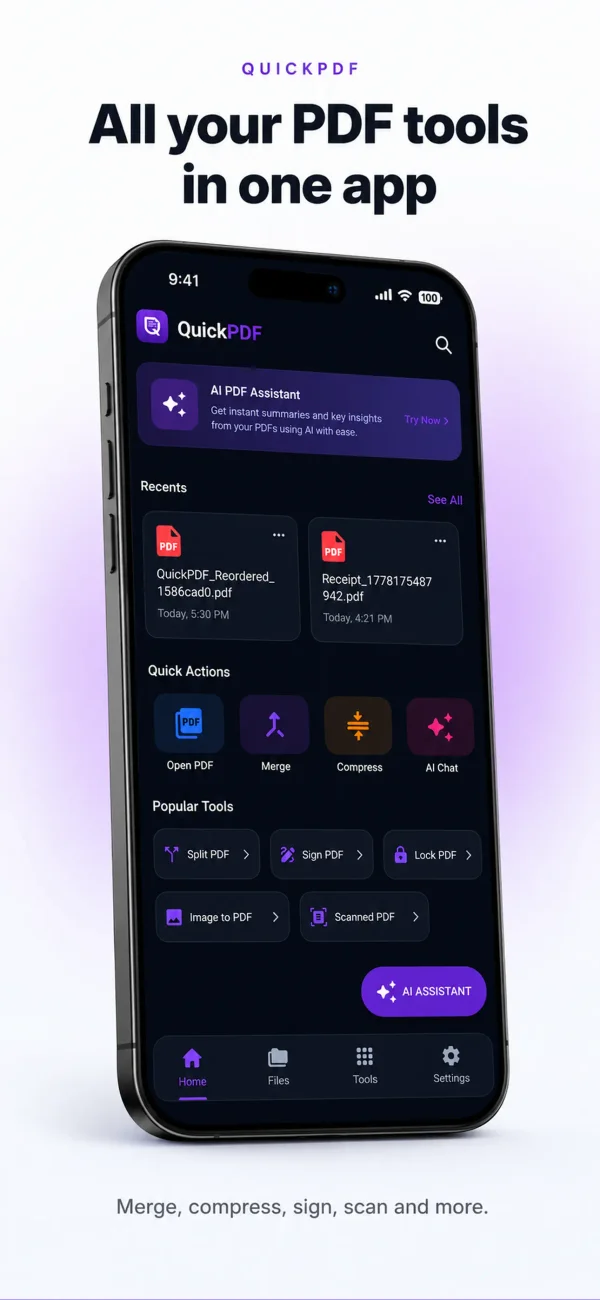
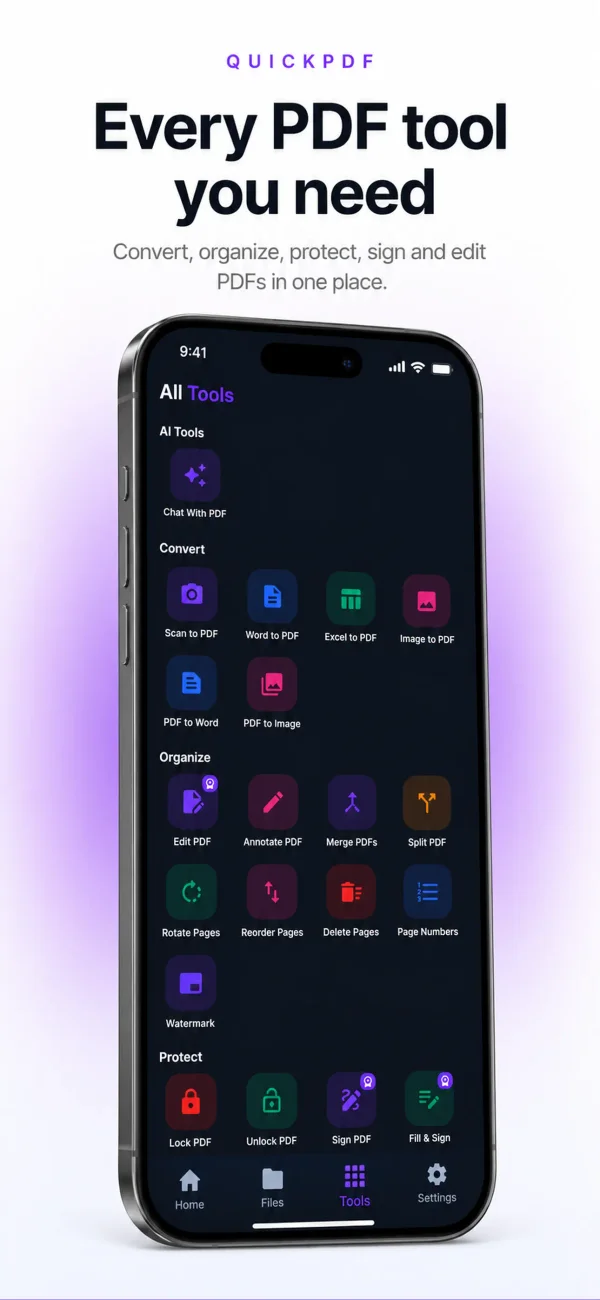
QuickPDF brings the PDF tools you usually need a desktop for straight to your phone. Merge, compress, split, rotate, and reorder pages. Sign documents, add watermarks and page numbers, lock or unlock with a password, and convert to and from Word, Excel, and HTML. Most everyday tools run right on your device — no upload, no account, no waiting.
What QuickPDF does
• Merge — combine multiple PDFs into one in the order you choose.
• Compress — shrink file size for easier sharing and email.
• Split — extract pages or break a big PDF into smaller ones with a visual page picker.
• Rotate & Reorder — fix orientation and rearrange pages with a tap.
• Lock / Unlock — add or remove password protection.
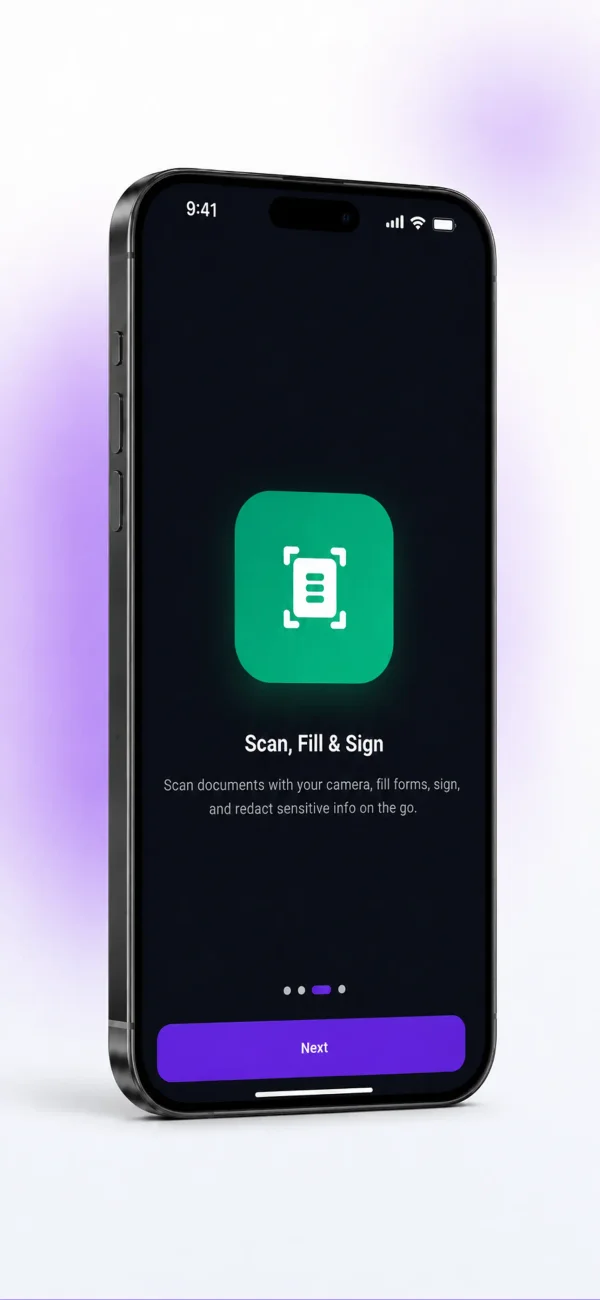
• Sign PDF — draw or place your signature anywhere on the page.
• Image to PDF / PDF to Image — turn photos into a PDF, or export pages as images.
• Watermark — stamp text or image watermarks across your document.
• Page Numbers — add automatic page numbering.
• Annotate — highlight, draw, and mark up your PDFs.
• Scanned Look — give a clean PDF the look of a scanned document.
• OCR — extract text from images and scanned pages on-device with Google ML Kit.
• Convert — PDF to/from Word, Excel, and HTML.
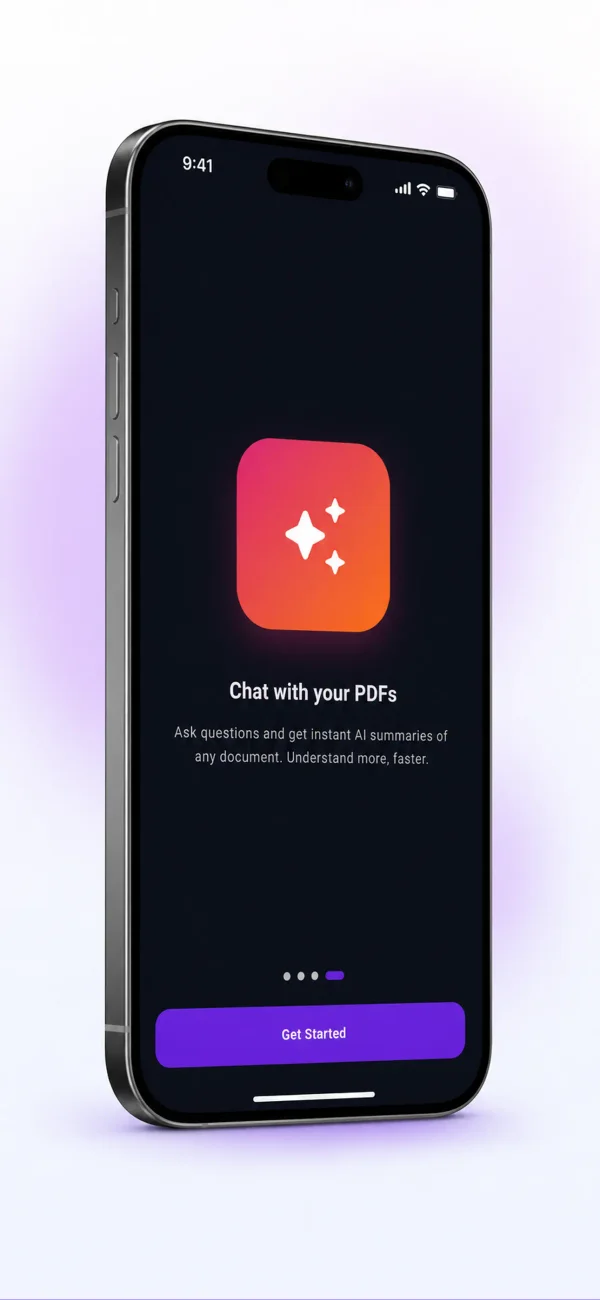
• AI Chat with your PDF — ask questions about a document and get answers, powered by Google Gemini.
How it works
1. Open QuickPDF — no sign-up, no password to remember.
2. Pick a tool from the home grid.
3. Choose a PDF or image from Files or your photo library.
4. Run the tool. Basic tools process on your device; conversions and AI Chat use a secure backend.
5. Save, share, or open the result in another app.
Who it's for
• Students and professionals who handle PDFs on the go.
• Anyone who needs to sign, merge, or convert a document quickly.
• People who want to ask questions about a long PDF without reading every page.
Free, Premium & AI usage
QuickPDF is free to use and supported by ads. AI Chat is free for 3 queries per day, or watch a rewarded ad for more.
QuickPDF Premium is an auto-renewing subscription that removes all ads, unlocks unlimited AI Chat, and enables Sign and Scanned Look. Options:
• QuickPDF Premium (Monthly) — US$4.99 per month
• QuickPDF Premium (Yearly) — US$29.99 per year
Payment is charged to your Apple ID account at confirmation of purchase. Subscriptions renew automatically unless cancelled at least 24 hours before the current period ends; your account is charged for renewal within 24 hours prior to the end of the period. Manage or cancel anytime in your Apple ID account settings.
• Terms of Use (EULA): https://www.apple.com/legal/internet-services/itunes/dev/stdeula/
• Privacy Policy: https://quickpdf.uniqueedge.dev/privacy
Privacy & data
• Basic tools (merge, compress, split, rotate, reorder, watermark, page numbers, annotate, image conversion, OCR) run entirely on your device — your files are not uploaded.
• AI Chat sends the extracted text of your PDF to our secure backend, which forwards it to Google Gemini to generate answers.
• File conversions (Word/Excel/HTML) upload the document to a conversion service to process it.
• QuickPDF uses an anonymous device-based ID — there is no account and no personal profile linked to you.
• Full privacy policy: https://quickpdf.uniqueedge.dev/privacy
Support
• Support & questions: support@uniqueedge.dev
© 2026 UNIQUE-EDGE INNOVATIONS LTD. All rights reserved.
What’s new
Version 1.2 · Sep 9, 2026
Opening PDFs from other apps is fixed.
• If "Open in QuickPDF" or setting QuickPDF as your default PDF app showed "Page Not Found", your document now opens right away
• Files stored in iCloud Drive open correctly too, including ones not yet downloaded to your device
Also in this update:
• AI Chat no longer loses your question when something goes wrong — your text stays in the box, and you're told clearly when you've reached your daily limit
• Your free daily AI questions now reset at midnight in your own time zone
• Fixed the Rate and Share buttons, which opened an invalid App Store page
App privacy
What UNIQUE-EDGE INNOVATIONS LTD. declares on the App Store about how this app handles data.
-
Data used to track you
May be used to track you across apps and websites owned by other companies.
- Identifiers
- Usage data
-
Data not linked to you
May be collected but is not linked to your identity.
- User content
- Identifiers
- Usage data
Privacy practices may vary, for example with the features you use or your age.
Information
- Seller
- UNIQUE-EDGE INNOVATIONS LTD.
- Category
- Productivity
- Version
- 1.2
- Updated
- Sep 9, 2026
- Released
- Jul 14, 2026
- Size
- 68.7 MB
- Requires
- iOS 13.0 or later
- Age rating
- 4+
- Price
- Free
- In-app purchases
- Yes
- Languages
- English
- Copyright
- © 2026 UNIQUE-EDGE INNOVATIONS LTD.
You might also like
-
 TrendWatcher: AI App IdeasScored startup ideas, daily
-
 Quick Note AI: AI Note ToolAI writing note powered by GPT
-
 DocuGPTChat with your documents, fast
-
 Multi Chats - AI ChatbotGPT, Claude & more, in one app
-
 DocsTrail - Sign PDF & DocsSign Documents & PDF forms
-
 PDFing: PDF-Scanner & EditorScan, sign, merge, AI
-
 AI Assistant: ChatBotBot powered by Chat GPT&Gemini
-
 AI Doc Scanner - Scan to PDFMulti-page scan made easy
-
 Second Brain - AI AssistantEverything in One Place
-
 Boom Share AIProductivity