QuickScan Book Leveler
Level Finder: AR Lexile F&P
Designed for iPhone, iPad, Mac
Free · In-app purchases
- Age rating4+
- CategoryEducation
- DeveloperIf Then Dev, LLC
- LanguagesEnglish
- Size35.7 MB
Links to the official App Store page
Download.org hosts no file of QuickScan Book Leveler. The button opens its official App Store page, published by If Then Dev, LLC. Listing last checked on Nov 24, 2026.
Screenshots

About
LEVEL YOUR CLASSROOM LIBRARY
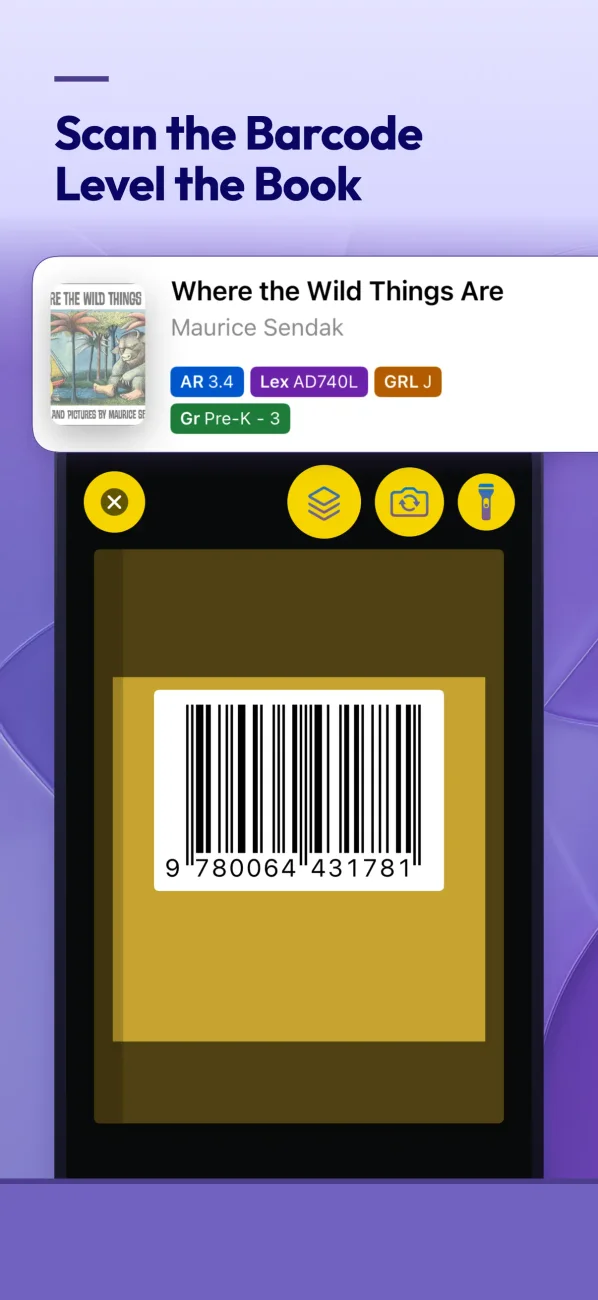
QuickScan Book Leveler shows you a book's reading levels. Just scan the barcode with your camera to see AR, Lexile, Guided Reading, and more - and see which of them QuickScan looked up and which it estimated. QuickScan is from the makers of BookScanner, used by teachers since 2012.
GET READING LEVELS FROM SIRI OR SHORTCUTS
Ask Siri on iPhone or iPad without opening the app, or use the Shortcuts app. Say "Look up a reading level in Book Leveler", then give Siri the ISBN or the title. Siri answers with the book's levels and which of them are estimated, and a book you look up by its ISBN is saved to your History, like a scan. Ask Siri to show your recent books or find your books by reading level. Without a subscription, a lookup that finds levels for a book not yet in your History uses one of today's free scans. For books already in your History, Siri and Shortcuts show levels for the newest one only, as History does.
PERFECT FOR TEACHERS AND PARENTS
- Organize your classroom library by reading level
- Match students with books at their just-right level
- Check reading levels before buying books
- Track books your students have read
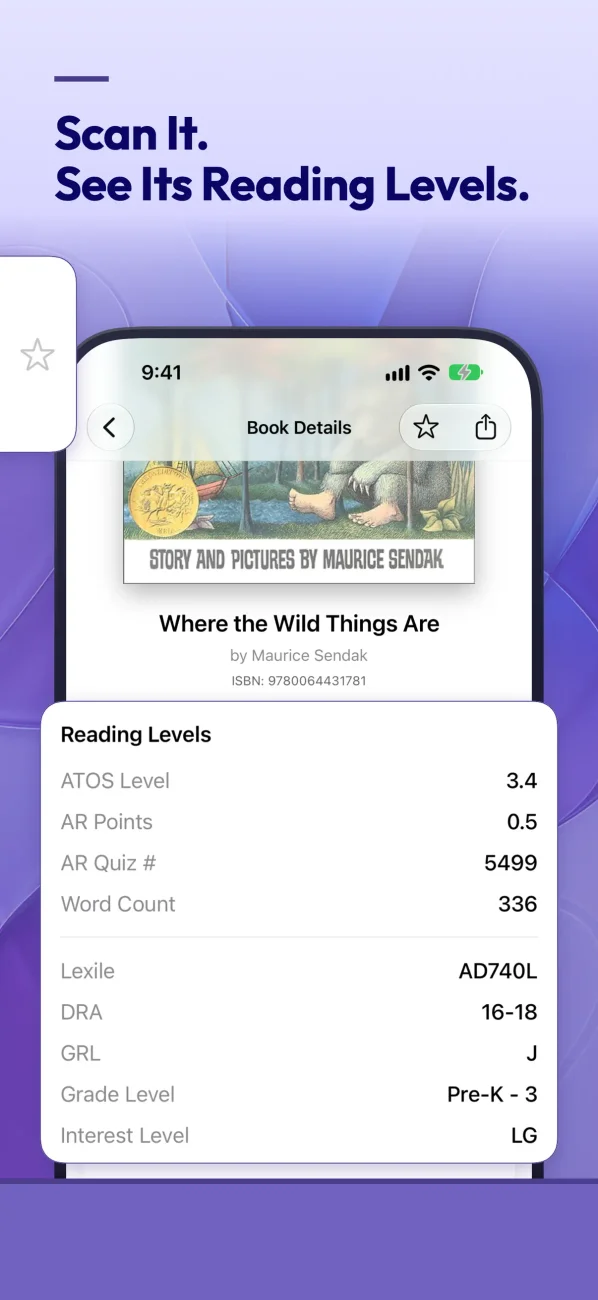
5 READING LEVELS, PLUS AR POINTS AND INTEREST LEVEL
No more hunting through multiple websites. QuickScan shows you where every level came from:
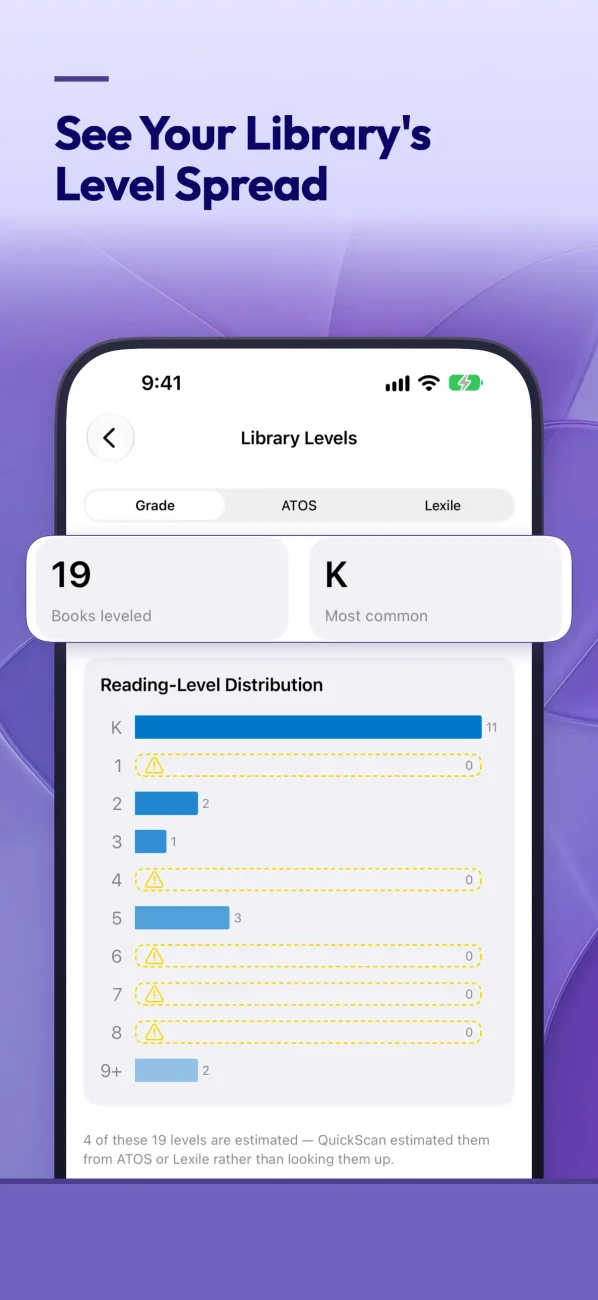
- AR (Accelerated Reader) / ATOS levels - looked up, never estimated
- Lexile measures - looked up, never estimated
- Guided Reading Level (GRL) / F&P - looked up from Scholastic when Scholastic has it; otherwise QuickScan estimates it and marks it ≈
- DRA (Developmental Reading Assessment) - marked ≈ when QuickScan estimates it
- Grade level equivalent - marked ≈ when QuickScan estimates it
- Interest level (LG, MG, MG+, UG)
- AR Points and Word Count
Above P, QuickScan doesn't estimate a Guided Reading Level: where Scholastic has no level for a longer chapter book, QuickScan shows none rather than a letter it can't stand behind.
NO BARCODE? FIND IT ANOTHER WAY
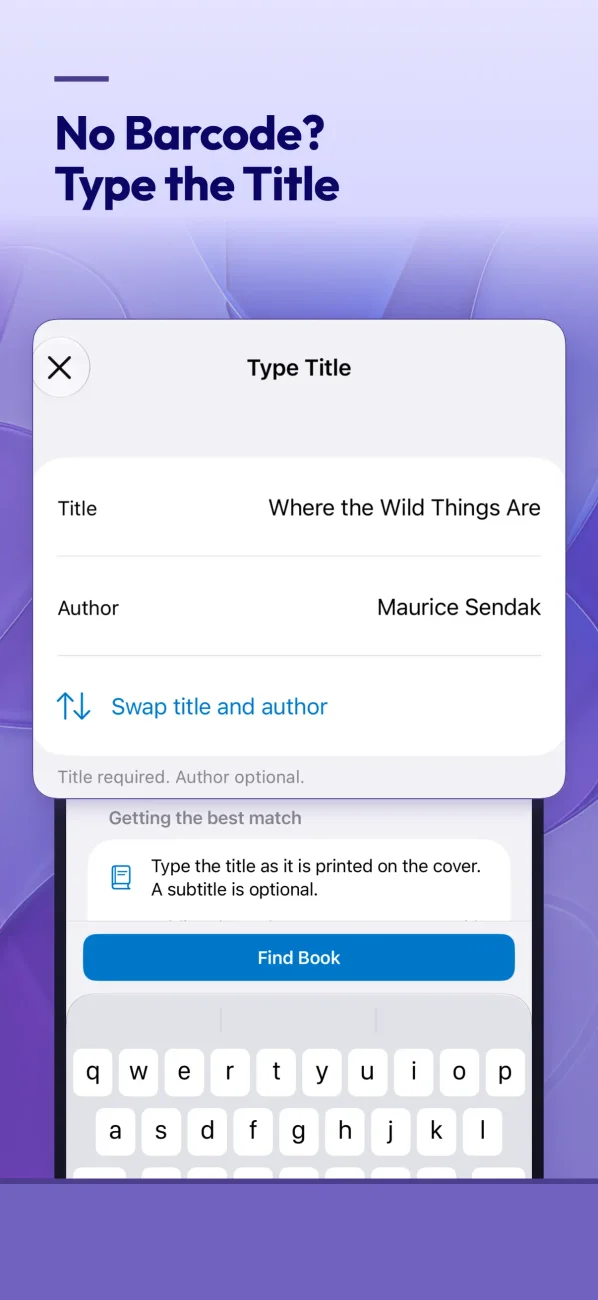
When a barcode won't scan, or it isn't the book's ISBN, type the book's title instead. On iPhone and iPad models whose camera can read text, QuickScan can also read the title from the cover or spine for you to check before it searches, or read the ISBN printed on the book.
SAVE YOUR SCAN HISTORY
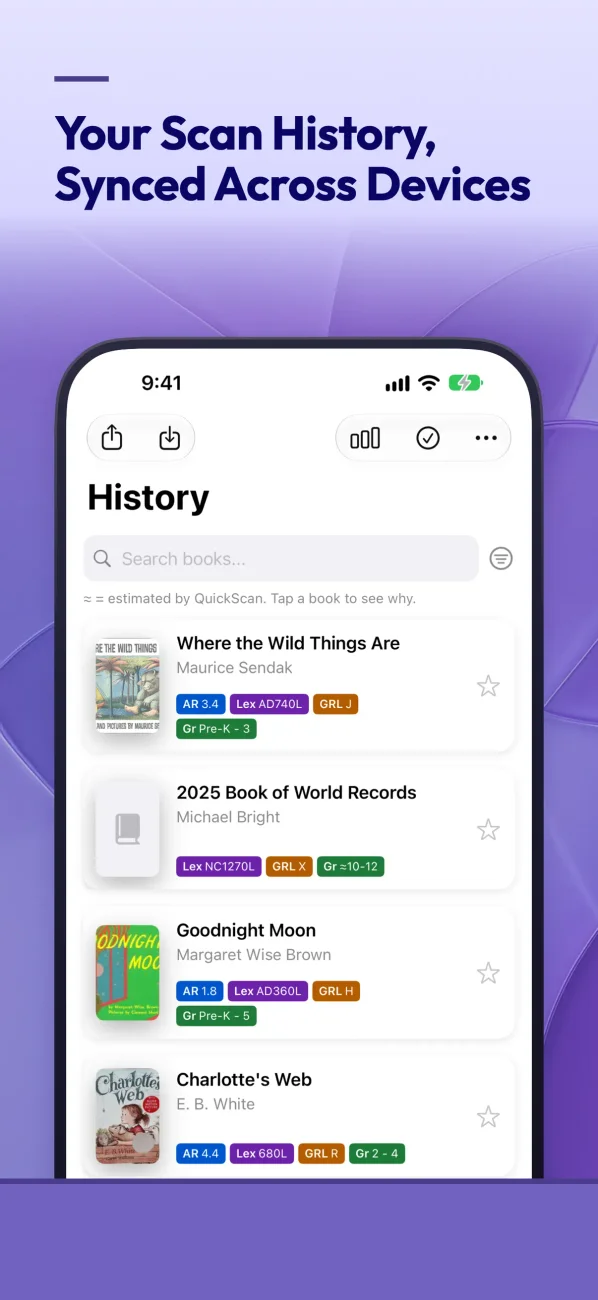
Never lose track of books you've scanned. QuickScan automatically saves every book with full reading level data. Search, filter, and sort your history to find any book you've scanned.
EXPORT YOUR BOOK LISTS
Create professional book lists for your classroom:
- Export to CSV for spreadsheets
- Export to PDF for printing
- Share individual books or your entire library
- Auto-dated files keep you organized
WORKS ON MAC, TOO
Use QuickScan on your Mac with your webcam. Scan books right at your desk. Your scan history syncs automatically between iPhone, iPad, and Mac via iCloud.
HOME SCREEN WIDGETS
See your recently scanned books right on your Home Screen. Add the Quick Scan widget for one-tap access to the camera.
BUILT FOR EDUCATORS
- No ads - ever
- No student data collection
- Works offline after initial lookup
- Free to use with a daily limit on scans and title lookups - subscribe in the app for unlimited lookups and your full scan history with search, filter and export
Whether you're a teacher leveling a classroom library, a reading specialist matching students with books, or a parent finding appropriate reads - QuickScan Book Leveler makes reading level lookup effortless.
Download now and level your first book.
AR, Accelerated Reader and ATOS are trademarks of Renaissance Learning, Inc. Lexile is a trademark of MetaMetrics, Inc. Fountas & Pinnell, F&P and Guided Reading Level are trademarks of their respective owners. DRA and Developmental Reading Assessment are trademarks of their owner. QuickScan and If Then Dev, LLC are not affiliated with, endorsed by or sponsored by Renaissance Learning, MetaMetrics, Fountas & Pinnell, Scholastic or the owner of DRA.
What’s new
Version 6.8 · Nov 23, 2026
Get a book's reading levels: ask Siri on iPhone or iPad without opening the app, or use the Shortcuts app.
- Say "Look up a reading level in Book Leveler", then give Siri the ISBN or the title. Siri answers with the book's levels and which of them are estimated, and a book you look up by its ISBN is saved to your History, like a scan.
- Ask Siri to show your recent books or find books by reading level. In the Shortcuts app, you can also find books in your History by title or author.
- On iPhone models with the Action button, set it to Scan a Book to open the scanner.
- Without a subscription, a lookup that finds levels for a book not yet in your History uses one of today's free scans. For books already in your History, Siri and Shortcuts show levels for the newest one only, as History does.
- With the front camera, on models that support it, tap the preview to adjust exposure for the spot you tapped.
- Other fixes and improvements
App privacy
What If Then Dev, LLC declares on the App Store about how this app handles data.
-
Data linked to you
May be collected and linked to your identity.
- Purchases
- Identifiers
- Usage data
Privacy practices may vary, for example with the features you use or your age.
Information
- Seller
- If Then Dev, LLC
- Category
- Education
- Version
- 6.8
- Updated
- Nov 23, 2026
- Released
- Jun 29, 2021
- Size
- 35.7 MB
- Requires
- iOS 18.0 or later
- Age rating
- 4+
- Price
- Free
- In-app purchases
- Yes
- Languages
- English
- Copyright
- © 2026 If Then Dev, LLC
You might also like
-
 AR Reading ListSearch & Scan for Acc Reader
-
 myClassroom: Class ToolsFor Teachers and Classrooms
-
 Planbook MobileThe leading lesson planner
-
 TPT (Teachers Pay Teachers)PreK-12 Resources for Teachers
-
 PBIS Rewards StaffEducation
-
 Easy Grade - EZ GraderGrade Calculator for Teachers
-
 Classroom Library ManagerEducation
-
 TEACHERS | TalkingPointsSchool Communication
-
 RCA House PointsRon Clark Academy Official App
-
 Secret Stories Phonics ReadingBrain Based Learning for Kids