QuickScan Enterprise - OCR
Privacy-focused scanner to PDF
Designed for iPhone, iPad
- Age rating4+
- CategoryBusiness
- DeveloperiSolid apps
- LanguagesGerman+ 9 more
- Size27.9 MB
Links to the official App Store page
Download.org hosts no file of QuickScan Enterprise - OCR. The button opens its official App Store page, published by iSolid apps. Listing last checked on Nov 19, 2026.
Screenshots

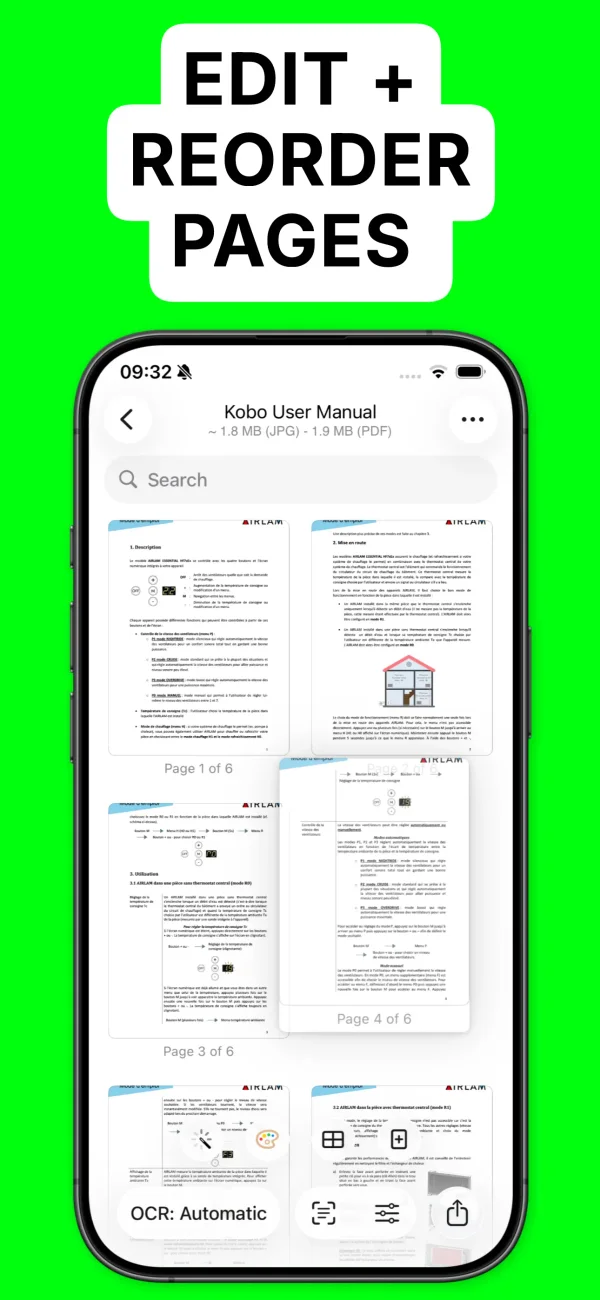

About
QuickScan Enterprise is a specific version of QuickScan, made for businesses or schools. NO DATA COLLECTION.
### iOS integration ###
• QuickScan has been designed specifically for iOS & iPadOS for seamless integration and an exceptional user experience.
### Scan & import ###
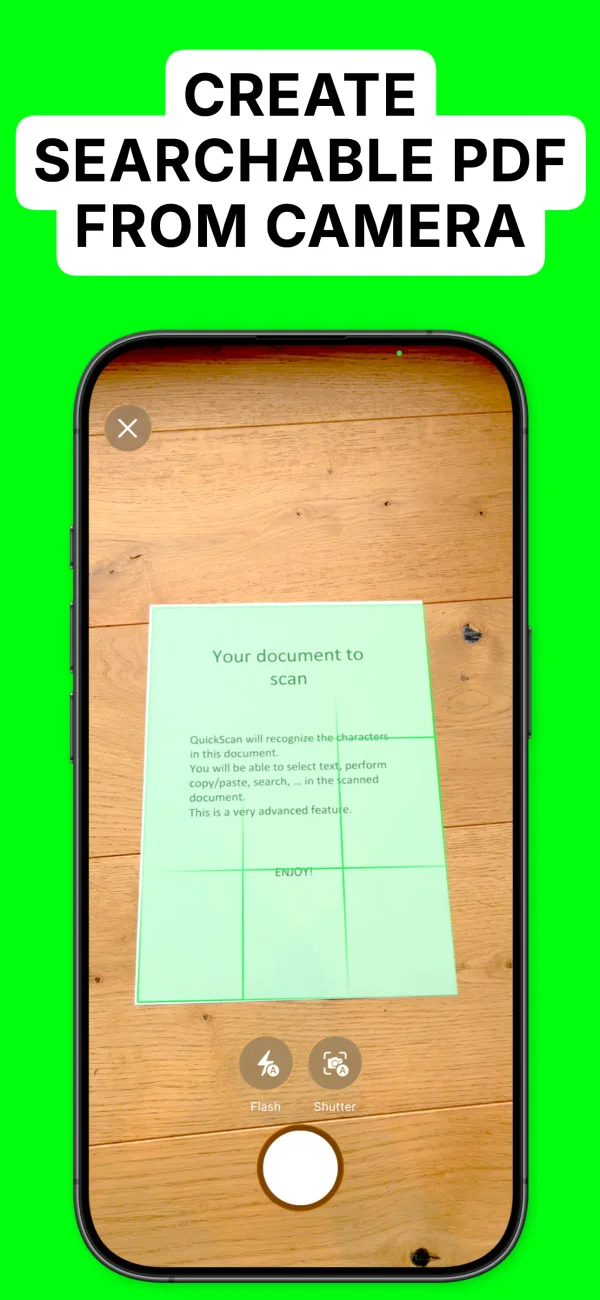
• Scan with your camera (automatic document detection & automatic angle correction)
• Import existing images
• Import existing PDF files
• Organize your documents in folders
### OCR (text recognition) ###
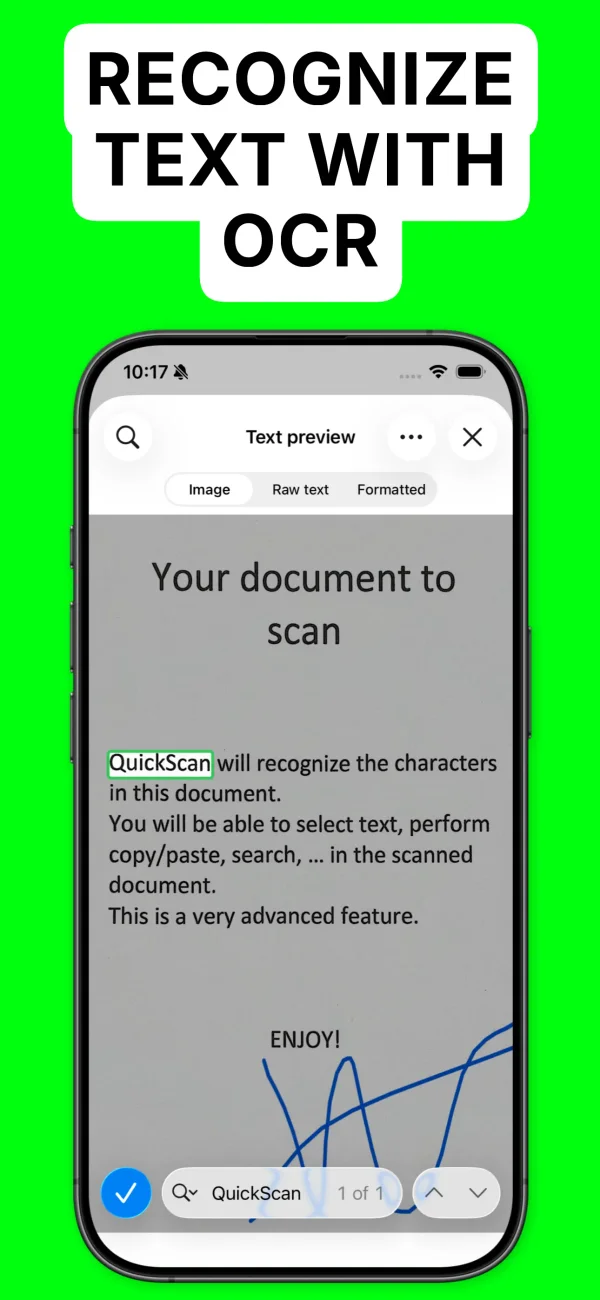
• Professional-quality OCR on images and existing PDFs
• Make documents searchable with text integrated into PDFs (search, select, copy, paste)
• Automatic language detection and dictionary matching for highly accurate results
### SIGN ###
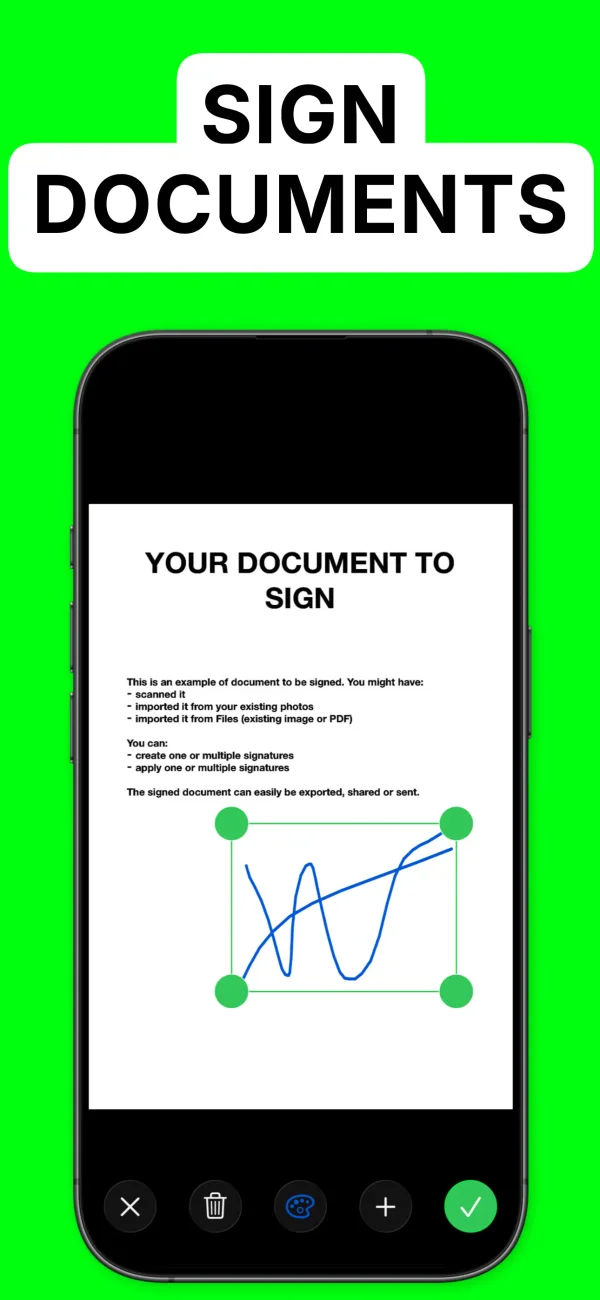
• Add signatures to your documents
• Create signatures with your finger, Apple Pencil, or import existing signatures
• Adjust size and color for a polished look
### Automate ###
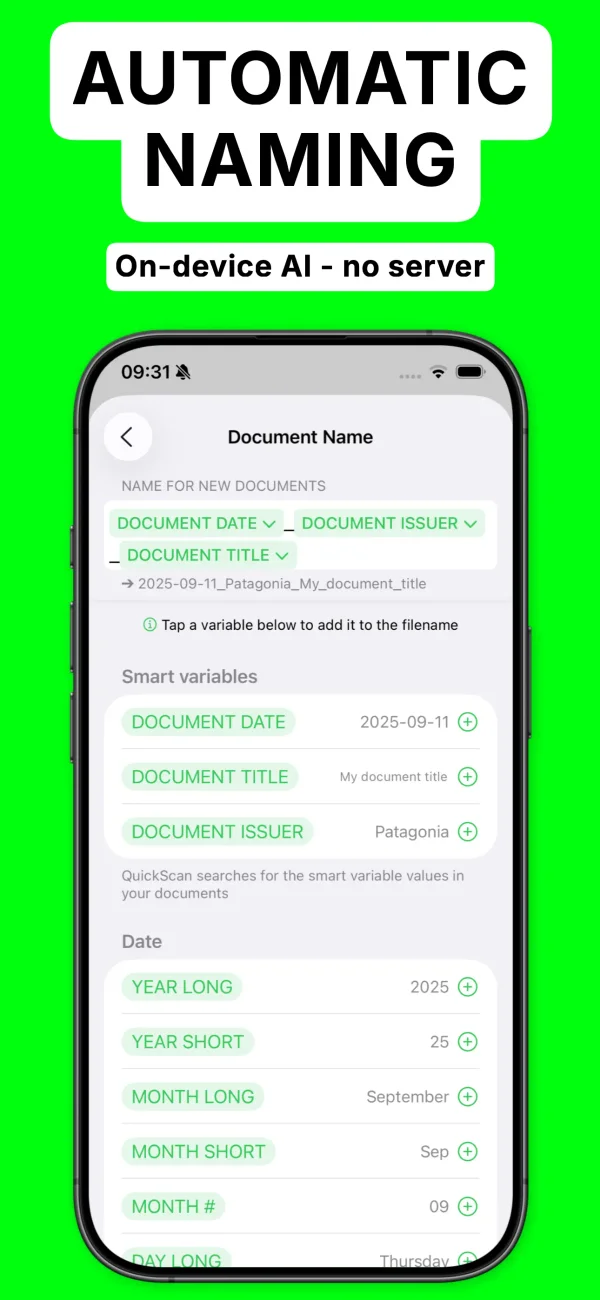
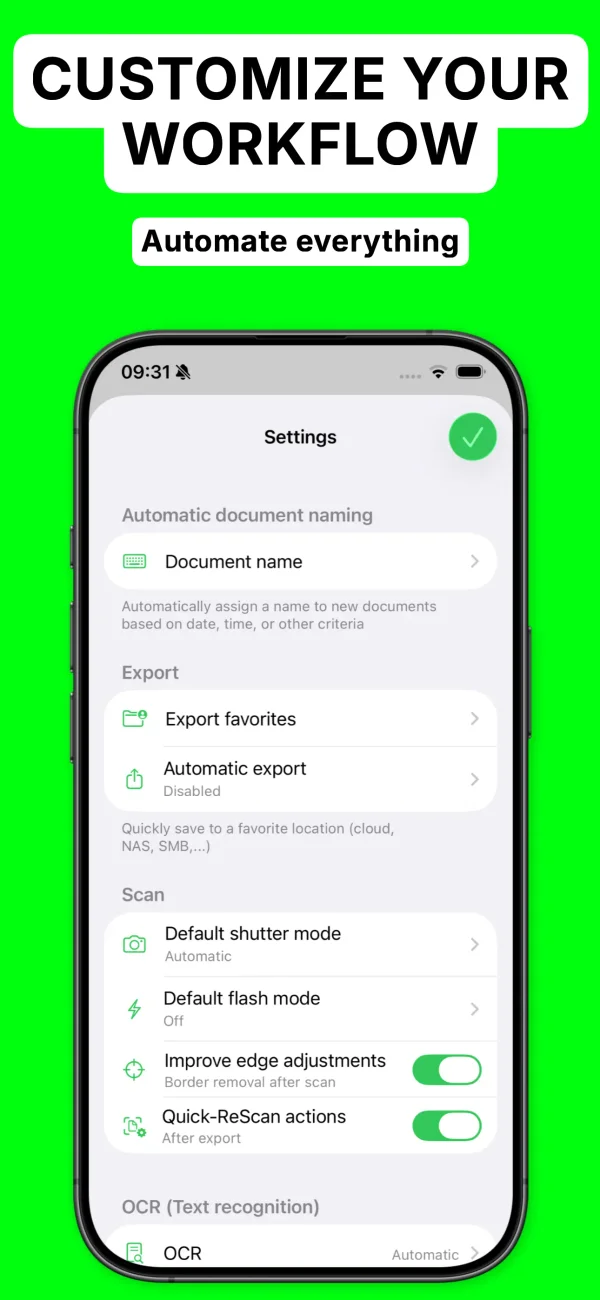
• Automatic document/file naming with patterns (e.g., document date, title, issuer, time, text, counter)
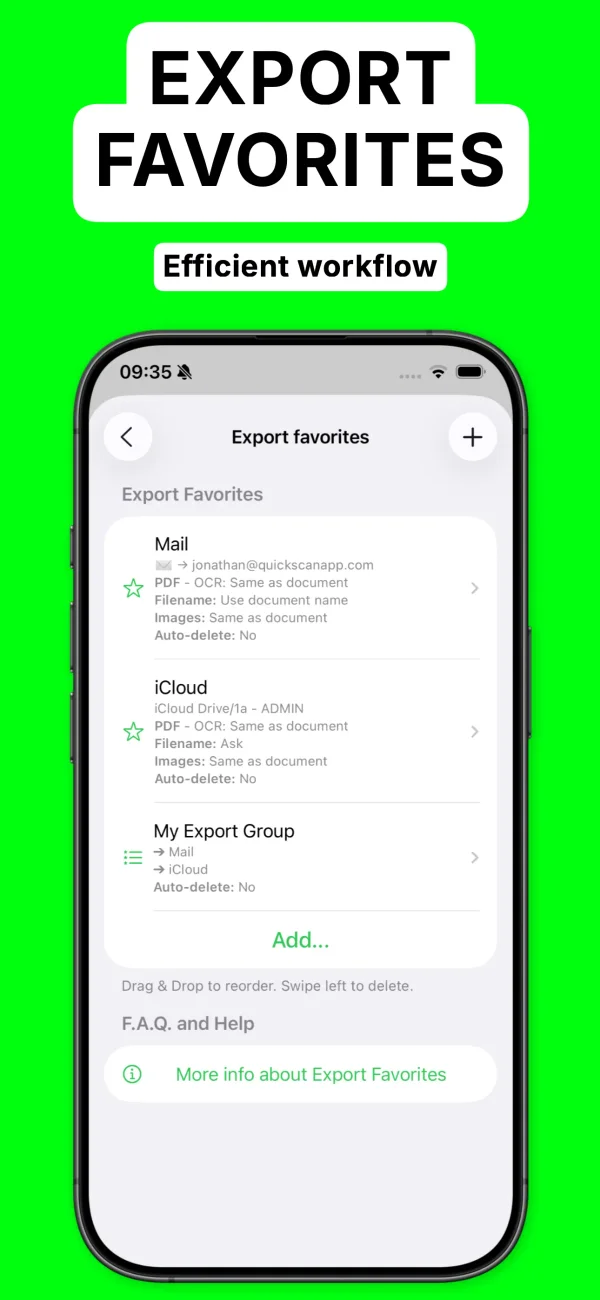
• 'Export Favorites': Automatically export to preconfigured locations (cloud, email, etc.) with custom settings (color, black & white, filename, format)
• 'Export Groups': Export to multiple locations simultaneously by grouping Export Favorites
• Automatic deletion of documents after successful export
• iOS Home screen & Lock screen Widgets & Control Center controls. Associate an Export Favorite to the widget for instant export to that favorite after the scan started by tapping the widget.
• Place document automatically in the configured folder when the scan is started from a Widget/Shortcut associated to an Export Favorite
• Siri Shortcuts compatible
• Launch scan directly from the home screen with a long press on the app icon (or using a widget)
### Export ###
• Export in PDF with the recognized text integrated (very advanced feature). This allows to search/copy & paste into the generated PDF.
• Export recognized text as a .txt file
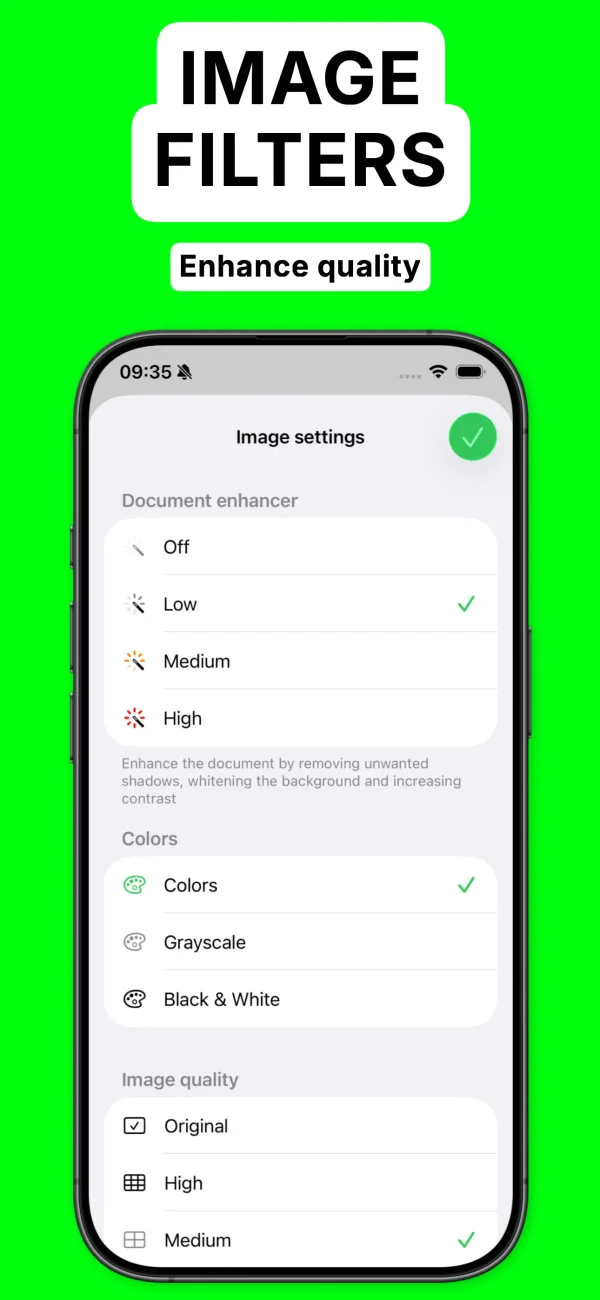
• Export as images with optional filters (grayscale, black & white)
• Save to cloud services with Favorites (iCloud Drive, Dropbox, Google Drive, OneDrive, SharePoint, WebDAV, paperless-ngx, pCloud, NAS, SMB, NextCloud, and more)
• Export anywhere (to Files, to any Drive, E-mail, message, Airdrop, …), or to the cloud
• Apply image filters (grayscale, black & white), crop, rotate images
• Easily adjust output file size and quality with real-time size estimation
• ... and much more, there are really many useful features
Everything is processed on your device: No internet connection required and ZERO data collection.
There’s no quicker, easier way to scan, OCR, and manage documents beautifully
SUPPORTED LANGUAGES FOR OCR:
• ENGLISH
• GERMAN
• FRENCH
• SPANISH
• ITALIAN
• PORTUGUESE
• CHINESE
• KOREAN
• JAPANESE
• UKRAINIAN
• RUSSIAN
• VIETNAMESE
• THAI
• ARABIC
• ARABIC NAJDI
• Danish
• Swedish
• Dutch
• Norwegian
• Norwegian Nynorsk
• Norwegian Bokmål
• Czech
• Polish
• Romanian
• Turkish
• Indonesian
• Malay
• Other languages are supported but do not benefit from the enhanced accuracy provided by language dictionaries
I hope you’ll save a lot of time thanks to the efficiency of QuickScan!
Your privacy matters: everything happens locally, on your device! This app does not use any server. No personal data is collected.
What’s new
Version 9.7.8 · Nov 18, 2026
• Siri AI: ask Siri questions about your documents in QuickScan.
• Document summary + Q&A: QuickScan can now summarize your documents. You can also ask questions about them directly. On your device, no server: respects your privacy.
• Adaptive UI: QuickScan's interface now adapts to how you resize the app (iPad, iPhone Mirroring, ...).
• iPhone Duo: QuickScan is now optimized for iPhone Duo.
• Document metadata: QuickScan now extracts useful metadata from your documents. You can consult it, and it will enable powerful automations. On your device, no server: respects your privacy.
• Smart file naming improved: Automatic file naming is smarter than before, with better results and more options. On your device, no server: respects your privacy.
• Improved search: Search is faster and finds documents whose words are spread over several pages. Choose whether a page must contain all the words or any of them.
• Did you know?: QuickScan does not collect personal data, respects your privacy and is GDPR-compliant
App privacy
What iSolid apps declares on the App Store about how this app handles data.
-
Data not collected
The developer does not collect any data from this app.
Privacy practices may vary, for example with the features you use or your age.
Information
- Seller
- iSolid SPRL
- Category
- Business
- Version
- 9.7.8
- Updated
- Nov 18, 2026
- Released
- Apr 3, 2023
- Size
- 27.9 MB
- Requires
- iOS 16.4 or later
- Age rating
- 4+
- Languages
- German, English, French, Italian, Japanese, Dutch, Portuguese, Swedish, Spanish, Simplified Chinese
- Copyright
- © 2020-2027 - iSolid apps
You might also like
-
 KeyNook - PasswordmanagerPasswords, no subscription
-
 Smart Receipts - Captize ProPDF & Business Card Scanner
-
 doXiscanProductivity
-
 OpenCommanderProductivity
-
 Türaufmaß – Türen & ZargenBusiness
-
 Electronic-Toolbox 2Engineers, Students, Hobbyists
-
 AlphaplanBusiness
-
 HenosProductivity
-
 HosensoProductivity
-
 Airmail for BusinessProductivity