
- Age rating4+
- CategoryUtilities
- DeveloperHA QISHEN
- LanguagesEnglish
- Size34.8 MB
Links to the official App Store page
Download.org hosts no file of QuickTally Pro. The button opens its official App Store page, published by HA QISHEN. Listing last checked on Nov 13, 2026.
Screenshots


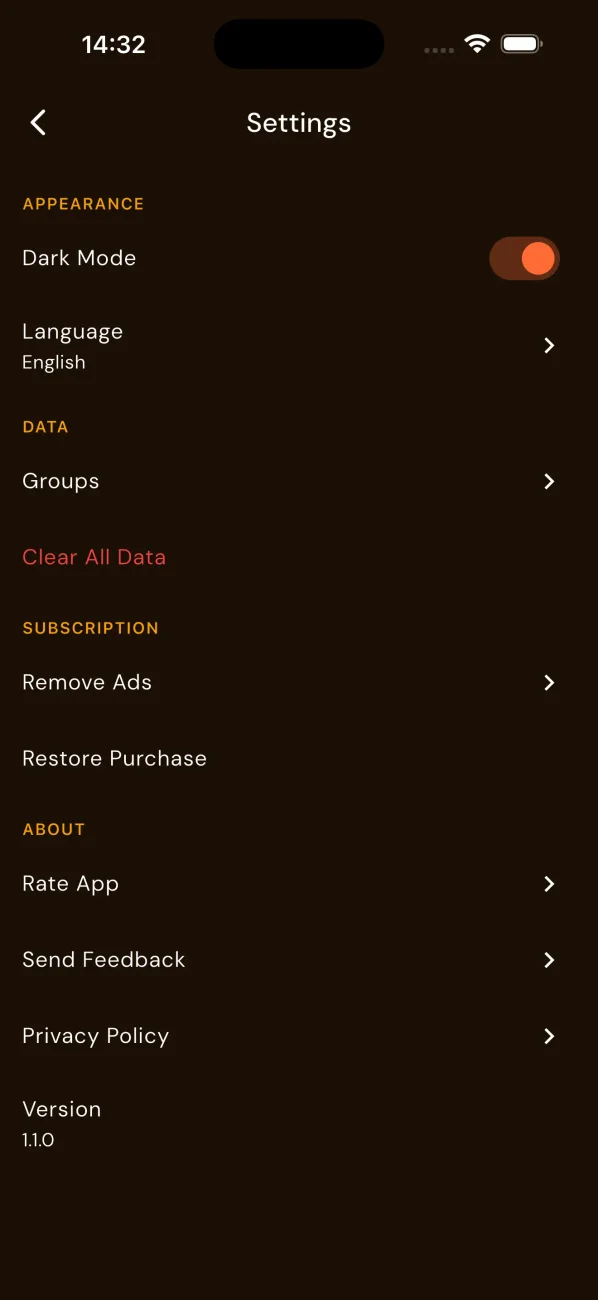
About
The simplest, fastest, most beautiful counter app you'll ever use. QuickTally manages multiple
counters, tracks daily history, and exports your data. No intrusive ads.
Perfect for:
- Warehouse & inventory staff
- Fitness enthusiasts tracking reps and sets
- Bird watchers logging species
- Event organizers counting attendees
- Habit trackers monitoring daily goals
Why QuickTally?
Most counter apps interrupt your flow with full-screen ads mid-count. QuickTally never does. The
counting screen is always ad-free. Modern design, instant response.
Key Features:
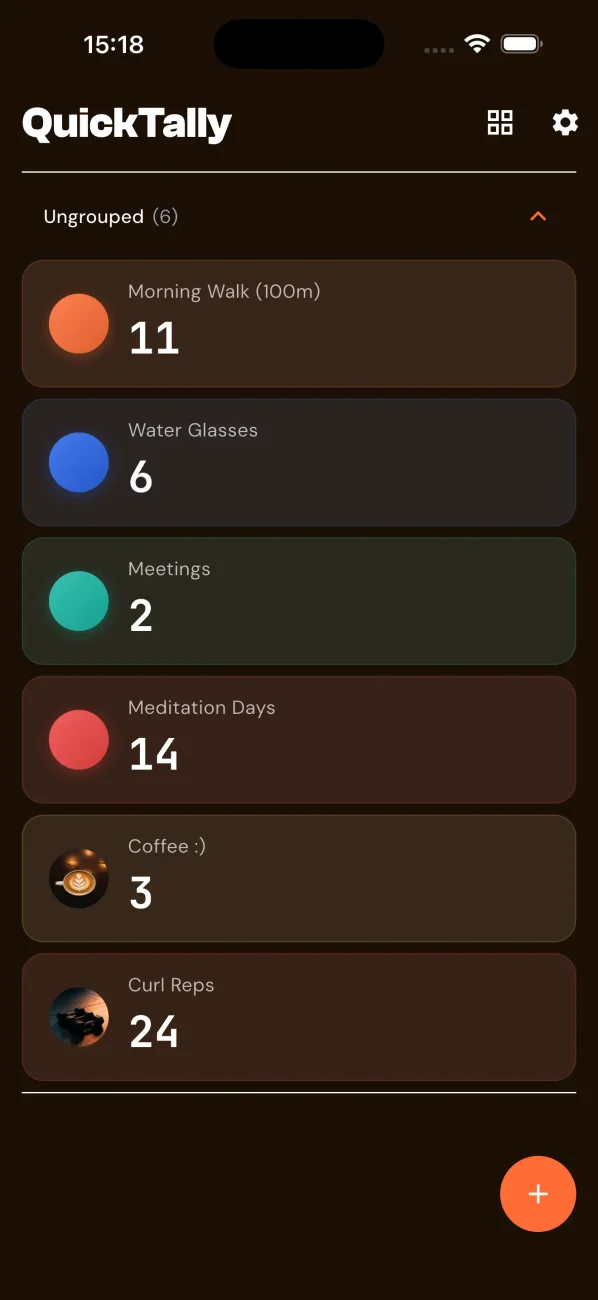
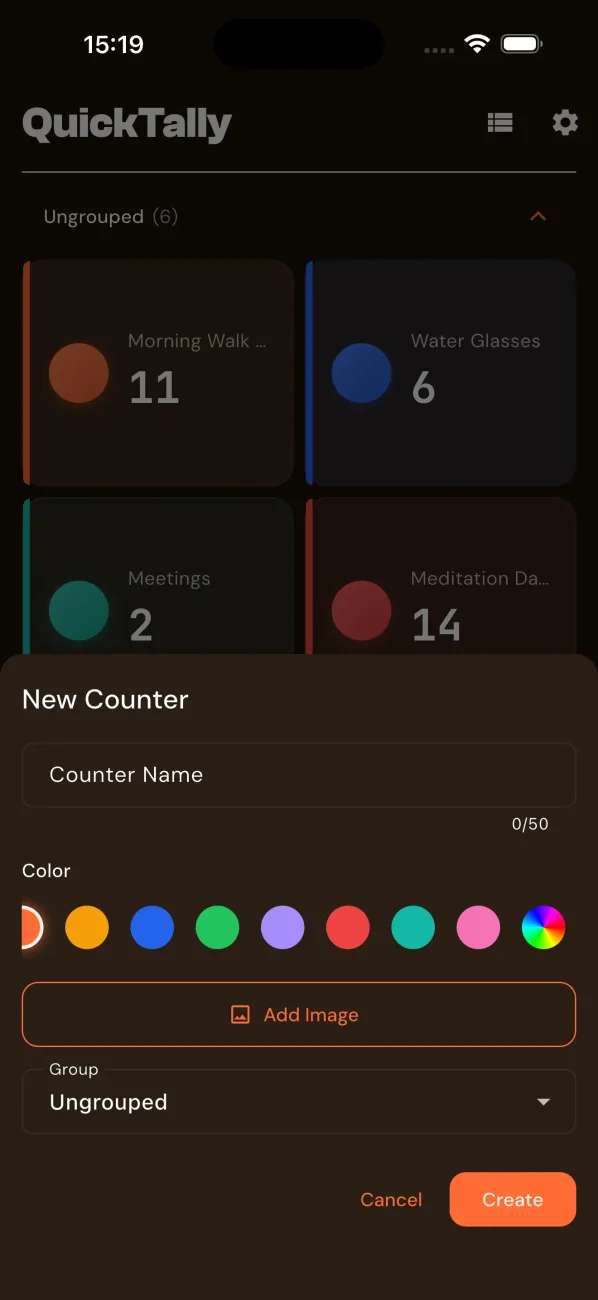
• Multiple Counters — Up to 50 counters, each with custom name and color
• Custom Colors — Pick any color from the full color wheel
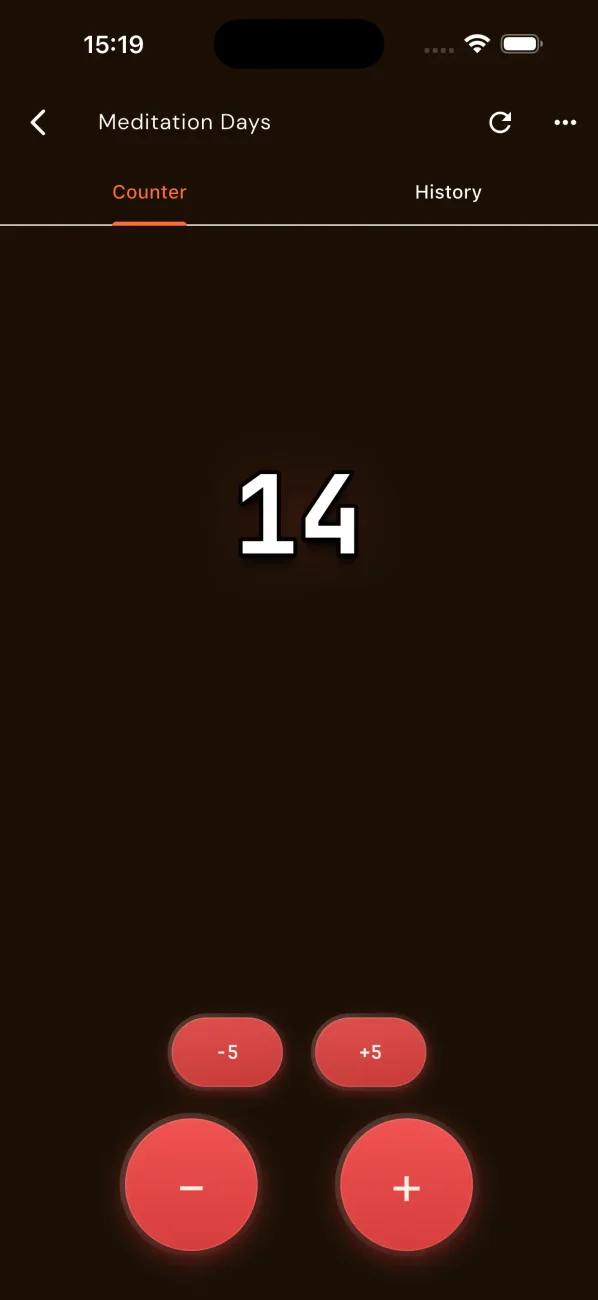
• Large, Clear Numbers — Big display you can read at a glance
• Fast +/- Buttons — Tap for single counts, hold to accelerate
• Custom Shortcut Buttons — Set any value like +3 or -20
• Drag to Delete — Long-press and drag to the bottom to remove a counter
• Swipe to Edit — Swipe a counter card to quickly edit its details
• Grid & List Views — Switch between layouts, drag to reorder in both
• Groups — Organize into groups like "Work", "Gym"
• Haptic Feedback — Feel each count without looking
• 30-Day History Chart — Daily changes per counter
• Daily Summary — Start value, end value, net change per day
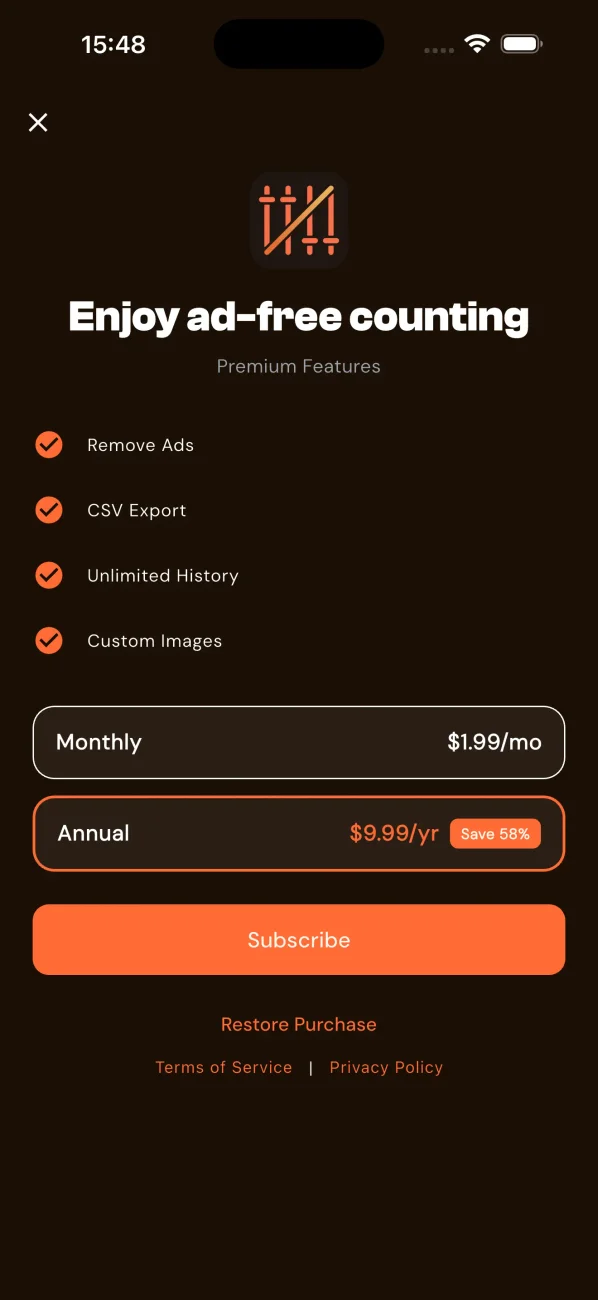
Premium (Ad-Free Subscription):
• Remove all ads
• CSV Export for Excel, Numbers, Google Sheets
• Unlimited History (free: 30 days, premium: forever)
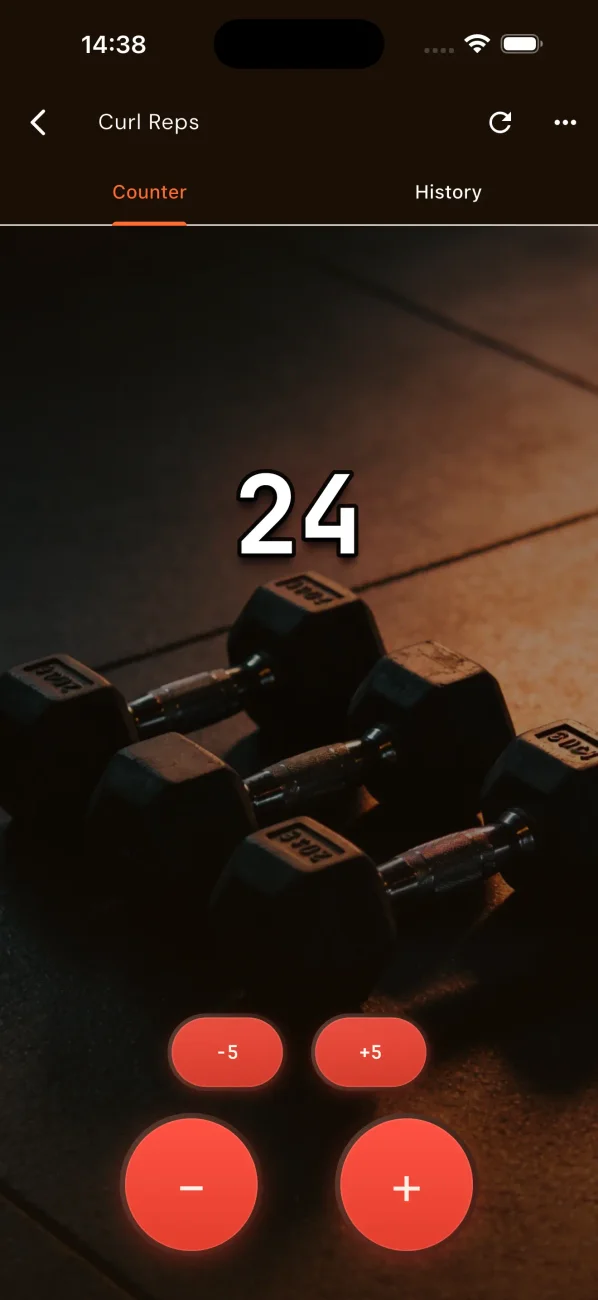
• Custom Background Images — Add a personal photo to any counter
Fully Offline — No account, no cloud. Your data stays on your device.
Supports English, Japanese, Chinese, Korean, German, Spanish, French, and Portuguese.
What’s new
Version 1.2.2 · Apr 16, 2026
- Improved screen reader support for history charts and lists
- Enhanced accessibility for empty states
- Minor UI consistency improvements
App privacy
What HA QISHEN declares on the App Store about how this app handles data.
-
Data used to track you
May be used to track you across apps and websites owned by other companies.
- Identifiers
- Usage data
-
Data not linked to you
May be collected but is not linked to your identity.
- Identifiers
- Usage data
- Diagnostics
Privacy practices may vary, for example with the features you use or your age.
Information
- Seller
- HA QISHEN
- Category
- Utilities
- Version
- 1.2.2
- Updated
- Apr 16, 2026
- Released
- Apr 12, 2026
- Size
- 34.8 MB
- Requires
- iOS 13.0 or later
- Age rating
- 4+
- In-app purchases
- Yes
- Languages
- English
- Copyright
- © 2026 QAI
You might also like
-
 CountickTap-anywhere multi-counter
-
 Daily Tally CounterPhoto cards and date counters
-
 Multiple Counters - CountBoardHistory and custom layouts
-
 onySmartUtilities
-
 KeepCount: Tally CounterClick Counter: Reps & Scores
-
 TECALEMIT CompanionUtilities
-
 Video Speed for SafariVideo Speed Changer for Safari
-
 Recordi - Snore TrackerSleep Talk & Apnea Monitor
-
 Keyboard Extension - SnipKeyThe best keyboard extension
-
 Counter Widget - Tally CounterTally Counter, Count Up & Down