
QuickTerminal - Multi-Shell
AI Terminal with SSH & SFTP
Designed for iPhone, iPad, Mac, iPod touch
Free · In-app purchases
- Age rating4+
- CategoryDeveloper Tools
- DeveloperKAZUHIRO KAKIMOTO
- LanguagesEnglish
- Size57.2 MB
Links to the official App Store page
Download.org hosts no file of QuickTerminal - Multi-Shell. The button opens its official App Store page, published by KAZUHIRO KAKIMOTO. Listing last checked on Nov 14, 2026.
Screenshots

About
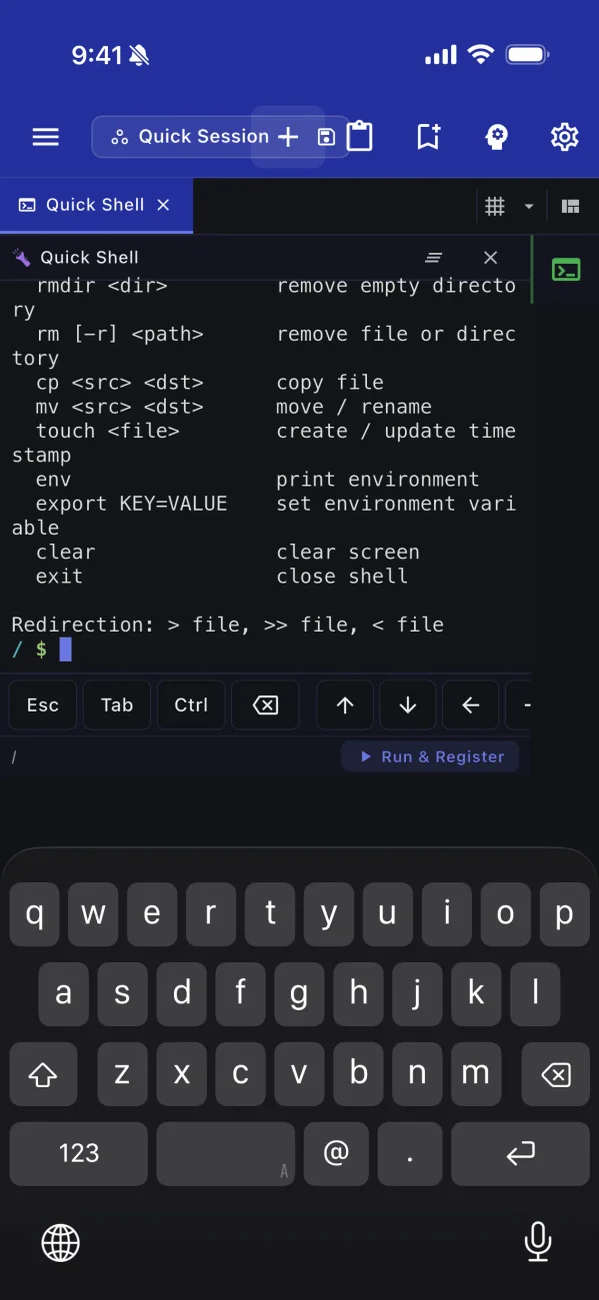
QuickTerminal is a professional terminal emulator and SSH client designed for iOS and macOS. It combines local shell access, remote SSH sessions, SFTP file browsing, and AI-powered command assistance in one workspace.
TERMINAL:
- Full xterm-256color terminal emulation
- Local shell support (bash, zsh, fish, sh, ksh)
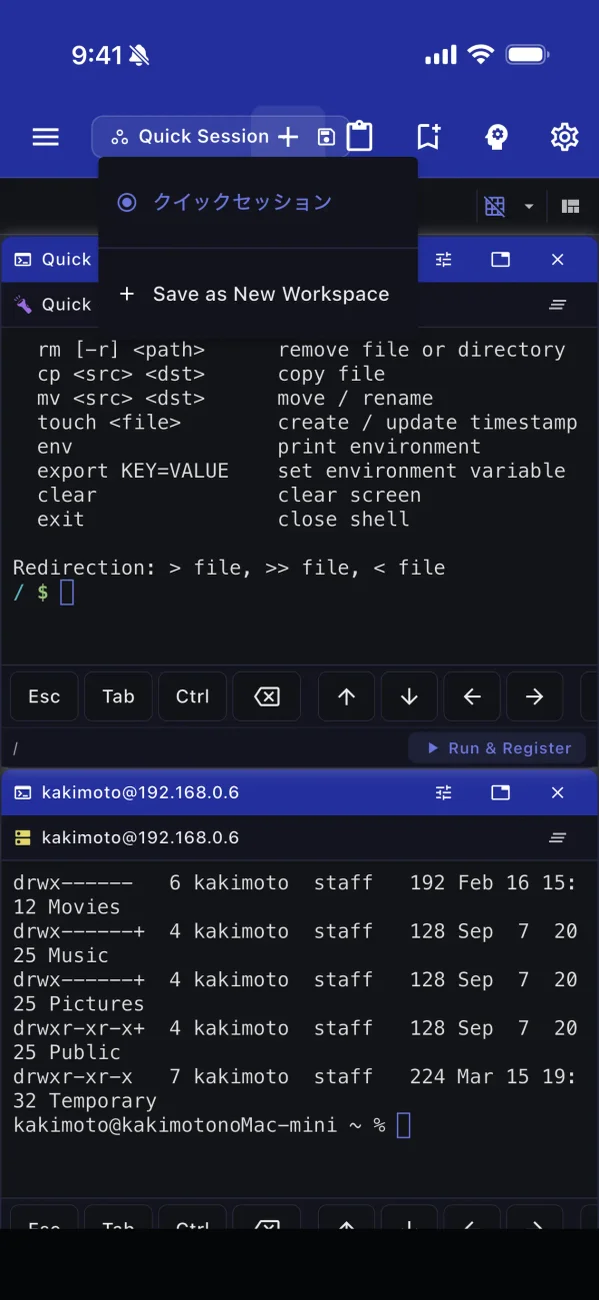
- Multiple concurrent sessions with tabs
- Horizontal and vertical terminal splitting
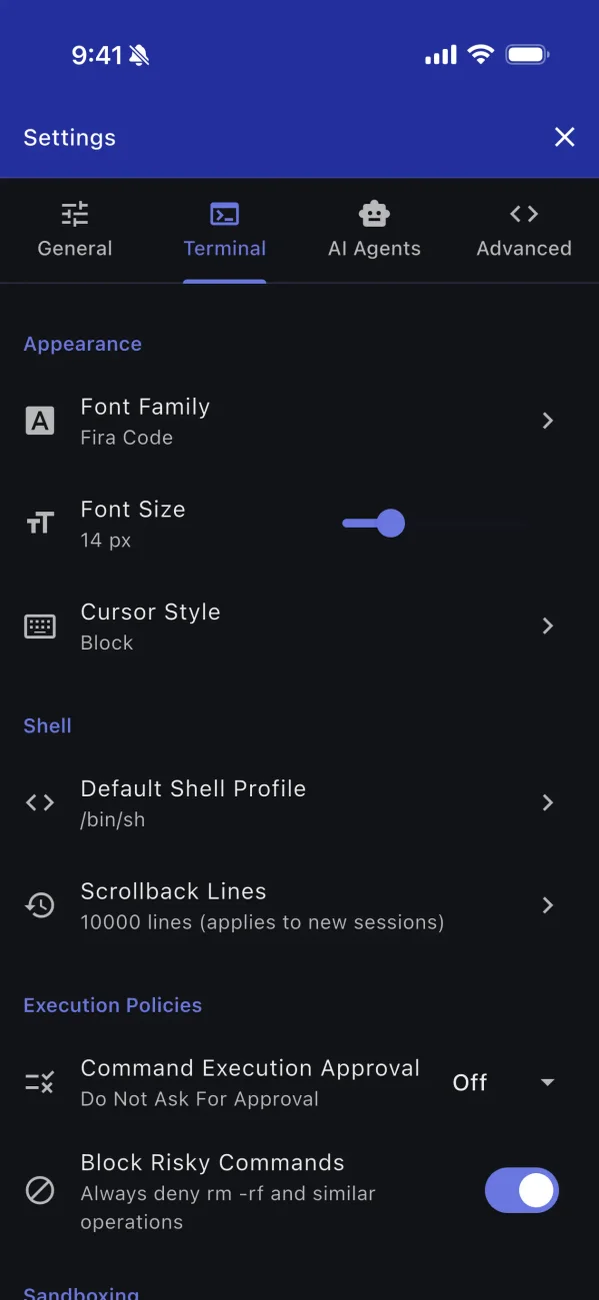
- Customizable fonts: Fira Code, JetBrains Mono, Source Code Pro, Cascadia Code
- Adjustable font size (8–32px) and cursor styles (block, underline, bar)
- Scrollback buffer up to 50,000 lines
SSH & SFTP:
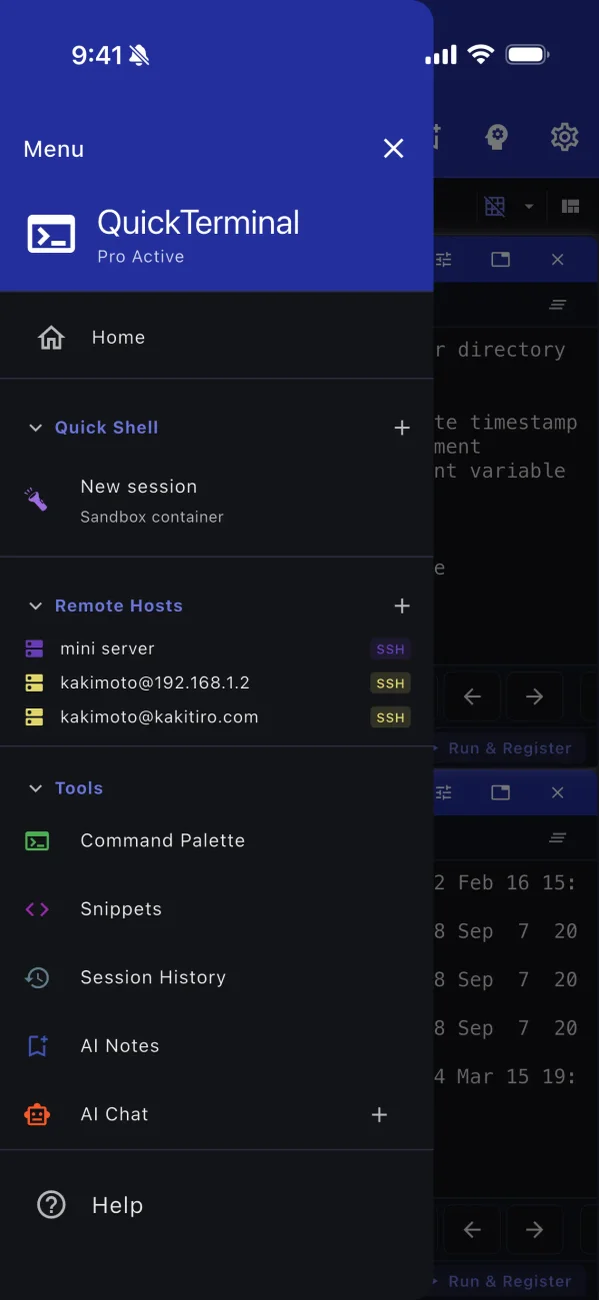
- SSH remote sessions with saved host profiles
- Key-based and password authentication
- SSH jump host / bastion support
- SFTP file browser for remote directories
- Connection pooling and session reuse
- Secure credential storage
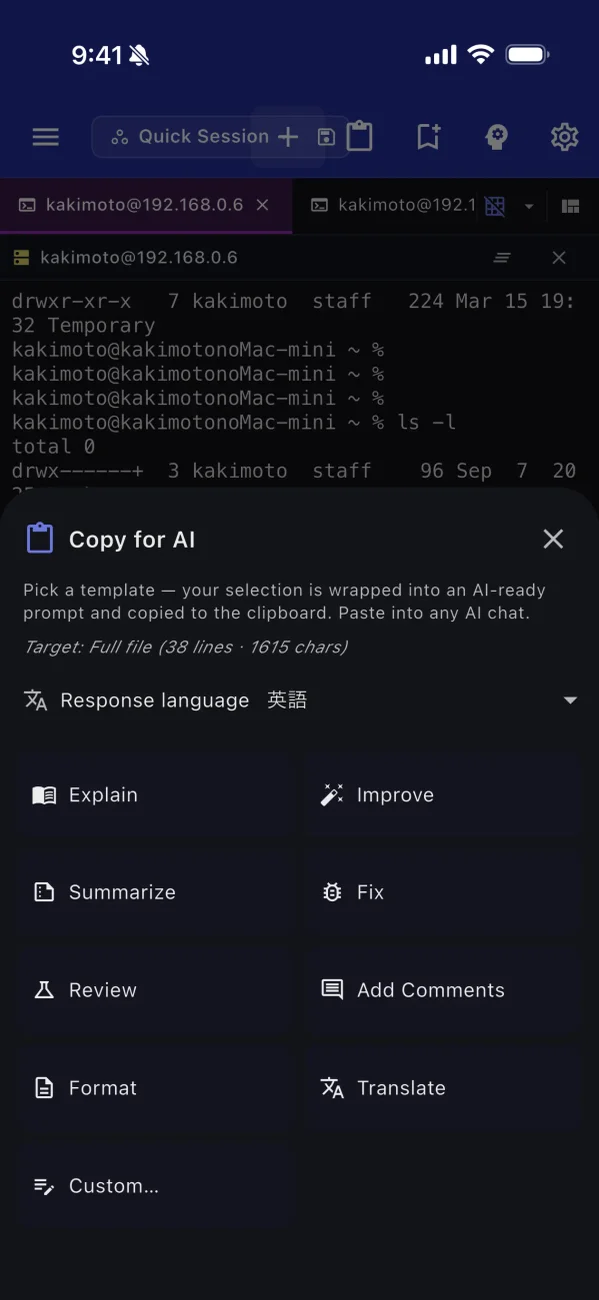
AI ASSISTANT (Pro):
- Claude and Gemini AI integration
- Natural language command suggestions and explanations
- Command safety analysis before execution
- Context-aware help with working directory and git status
COMMAND TOOLS:
- Command snippets: save, categorize, search, and import/export as JSON
- Command history with search, favorites, and directory tracking (500 entries)
- Command palette for unified search across actions and snippets
SECURITY POLICIES:
- Command approval modes: None, Risky Only, Always
- Risky command detection (rm -rf, mkfs, dd, shutdown, etc.)
- Directory-based sandboxing with allowed paths
- Configurable safety levels
WORKSPACE:
- Dockable floating panels
- Integrated file browser
- Resizable sidebar with icon-only mode
- Grid and tabbed layout modes
CUSTOMIZATION:
- 20+ theme colors with dark/light mode
- Customizable keyboard shortcuts
- Responsive layout for mobile, tablet, and desktop
ADVANCED CONNECTIVITY:
- Mosh (Mobile Shell) for resilient connections over flaky networks
- Port forwarding with local and remote SSH tunnels
- GCP IAP tunneling for Google Cloud SSH access
QuickTerminal Pro unlocks:
- Unlimited AI agent execution
- Ad-free experience
- Advanced security policies
- Priority support
Terms of Use: https://kakitiro.com/quickapps/quickterminal/terms/
What’s new
Version 5.1.31 · Aug 25, 2026
• Bug fixes and performance improvements.
• UI and design improvements.
App privacy
What KAZUHIRO KAKIMOTO declares on the App Store about how this app handles data.
-
Data linked to you
May be collected and linked to your identity.
- Location
- Identifiers
- Usage data
-
Data not linked to you
May be collected but is not linked to your identity.
- Diagnostics
Privacy practices may vary, for example with the features you use or your age.
Information
- Seller
- KAZUHIRO KAKIMOTO
- Category
- Developer Tools
- Version
- 5.1.31
- Updated
- Aug 25, 2026
- Released
- May 7, 2026
- Size
- 57.2 MB
- Requires
- iOS 13.0 or later
- Age rating
- 4+
- Price
- Free
- In-app purchases
- Yes
- Languages
- English
- Copyright
- © kakitiro.com
You might also like
-
 TermiShellSecure & Fast SSH Terminal
-
 CamadonDeveloper Tools
-
 Agentlock: AI Agent SecurityAI Agent Approval Platform
-
 ShelltonAI agents over SSH & Mosh
-
 Deploy: Web Hosting & .ngHost websites, buy .ng domains
-
 YuzuSSHFast & secure SSH access.
-
 kiwi programmingarray programming language
-
 Motif - SSH & CodexRemote dev sessions
-
 AgentDeck: Chat w/ Your AgentPrivate messenger for agents
-
 NeoShellShell-first remote workspace