
- Age rating4+
- CategoryUtilities
- DeveloperSEUNGSOO YOU
- LanguagesEnglish
- Size28.8 MB
Links to the official App Store page
Download.org hosts no file of QuickWindChk. The button opens its official App Store page, published by SEUNGSOO YOU. Listing last checked on Nov 12, 2026.
Screenshots

About
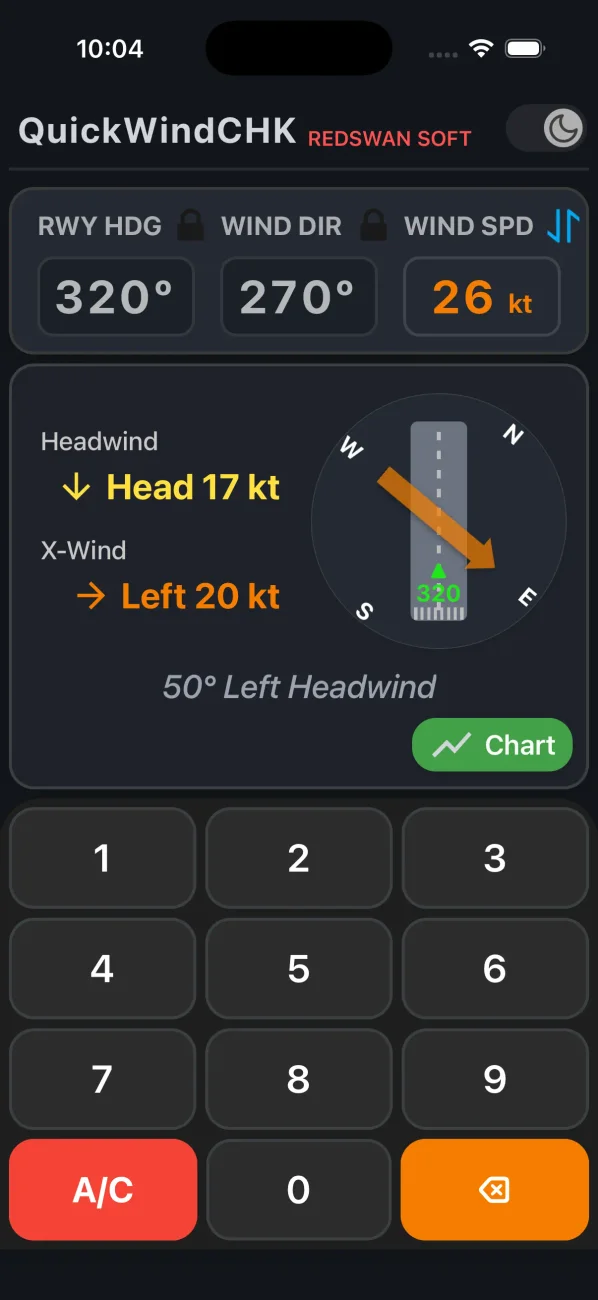
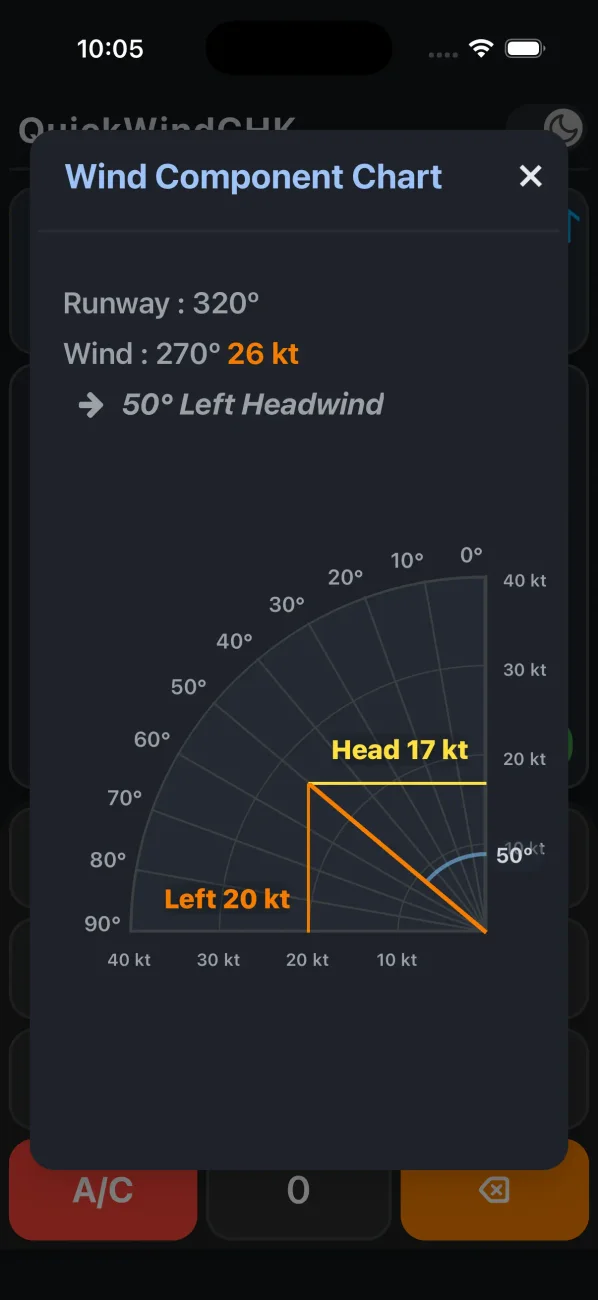
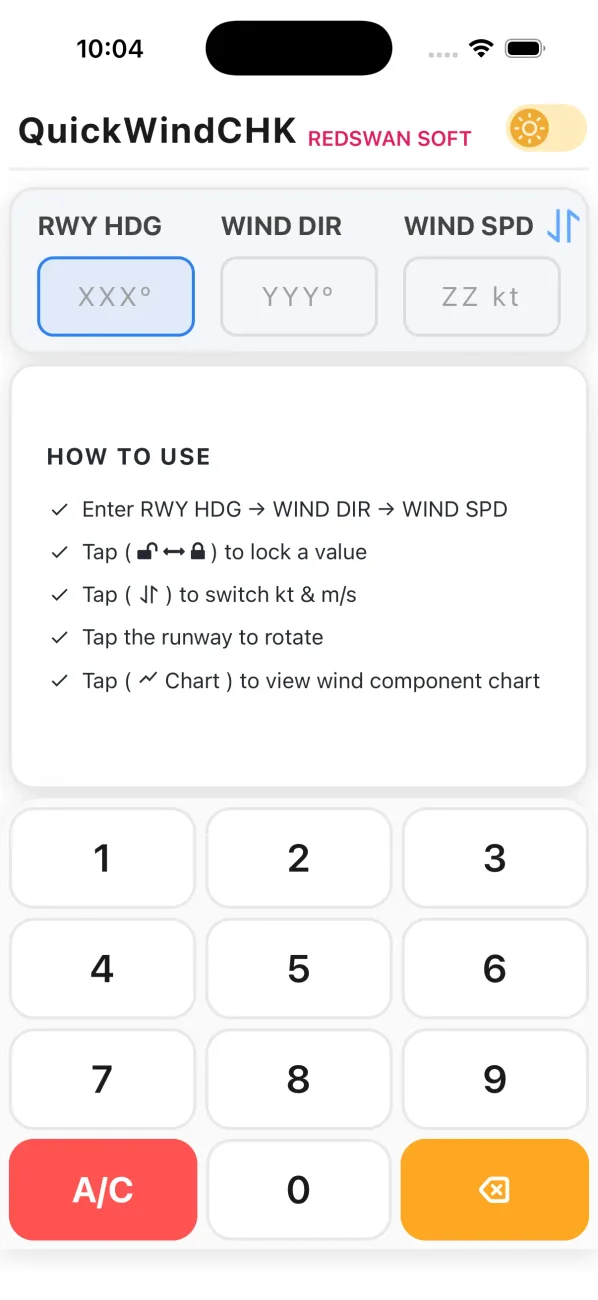
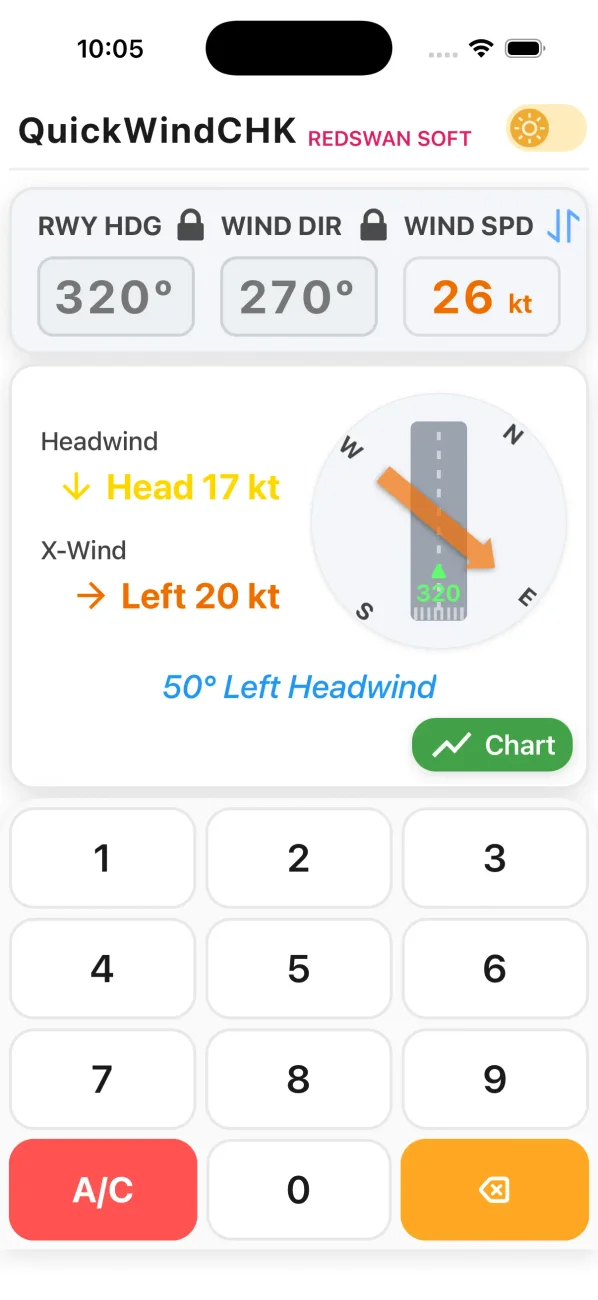
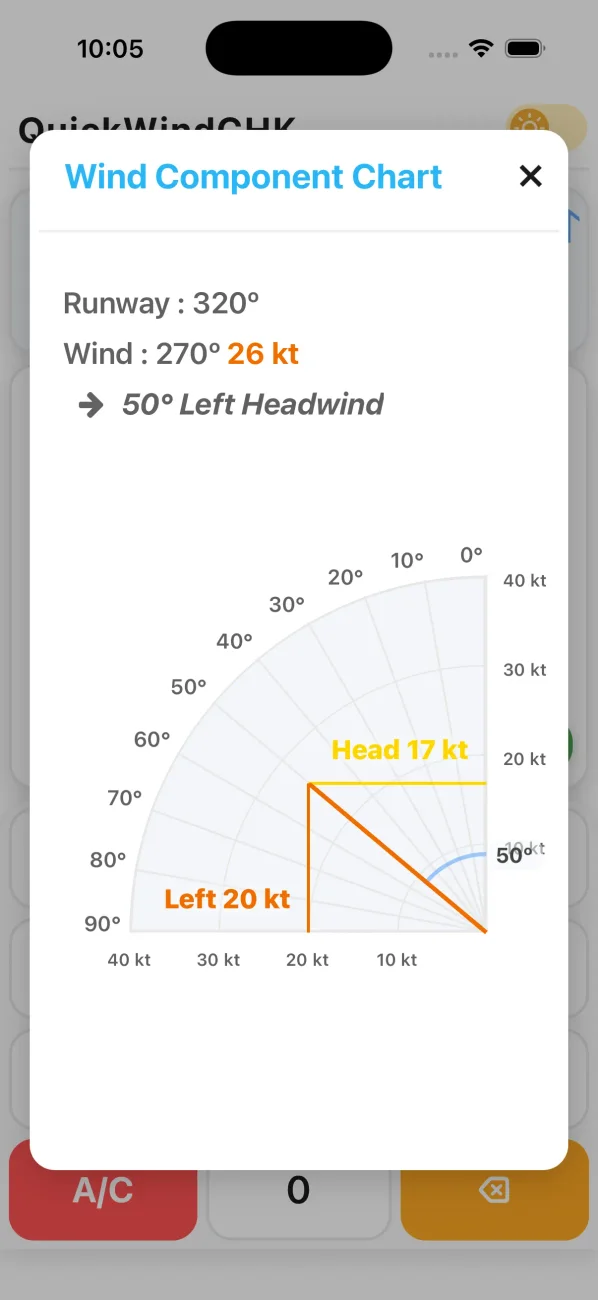
QuickWindChk puts the wind picture you need before a flight decision into one clear, focused view. Enter the runway heading, wind direction, and wind speed to understand the wind at a glance.
Wind Envelope — Check your wind margin quickly and clearly. Set crosswind and tailwind limits, then see the remaining margin clearly.
Pattern HDG — See the traffic-pattern direction that fits your runway, along with wind-corrected headings for each leg. Choose left- or right-hand traffic, set TAS, and switch the pattern presentation UP or DOWN for the view that is easiest to read.
You can also:
- See headwind, tailwind, and left or right crosswind components instantly.
- Use a clean runway-and-wind diagram to understand the result visually.
- Enter data quickly with the purpose-built keypad.
- Lock runway or wind-direction values for repeated checks.
- Use light or dark appearance on both iPhone and iPad.
Important!
QuickWindChk is a fast reference tool. Always use current official weather information, aircraft limitations, airport procedures, and approved flight-planning resources when making operational decisions.
What’s new
Version 1.0.4 · Sep 1, 2026
- Wind Envelope: Set crosswind and tailwind limits and see your remaining wind margin quickly and clearly.
- Pattern HDG: See the runway-appropriate traffic-pattern direction and wind-corrected heading for every leg.
- Switch Pattern HDG between UP and DOWN presentations while keeping the entered runway heading unchanged.
- Refined traffic-pattern aircraft alignment and overall layout.
- Updated the Components tab label, visual details, and About information.
- Minor improvements and bug fixes.
App privacy
What SEUNGSOO YOU declares on the App Store about how this app handles data.
-
Data not collected
The developer does not collect any data from this app.
Privacy practices may vary, for example with the features you use or your age.
Information
- Seller
- SEUNGSOO YOU
- Category
- Utilities
- Version
- 1.0.4
- Updated
- Sep 1, 2026
- Released
- Mar 5, 2026
- Size
- 28.8 MB
- Requires
- iOS 15.1 or later
- Age rating
- 4+
- Price
- Free
- Languages
- English
- Copyright
- © Redswan Soft
You might also like
-
 Crosswind CheckWind Calculator & Trainer
-
 P3 Flight Time CalculatorCalculates PIC/SIC flight time
-
 OverflightAppRequest flight permits
-
 PlenPersonal Flight Radar
-
 Prayer VideoA handy tool for you
-
 My Pool by BlulogicaUtilities
-
 AirlineCalcUtilities
-
 Callout: Crew RosterYour roster, beautifully.
-
 Log Time Smart CalculatorCalculate the time in minutes
-
 Transits.io Astrology CalendarTrack Planetary Alignments