
- Age rating17+
- CategoryUtilities
- DeveloperApptionary LLC
- LanguagesEnglish
- Size63.5 MB
Links to the official App Store page
Download.org hosts no file of QuillCue. The button opens its official App Store page, published by Apptionary LLC. Listing last checked on Nov 22, 2026.
Screenshots
About
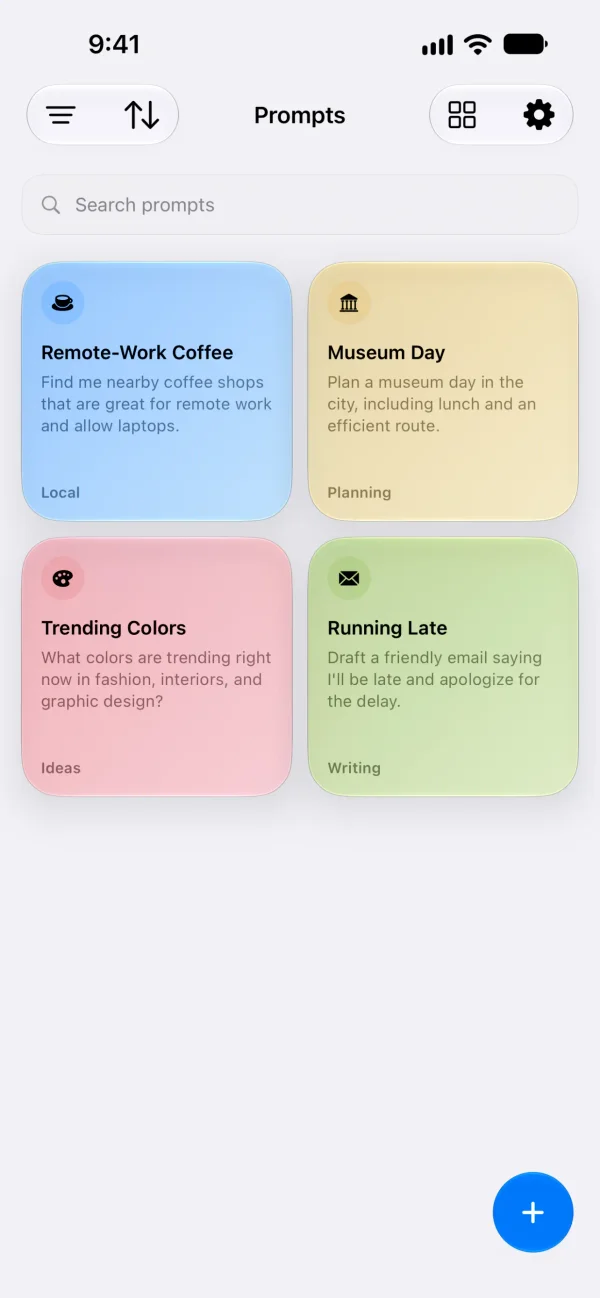
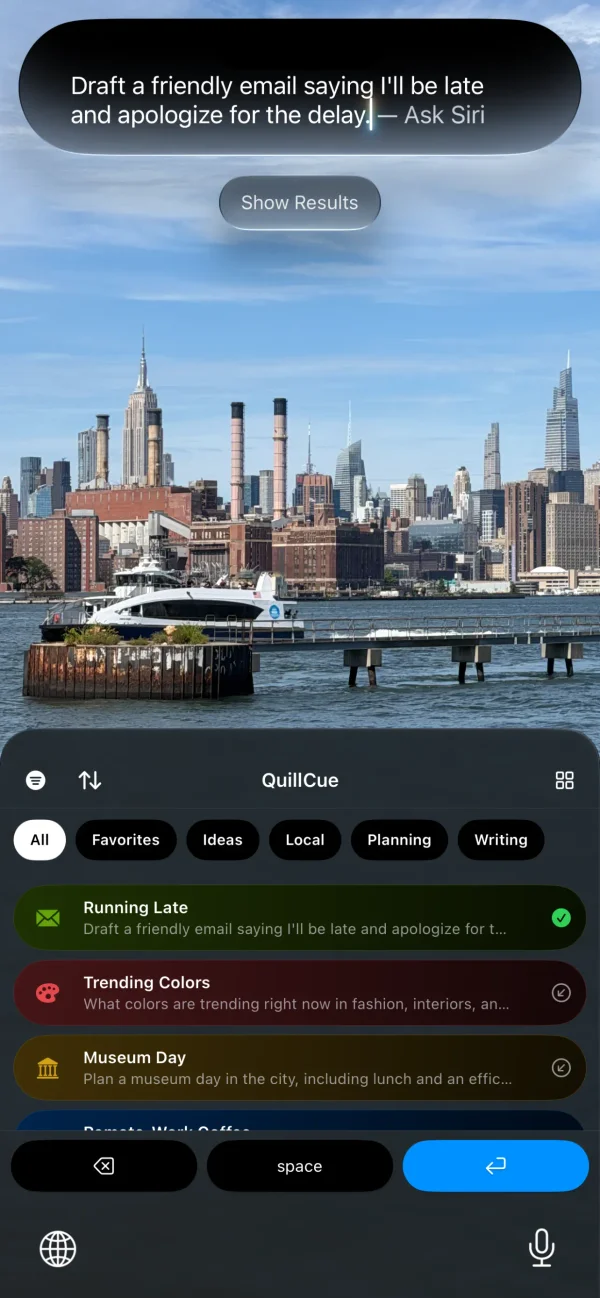
Store, organize, and enhance your favorite AI prompts. Quickly insert them into your favorite AI apps or even Siri AI.
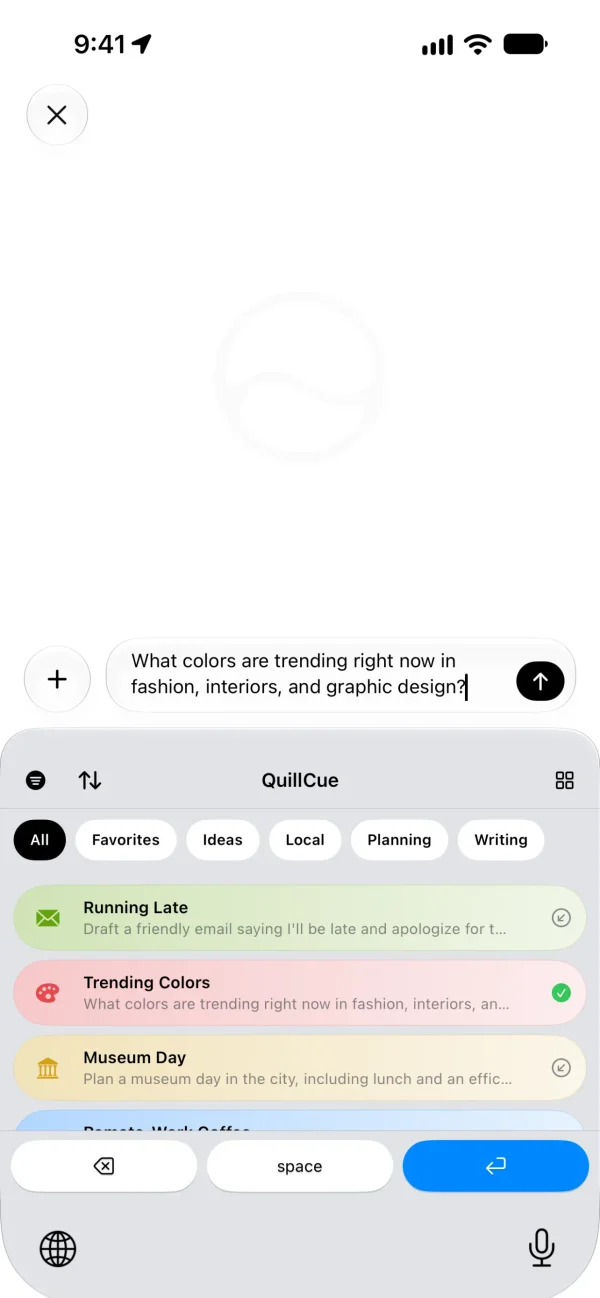
• A Keyboard for Your Favorite Apps
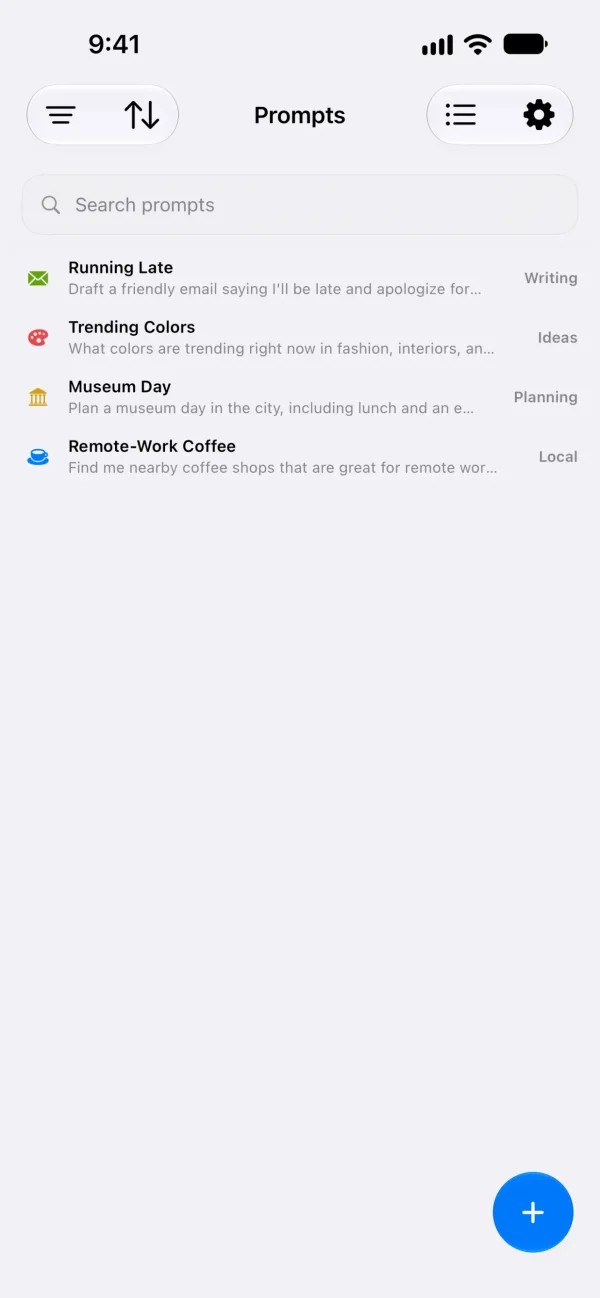
Add the QuillCue keyboard in Settings, then insert the prompt you need into a compatible text field with one tap. It also works with Type to Siri. Browse prompts by category and switch between list and grid layouts. Hide or show prompts on the keyboard at any time.
• Configure and Organize Your Prompts
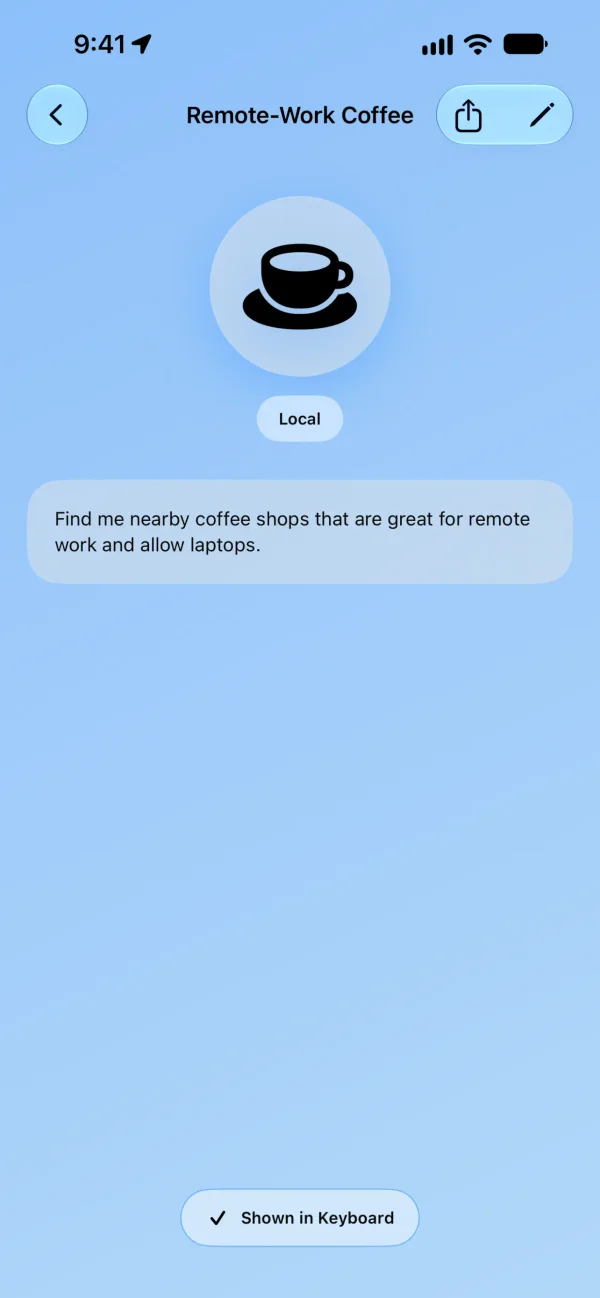
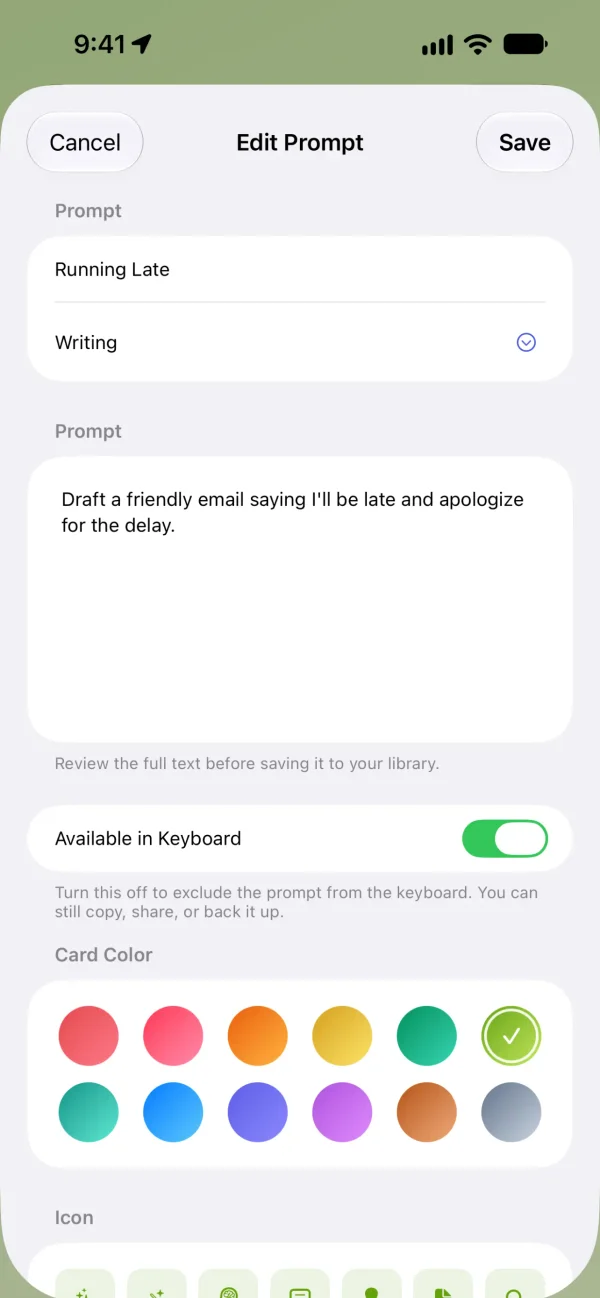
Assign categories, colors, and symbols to keep your prompt library organized. Keep prompts inside the app for reference or choose which ones appear in the QuillCue keyboard.
• Search, Categorize, and Favorite
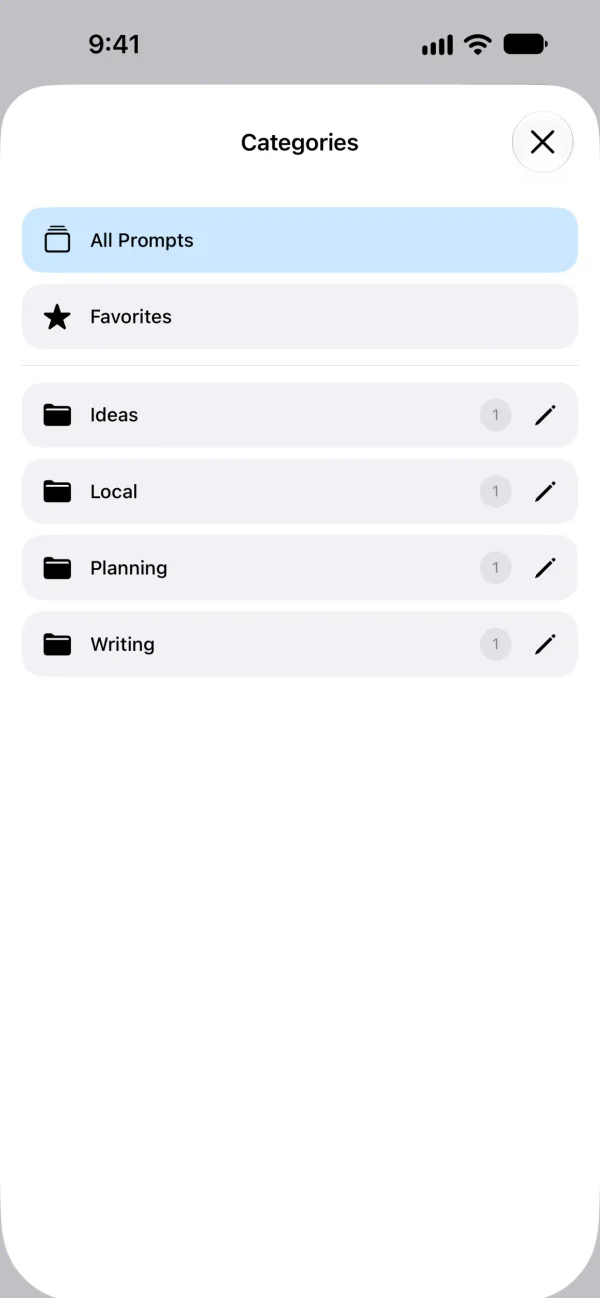
Create custom categories, mark important prompts as favorites, and quickly search your library by title or prompt text. Favorites and categories are also available from the keyboard.
• Make the Library Your Own
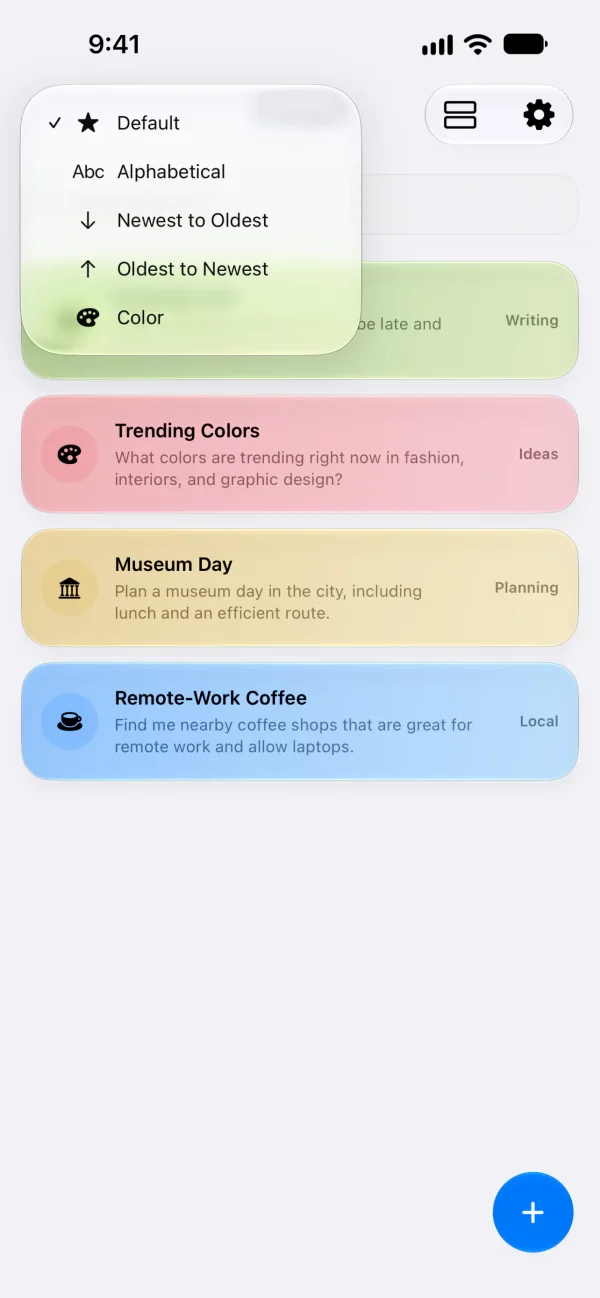
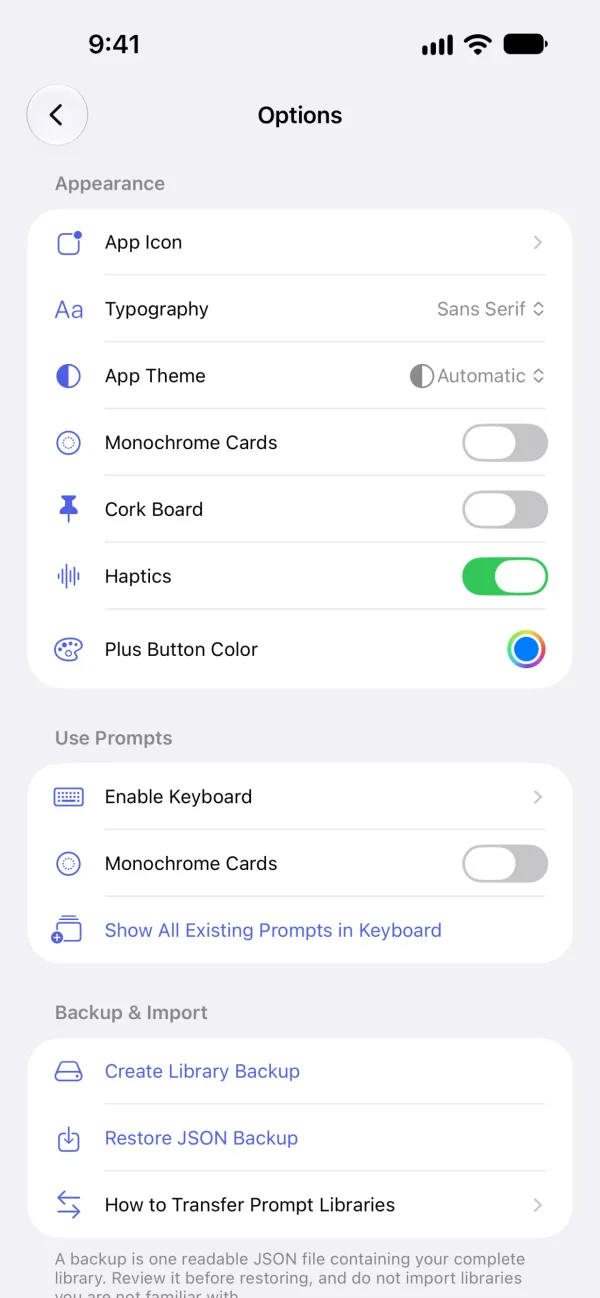
Choose from multiple Home Screen app icons, typography options, color settings, and library layouts. Enable haptic feedback, simplify your cards with monochrome mode, or go back in time with the skeuomorphic cork board theme.
• Use Apple Intelligence to Improve Prompts
Leverage on-device Apple Intelligence models on compatible devices to enhance your prompts to try to get better output results.
• Private by Design with Easy Backups
QuillCue has no accounts, analytics, advertising, or developer-operated servers. Your prompt library is stored locally, and QuillCue does not provide cloud synchronization. Create a JSON backup whenever you want to save your library or manually transfer it to another device.
What’s new
Version 2.0 · Nov 21, 2026
Thanks for trying QuillCue! We've been working on adding some big new features for this 2.0 release like iPad support and Apple Intelligence prompt improvement. There are also several bug fixes for better reliability. Please feel free to leave a rating or review on the App Store, we'd greatly appreciate it!
Note: After installing this update you will have to re-enable the QuillCue keyboard in Settings.
New Features
- Now designed for iPad with multi-window support
- Use on-device Apple Intelligence to improve your prompts
- Customize the system improvement prompt
- Combined Categories, Sorting, and Layout controls
- Previews are now scrollable when you have long prompts
- Updated onboarding experience
- What's New section under Options
Bug Fixes & Changes
- Improved backup restoration
- More reliable keyboard previews
- Improved keyboard size-calculation
- Updated device transfer instructions
- Updated with new ownership information
- Updated privacy policy text and feedback email address
App privacy
What Apptionary LLC declares on the App Store about how this app handles data.
-
Data not collected
The developer does not collect any data from this app.
Privacy practices may vary, for example with the features you use or your age.
Information
- Seller
- Apptionary LLC
- Category
- Utilities
- Version
- 2.0
- Updated
- Nov 21, 2026
- Released
- Sep 22, 2026
- Size
- 63.5 MB
- Requires
- iOS 27.0 or later
- Age rating
- 17+
- Price
- Free
- Languages
- English
- Copyright
- © 2026 Apptionary LLC
You might also like
-
 Hoardware - Device CollectionHardware inventory & firmware
-
 Deflector ◇Shortcuts Everywhere
-
 Cibby: Game CollectionScan and track physical games
-
 Lens: Simple, Private BrowserThe web, without the noise
-
 Wider - Fullscreen BrowsingMore room for the internet
-
 Crest BrowserSpaces for your browsing
-
 Litterbox - Post PeekerRead the post, skip the site
-
 Gnome: Find and Share GIFsSearch and share animated GIFs
-
 This Day: Photo CleanerRelive Years, Reclaim Space
-
 Mirage – Remote DisplayRemote display for computers