QuizScreen: Screen Time Focus
Answer Questions, Unlock Apps
Designed for iPhone, iPad
Free · In-app purchases
- Age rating4+
- CategoryProductivity
- DeveloperWebnyl LLC
- LanguagesEnglish
- Size17.9 MB
Links to the official App Store page
Download.org hosts no file of QuizScreen: Screen Time Focus. The button opens its official App Store page, published by Webnyl LLC. Listing last checked on Nov 16, 2026.
Screenshots
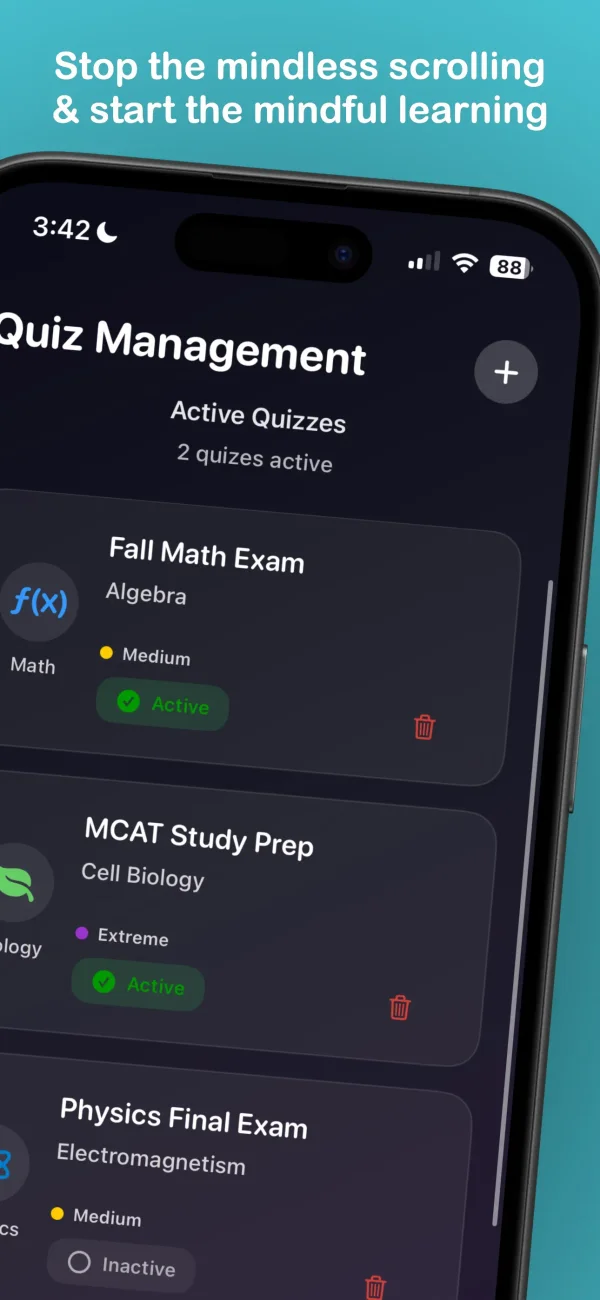
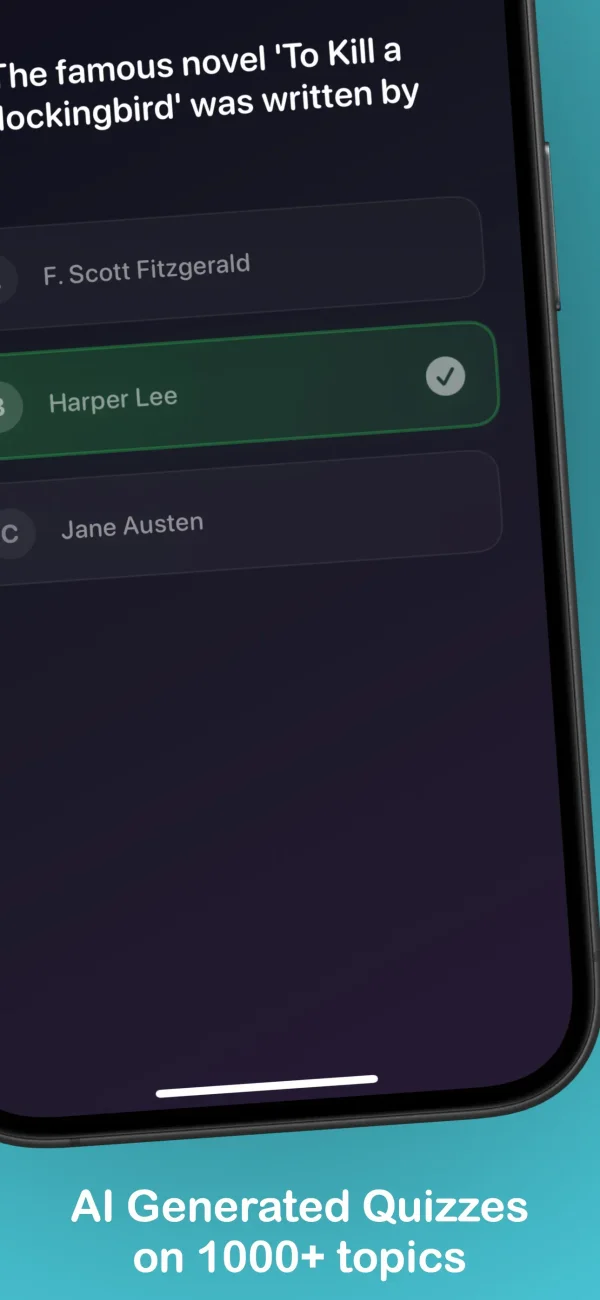
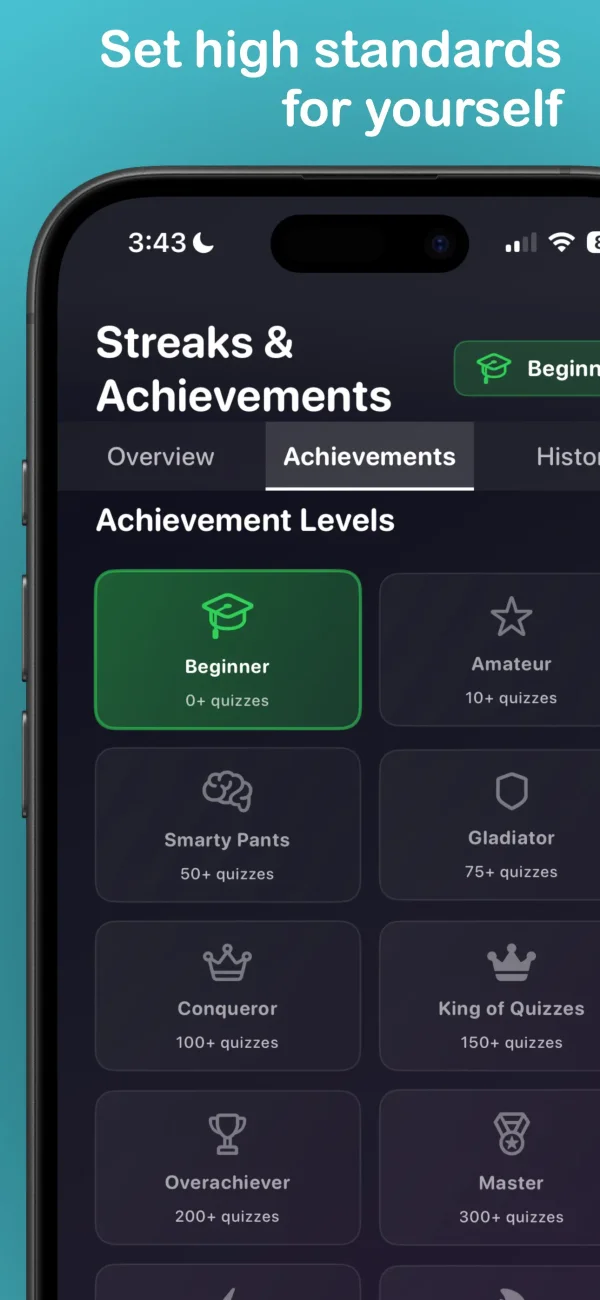

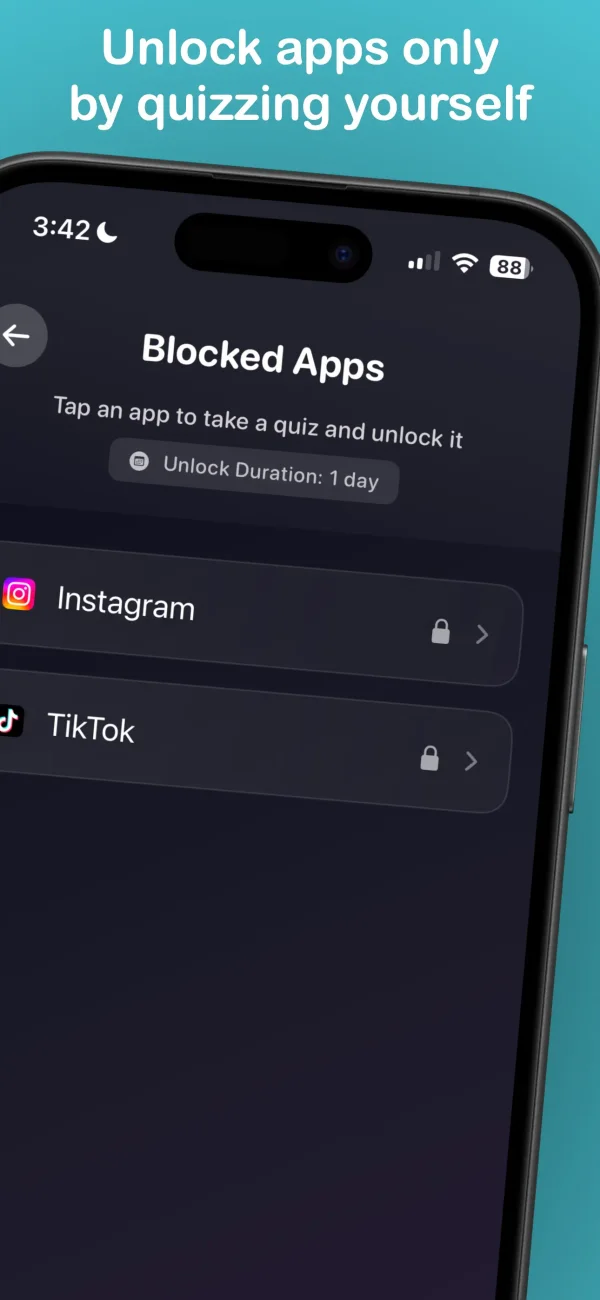
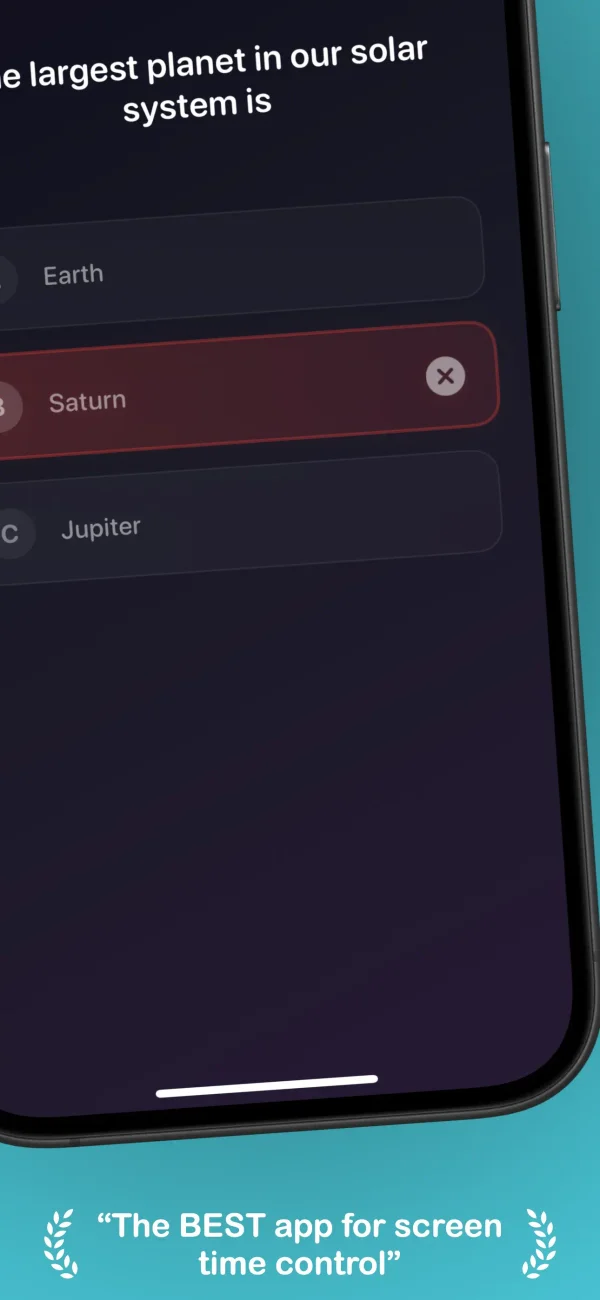
About
Turn distracting screen time into a moment of learning with QuizScreen.
QuizScreen lets you choose distracting apps to block. When you want to open one, complete a short quiz to unlock it for your selected duration. Blocking is powered by Apple's Screen Time frameworks, and your selected app tokens remain private to the system.
HOW IT WORKS
1. Authorize Screen Time access.
2. Choose the individual apps you want QuizScreen to block.
3. Tap a blocked app inside QuizScreen and complete a short quiz.
4. Unlock the app for 15 minutes, 30 minutes, 1 hour, 1 day, or permanently.
5. Finite unlocks are automatically re-blocked when their time expires.
FREE FEATURES
• Core app blocking with no unlock limit
• Every unlock duration
• More than 100 randomized offline questions
• General Knowledge, Math, English, and History quiz packs
• Basic streak and completion totals
• No account required
QUIZSCREEN PREMIUM
Premium adds optional learning tools:
• AI-generated quiz questions
• Custom quiz topics and difficulty
• Create, edit, and activate custom quizzes
• Detailed quiz history
• Achievements and advanced progress insights
Your saved custom quizzes remain visible if Premium expires and become editable again when access is restored.
DESIGNED FOR FOCUS
• Explicit app selection keeps blocking understandable and predictable
• Built-in quizzes work without an internet connection
• Screen Time authorization status and subscription controls remain accessible in Settings
• Dynamic Type, VoiceOver labels, and Reduce Motion support
• Your quiz history and preferences are stored locally on your device
PRIVACY
QuizScreen does not require an account and does not sell personal information. Screen Time selections are handled using Apple's privacy-preserving Family Controls framework. Premium AI requests send the selected quiz topic and difficulty to OpenRouter to generate questions. QuizScreen also uses RevenueCat for subscription management, Firebase Remote Config for app configuration, and Bugsnag for crash diagnostics. See our Privacy Policy for details.
REQUIREMENTS
• iOS 17 or later
• Screen Time authorization is required for app blocking
• Internet access is required for AI-generated questions and subscription operations; built-in quizzes work offline
Subscriptions renew automatically unless cancelled at least 24 hours before the end of the current period. You can restore purchases and manage your subscription from QuizScreen Settings.
Terms of Use: https://www.apple.com/legal/internet-services/itunes/dev/stdeula/
Privacy Policy: https://www.quizscreen.app/privacy
What’s new
Version 2.0.5 · Oct 6, 2026
QuizScreen has a refreshed study-card design, with clearer navigation, updated quiz and progress screens, and support for light and dark appearance. We’ve also improved layouts for larger text.
App privacy
What Webnyl LLC declares on the App Store about how this app handles data.
-
Data not linked to you
May be collected but is not linked to your identity.
- Purchases
- User content
- Identifiers
- Usage data
- Diagnostics
- Other data
Privacy practices may vary, for example with the features you use or your age.
Information
- Seller
- Webnyl LLC
- Category
- Productivity
- Version
- 2.0.5
- Updated
- Oct 6, 2026
- Released
- Jul 8, 2025
- Size
- 17.9 MB
- Requires
- iOS 17.0 or later
- Age rating
- 4+
- Price
- Free
- In-app purchases
- Yes
- Languages
- English
- Copyright
- © 2026 Webnyl LLC
You might also like
-
 Quizwall: Focus App BlockerUnlock apps with quizzes
-
 ScrollScholar - App BlockerAI Study & Screen Time Control
-
 Quizlock: Earn Screen TimeApp blocker: study to unlock
-
 Study Guard: Study & FocusAI Flashcards & Focus Blocker
-
 ScrollToll: Exam App BlockerStudy to unlock screen time
-
 Clema: Screen Time CompanionFocus Assistant, App Blocker
-
 No Scroll - Limit Screen TimeApp Blocker, Control + Reduce
-
 Jomo - App Blocker & FocusScreen Time Control & Limits
-
 Detox: Digital DetoxApp Blocker for Dopamine Detox
-
 Flipd: focus & study timerProductivity, time tracker