Quote Archive: Read, Save Text
Tags, Widgets, eBooks, Images
Designed for iPhone, iPad
Free · In-app purchases
- Age rating4+
- CategoryBooks
- DeveloperNneka Nnamdi-Udoh
- LanguagesEnglish
- Size26.3 MB
Links to the official App Store page
Download.org hosts no file of Quote Archive: Read, Save Text. The button opens its official App Store page, published by Nneka Nnamdi-Udoh. Listing last checked on Nov 15, 2026.
Screenshots
About
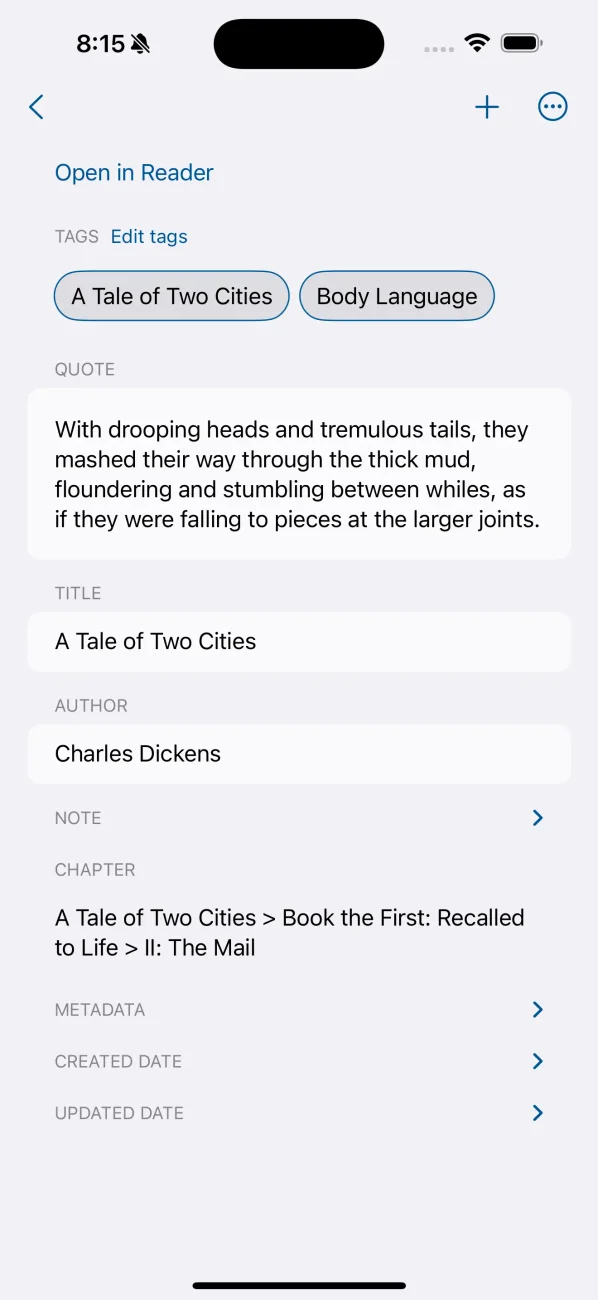
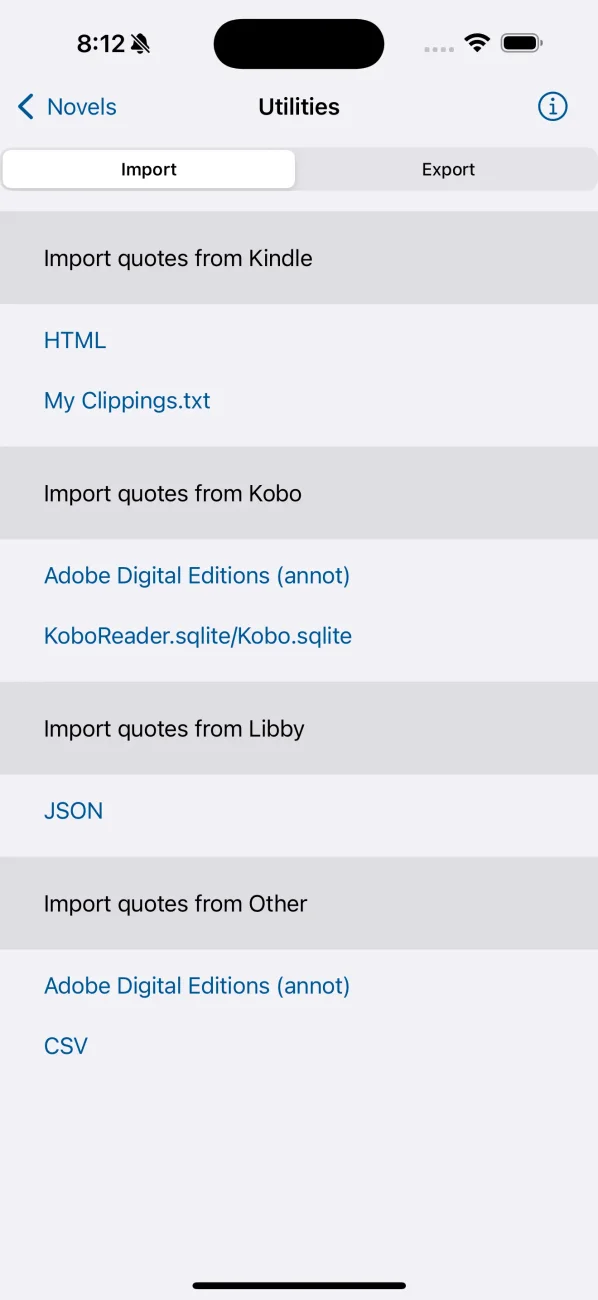
Read ebooks. Store all your quotes or highlights in one place for easy management, review, and search. Add quotes from Kindle, Kobo, Libby, CSV, Adobe Digital Editions.
You can use the app for free. Quote Archive offers a Free Tier and a Premium Tier. Upgrade to the Premium Tier with a one-time purchase to access premium features.
Reader Features:
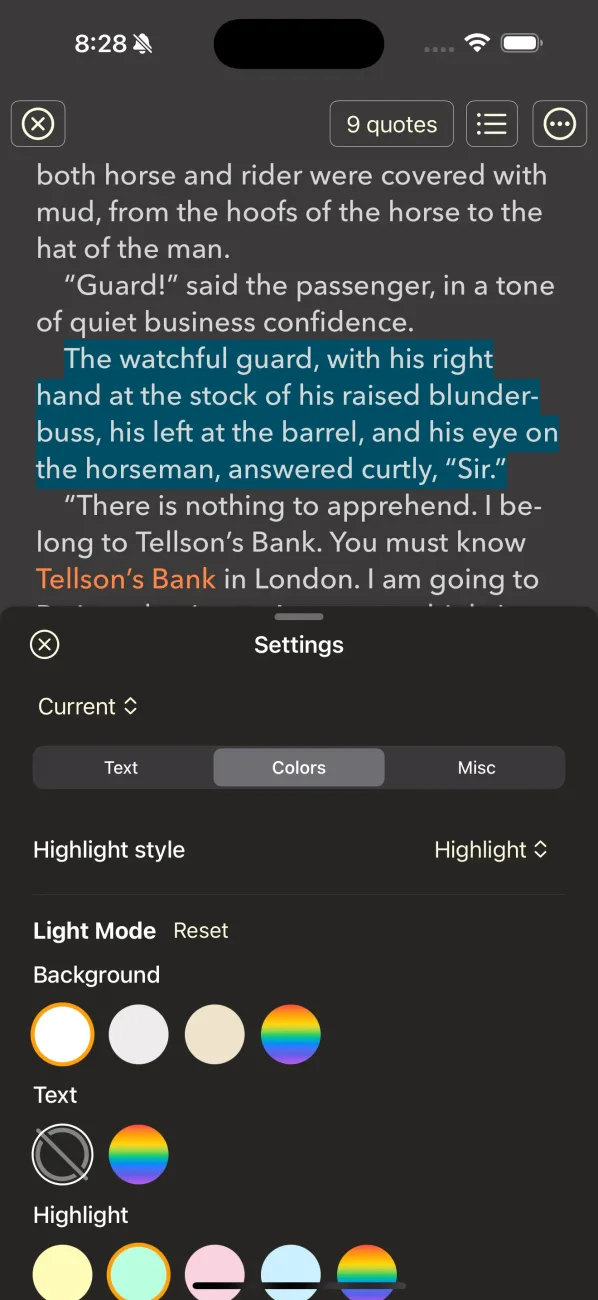
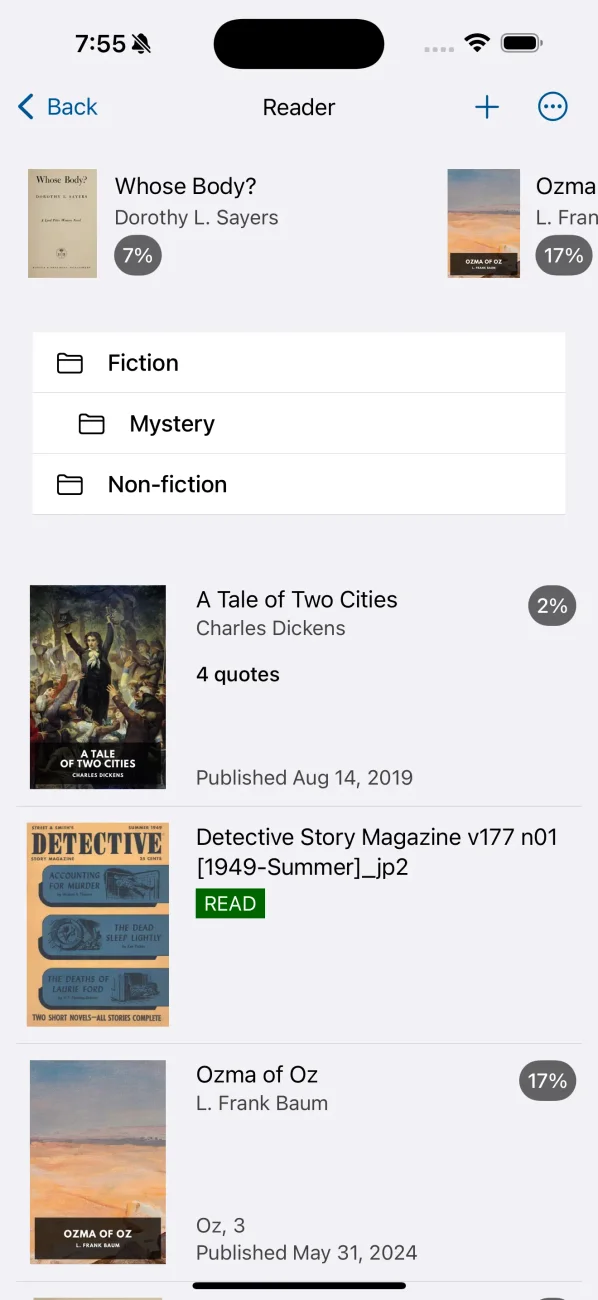
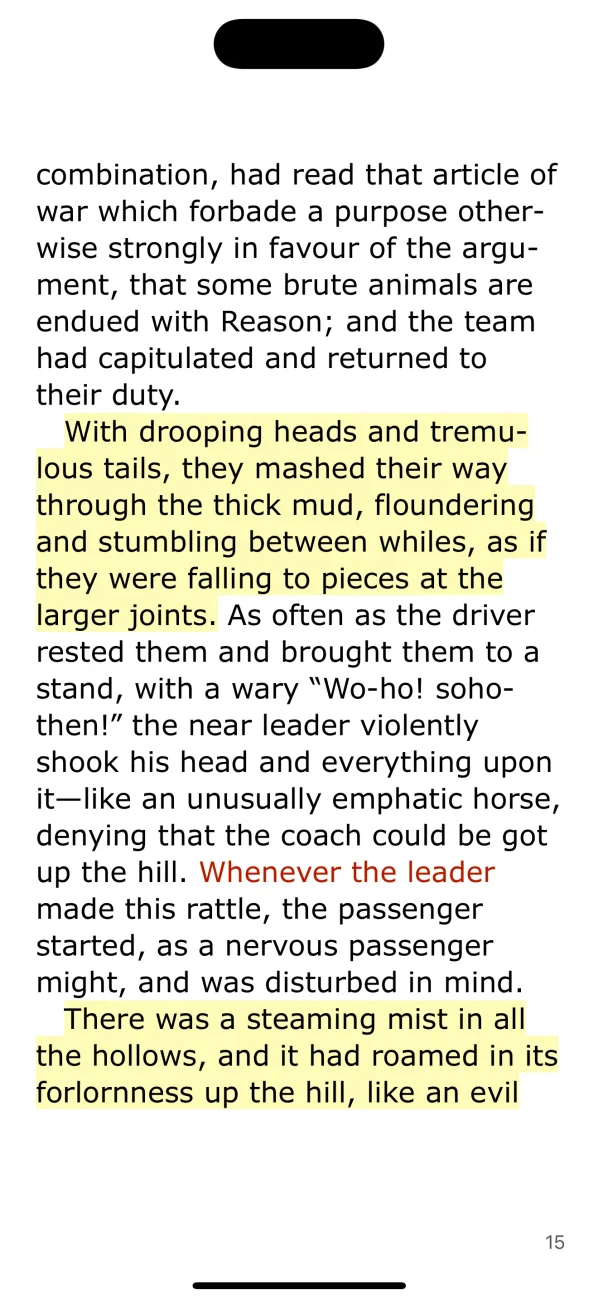
- Read Internet Archive, EPUB (reflowable, DRM-free), CBZ, or ZIP (of images) books, and highlight and tag quotes.
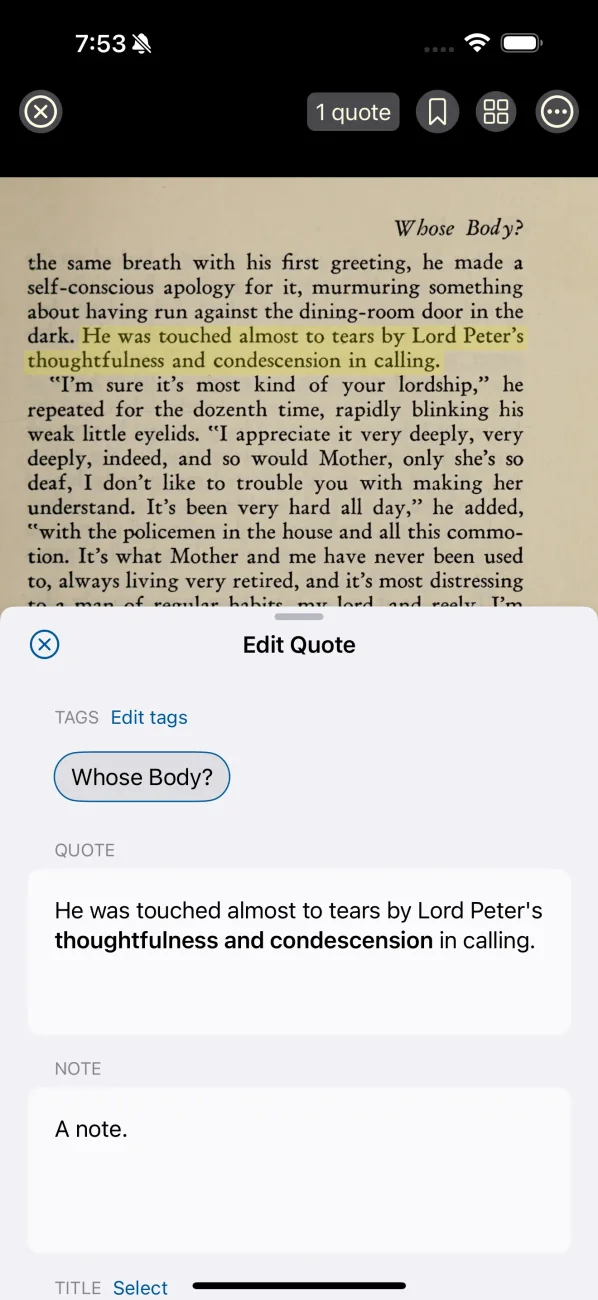
- Highlight text directly on images on Internet Archive or CBZ/ZIP books. Read just the image text using a customizable Text Mode.
- Organize your books with folders, including nested folders.
- Bookmark pages and selected text. Add notes to bookmarks.
- Customize font, colors, spacing, highlight style, number of columns on a page, and more.
- Search inside EPUB books.
- Add 10 books maximum on the Free Tier (excluding Internet Archive books). Add unlimited books on the Premium Tier.
Other Features
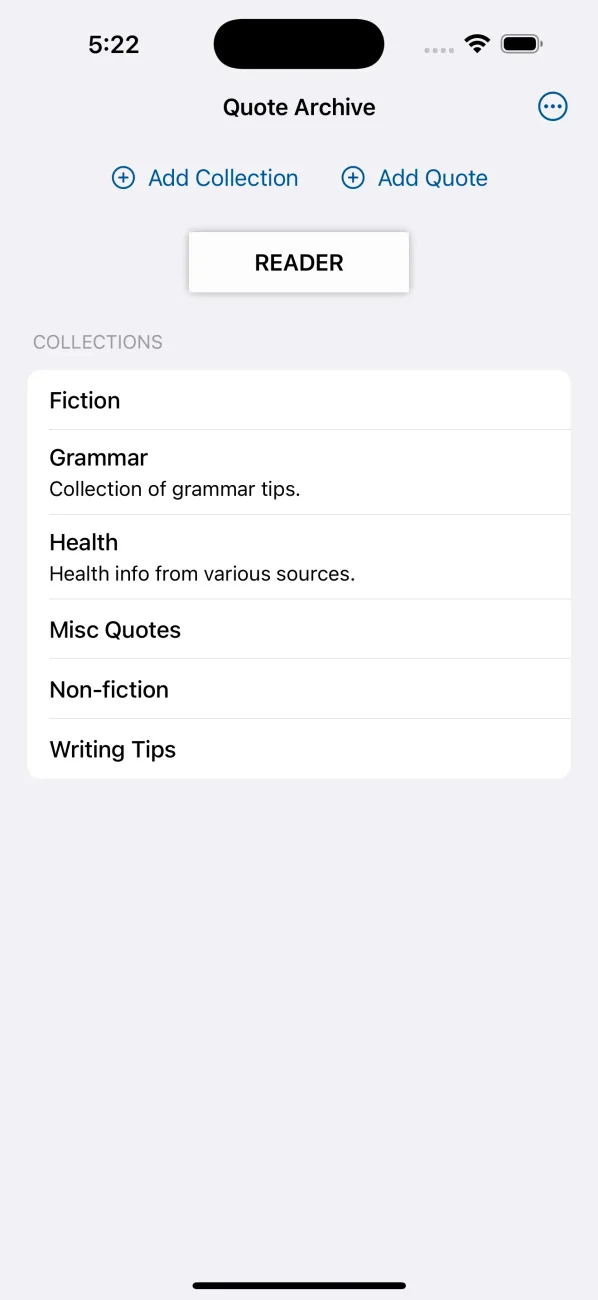
- Organize or manage your quotes with collections and tags.
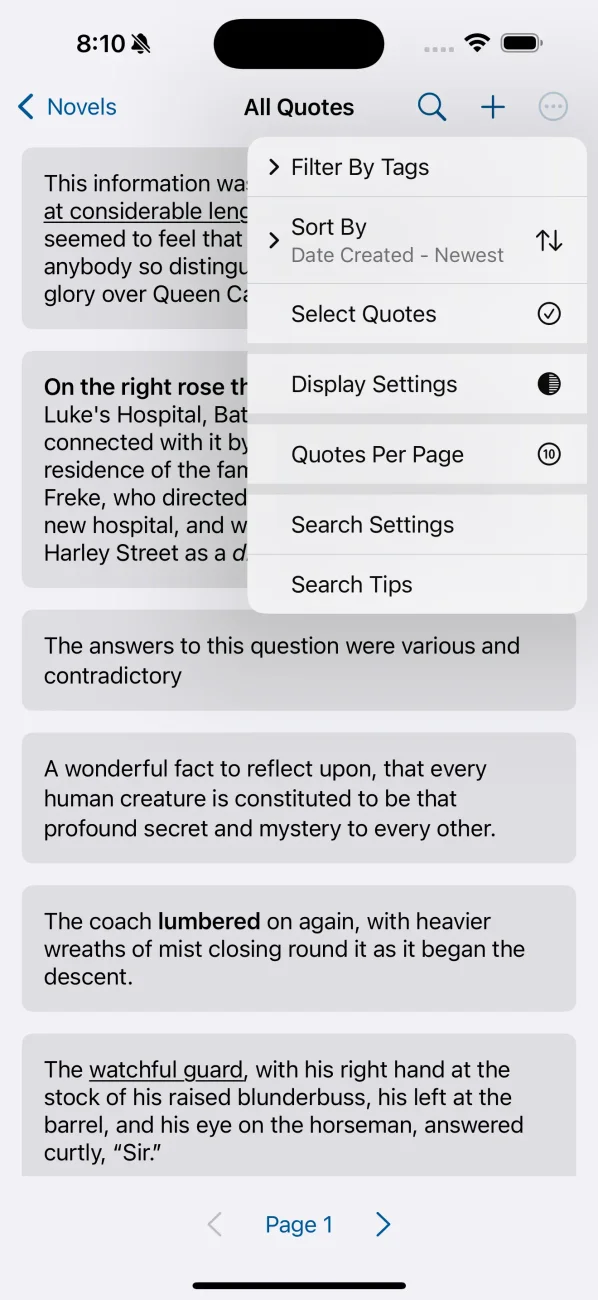
- Customize the appearance of the Quote List and Quote Editor
- Add highlights from Kindle (My Clippings.txt, HTML, CSV), Kobo, Adobe Digital Editions, Libby, CSV file.
- Search your quotes or highlights.
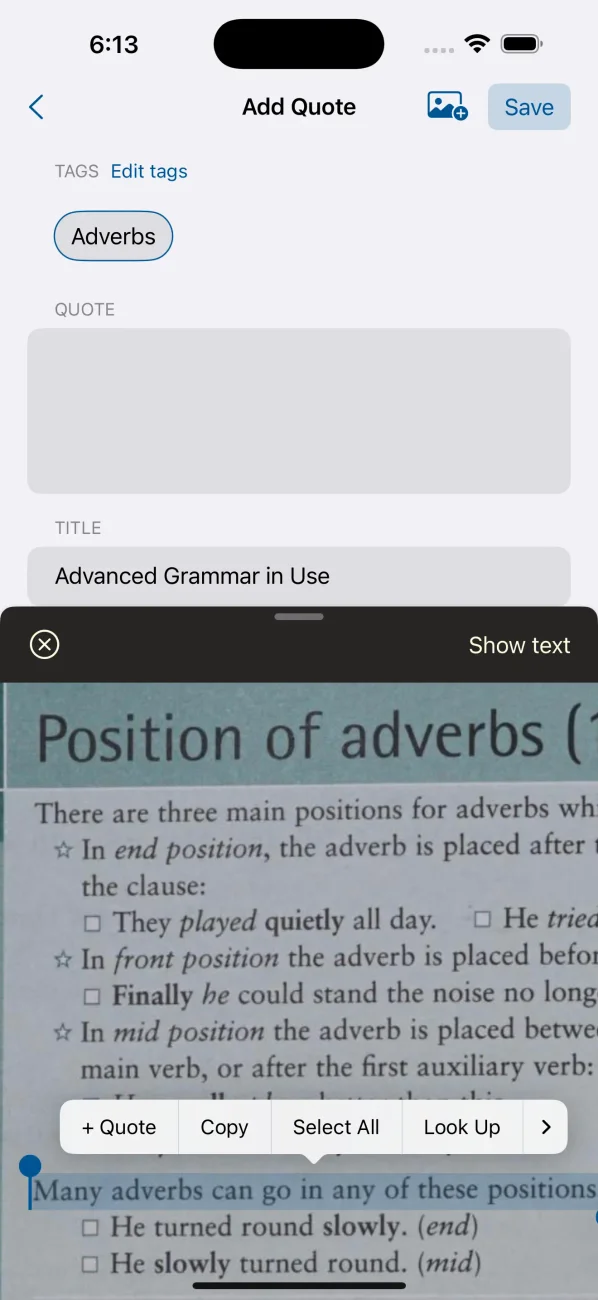
- Add quotes or excerpts from a photo.
- Filter by tags when browsing or searching quotes.
- Export all your data as plain text, rich text (Premium Tier), or CSV (Premium Tier).
- Share your favorite quotes with others.
- Share selected text from within other apps.
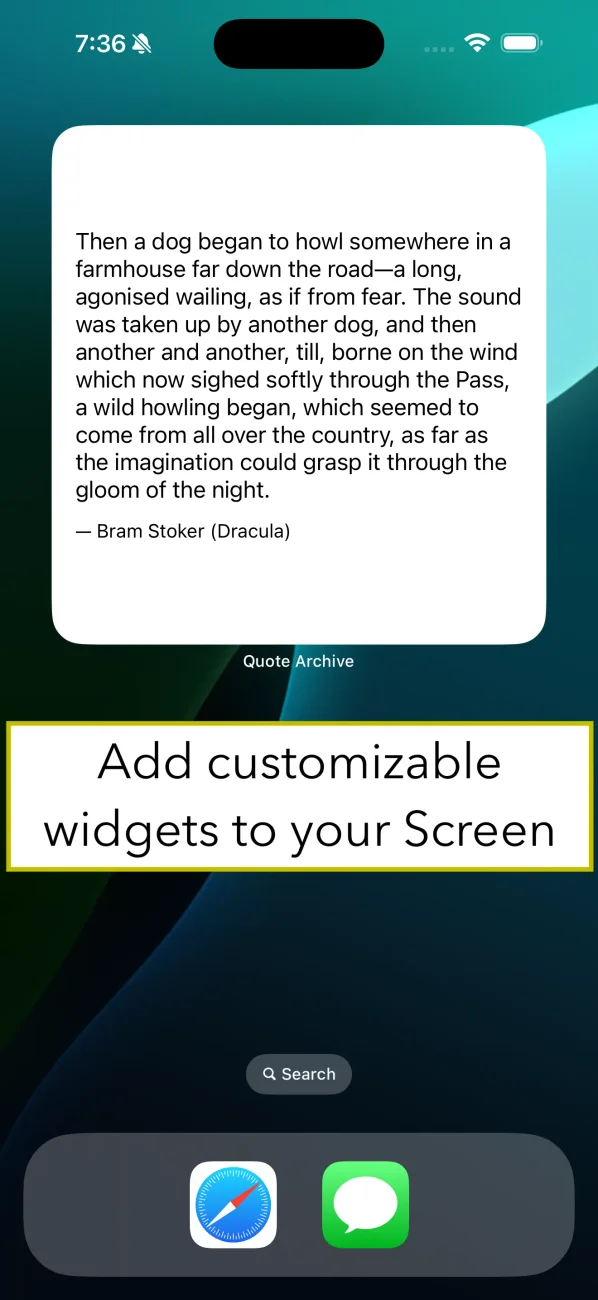
- Show quotes in customizable widgets on the Home Screen.
- Dark mode.
- Automatically sync your data across devices with iCloud.
- Add 100 quotes maximum on the Free Tier (excluding quotes from Internet Archive books). Add unlimited quotes on the Premium Tier.
Ways to Use Quote Archive
- Review quotes and highlights from books or articles you've read.
- Store inspirational/motivational quotes or affirmations and view them in widgets.
- Collect and manage quotations while doing academic research and easily search through them later.
- Save your favorite prose from books or articles, and read them later for writing inspiration.
- Save your thoughts and ideas.
- Use it for note-taking or use it like a Commonplace book.
- Use it as a quote database to easily reference and look up quotes as needed.
Who is Quote Archive for? Students, authors, writers, readers, researchers.
This app is not affiliated with Internet Archive.
Terms of Service: https://www.apple.com/legal/internet-services/itunes/dev/stdeula/
What’s new
Version 3.0.3 · Oct 29, 2026
Minor improvements.
App privacy
What Nneka Nnamdi-Udoh declares on the App Store about how this app handles data.
-
Data not linked to you
May be collected but is not linked to your identity.
- Identifiers
- Usage data
- Diagnostics
Privacy practices may vary, for example with the features you use or your age.
Information
- Seller
- Nneka Nnamdi-Udoh
- Category
- Books
- Version
- 3.0.3
- Updated
- Oct 29, 2026
- Released
- Oct 14, 2024
- Size
- 26.3 MB
- Requires
- iOS 17.5 or later
- Age rating
- 4+
- Price
- Free
- In-app purchases
- Yes
- Languages
- English
- Copyright
- © 2024 Nneka Udoh
You might also like
-
 Quote Keeper: Save Book QuotesBooks
-
 QuoteMark: Book Quotes & NotesScan & Save Reading Highlights
-
 Quotify: Save Your QuotesDaily Inspiration & Widgets
-
 Kindle ClippingsBooks
-
 Book Tracker: HighlightedBookshelf, Notes & Quotes
-
 Book Tracker: Bookshelf & TBRReading log, journal & stats
-
 Bookshelf: Book Tracker & ListReading Log, Shelf TBR Library
-
 Panels - Comic ReaderThe best comic & manga reader
-
 Bookmory - reading trackerBook log, notes, timer & stats
-
 GlobalComixDigital Comics and Manga