
RabbitKey: Password Manager
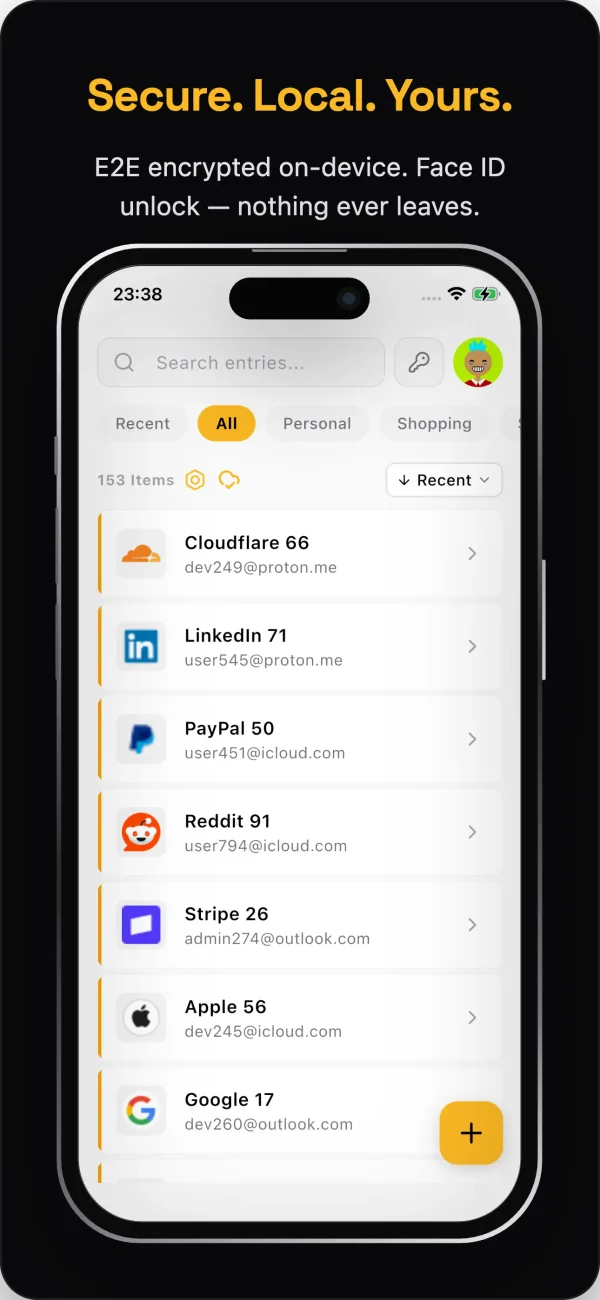
Secure. Local. Yours.
Designed for iPhone, iPad, Mac, iPod touch
Free · In-app purchases
- Age rating4+
- CategoryProductivity
- Developer心怡 刘
- LanguagesEnglish
- Size70.4 MB
Links to the official App Store page
Download.org hosts no file of RabbitKey: Password Manager. The button opens its official App Store page, published by 心怡 刘. Listing last checked on Nov 18, 2026.
Screenshots

About
RabbitKey keeps your passwords encrypted on your device — not on someone else's server. Built for people who take security seriously.
END-TO-END ENCRYPTION
Every entry is encrypted with XChaCha20-Poly1305 before it ever touches storage. Only your master password can unlock your vault — your data stays on your device, and we never see it.
BIOMETRIC UNLOCK
Unlock your vault instantly with Face ID or Touch ID. Your biometric data never leaves the device.
FREE CLOUD SYNC
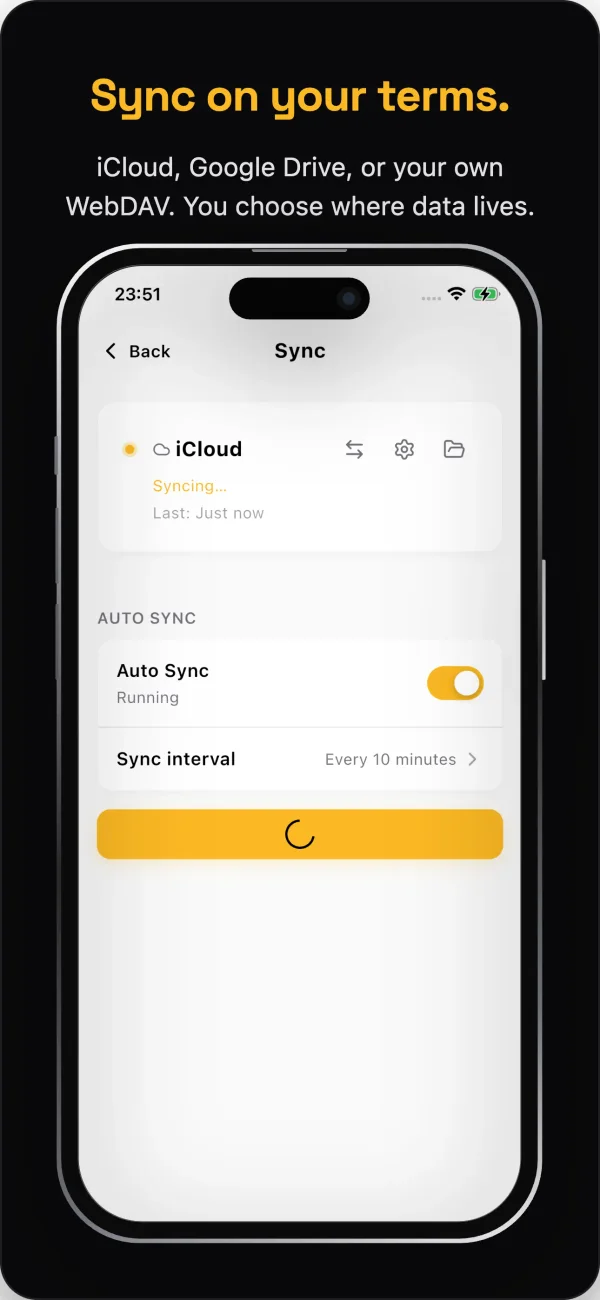
Keep your vault in sync across iPhone, iPad, and Mac through iCloud, Google Drive, or your own WebDAV server — free, no Pro required. You choose where your data lives — or keep it fully offline.
SYSTEM AUTOFILL
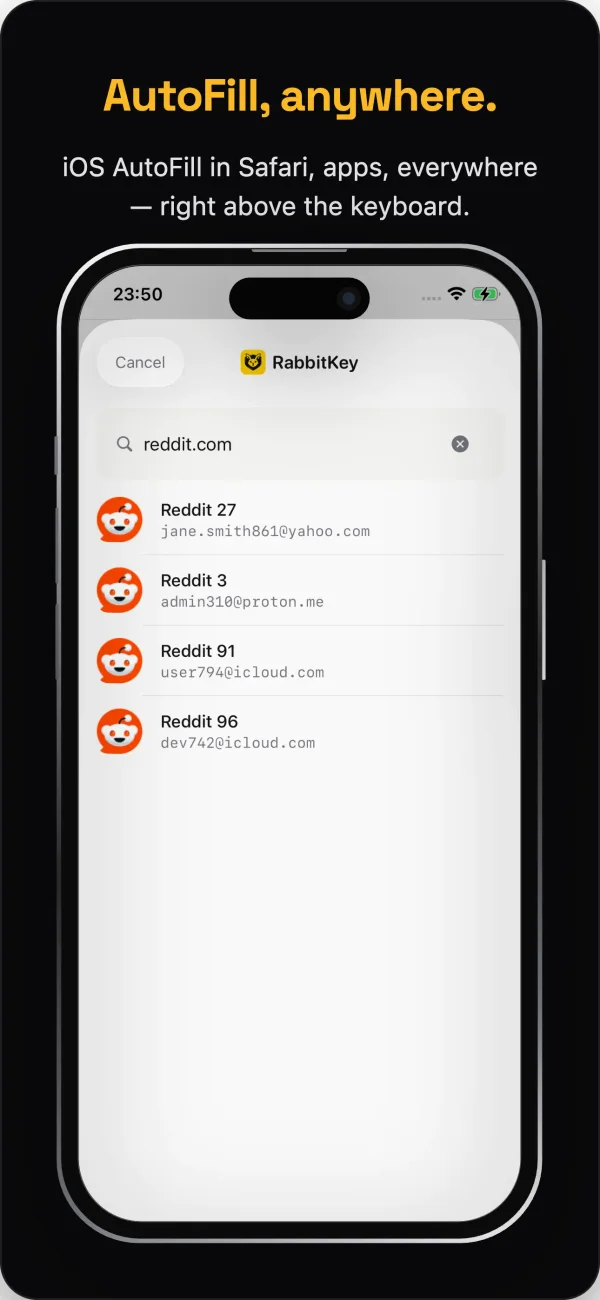
RabbitKey integrates with iOS AutoFill so credentials appear right above the keyboard — in Safari, in apps, anywhere iOS supports autofill.
ONE-TIME CODES (OTP) WITH AUTOFILL
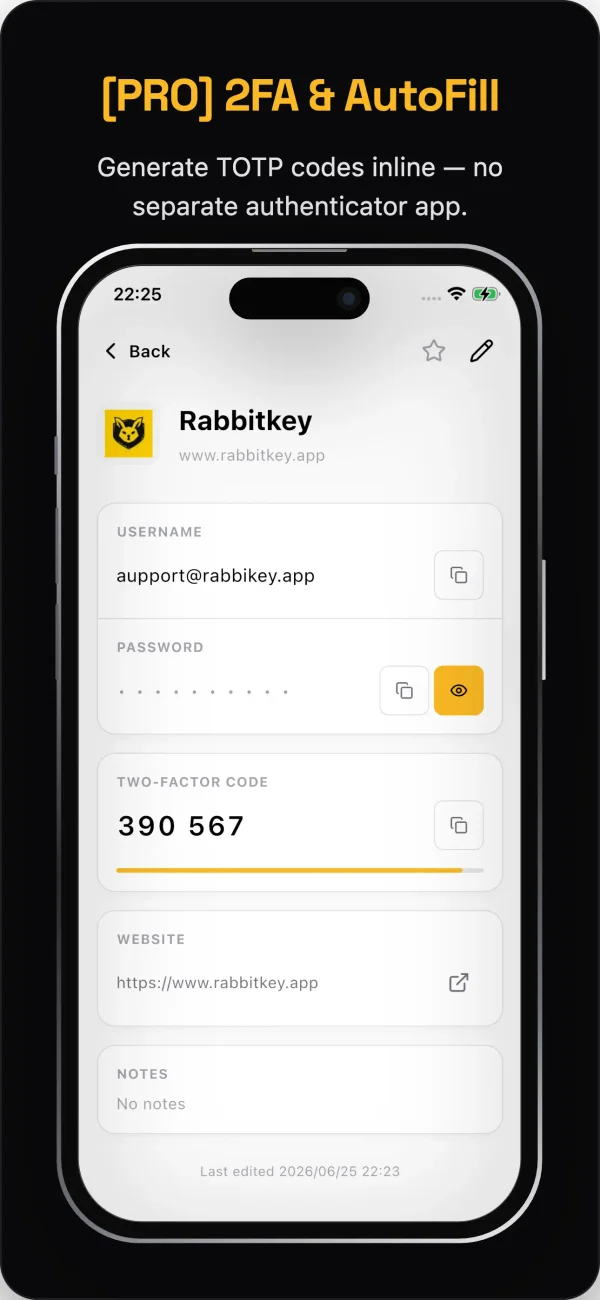
Store your two-factor authentication secrets next to the matching login. RabbitKey generates the rolling 6-digit code and autofills it straight from the keyboard — no app switching. OTP secrets are encrypted just like everything else.
STRONG PASSWORD GENERATOR
Generate high-entropy passwords on demand. Tune length and character classes to fit any site's rules.
PASSWORD HEALTH
Surface weak and reused passwords before they become a problem. RabbitKey scans your vault and flags entries that need attention.
IMPORT IN SECONDS
Migrating from another password manager or browser? Import existing passwords from a CSV file in a guided, step-by-step flow.
DEVICE MIGRATION
Moving to a new iPhone or iPad? Transfer your vault directly via QR code — no cloud, no account required.
MULTIPLE VAULTS
Keep work and personal credentials separate with independent vaults, each with its own master password.
TRASH & RECOVERY
Deleted something by accident? Entries stay in Trash for 30 days before permanent removal.
FREE vs PRO — ONE-TIME PURCHASE, NO SUBSCRIPTION
Free: up to 100 entries with full XChaCha20-Poly1305 encryption, biometric unlock, AutoFill, cloud sync (iCloud / Google Drive / WebDAV), password generator, password health, tags, multiple vaults, QR device migration, CSV import, trash recovery, and offline use.
Pro (one-time purchase): unlimited entries plus one-time codes (OTP) with autofill.
No subscriptions. No ads. No analytics SDKs. A password manager that respects your privacy.
What’s new
Version 1.2.2 · Jul 6, 2026
Bug fixes and improvements.
App privacy
What 心怡 刘 declares on the App Store about how this app handles data.
-
Data not linked to you
May be collected but is not linked to your identity.
- Purchases
- Identifiers
Privacy practices may vary, for example with the features you use or your age.
Information
- Seller
- 心怡 刘
- Category
- Productivity
- Version
- 1.2.2
- Updated
- Jul 6, 2026
- Released
- Jun 2, 2026
- Size
- 70.4 MB
- Requires
- iOS 15.0 or later
- Age rating
- 4+
- Price
- Free
- In-app purchases
- Yes
- Languages
- English
- Copyright
- © 2026 RabbitKey
You might also like
-
 ByteGuard - Password ManagerAuthenticator, 2FA & Passkey
-
 applippli AuthenticatorProductivity
-
 WWPagerProductivity
-
 Chromium Vault-Password KeeperPassword Manager,Passkeys,2FA
-
 Switchy - 1-Tap Text KeyboardSaved replies, emails & names
-
 PanicVault - Password ManagerKeePass Sync & AutoFill
-
 Password Manager:2PasswStore Autofill & Passwords
-
 App Blocker – GORILLA LOCKBlock Social Media & Games
-
 JewelKhata: Jeweller KhataGirvi, Udhaar & Order Book
-
 Guarded Key - Password Manager4096-bit encryption