- Age rating4+
- CategoryUtilities
- DeveloperMax Kazantsev
- LanguagesEnglish+ 1 more
- Size134.9 MB
Links to the official App Store page
Download.org hosts no file of Raccoon Notes. The button opens its official App Store page, published by Max Kazantsev. Listing last checked on Nov 23, 2026.
Screenshots


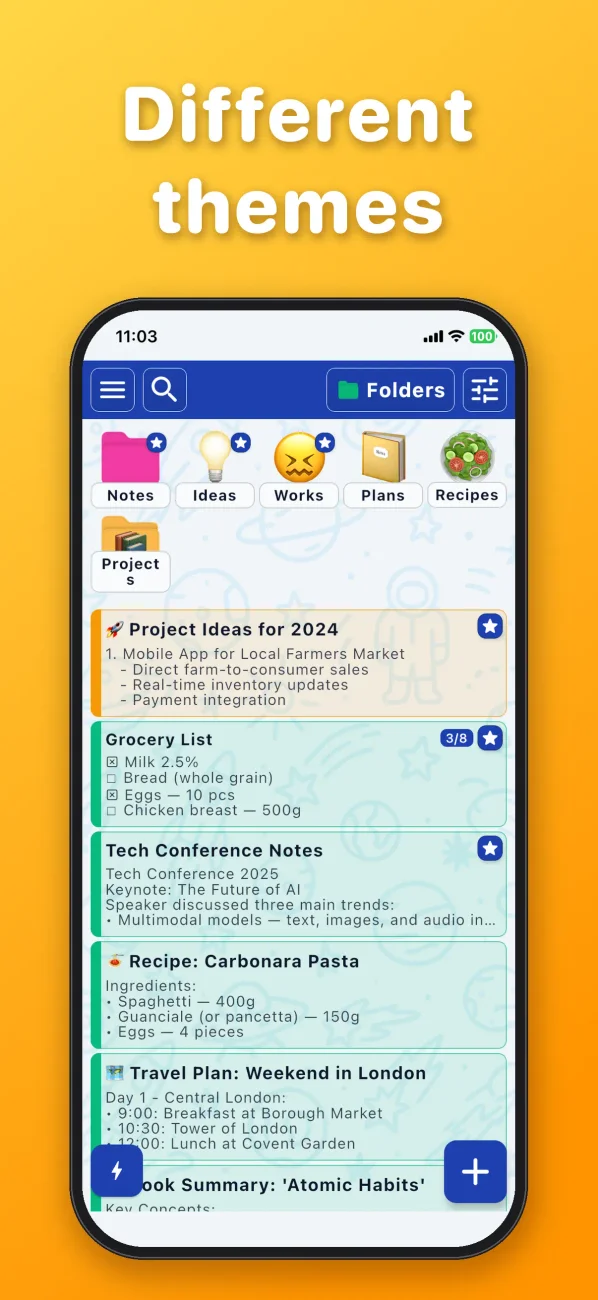
About
The Raccoon Notebook looks simple and cozy, but behind this minimalism lies a powerful set of features. It is equally well suited for quick notes on the run, and for organizing entire areas of life.
Hi!
My name is Maxim Kazantsev, I am the developer of this application
When I created Raccoon, I wanted to make a notebook that would be useful in a variety of situations. Here are just a few examples of how it can be used.
In everyday life
— quickly sketch out a shopping list before leaving home
— write down an idea or thought before it runs away
— save a useful link or note for the future
For storing information
— create a folder structure for different areas of life
— store recipes and quickly find the right one
— save screenshots of discount cards and open them in the store in a second
For personal projects and memories
— create a folder "Photos of the day" and put photos there
— keep a diary or travel notes
For scheduling and reminders
— add birthdays of friends and family
— create a shift schedule
— set reminders about payments for housing, loans, or other matters
And these are just a few examples.
In practice, each user finds their own use for the Raccoon.
And now — what the app can do.
Functions of the Raccoon Notebook:
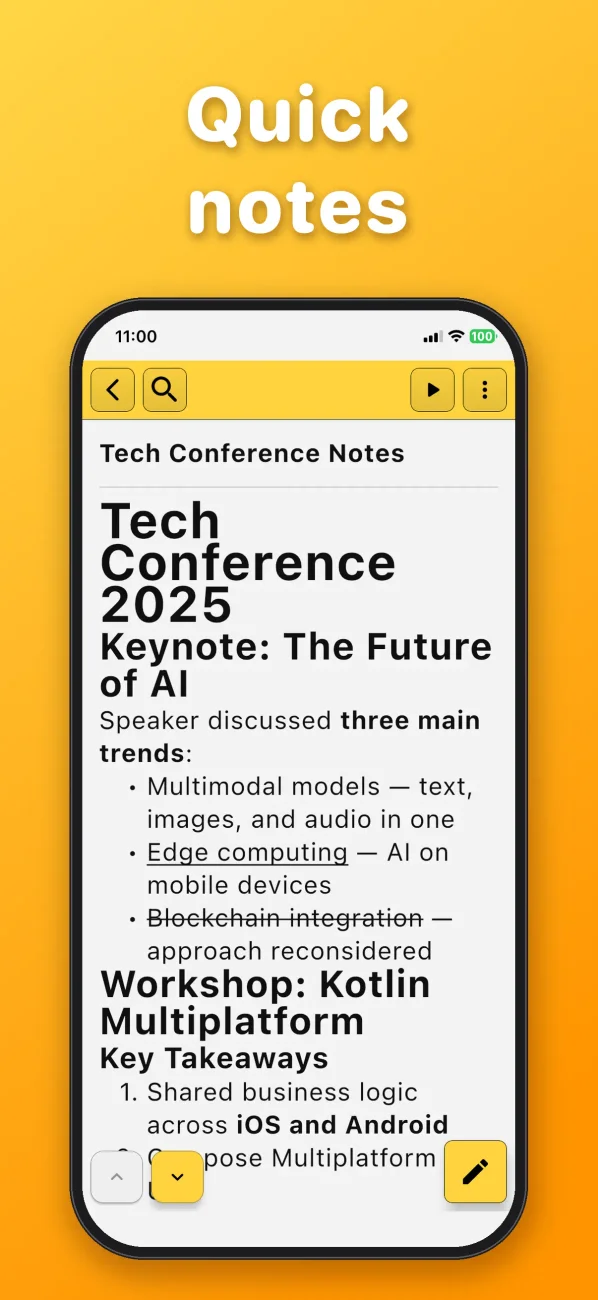
• Notes with formatting support
• Task lists and checklists
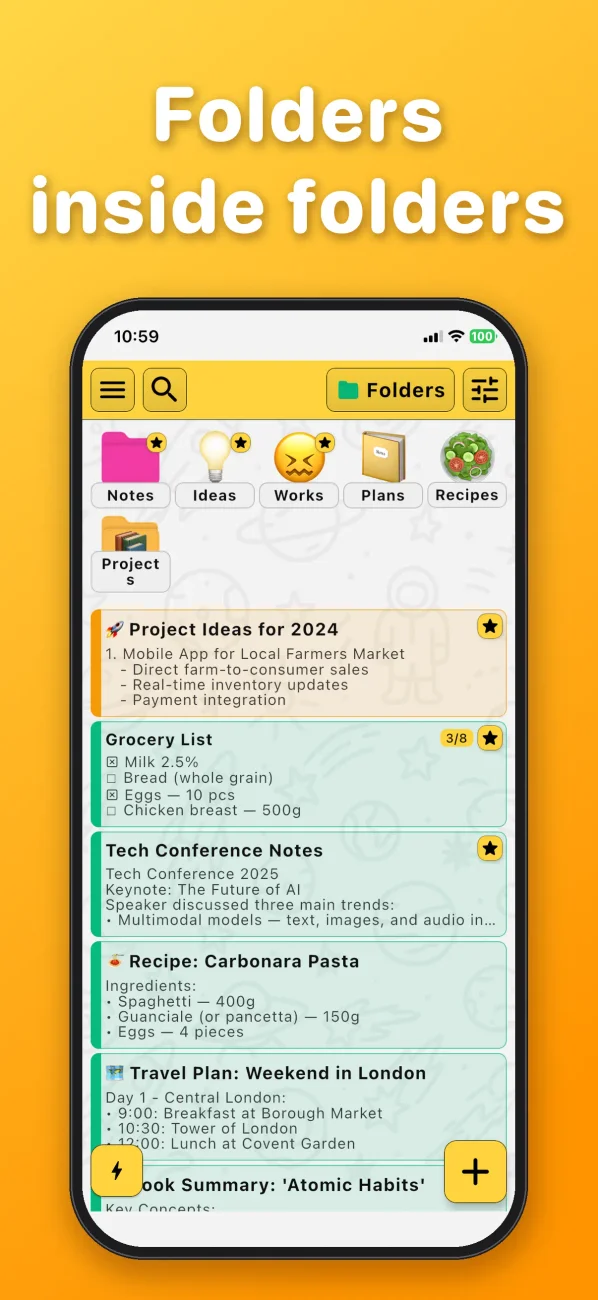
• Nested folders for a convenient structure
• Quick search through all notes
• widgets for quickly creating notes
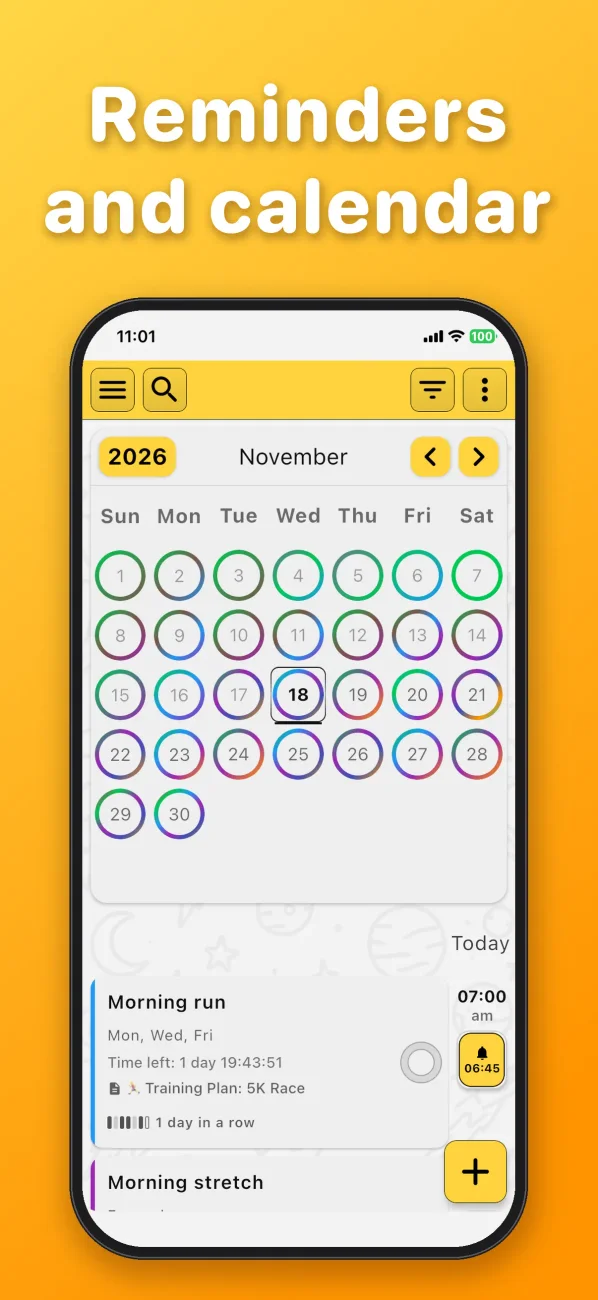
• Reminders and events
• pinning important notes
• favorites
• work without the Internet
• high speed of opening notes
• import and export settings and data
What’s new
Version 1.3.1 · Nov 18, 2026
What's new in 1.3.1:
• If "Auto sync" is on, changes from your other devices and the website now arrive as soon as you open the app.
• You can now pick the app's language in iPhone Settings, separately from the system language.
If anything looks off, let me know via "Send debug report" in Settings.
App privacy
What Max Kazantsev declares on the App Store about how this app handles data.
-
Data not linked to you
May be collected but is not linked to your identity.
- Contact info
Privacy practices may vary, for example with the features you use or your age.
Information
- Seller
- Max Kazantsev
- Category
- Utilities
- Version
- 1.3.1
- Updated
- Nov 18, 2026
- Released
- Mar 24, 2026
- Size
- 134.9 MB
- Requires
- iOS 16.0 or later
- Age rating
- 4+
- Price
- Free
- Languages
- English, Russian
- Copyright
- © 2025 Kazantsev M.L.
You might also like
-
 PeriodateUtilities
-
 Mad Ramblings — awesome notesUltimate notes app we deserve
-
 LockMemo - SimpleLock screen notes and widgets!
-
 Plant: Watering RemindersCute plant care, on time
-
 Stud Finder Pro - ScannerMetal Detector & Stud Sensor
-
 TreeNotesNotes like your file system!
-
 Newsnobo: RSS News ReaderTranslate & Listen, Full Text
-
 HieroNote: Outliner & NotesNested Lists, Tasks & Ideas
-
 Servlog: Car Maintenance LogService Reminders & VIN Scan
-
 QFE ConverterQNH to QFE conversion