Radio Code Finder for Renault
Radio Code Finder for Renault
Designed for iPhone, iPod touch
Free · In-app purchases
- Age rating4+
- CategoryBusiness
- DeveloperIRAKLI BERISHVILI
- LanguagesEnglish
- Size46.6 MB
Links to the official App Store page
Download.org hosts no file of Radio Code Finder for Renault. The button opens its official App Store page, published by IRAKLI BERISHVILI. Listing last checked on Nov 16, 2026.
Screenshots
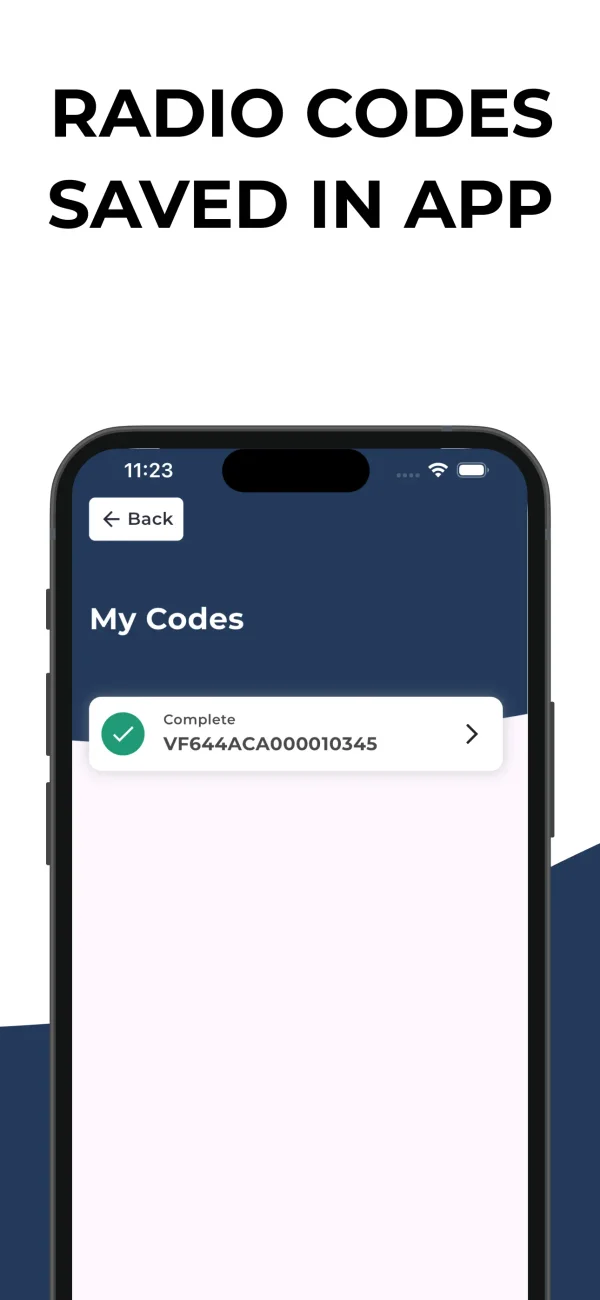
About
Renault Dacia radio code generator
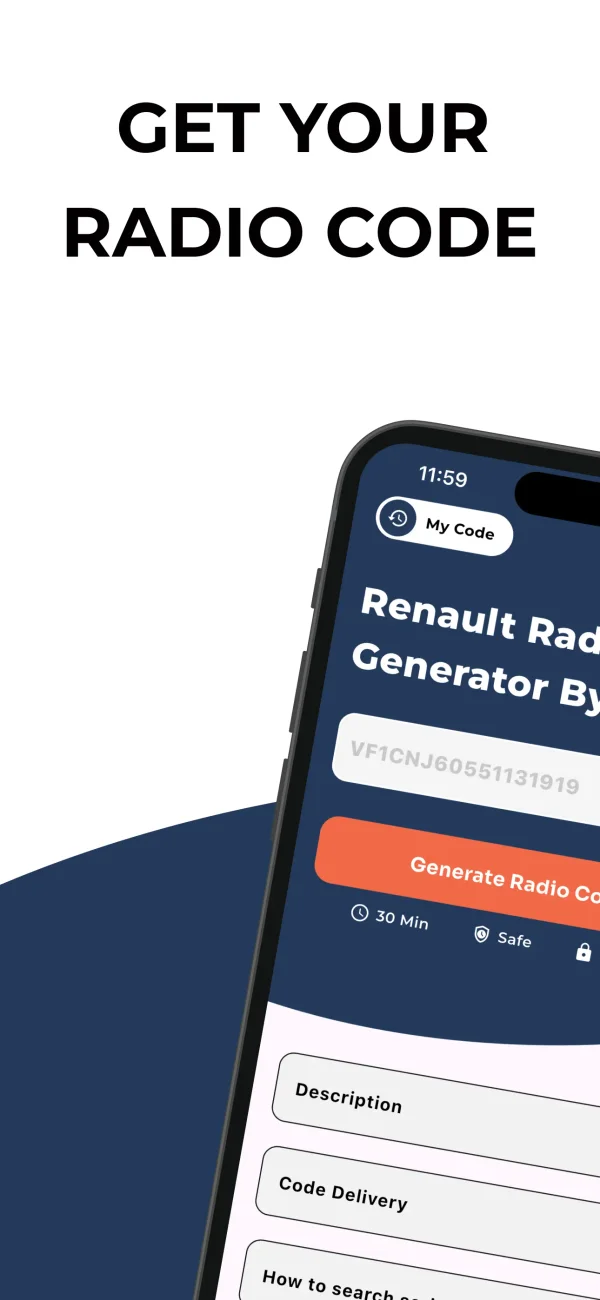
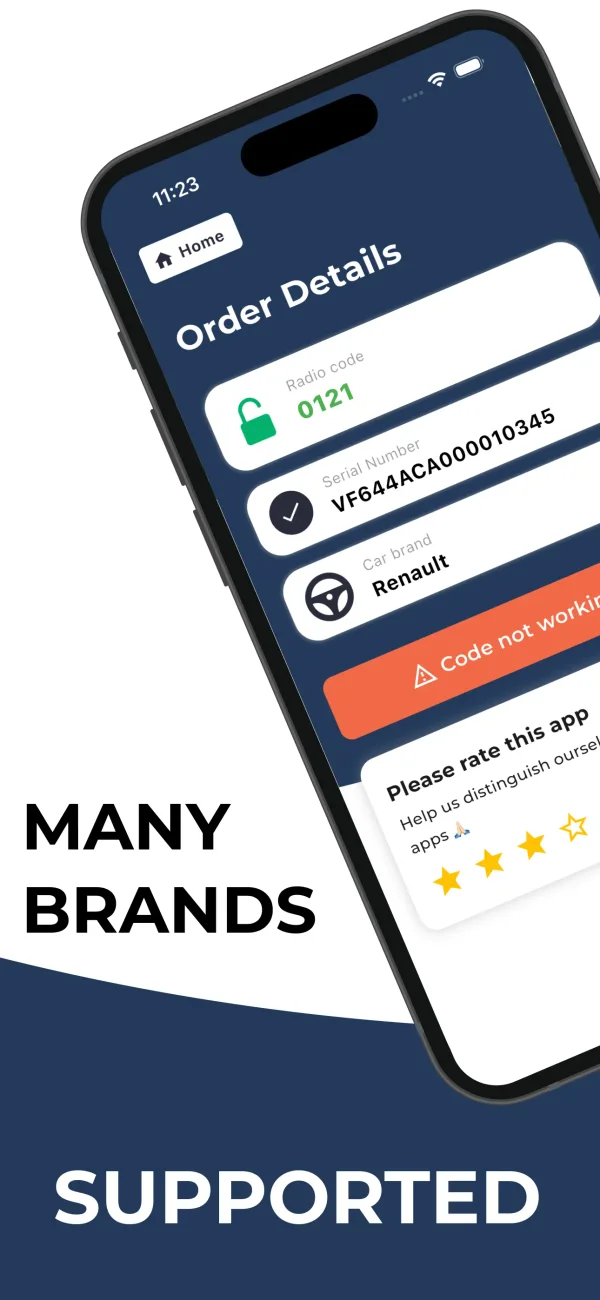
Get the code of your car radio from the serial number or vehicle registration number (VIN).
Find your radio code online by serial number (pre-code) or registration number (VIN), which you can easily find by following the instructions below. The code generation process is instantaneous and 100% effective.
Three steps radio code generator
Get your code number from the serial number or from the vehicle identification number (VIN)
Find identification
Find your radio serial number (pre-code) or vehicle registration (VIN). See details
Calculate radio code
Enter your serial number or VIN and follow the simple online unlock process. It is possible to get a code for free or paying.
radio code by VIN
It is possible to find the radio code for your without the serial number. Now you can use the registration number (VIN), which you can find very quickly, almost always on the lower part of the windshield (on the driver's side). Keep in mind that unlocking by VIN is not free as it could be by serial number.
Example of a valid VIN:
VF1HJD20962226330
93YHSR1M5EJ331301
MEEHSRSGEJB002361
VF1LMR2C533651030
UU1B5220X63589180
UU1HSDJ9F58585405
VF15RBU0D57430104
Radio code generator from serial number
Generate the activation code for your car from the serial number that you can find on the label attached to the side of the radio. This series or pre-code can have one of the following formats: T019 7700426414T019 281150063RTBT019 T0VT019 or BP6500V9538795. Using the serial number, you can get the activation code for free with the condition that you have to wait 24 hours for it to generate.
The radio code entry process is simple if you have the right instructions:
Press button 1 repeatedly until you enter the first digit of the code.
Press button 2 repeatedly until you input the second digit of the code.
Press button 3 repeatedly until you enter the third digit of the code.
Press button 4 repeatedly until you enter the fourth digit of the code.
Hold button 6 for a few seconds to confirm the code.
What’s new
Version 8.0 · Sep 24, 2025
app updates and app improvements
App privacy
What IRAKLI BERISHVILI declares on the App Store about how this app handles data.
-
Data not collected
The developer does not collect any data from this app.
Privacy practices may vary, for example with the features you use or your age.
Information
- Seller
- IRAKLI BERISHVILI
- Category
- Business
- Version
- 8.0
- Updated
- Sep 24, 2025
- Released
- Apr 16, 2025
- Size
- 46.6 MB
- Requires
- iOS 12.0 or later
- Age rating
- 4+
- Price
- Free
- In-app purchases
- Yes
- Languages
- English
- Copyright
- © 2025 Radio Code. All rights reserved.
You might also like
-
 Radio Code Finder #RadioCodeUnlock Car Stereo PIN
-
 Donaldson Hy-Pro SolutionsFiltration Contamination Tool
-
 Smart PartBusiness
-
 Scans KenyaProductivity
-
 MuddBusiness
-
 Billing Babu: GST Invoice BillInventory & Stock Management
-
 afcl financeFinance Dashboards
-
 WalletWise: Smart RemindersDue Date Alerts. No Bank Login
-
 OLM Viewer for OutlookOpen, Read & Convert Archives
-
 OG CompanionThe companion in your pants!