- Age rating4+
- CategoryWeather
- DeveloperCallum Hill
- LanguagesEnglish
- Size6.5 MB
Links to the official App Store page
Download.org hosts no file of Rain Tracker. The button opens its official App Store page, published by Callum Hill. Listing last checked on Nov 12, 2026.
Screenshots


About
*** Important - This app does not automatically pull any rainfall data. All data must be manually entered ***
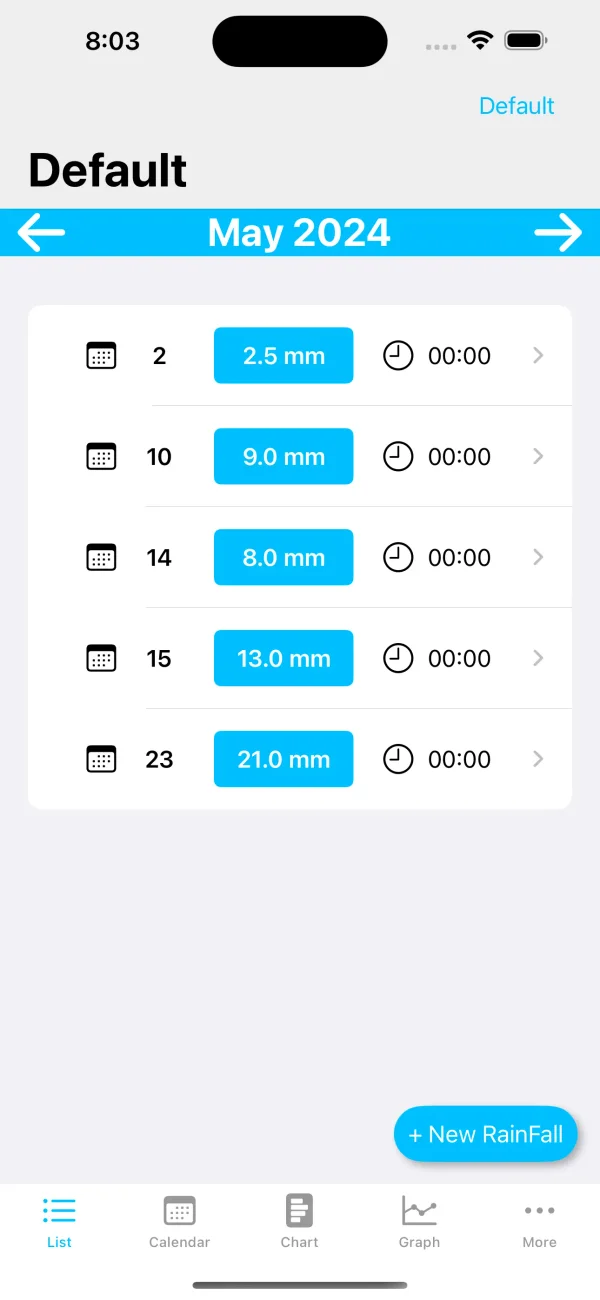
Rain Tracker is a rain diary app that allows you to record daily rain figures from your backyard rain gauge.
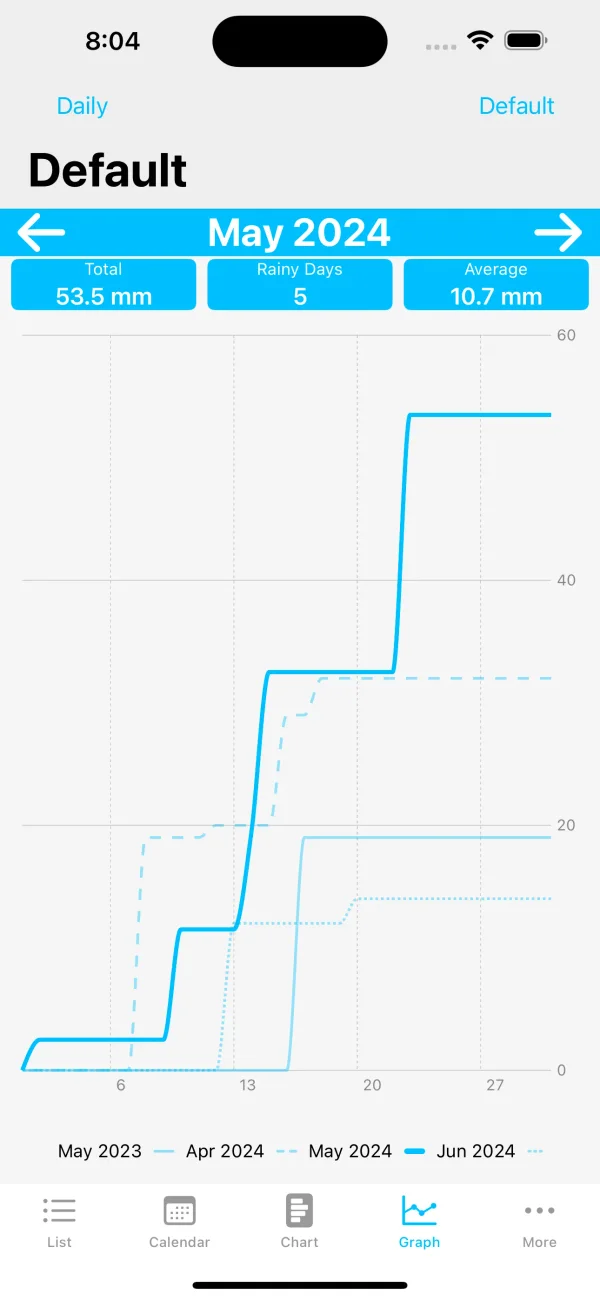
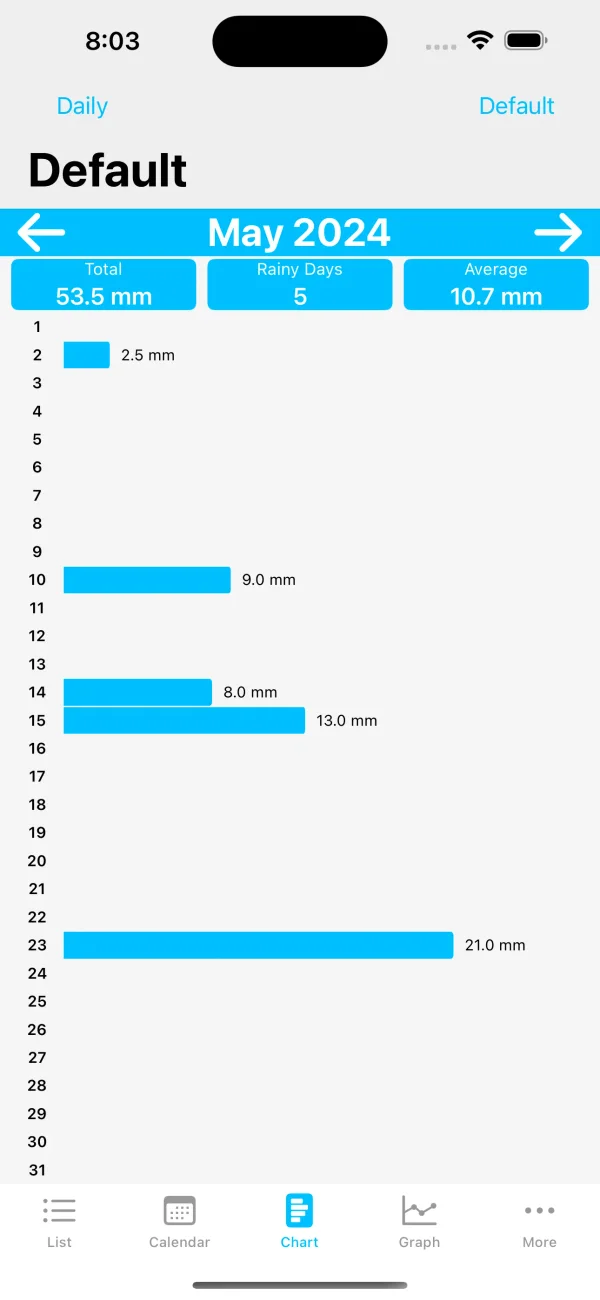
Rain Tracker will create daily, monthly, yearly charts based on your measurements.
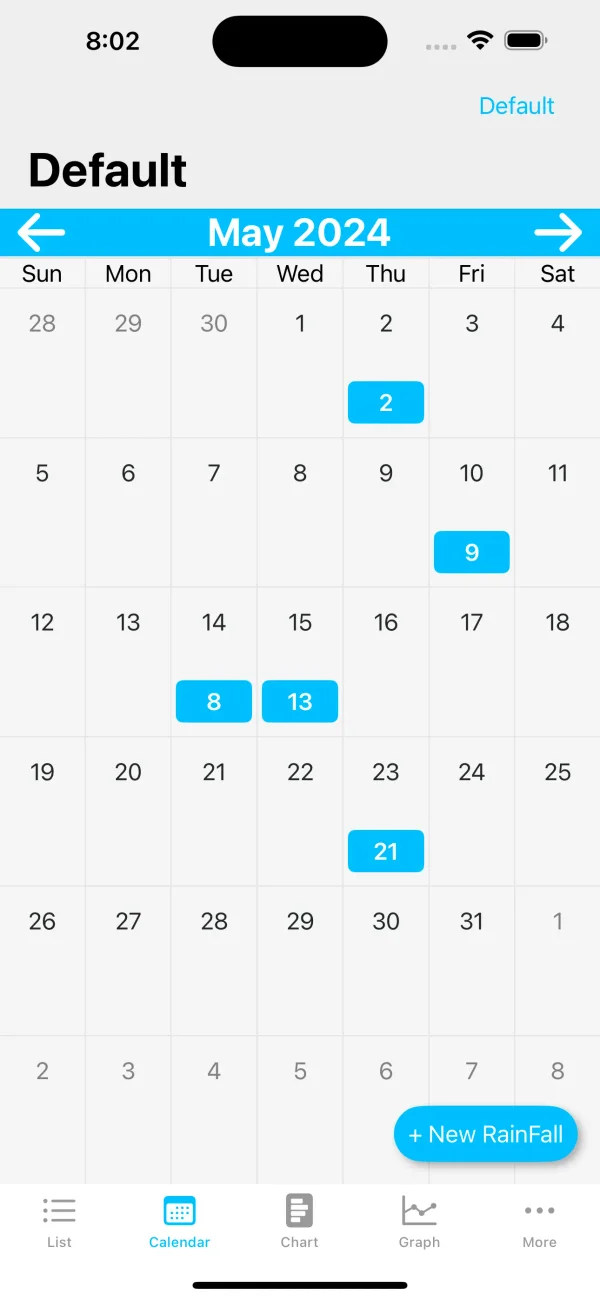
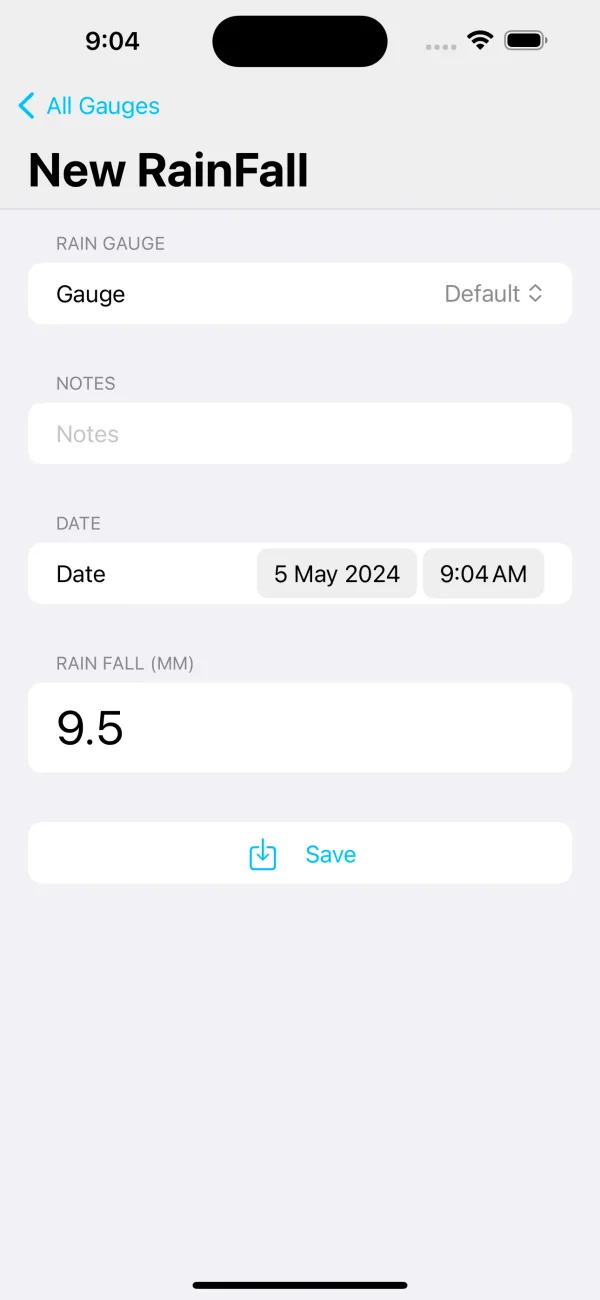
Rain Tracker makes rainfall simple to record. Just tap on a calendar date, or new rainfall button select rainfall amount, tap save and you're finished. No sign up or other information required.
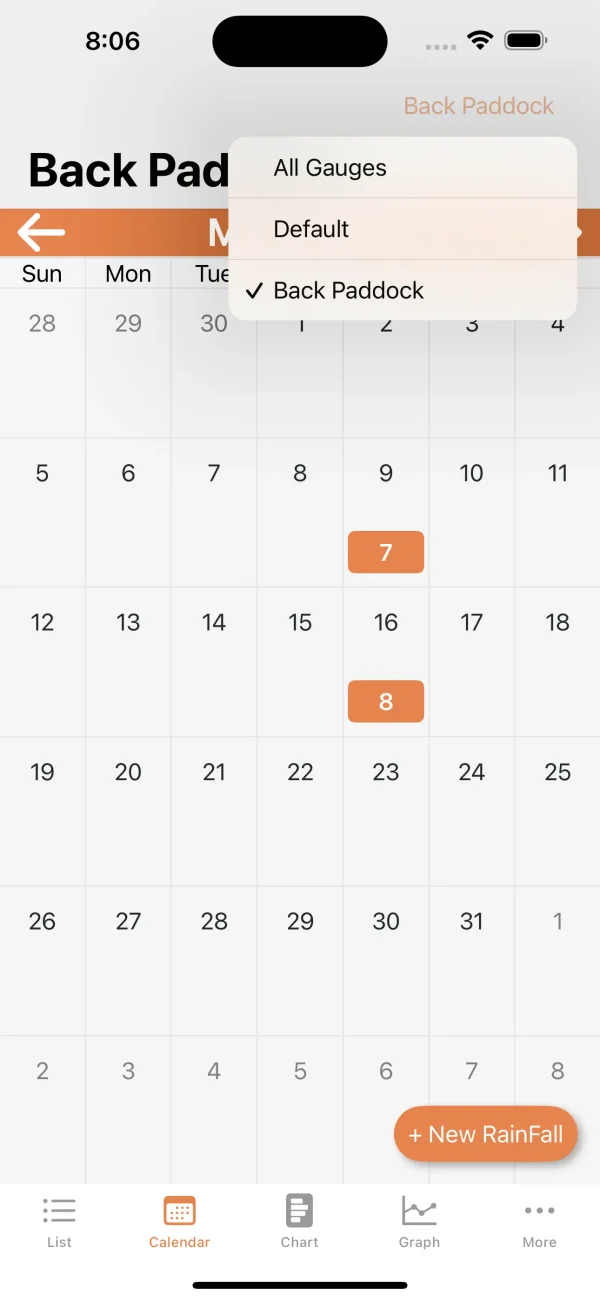
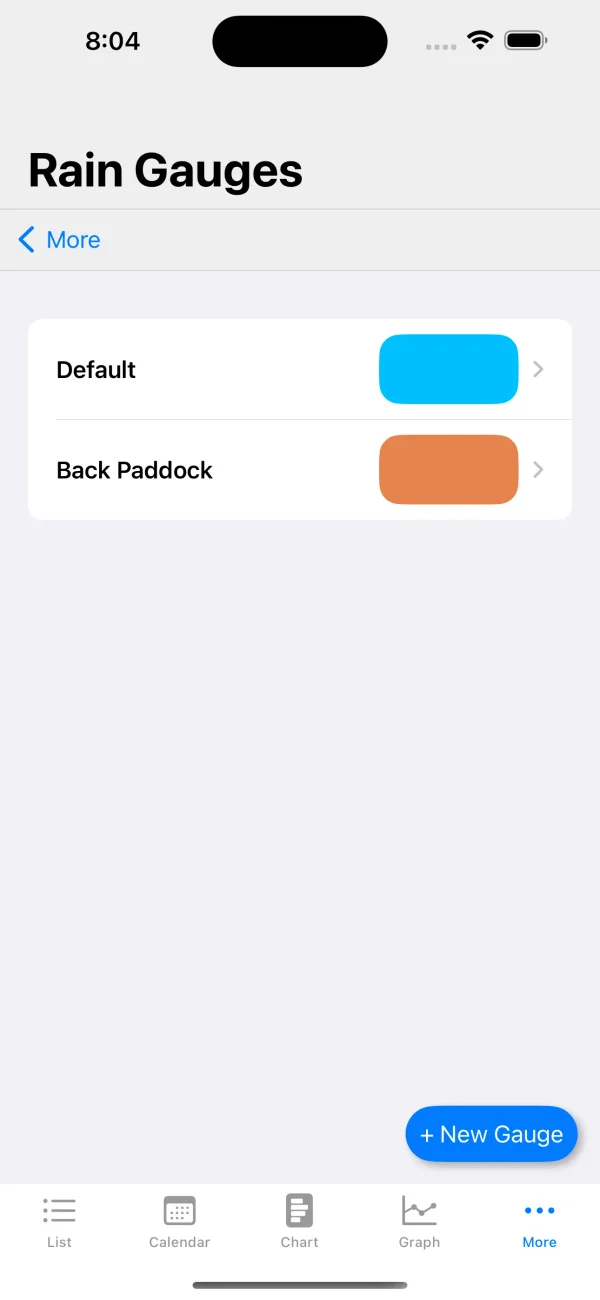
RainTracker allows for recording with multiple at home rain gauges.
Features:
• Simple rain recorder
• Monthly rainfall calendar view
• Monthly rainfall list
• Daily bar and line charts
• Monthly bar and line charts
• Yearly bar and line charts
• Compare Months or years in Line chart
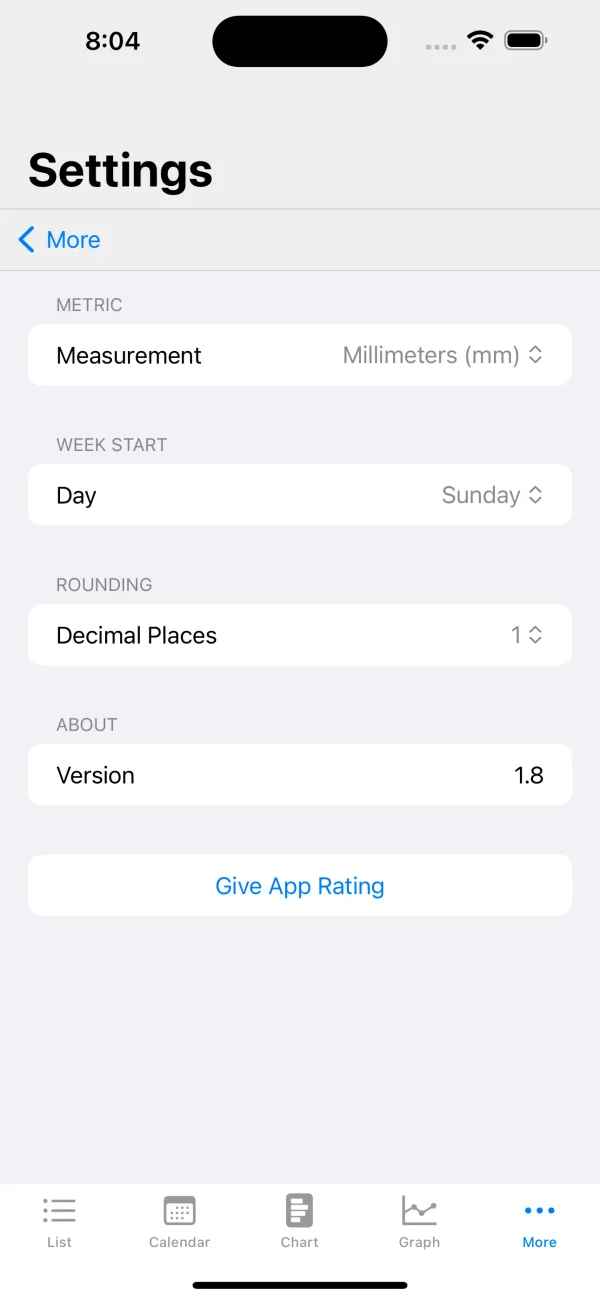
• Choose your measurement metric millimetres or inches
• Choose calendar start day of week Monday or Sunday
• Record rain to multiple gauges
• Export rain fall Data to CSV
• Import rain fall Data from CSV
Rain recording fields:
• Rain
• Gauge
• Date
• Time
• Notes
What’s new
Version 1.9 · Feb 19, 2025
Get a summary of the day if you tap on a calendar cell with rainfall already added.
Saving rainfalls is easier, extra save button added in the tool bar.
Delete rainfall from edit view.
Choose when the year starts (In Settings) for graphing purposes.
Decimal places can be a comma "," if thats the sort of thing you're into. (In Settings)
Rounding changes don't we don't bother showing trailing zeros if they aren't needed.
App privacy
What Callum Hill declares on the App Store about how this app handles data.
-
Data used to track you
May be used to track you across apps and websites owned by other companies.
- Usage data
- Diagnostics
-
Data linked to you
May be collected and linked to your identity.
- Usage data
-
Data not linked to you
May be collected but is not linked to your identity.
- Usage data
- Diagnostics
Privacy practices may vary, for example with the features you use or your age.
Information
- Seller
- Callum Hill
- Category
- Weather
- Version
- 1.9
- Updated
- Feb 19, 2025
- Released
- Nov 17, 2021
- Size
- 6.5 MB
- Requires
- iOS 14.0 or later
- Age rating
- 4+
- Price
- Free
- Languages
- English
- Copyright
- © Callum Hill Software
You might also like
-
 Rain Gauge: Rainfall TotalsVirtual precip log & radar
-
 RainLog V2 – Rainfall TrackerRain Gauges, Graphs & Sync
-
 Forecast Bar - Weather + RadarHourly Rain and Storm Alerts
-
 National WeatherAccurate NOAA Weather and Rain
-
 RainViewer: Live Weather RadarRain & Storm Tracker Map Alert
-
 PredictRainWeather
-
 Rain Radar Pro - Live ForecastStorm Tracker Doppler Wind Map
-
 Doppler Radar: Live Rain MapStorm Tracker & Weather Alerts
-
 NOAA Weather Radar, ForecastLive daily temperature app
-
 Rain Radar: Weather & CyclonesSee when showers may reach you