Random Number: Generator
Generate Your Lucky Numbers
Designed for iPhone, iPad, iPod touch
Free
- Age rating4+
- CategoryUtilities
- DeveloperMehmet Bayram
- LanguagesEnglish+ 32 more
- Size23.9 MB
Links to the official App Store page
Download.org hosts no file of Random Number: Generator. The button opens its official App Store page, published by Mehmet Bayram. Listing last checked on Nov 23, 2026.
Screenshots
About
Generate random numbers in any range you set. Pick one number or draw up to ten at a time, then copy the results or hear them read aloud. On iPhone, shake your phone or tap Shake to start a new draw.
Random Number is a simple number picker for everyday decisions, classroom activities, games, raffles, and quick sampling. If you have a numbered list and need to pick something from it, set the first and last numbers as your range. Every result is a whole number within those bounds, including the minimum and maximum.
SET YOUR OWN NUMBER RANGE
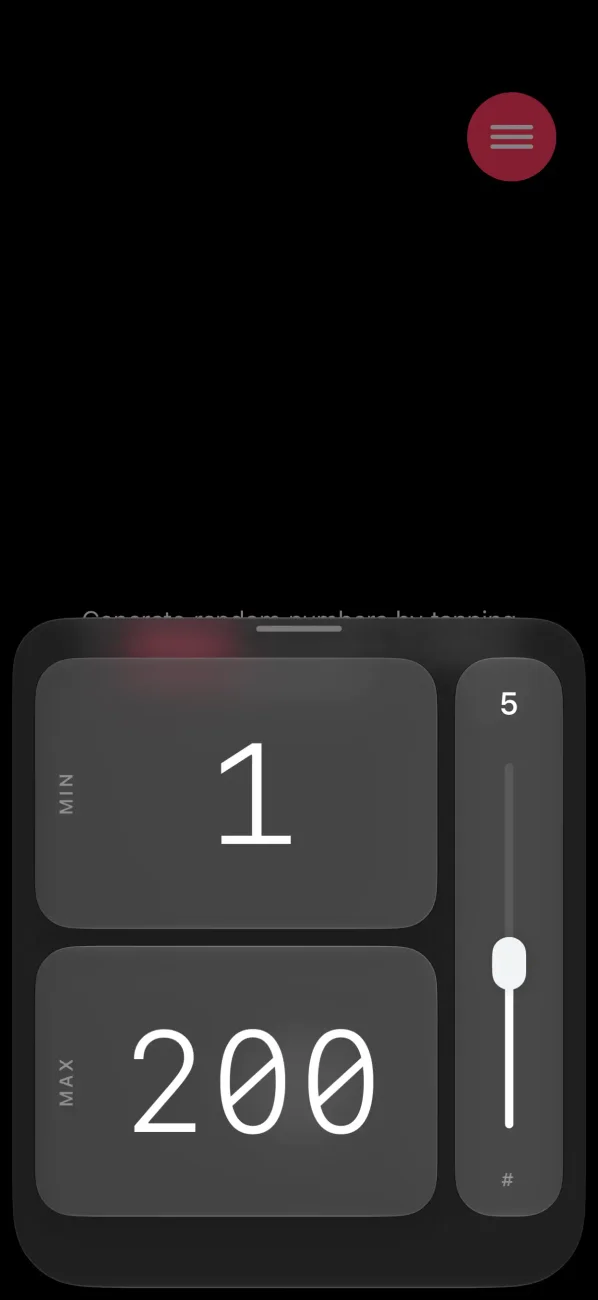
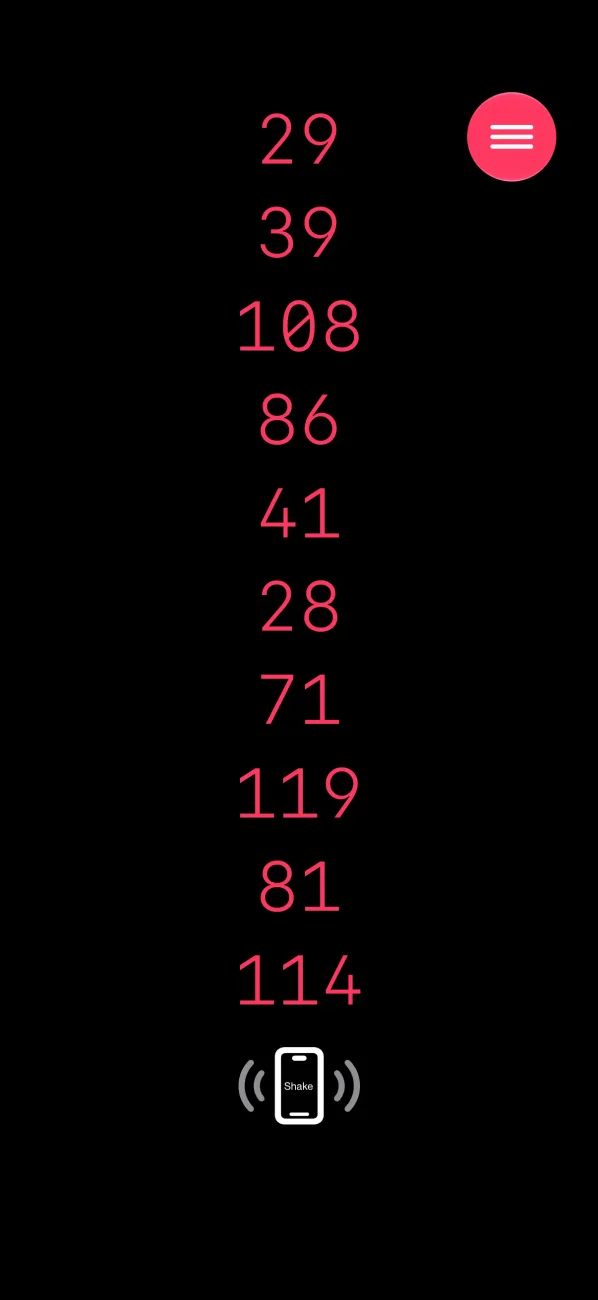
Choose a minimum and maximum in Configure, then select how many numbers you want to generate. Pick a number from 1 to 10, choose three entries from 1 to 50, or draw ten numbers from 1 to 200. The same controls work for a quick one-off choice or a draw you repeat throughout the day.
DRAW ONE NUMBER OR A SET OF UP TO TEN
Generate a single result when you need one answer, or pick several numbers in one draw when you need a group. Results within the same draw are unique whenever the range contains enough distinct values. For example, picking five numbers from 1 to 20 gives you five different numbers. To avoid repeats, set a range with at least as many values as the number of results you want.
SHAKE OR TAP TO GENERATE
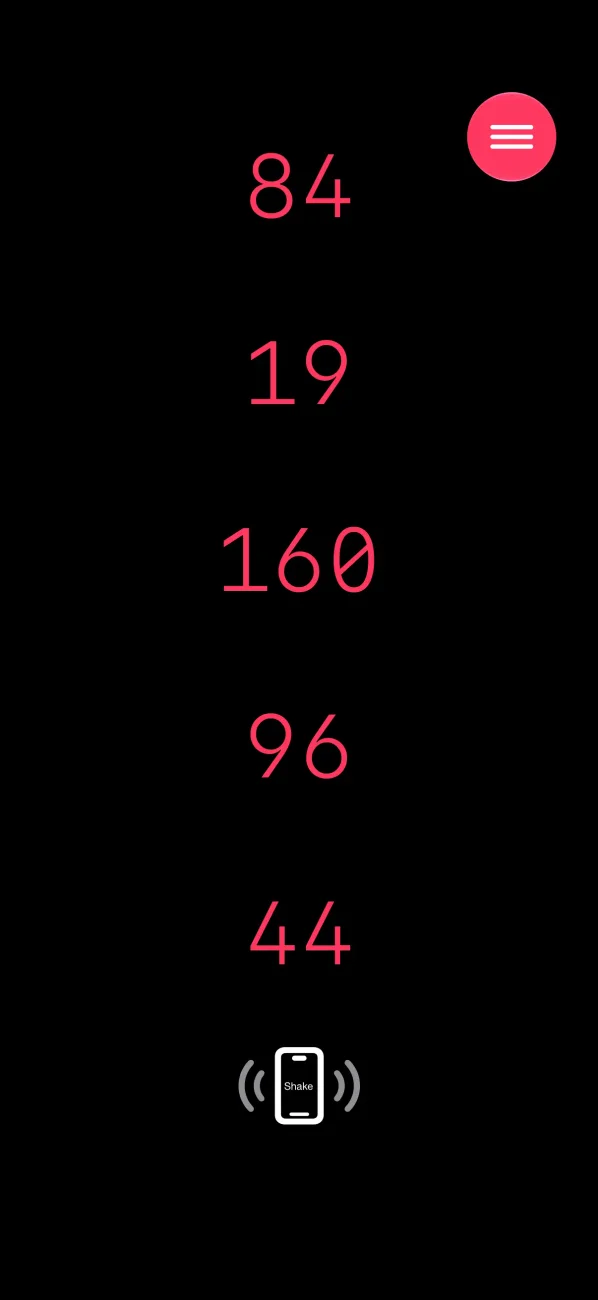
Use the Shake button on screen whenever you want a fresh result. On iPhone, you can also shake the device to start a draw. Watch the numbers roll into place and read the final results on the main screen. Run another draw with the same settings whenever you need a new set.
LISTEN, COPY, OR CLEAR
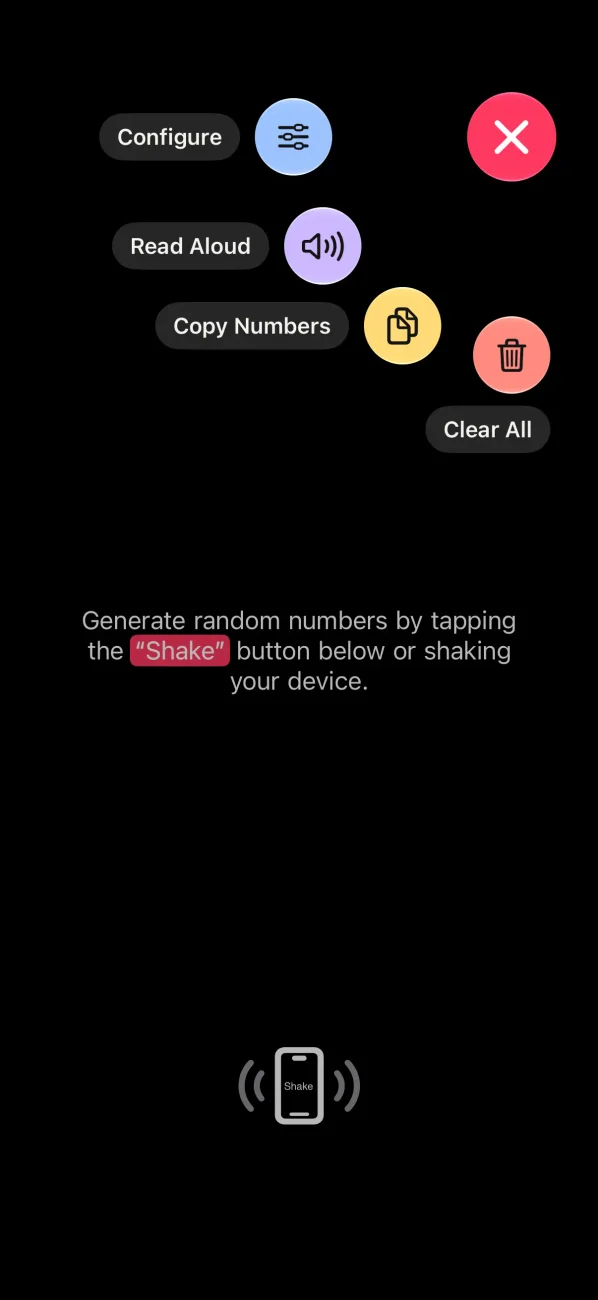
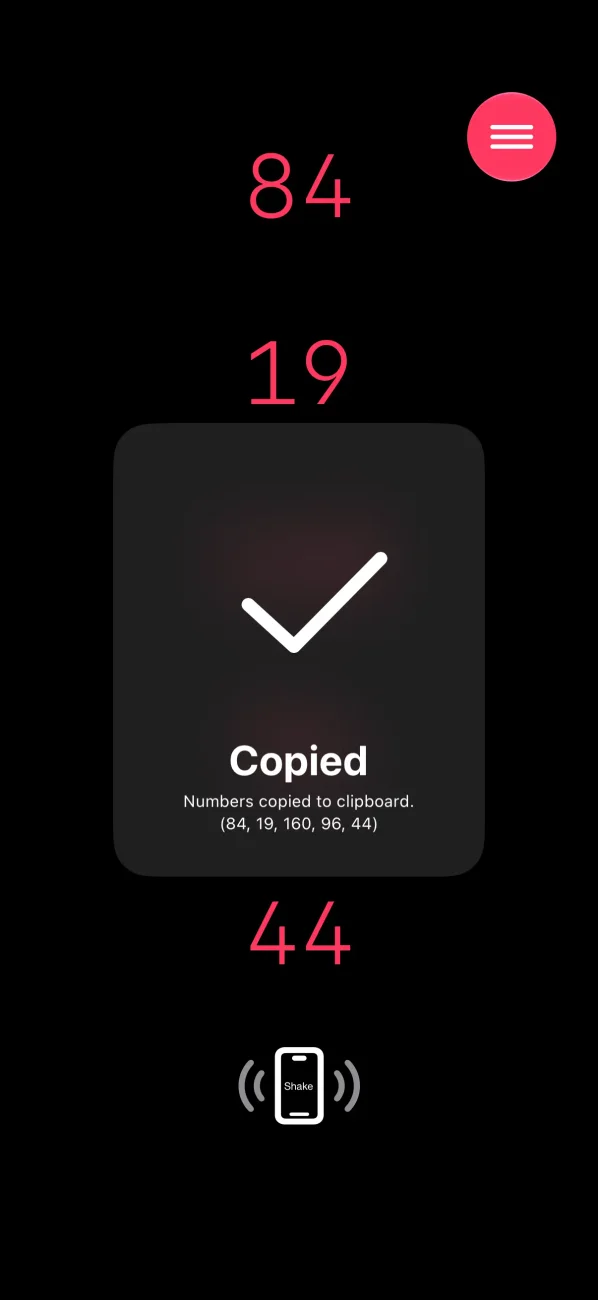
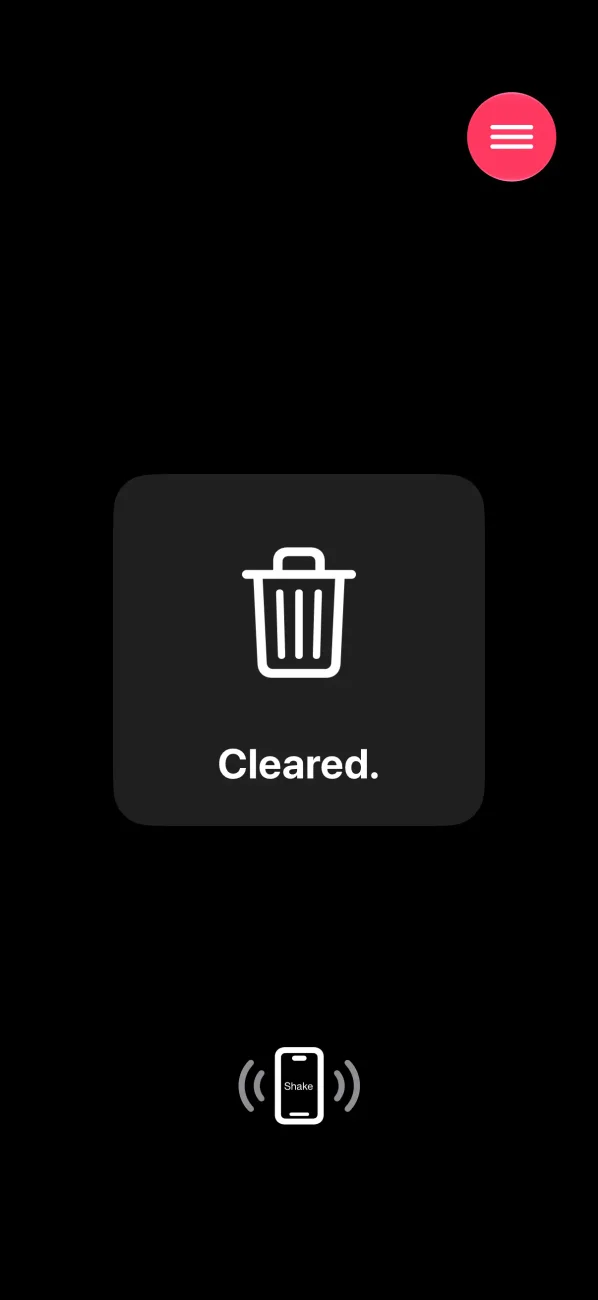
Use Read Aloud to hear the numbers with speech synthesis. It's useful when you're announcing a draw, leading an activity, or looking at a numbered list somewhere else. Choose Copy Numbers to put the displayed results on your clipboard, ready to paste into a note, message, or spreadsheet. Use Clear All to remove the displayed results when the draw is over.
PICK UP WITH YOUR LAST SETTINGS
The app remembers your last minimum, maximum, and number of results. Set up a range once for a recurring classroom activity, game, or selection, and it will be ready the next time you open the app. Open Configure whenever you need to make a different draw.
WAYS TO USE RANDOM NUMBER
• Classroom activities: Number your questions or participants, then draw an entry for the next turn. Pick several distinct numbers when you need a group of prompts.
• Raffles and giveaways: Assign a number to each valid entry, then draw one winning number or several different winning numbers from that range.
• Games and challenges: Pick a numbered rule, challenge, or round from a list. Use a range of 1 to 6 for a quick six-sided die roll.
• Everyday decisions: Number your options and let a random draw choose which one to try first.
• Quick sampling: Draw numbered rows, items, or checklist entries to review, then copy the results into your notes.
A clean layout keeps the results easy to see on iPhone and iPad. The main screen shows the numbers, the Shake button, and a menu for settings and result actions. Set your range, choose how many numbers you need, and start your draw.
What’s new
Version 1.1.0 · Nov 17, 2026
• Updated app logo and redesigned menu.
• New number configuration screen.
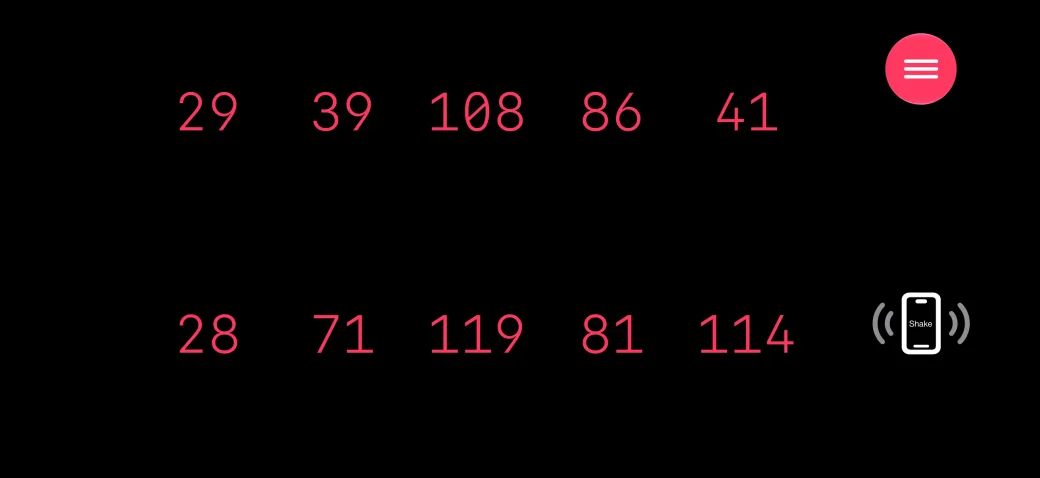
• Added support for landscape mode.
• Added support for iPhone Duo and iOS 27.
• Bug fixes and performance improvements.
App privacy
What Mehmet Bayram declares on the App Store about how this app handles data.
-
Data used to track you
May be used to track you across apps and websites owned by other companies.
- Identifiers
-
Data not linked to you
May be collected but is not linked to your identity.
- Identifiers
Privacy practices may vary, for example with the features you use or your age.
Information
- Seller
- Mehmet Bayram
- Category
- Utilities
- Version
- 1.1.0
- Updated
- Nov 17, 2026
- Released
- May 1, 2023
- Size
- 23.9 MB
- Requires
- iOS 15.0 or later
- Age rating
- 4+
- Price
- Free
- Languages
- English, Arabic, Catalan, Croatian, Czech, Danish, Dutch, Finnish, French, German, Greek, Hebrew + 21 more
- Copyright
- © 2023 - 2026 | Mehmet Bayram
You might also like
-
 avita Random Number GeneratorUtilities
-
 Random Number Generator - NumRandomizer - Sequences
-
 QT Random Number GeneratorUtilities
-
 Simply RandomRandom Number Generator
-
 Random Number Generator - ProRNG: Random Number Generator
-
 Rand Omm - Random Numbers AppRandom Numbers Generator
-
 Random Lucky NumbersUtilities
-
 Random Number Generator PickerGenerate random numbers fast
-
 Tototoday Random NumberWeirdest random no. generator
-
 iRandomerRandom number generator.