RAW2HDR
A RAW to HDR HEIC converter
Designed for iPhone, iPad, iPod touch
Free · In-app purchases
- Age rating4+
- CategoryPhoto & Video
- DeveloperChris chi-fu HUANG
- LanguagesEnglish
- Size185.4 MB
Links to the official App Store page
Download.org hosts no file of RAW2HDR. The button opens its official App Store page, published by Chris chi-fu HUANG. Listing last checked on Nov 16, 2026.
Screenshots
About
Unlock the True Potential of Your Photos :
raw2hdr transforms your camera's RAW files into stunning 10-bit HDR images that bring your photography to life. Whether you're shooting with a Sony, Fujifilm, Canon, or Leica, this app unlocks the full dynamic range hiding in your RAW files.
What is 10-bit HDR?
Standard photos are limited to 8-bit color (16 million colors). 10-bit HDR images contain over 1 billion colors — that's 64 times more color information! This means:
* Brighter whites that truly shine without washing out
* Deeper shadows with visible detail instead of pure black
* Richer colors that match what your eyes actually saw
* Glowing highlights in sunsets, city lights, and reflections
Think of it like viewing your photos through a professional slide projector instead of looking at a print — everything has depth, luminance, and presence that jumps off the screen.
The HDR Difference You Can See
When you view HDR images on modern iPhones, iPads, or HDR-enabled displays, you'll notice:
* Sunsets actually glow with warm radiance
* City lights sparkle like real life
* Black & white photos show brilliant whites that feel illuminated from within
* Picture frames make your images pop off the screen with dimensional depth
Perfect for Social Media - Share your HDR masterpieces where they'll shine:
* Instagram - HDR photos stand out in feeds with eye-catching vibrancy
* Threads - Your HDR images will stop the scroll
* iMessage - Send HDR photos that look stunning on recipients' HDR screens
* iPhone Photos - Full HDR viewing with the HDR badge
Professional Editing Tools :
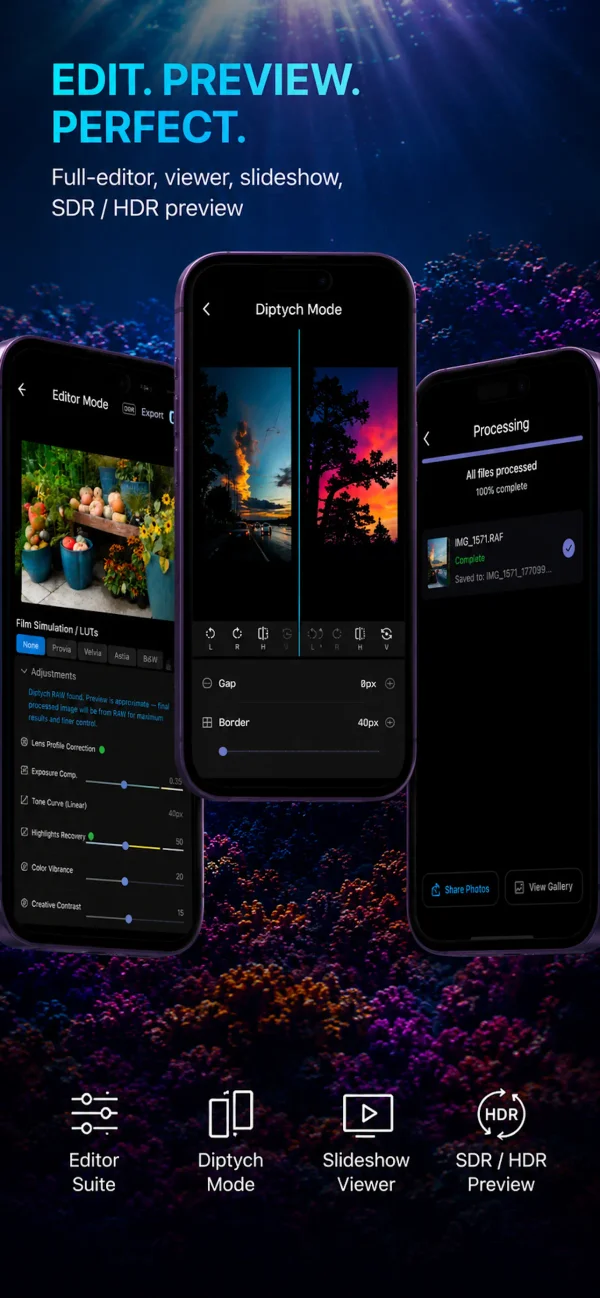
* Histogram, Crop mode, Exposure, Contrast, Black Point, White Balance, Shadow Recovery, Lens Correction, Noise Reduction
Black & White Conversion :
* Transform your photos into luminous black & white images where whites actually glow brighter than standard photos. In HDR, monochrome photography reaches a new level — imagine viewing Ansel Adams prints with a backlight.
Picture Frames & Borders :
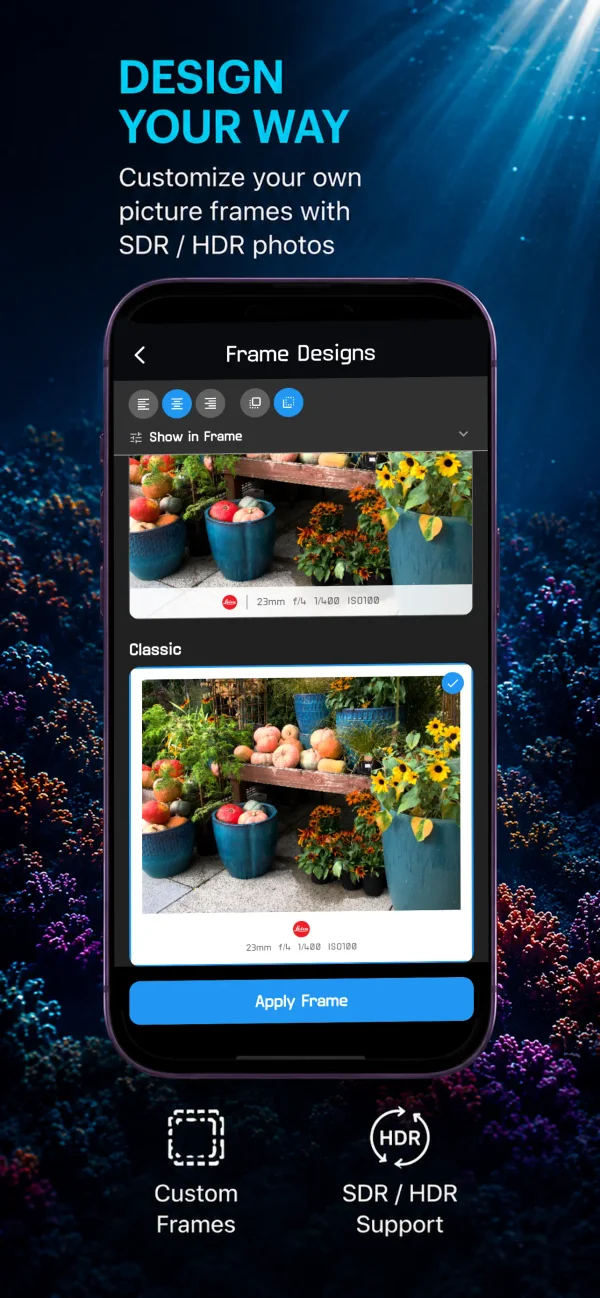
* Borders in any size with any colors
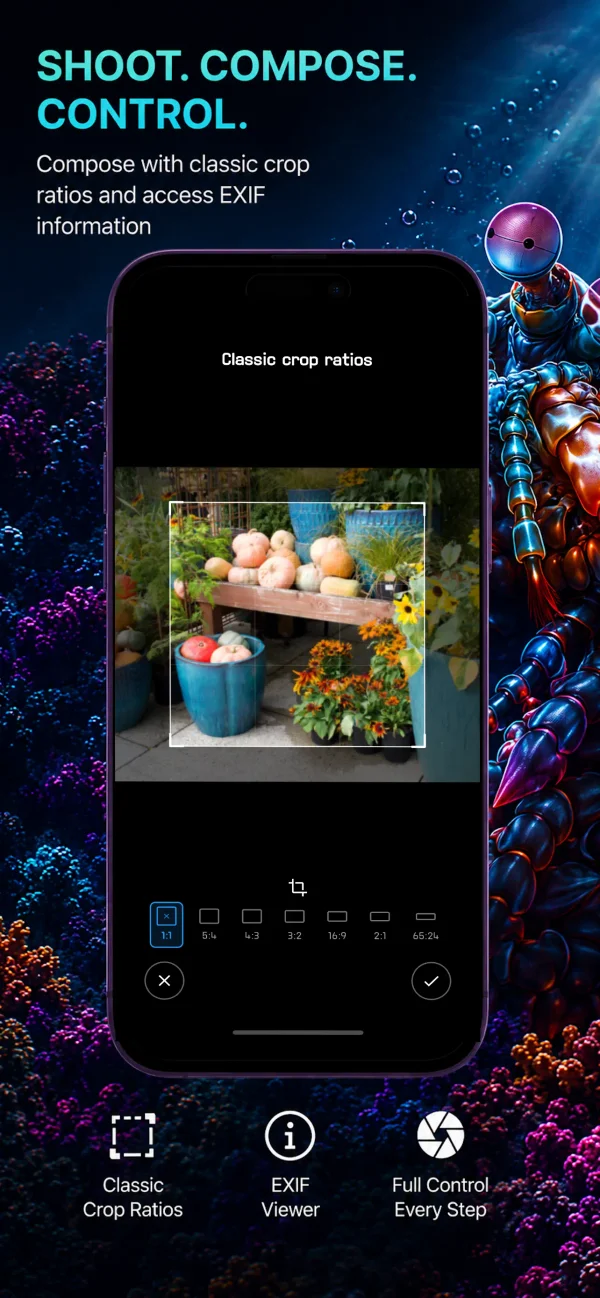
* Custom aspect ratios (65:24 x-pan, 16:9, 4:3, 3:2, 1:1, or original)
* Flexible alignment
* HDR frames create a gallery presentation effect — like matted prints in a professional exhibition
Simulations & LUTs:
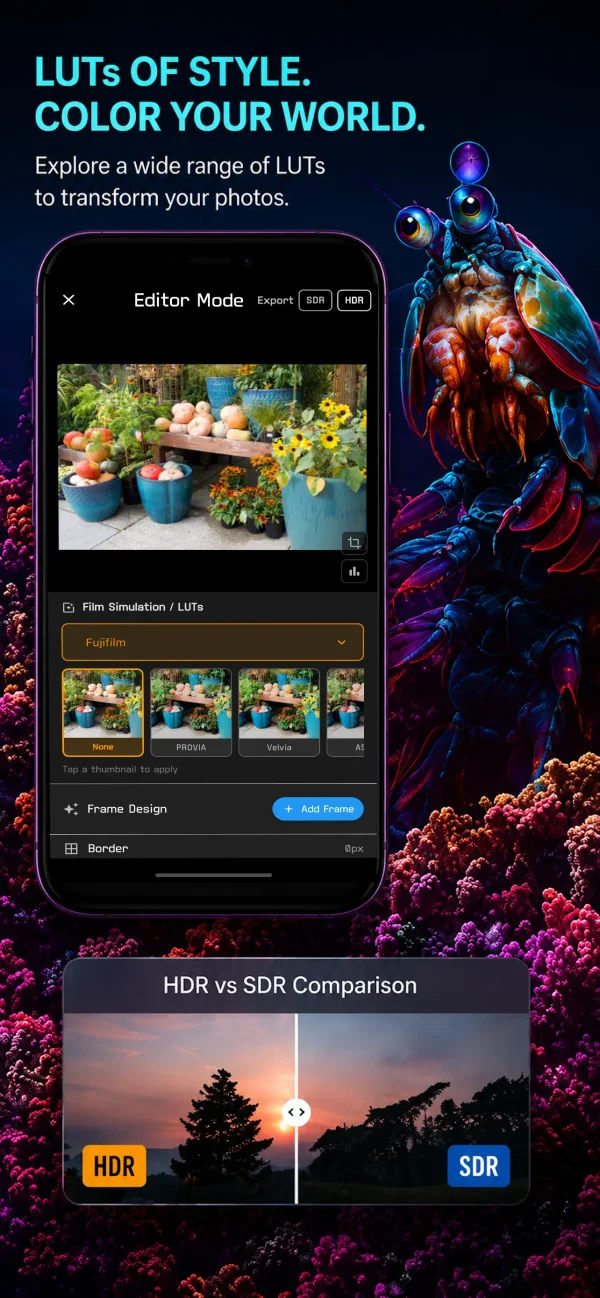
* Adding styles into your images in both SDR / HDR from ranges of 50+ styles
Universal RAW Support - Apple's CIRAWFilter for professional-grade RAW processing
Works with RAW files from major camera brands:
* Sony (ARW)
* Fujifilm (RAF) — including X-Trans sensors
* Canon (CR2, CR3)
* Leica, Apple, DJI, Google, Sigma, Ricoh (DNG)
* Panasonic (RAW, RW2)
* Hasselblad (3FR)
* Olympus (ORF)
* Pentax (PEF)
* Nikon (NEF)
* And many more...
The Value of Converting to HDR :
Your camera captures far more light information than what standard 8-bit photos can display. RAW files contain this "hidden" data, but you need HDR to actually see it.
Standard Photo: Clipped highlights, crushed shadows, compressed colors HDR Conversion: Full dynamic range, glowing lights, rich shadows, true-to-life colors
It's like the difference between looking through a dirty window vs. standing outside — suddenly everything is vivid, dimensional, and real.
How It Works :
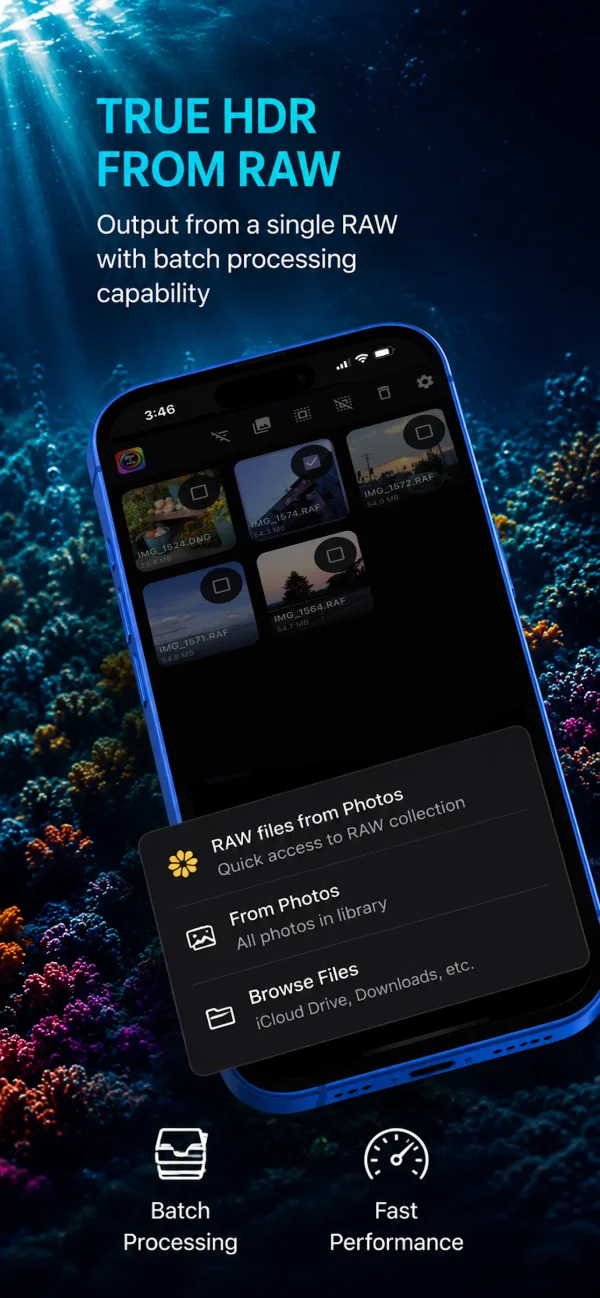
1. Import your RAW photos from anywhere
2. Convert to 10-bit HDR HEIC with a single tap
3. Editing with adjustments, add elegant frames, experimenting with film simulations
4. Share to Instagram, Threads, or save to Photos
5. Experience your photos in stunning HDR on compatible displays
See the Difference :
The difference between standard photos and HDR is impossible to describe — you have to see it. Once you experience HDR images on an HDR display, standard photos will feel flat and lifeless by comparison.
What’s new
Version 0.4.4 · Oct 1, 2026
- prevent 102 megapixel raw images running out of device memory and crash during the image processing
- AI Artist Guidance is now able to suggest user by analyze the image contents
App privacy
What Chris chi-fu HUANG declares on the App Store about how this app handles data.
-
Data not collected
The developer does not collect any data from this app.
Privacy practices may vary, for example with the features you use or your age.
Information
- Seller
- Chris chi-fu HUANG
- Category
- Photo & Video
- Version
- 0.4.4
- Updated
- Oct 1, 2026
- Released
- Feb 17, 2026
- Size
- 185.4 MB
- Requires
- iOS 15.0 or later
- Age rating
- 4+
- Price
- Free
- In-app purchases
- Yes
- Languages
- English
- Copyright
- © 2026 Chris Huang
You might also like
-
 HDR EasyConvert SDR to 10BitHDR Easily
-
 Layerlight - HDR Photo EditorPro Cinematic Light & Gain Map
-
 toHDRConvert photos to HDR effects
-
 WyKub: Photo HDR & PresetsOne-tap HDR & Presets
-
 WholegrainAdvanced Film Emulation
-
 Fujirama - Fuji Recipes & RAWFilm Recipes, Remote & RAW
-
 HDR Boost: Bright Video, PhotoFor Instagram & TikTok Content
-
 Color X: Film RecipesFujifilm recipes & video looks
-
 Koloristika • The CameraCinema Color Science.
-
 theLAB - MobileFilm Grain & Analog Editor