
- Age rating4+
- CategoryProductivity
- DeveloperRAW Future s.r.o.
- LanguagesEnglish+ 1 more
- Size39.9 MB
Links to the official App Store page
Download.org hosts no file of RAWcorder. The button opens its official App Store page, published by RAW Future s.r.o. Listing last checked on Nov 15, 2026.
Screenshots
About
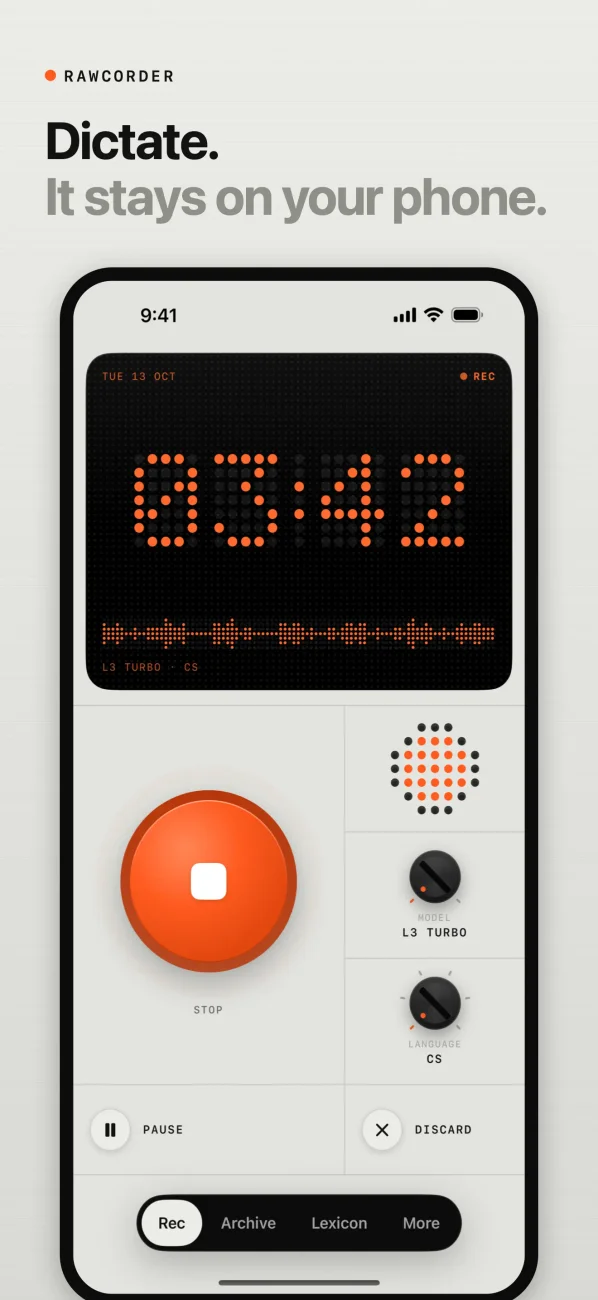
Rawcorder is a dictaphone that turns speech into text right on your phone. No cloud, no account, no server subscription.
• NEW: the Rawcorder keyboard. It looks like the system keyboard and adds an orange dictation button – in Messages, Mail, Notes, WhatsApp or the browser. Your words are transcribed on the iPhone with the same model and lexicon as the app and inserted at the cursor. Czech QWERTZ or QWERTY layouts with acute and caron (háček) keys, or English. Dictation requires “Allow Full Access”; the keyboard never stores or sends anything you type.
• Dictate notes of any length – it keeps recording with the screen locked.
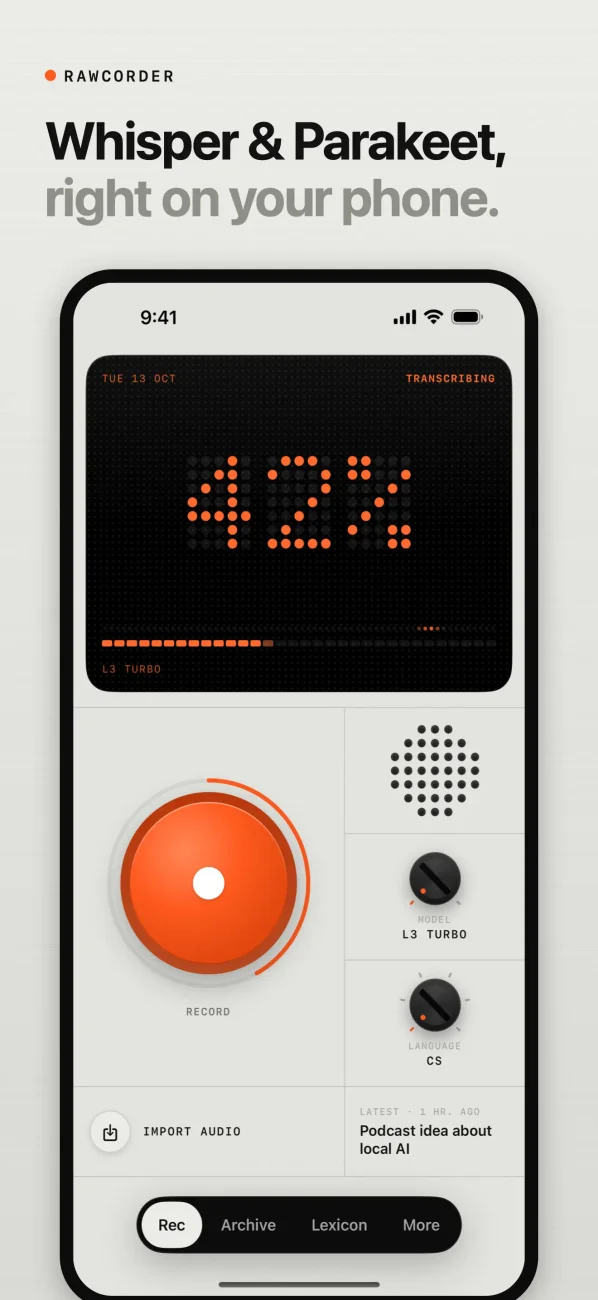
• Import recordings and videos and have them transcribed.
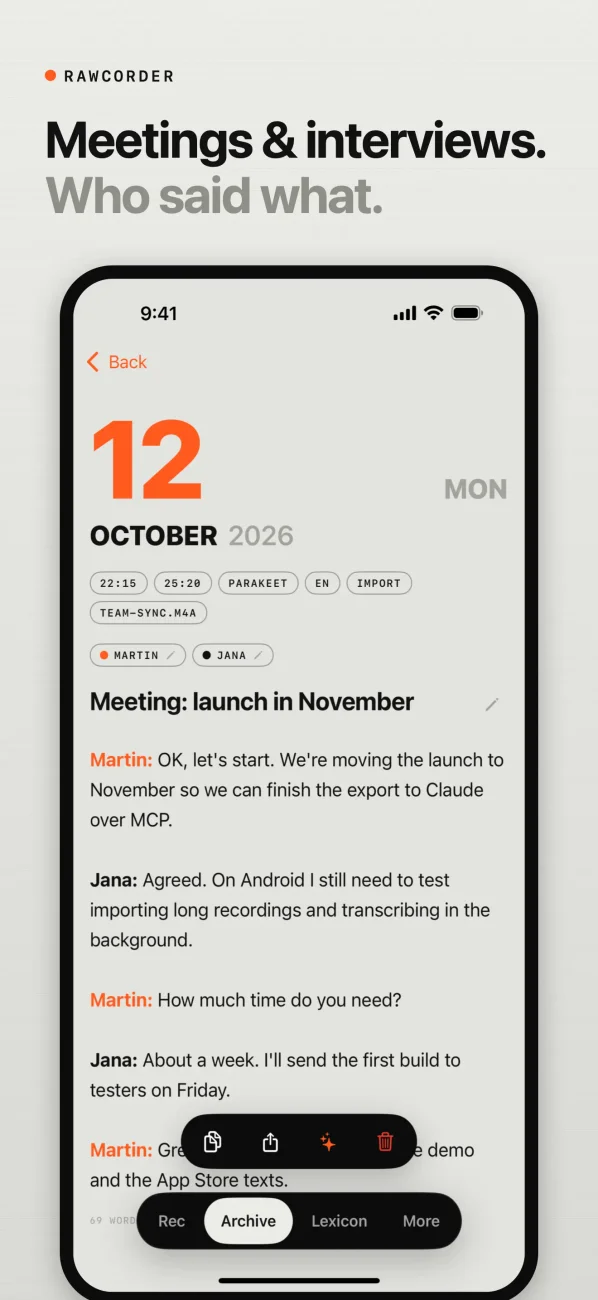
• Meetings and interviews: it separates speakers (Speaker 1, Speaker 2…) and you can name them.
• Listen: paste text or import a PDF, DOCX or TXT and the phone reads it aloud. Play it in the built-in player (±15 s, speed, resumes where you stopped) or share it as an audio file.
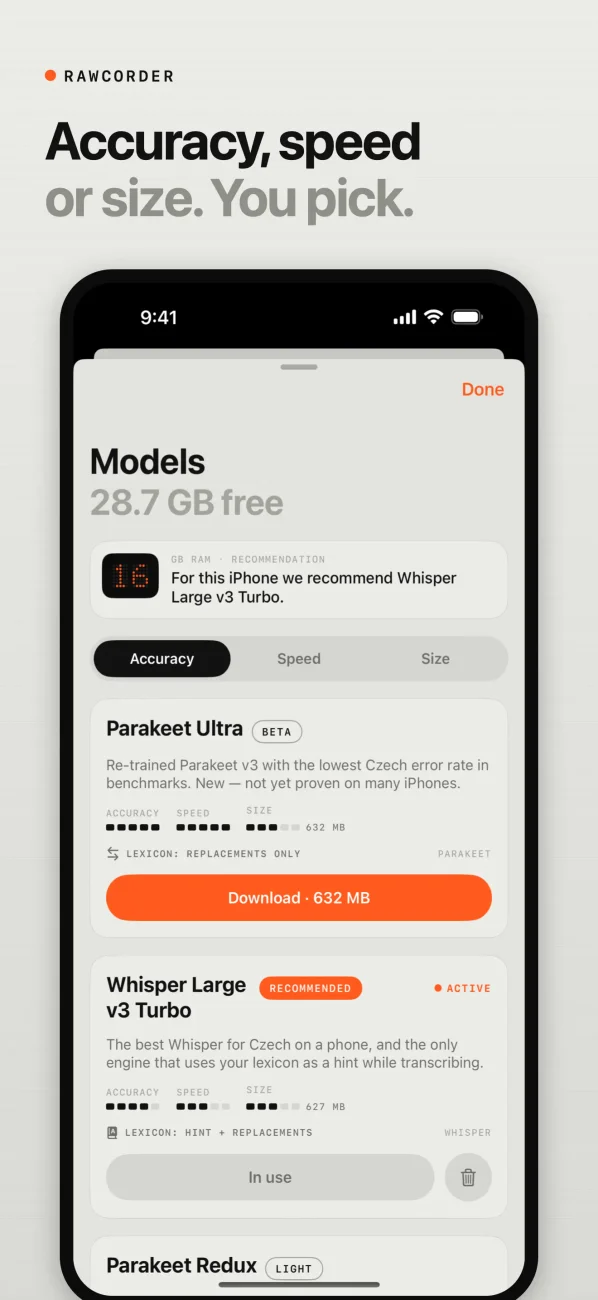
• Pick your model: Whisper Large v3 Turbo for top accuracy with your lexicon, Parakeet for lightning-fast transcripts.
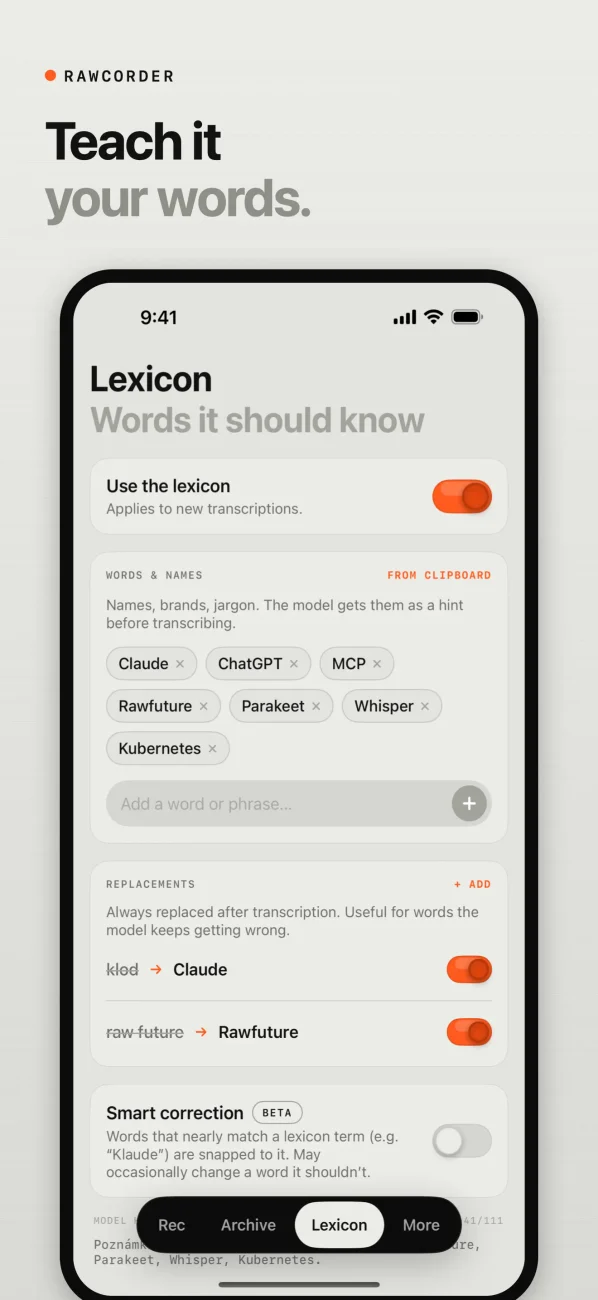
• Lexicon: teach it names, brands and jargon. Replacements fix words the model keeps getting wrong.
• Audio is deleted after transcription, so it doesn't eat your storage.
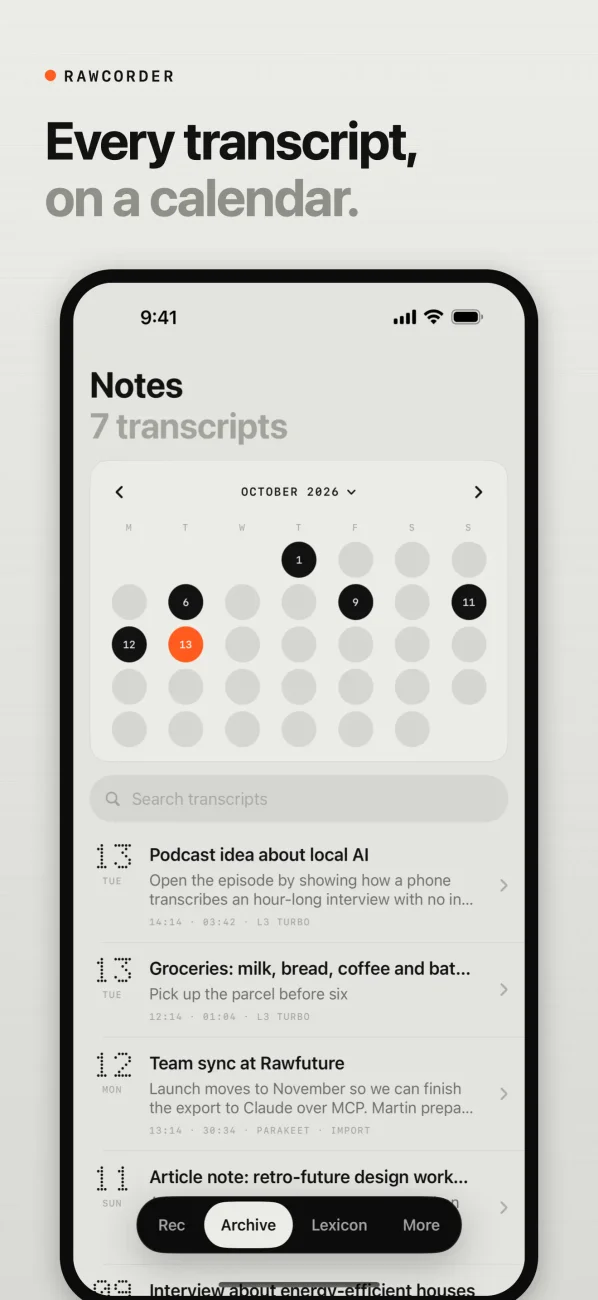
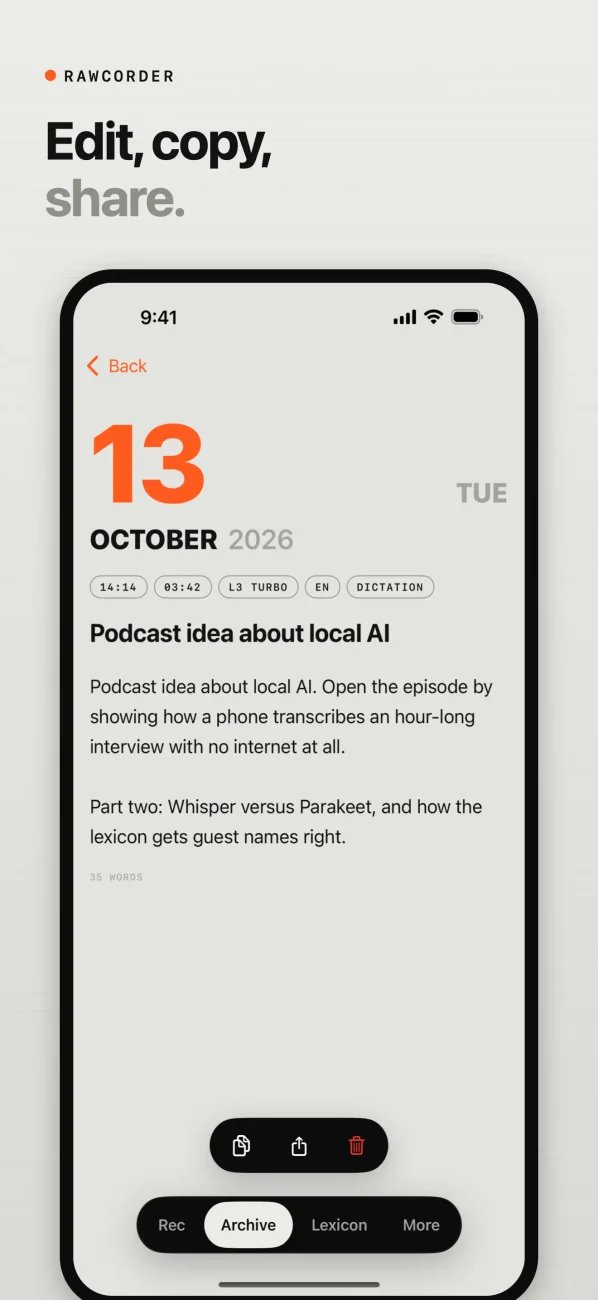
• Archive with a calendar and search, text editing, sharing as text or Markdown.
• Optional: make your transcripts available to Claude or ChatGPT over MCP – via an iCloud folder or your own server. Off by default.
Designed like a small piece of hardware: aluminium face, dot-matrix LCD, rotary knobs and a big orange button.
Privacy: the app collects no data. It only goes online to download a model and for the AI bridge if you turn it on.
What’s new
Version 1.1.5 · Nov 12, 2026
• Fix: on smaller screens and with Display Zoom turned on, the tab bar covered the Stop button. The controls now adapt to the screen height, so Stop and Discard are always fully visible.
• Tab bar labels are no longer cut off on narrow screens.
App privacy
What RAW Future s.r.o. declares on the App Store about how this app handles data.
-
Data not collected
The developer does not collect any data from this app.
Privacy practices may vary, for example with the features you use or your age.
Information
- Seller
- RAW Future s.r.o.
- Category
- Productivity
- Version
- 1.1.5
- Updated
- Nov 12, 2026
- Released
- Oct 18, 2026
- Size
- 39.9 MB
- Requires
- iOS 17.0 or later
- Age rating
- 4+
- Price
- Free
- Languages
- English, Czech
- Copyright
- © 2026 RAW Future s.r.o.
You might also like
-
 FilvyFamily docs, deadlines & vault
-
 HN EventsProductivity
-
 Clearminutes: AI Meeting NotesPrivate offline transcription
-
 DayDo CalendarCalendar, reminders and tasks
-
 LamaelProductivity
-
 AXIGONProductivity
-
 MobileLLMRun LLM on your device
-
 Marketing Festival 2025Productivity
-
 TGS kalkulačkaProductivity
-
 Software602 SignerProductivity