
Rays – 3D Studio
Your studio for 3D models
Designed for iPhone, iPad, Mac
Free · In-app purchases
- Age rating4+
- CategoryGraphics & Design
- DeveloperJan-Thomas Asmus
- LanguagesEnglish+ 3 more
- Size171.9 MB
Links to the official App Store page
Download.org hosts no file of Rays – 3D Studio. The button opens its official App Store page, published by Jan-Thomas Asmus. Listing last checked on Nov 18, 2026.
Screenshots
About
Rays Studio – Your ideas. Perfectly staged.
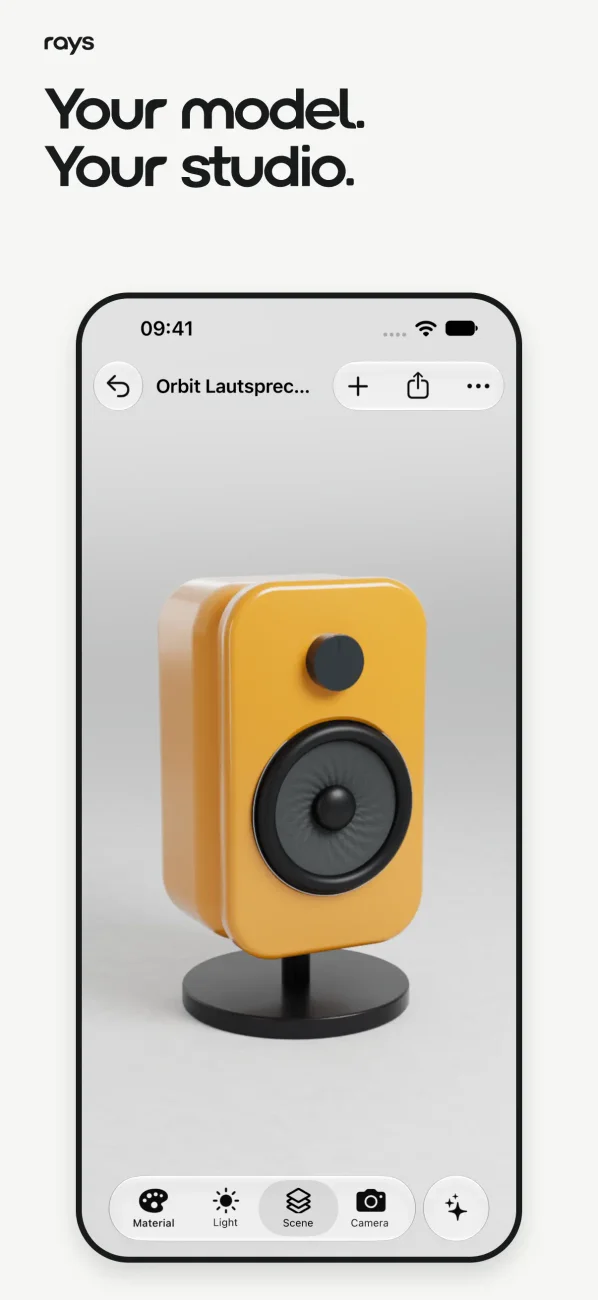
Turn your 3D models into striking visualizations. With Rays Studio, shape materials, lighting and perspectives in your own virtual product studio – intuitively, flexibly and with full creative control.
Whether you work in product design, architecture, prototyping or creative experimentation, Rays gives you the tools to turn an idea into a compelling image.
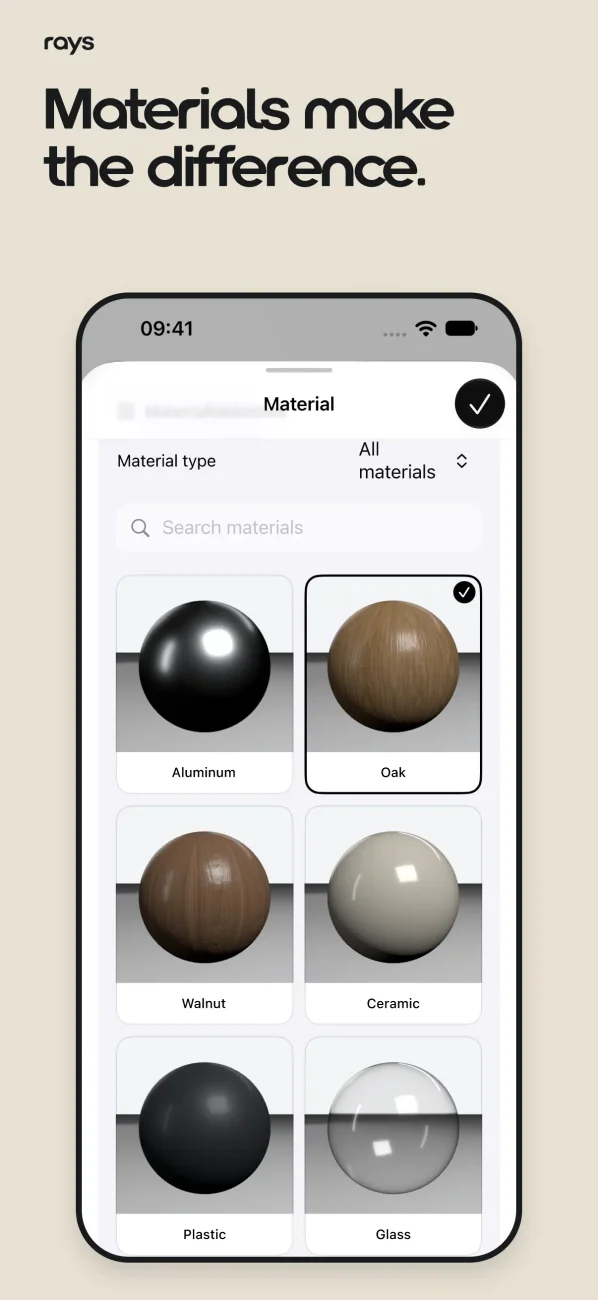
MATERIALS THAT MAKE THE DIFFERENCE
Discover a variety of materials, including wood, metal, glass, ceramic and plastic. Experiment with colors, surfaces and textures until every detail matches your vision.
• Apply materials to individual parts or entire groups
• Customize color, roughness and surface texture
• Import and use your own textures
LIGHTING THAT BRINGS YOUR IDEAS TO LIFE
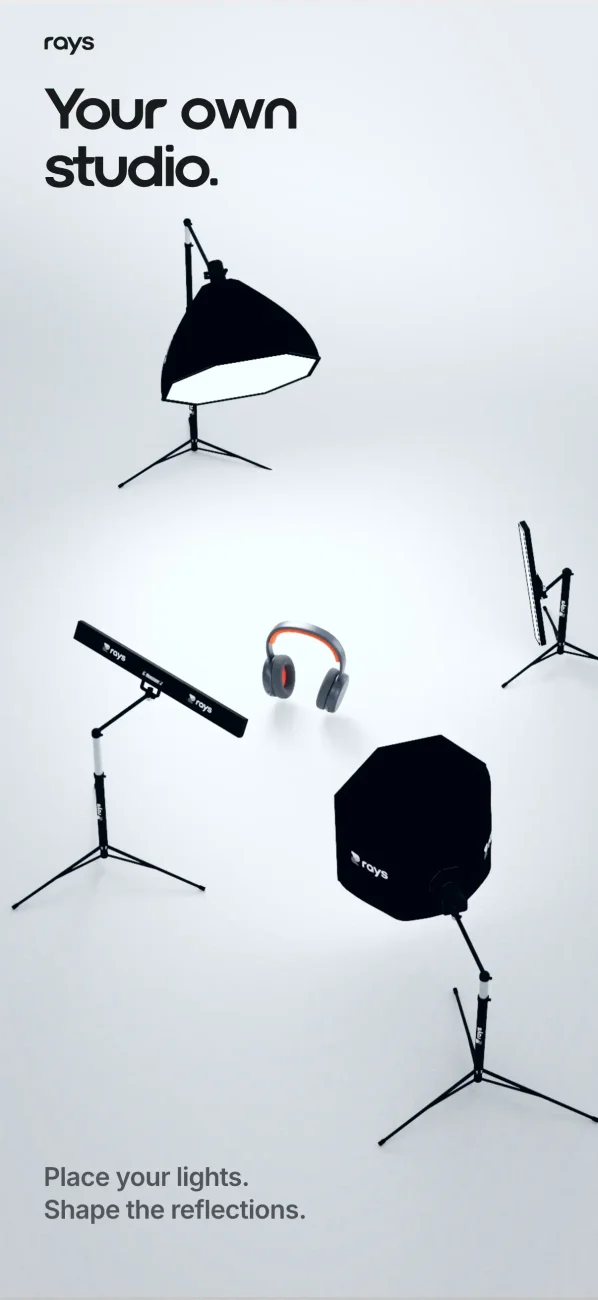
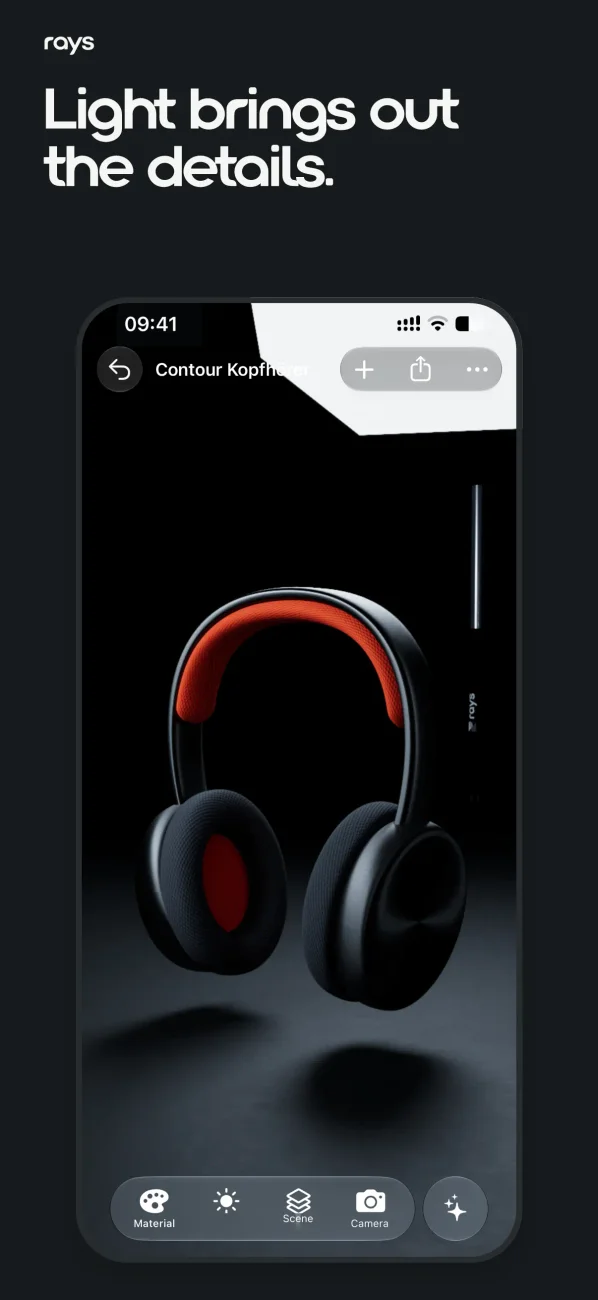
The right lighting changes everything. Start with a preset studio scene or develop your own lighting setup. Shape shadows, reflections and atmosphere to suit your vision.
• Studio presets to get started quickly
• Freely position and adjust light sources
• Precisely control intensity, light color and size
YOUR STUDIO. YOUR SCENE.
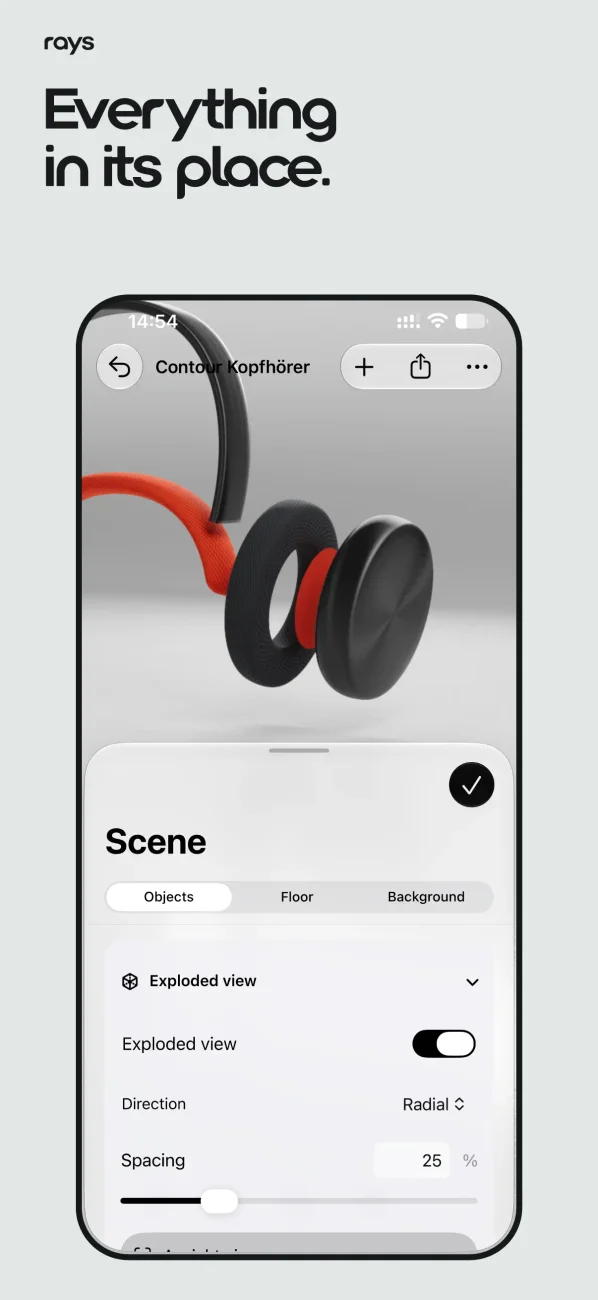
Build your virtual environment the way you need it. Import models, organize parts and arrange objects into a cohesive composition.
• Import 3D models in glTF, GLB, OBJ and STL formats
• Flexibly organize objects and groups
• Use floors, backgrounds and your own panoramas
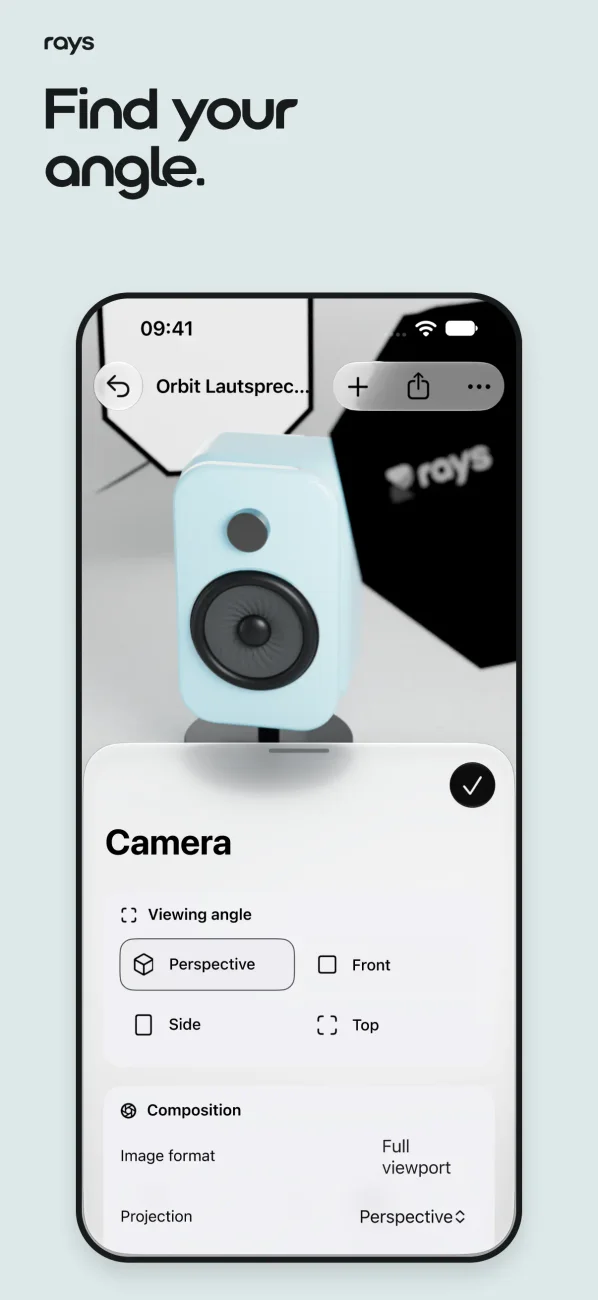
THE PERFECT PERSPECTIVE
Every detail deserves the right angle. With Rays' camera tools, you decide how your idea is seen.
• Adjust perspective, focal length and image format
• Use depth of field to draw attention to details
• Save camera views for different variations
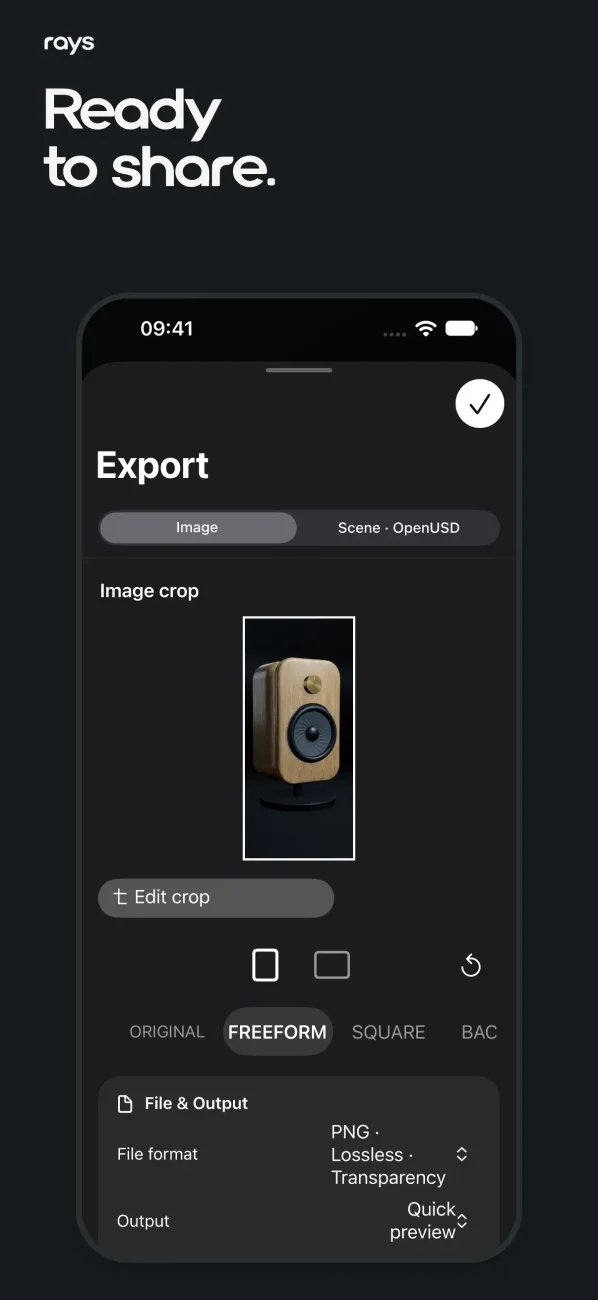
FROM SCENE TO FINISHED IMAGE
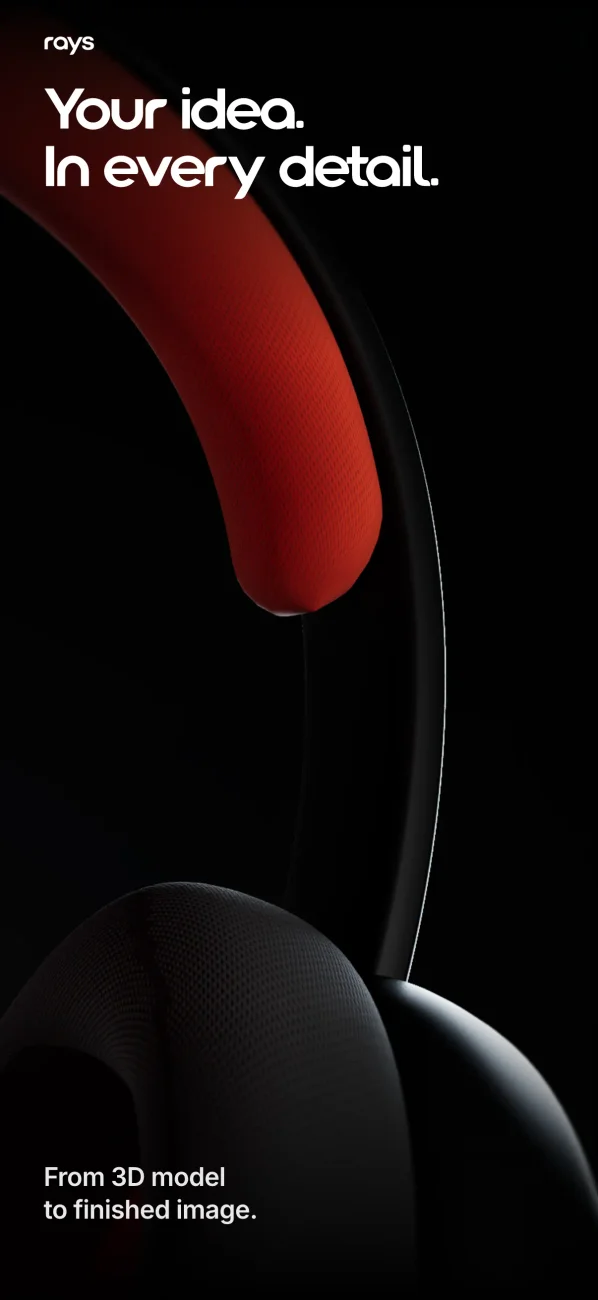
Create render previews, refine the look of your images and export high-quality results – ready for presentations, portfolios or further editing.
• Fine-tune exposure, contrast and colors
• Export PNG, JPEG, WebP and TIFF
• Create PSD files with separate scene layers
• Export scenes via OpenUSD for further workflows
CREATE WITHOUT DETOURS
Your projects stay where you create: on your device. Save your entire scene, including models, materials, lighting and cameras, as a Rays project and pick up where you left off at any time.
On iPhone and iPad, save finished visualizations directly to Photos or Files and share them with others.
Rays Studio. From 3D model to visual idea.
App privacy
What Jan-Thomas Asmus declares on the App Store about how this app handles data.
-
Data not collected
The developer does not collect any data from this app.
Privacy practices may vary, for example with the features you use or your age.
Information
- Seller
- Jan-Thomas Asmus
- Category
- Graphics & Design
- Version
- 1.0
- Updated
- Nov 8, 2026
- Released
- Nov 7, 2026
- Size
- 171.9 MB
- Requires
- iOS 26.0 or later
- Age rating
- 4+
- Price
- Free
- In-app purchases
- Yes
- Languages
- English, French, German, Spanish
- Copyright
- © 2026 PANIC Intelligence
You might also like
-
 RAYS - 3D Path TracerA Pocket Path Tracer
-
 InfiniaInfinite Canvas Drawing
-
 AI Interior Design & GardenRoom, Exterior & Landscape
-
 Fiscan: Dental Face Scan3D Smiles, Measurements & CAD
-
 BeautOfFractalsGraphics & Design
-
 benoît MFractal Art Explorer
-
 Artbox - Real Oil PaintingRealistic Oil Painting
-
 Pocket EaselMobile Plein Air & Color Study
-
 Fab3DYour 3D Model Library
-
 Wafer - 3D Texture PaintStylized Texturing