
Razr - Street Camera
Street and Travel Photography
Designed for iPhone
Free · In-app purchases
- Age rating4+
- CategoryPhoto & Video
- DeveloperMuhammad Afif Maruf
- LanguagesEnglish+ 16 more
- Size168.5 MB
Links to the official App Store page
Download.org hosts no file of Razr - Street Camera. The button opens its official App Store page, published by Muhammad Afif Maruf. Listing last checked on Nov 23, 2026.
Screenshots
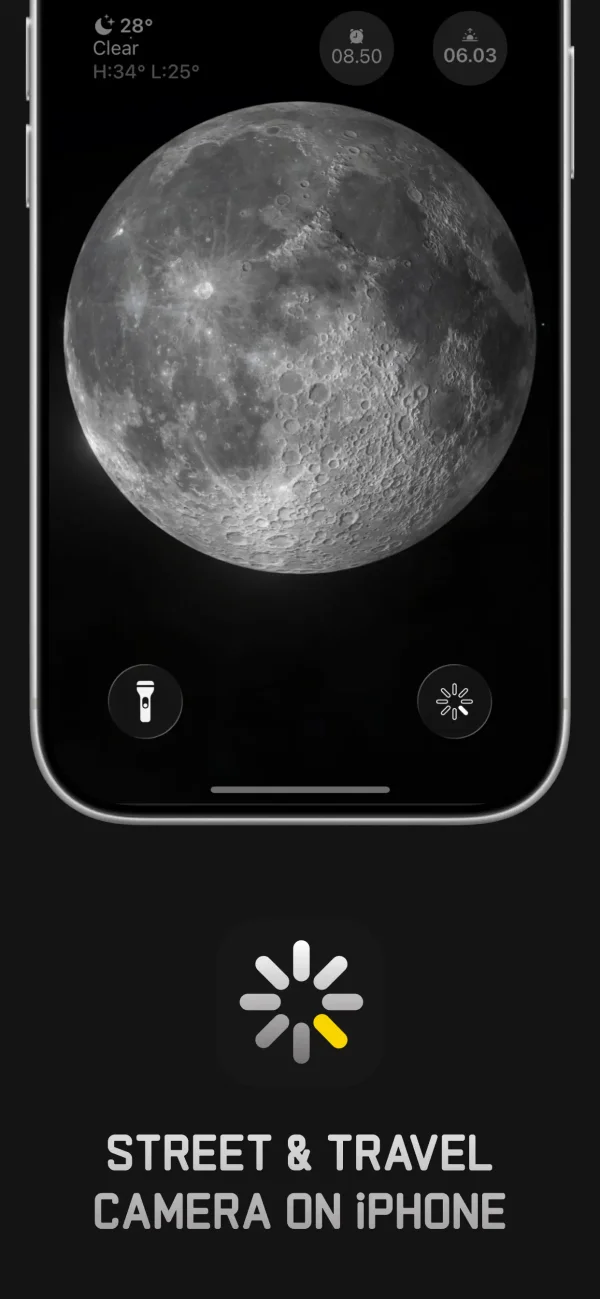
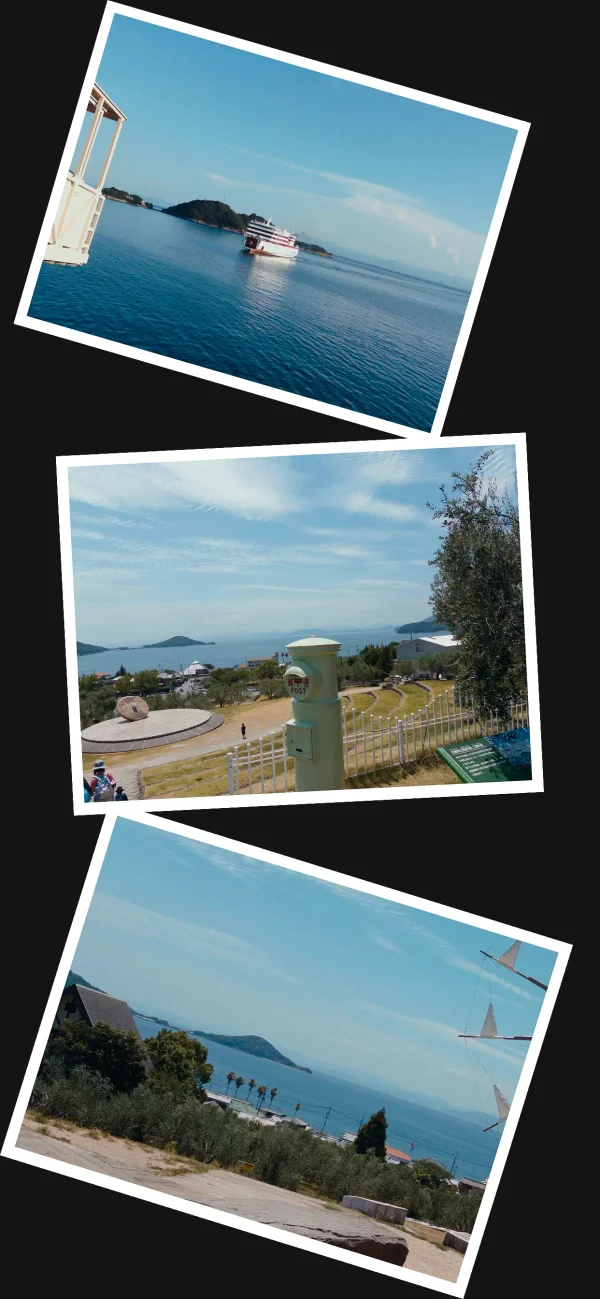

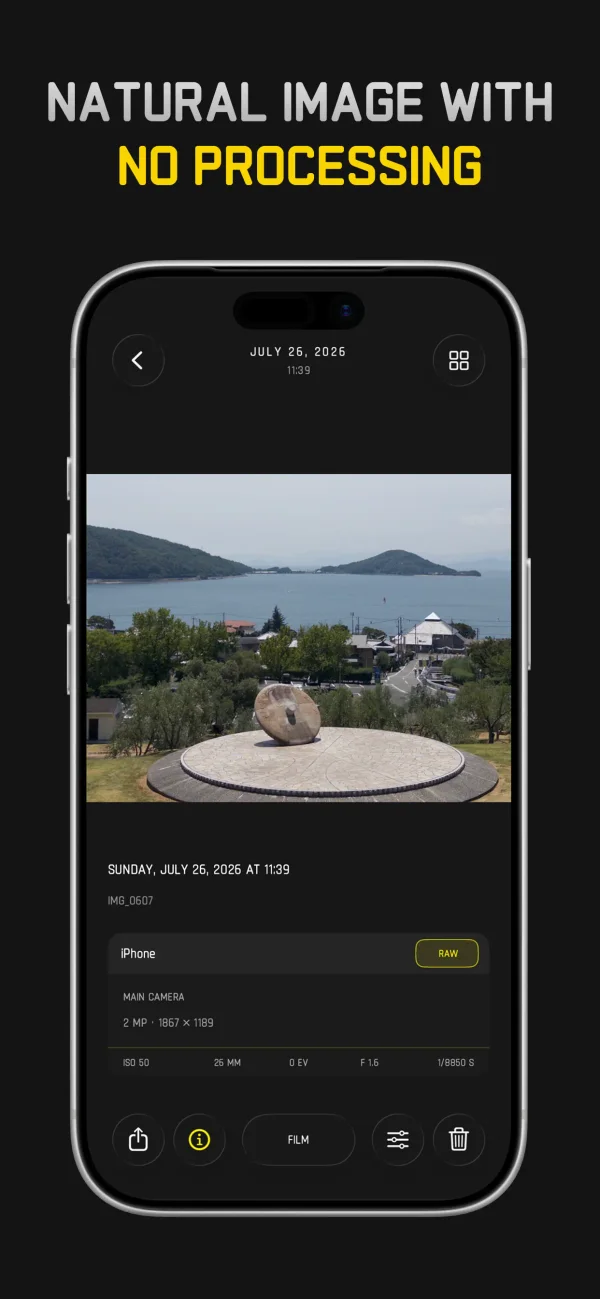
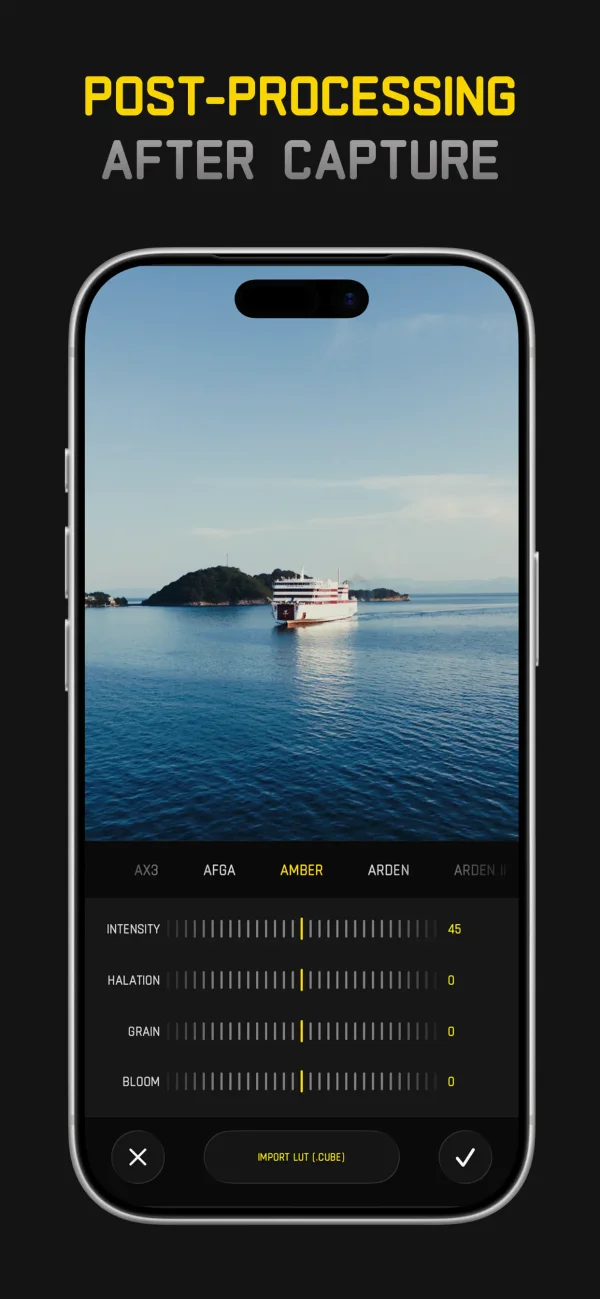
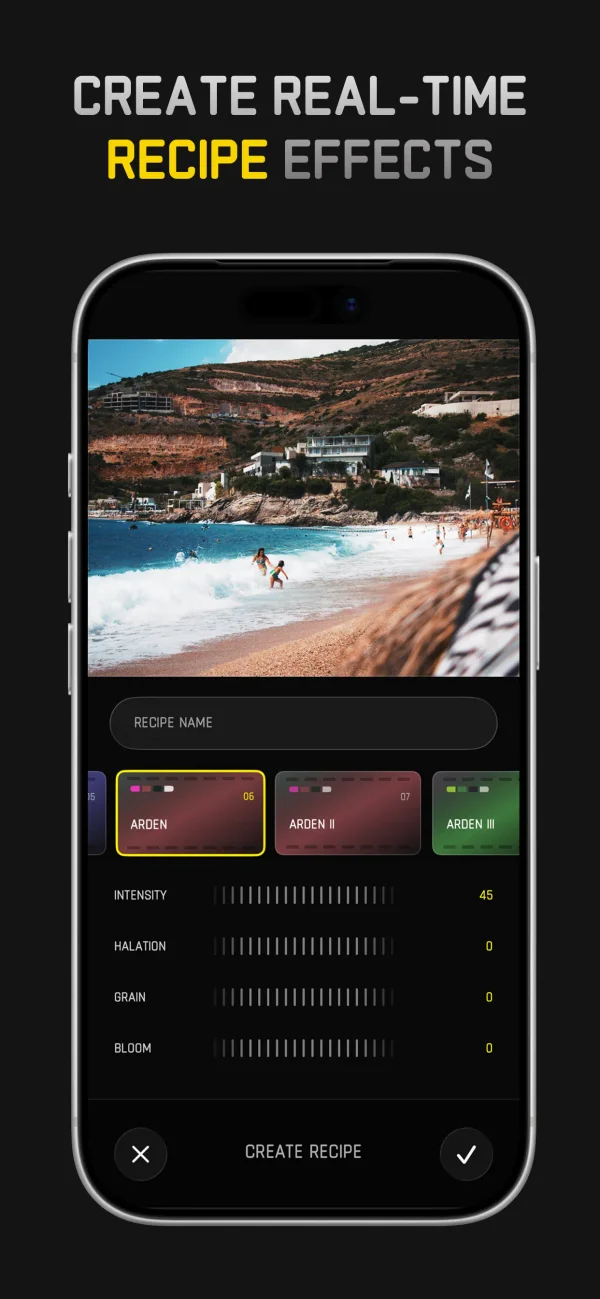

About
Razr is an iPhone camera for street and travel photography, combining film-inspired color, Snap Focus and reusable recipes. Preview your look before the shot, save your settings as a recipe, and choose RAW when you want more room to edit.
From a morning walk to a busy night market, build a shooting setup around the scenes you notice. Explore a different color palette, prepare a focus distance, or return to a saved recipe as you find your own approach to photography.
Take a familiar route with a new look, and give ordinary moments a different perspective.
SEE YOUR LOOK BEFORE THE SHOT
Choose a film-inspired look and adjust its intensity directly in the viewfinder. See how the palette works with the scene in front of you, then fine-tune it before pressing the shutter. Keep the effect subtle or give the photograph a strong color direction.
Shape the texture and glow with separate grain, halation, and bloom controls. Pair a gentle look with daylight, add atmosphere to bright lights, or create a treatment for an entire series of photographs.
BRING YOUR OWN COLOR
Import compatible .cube LUTs to extend your color library. Use a palette you already enjoy or explore a new look for a particular location. Adjust the strength to suit the light and subject instead of treating every frame the same way.
MAKE RECIPES YOU WILL USE AGAIN
Combine a LUT with your preferred effects, give the combination a name, and save it as a recipe. Build one for afternoon walks, another for night scenes, or a signature look for a trip. Return to the combination without rebuilding every slider setting.
Share a recipe as a card so you can show others the look and settings behind your photograph. Your recipes keep creative choices close at hand while you concentrate on framing the next shot.
SET FOCUS BEFORE THE MOMENT
Snap Focus lets you choose a focus distance before you shoot. Prepare for a subject passing through a doorway, a person approaching a patch of light, or a scene you are waiting to unfold.
Lens calibration helps refine the distance setting for your device. Choose a distance that suits your subject and composition; the result still depends on the lens, light, and where your subject stands.
MAKE COLOR PART OF THE STORY
Try a warm palette for afternoon light or a softer look for quieter scenes. Use LUT intensity to balance the treatment with the colors already in your frame. Watch how your chosen look affects skin tones, bright areas, and shadows, then save a combination you would like to use again.
CHOOSE A PHOTOGRAPHIC STARTING POINT
Use Standard for a neutral base, explore Negative or Positive for a different color response, or choose a black-and-white profile. Work with gentle tones or stronger monochrome contrast to suit shapes, shadows, architecture, and portraits.
These image profiles give developed photos a starting character. Combine your choices thoughtfully, using the viewfinder to judge the scene as you compose.
KEEP ROOM FOR THE EDIT
Capture HEIF or JPEG for a developed image, or select RAW DNG and Apple ProRAW on supported devices for later editing. Choose the format around how you plan to use the photograph, from sharing a finished frame to refining exposure and color afterward.
LAYER TWO MOMENTS
Explore double exposure with Lighten and Darken blending. Combine a silhouette with texture, place light across a shadow, or bring two compositions into one photograph. Experiment with the relationship between the layers to find a result that feels your own.
ACCESS AND COMPATIBILITY
Some features require a paid upgrade. Yearly subscription and lifetime purchase options are available; see the app for current local pricing and included features. Capture formats and controls vary by device, lens, and iOS version. Apple ProRAW requires a compatible device.
Privacy Policy: https://razr-street.lovable.app/privacypolicy
Terms of Use: https://www.apple.com/legal/internet-services/itunes/dev/stdeula/
What’s new
Version 2.2 · Nov 7, 2026
True Image
A new image profile for natural photos. Each shot is developed from the sensor's RAW data with light sharpening and no smoothing, so grain stays and highlights roll off gently, like film. The viewfinder shows the result as you frame.
Format and Resolution
Choose format and resolution together in Settings, such as HEIF 48 MP or RAW 12 MP. Only what your iPhone can capture is listed. ProRAW now comes in 12 MP and 48 MP, right from the format menu.
Preserve Settings
Choose what Razr remembers the next time you open it: your Look and image profile, exposure, zoom and Photographic Style. Settings now opens each group on a page of its own.
Faster Saving
Your photo appears on the gallery button the moment you press the shutter, and saves faster than before. Open it while it's still being finished, and the gallery shows it as soon as it's ready.
Fixes
• Image profiles keep full resolution when you zoom.
• A burst with an image profile now saves every frame.
• RAW and ProRAW photos keep their location, and the HEIC saved beside a RAW keeps full camera details.
• Choosing RAW no longer switches to ProRAW on its own.
• Pressing the shutter while switching lenses no longer closes Razr.
App privacy
What Muhammad Afif Maruf declares on the App Store about how this app handles data.
-
Data not collected
The developer does not collect any data from this app.
Privacy practices may vary, for example with the features you use or your age.
Information
- Seller
- Muhammad Afif Maruf
- Category
- Photo & Video
- Version
- 2.2
- Updated
- Nov 7, 2026
- Released
- Jul 15, 2026
- Size
- 168.5 MB
- Requires
- iOS 16.6 or later
- Age rating
- 4+
- Price
- Free
- In-app purchases
- Yes
- Languages
- English, Arabic, Dutch, Filipino, French, German, Indonesian, Italian, Japanese, Korean, Malay, Portuguese + 5 more
- Copyright
- © Razr Lab
You might also like
-
 Campera - Point & Shoot CameraFilm-quality photos, instantly
-
 FilmFold - Vintage CameraFilm, CCD, Y2K Digicam & VHS
-
 theLAB - MobileFilm Grain & Analog Editor
-
 NeoFilm - Vintage Film CameraAnalog Profiles, RAW & Recipes
-
 Henshu — Photo EditorCamera, RAW & light meter
-
 Lumencam | Pocket CameraRetro & Film Filters
-
 HeyDazz: Film CameraCinematic looks & camcorder
-
 Koloristika • The CameraCinema Color Science.
-
 ISO125: Film Camera & LUTsVintage Photos & Video Filters
-
 UMBRAL: Premium Photo CameraTasteful, High-Quality Filters