
- Age rating4+
- CategoryProductivity
- DeveloperJaehong Lim
- LanguagesFrench+ 9 more
- Size8.5 MB
Links to the official App Store page
Download.org hosts no file of RC Markdown. The button opens its official App Store page, published by Jaehong Lim. Listing last checked on Nov 12, 2026.
Screenshots



About
THE AI WORKFLOW COMPANION
Claude, ChatGPT, and other AI assistants produce detailed reports.
But when you open them on iPhone, LaTeX math breaks, Mermaid diagrams disappear, and code looks like a mess.
RC Markdown handles all of it. A dedicated viewer built to read, render, and share AI-generated documents exactly as intended.
DISTRACTION-FREE READING, BUILT FOR LONG DOCUMENTS
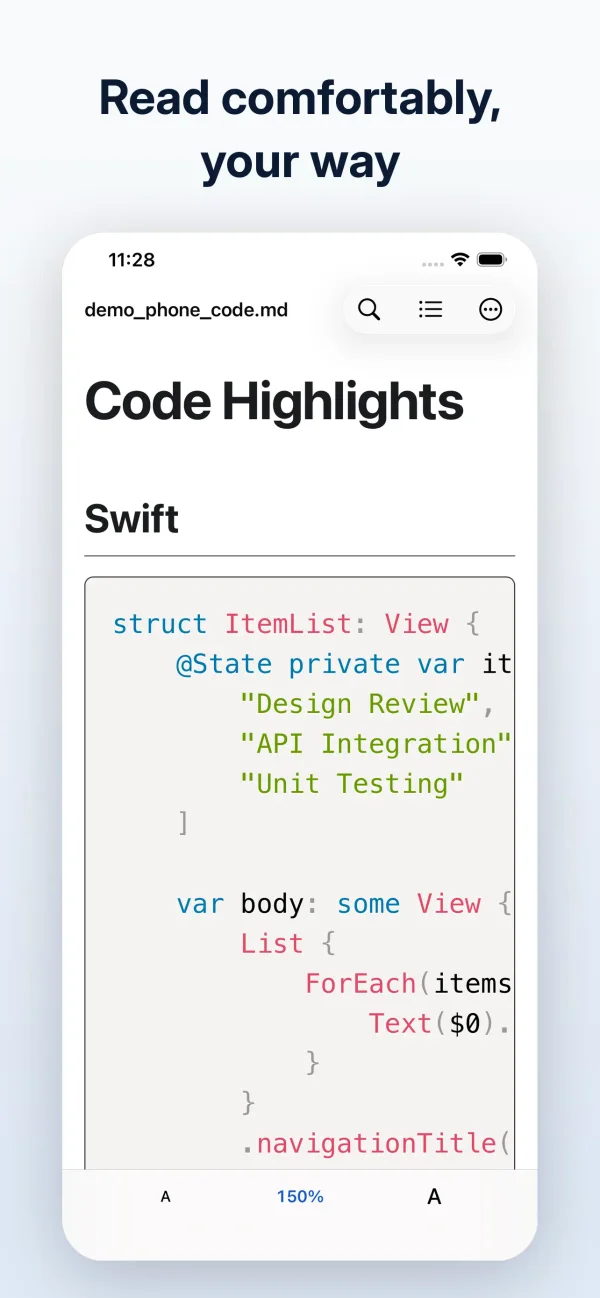
No toolbars. No editing UI. Just your document, rendered beautifully, ready to read from start to finish.
Open a file, read it comfortably, and forward it to your team.
RENDERING
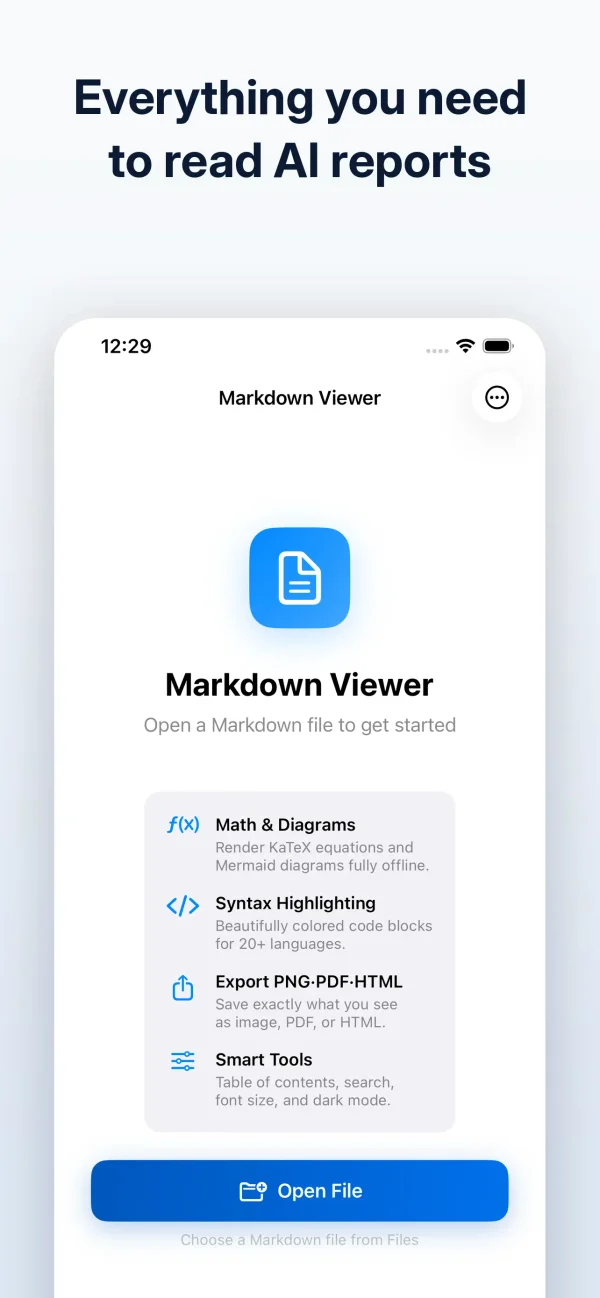
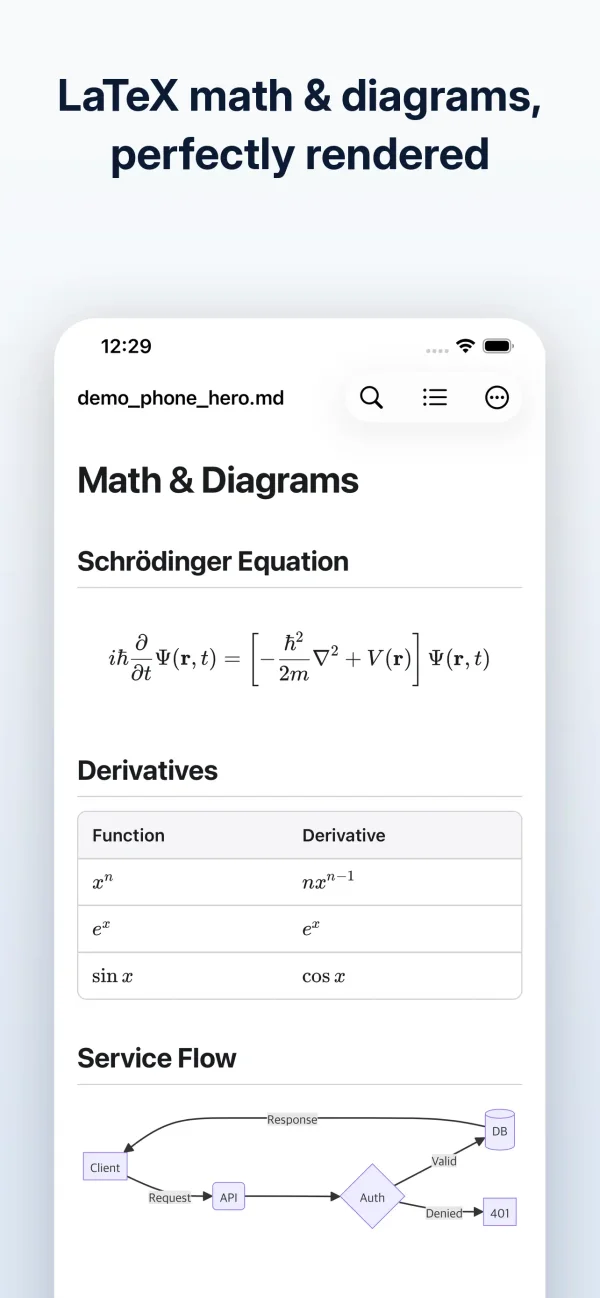
Complex Math — On-device KaTeX rendering for inline and block LaTeX equations.
Technical Diagrams — Mermaid support for flowcharts, sequence diagrams, Gantt charts, and more.
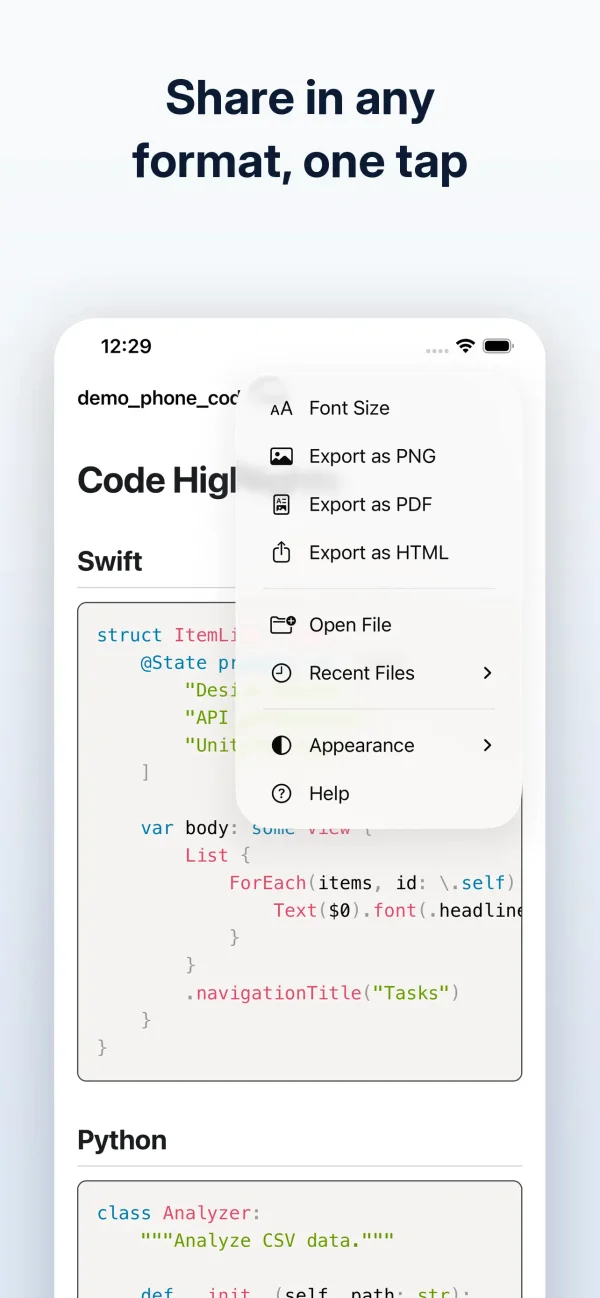
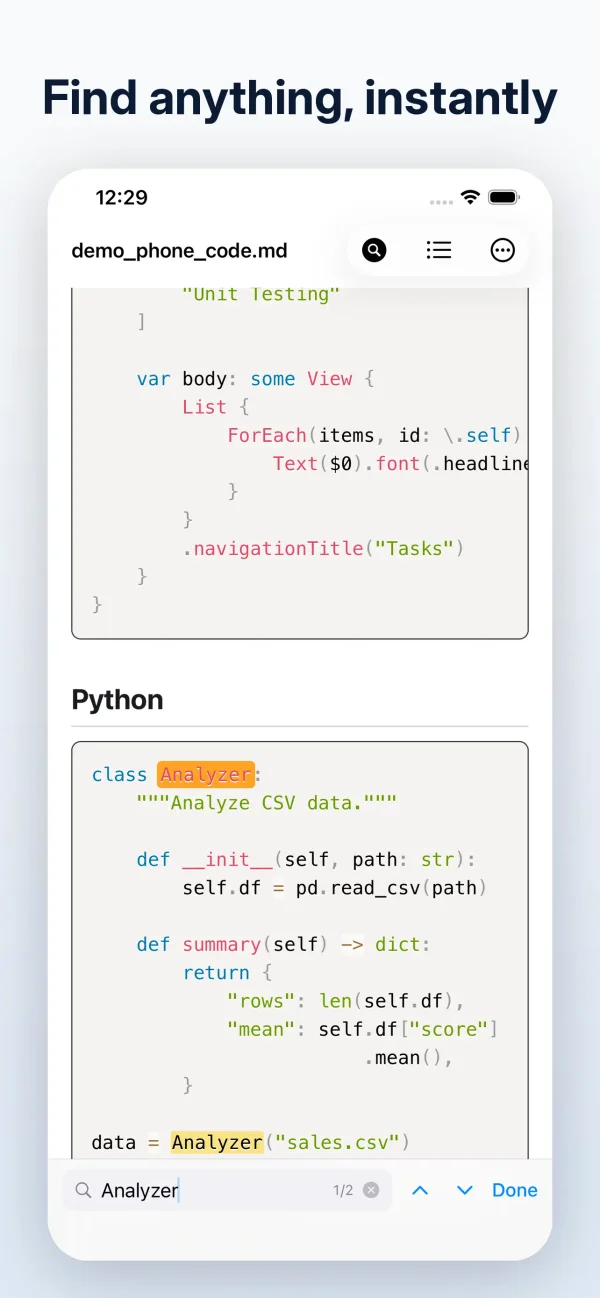
Clean Code — Syntax highlighting for 20+ languages including Python, Swift, Rust, and TypeScript.
EXPORT AND SHARE
Tap Export to convert your document and open the iOS Share Sheet instantly — send via Mail, Messages, Slack, or save to Files.
PDF — Vector-based, text-selectable, always cleanly formatted.
PNG — Full-document image, ready to paste into any chat or deck.
HTML — Self-contained file with all styles and diagrams embedded.
DESIGNED FOR iOS
Table of Contents — Auto-generated from headings. Tap to jump, drag the panel anywhere on screen.
In-Document Search — Real-time highlighting with match-by-match navigation.
Dark Mode — Light, Dark, or System. Optimized for OLED displays.
Available in 10 languages — English, German, French, Spanish, Portuguese, Russian, Japanese, Korean, Simplified and Traditional Chinese.
iPhone and iPad — Optimized for both.
PRIVATE AND OFFLINE
No accounts. No sign-in. No internet required.
Every feature works completely offline.
No data ever leaves your device.
What’s new
Version 1.1 · Apr 18, 2026
• Long-press a heading to export that section as PNG, PDF, or HTML, or copy it as Markdown.
• Long code blocks now wrap when exporting to PNG or PDF.
App privacy
What Jaehong Lim declares on the App Store about how this app handles data.
-
Data not linked to you
May be collected but is not linked to your identity.
- Identifiers
- Usage data
- Diagnostics
Privacy practices may vary, for example with the features you use or your age.
Information
- Seller
- Jaehong Lim
- Category
- Productivity
- Version
- 1.1
- Updated
- Apr 18, 2026
- Released
- Jul 3, 2026
- Size
- 8.5 MB
- Requires
- iOS 17.0 or later
- Age rating
- 4+
- Languages
- French, German, English, Simplified Chinese, Traditional Chinese, Korean, Spanish, Japanese, Portuguese, Russian
- Copyright
- © 2026 Jaehong Lim
You might also like
-
 Markmatic - AI to Word & PDFChatGPT to Word and PDF
-
 PureMarkdownPrivate Markdown Notes Editor
-
 Markdown A.I.Markdown Previewer & Editor
-
 Marten: Markdown Code NotesDev notebook, snippets & sync
-
 Abox Note · Markdown NotesCapture, organize, and publish
-
 Zen Slate: Notes & To-DosVoice Memos, Scanner & Drawing
-
 openote: Markdown Notes & SyncPlain .md files. No account.
-
 mdReview - Markdown EditorCriticMarkup & Sticky Notes
-
 VibeMarkMarkdown, HTML & SVG reader
-
 Article TTSSave, Read, Listen, Translate