
ReactCam: Reaction Videos
Facecam, Screen Recorder & AI
Designed for iPhone, iPod touch
Free · In-app purchases
- Age rating4+
- CategoryPhoto & Video
- DeveloperAxis SA
- LanguagesEnglish+ 18 more
- Size34.4 MB
Links to the official App Store page
Download.org hosts no file of ReactCam: Reaction Videos. The button opens its official App Store page, published by Axis SA. Listing last checked on Nov 25, 2026.
Screenshots




About
ReactCam is the all-in-one facecam recorder and reaction video editor for iPhone — now with AI characters and voices.
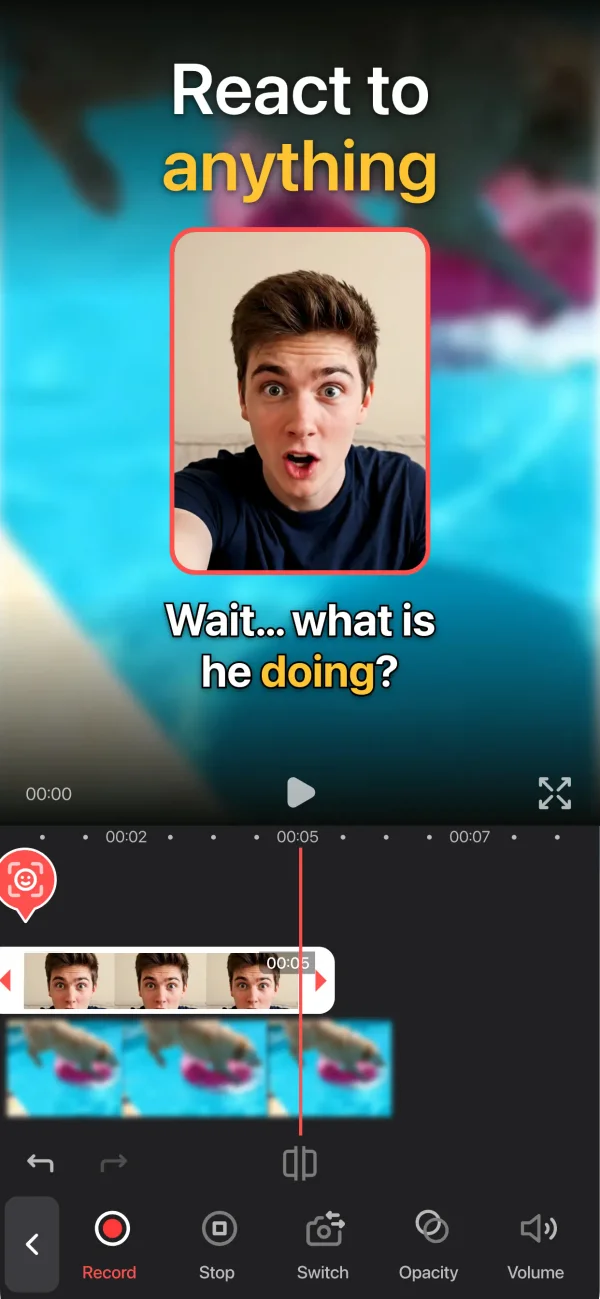
Record your screen or import any video from your library, add multiple facecam reactions, generate subtitles automatically from your voice, and export polished videos in 4K — ready for YouTube, TikTok, Instagram, and beyond. Then react as anyone: turn your facecam into a pirate, a robot, a cartoon cat or a character you design, and give it a voice to match.
KEY FEATURES
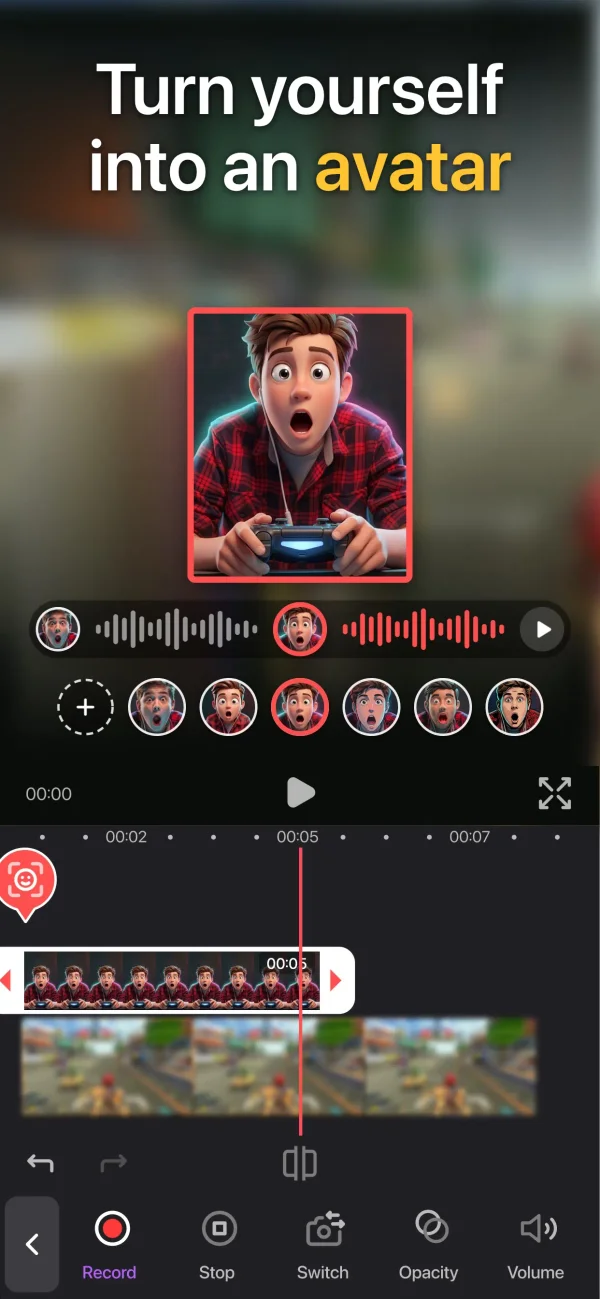
• AI Characters — Transform any facecam take into a character. Start from 10 ready-made characters, describe your own, or turn a photo into one. Your original take is always one tap away.
• AI Voice Changer — Give any take a new voice: your character's, a ready-made one, or one you describe in a few words.
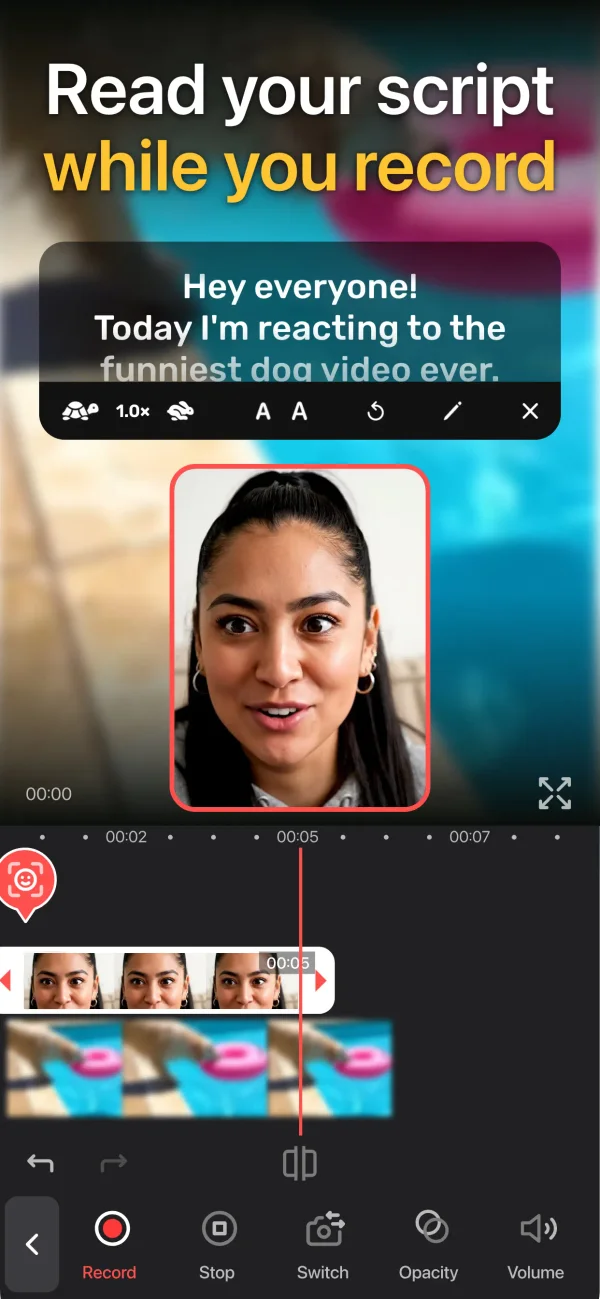
• Teleprompter — Write, dictate or snap a photo of your script and read it while you record your face cam, a voice-over or both cameras. Or let an AI character say it for you.
• Pause to Comment — Freeze the video and keep talking.
• Screen Recording with Live FaceCam — Your face floats live over any game or app while you record, and stays in the video (iOS 18+).
• Video Library Reactions — React to any video from your photo library, or use a video you already have as a facecam.
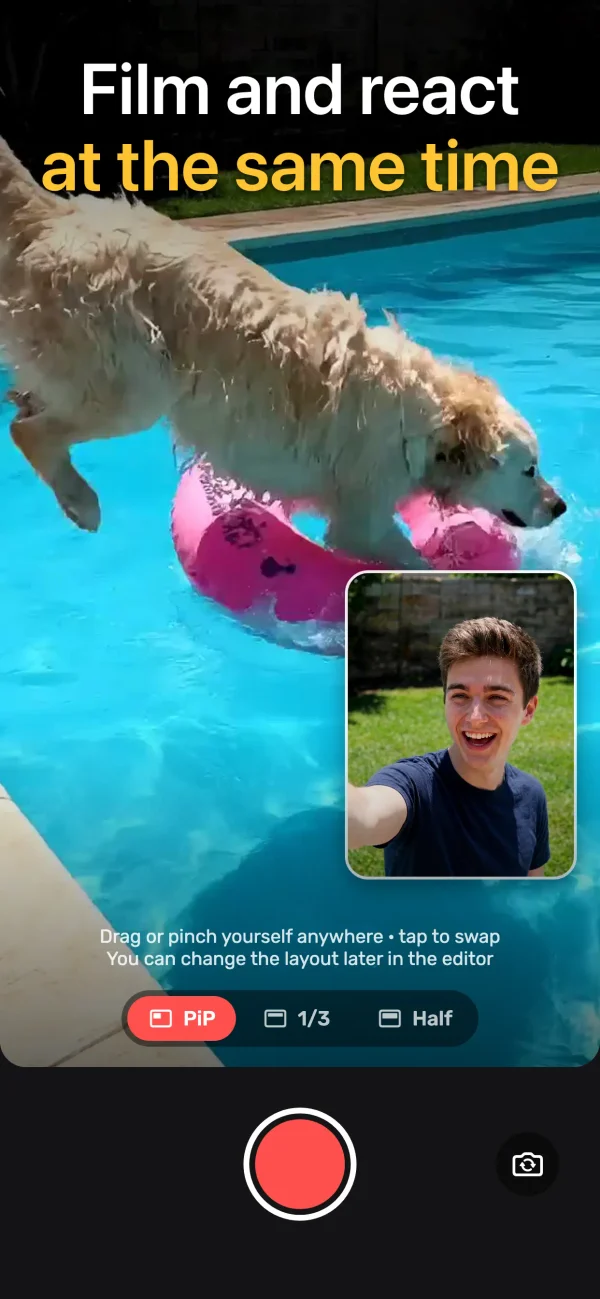
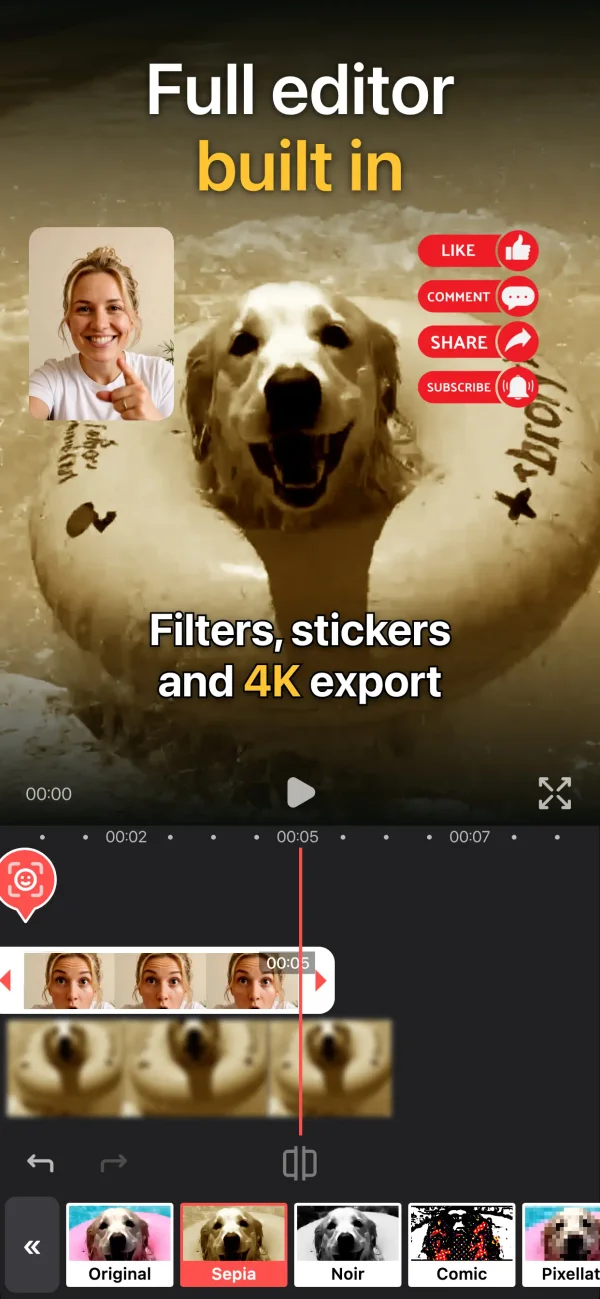
• FaceCam Overlay — Add multiple face reactions as picture-in-picture overlays.
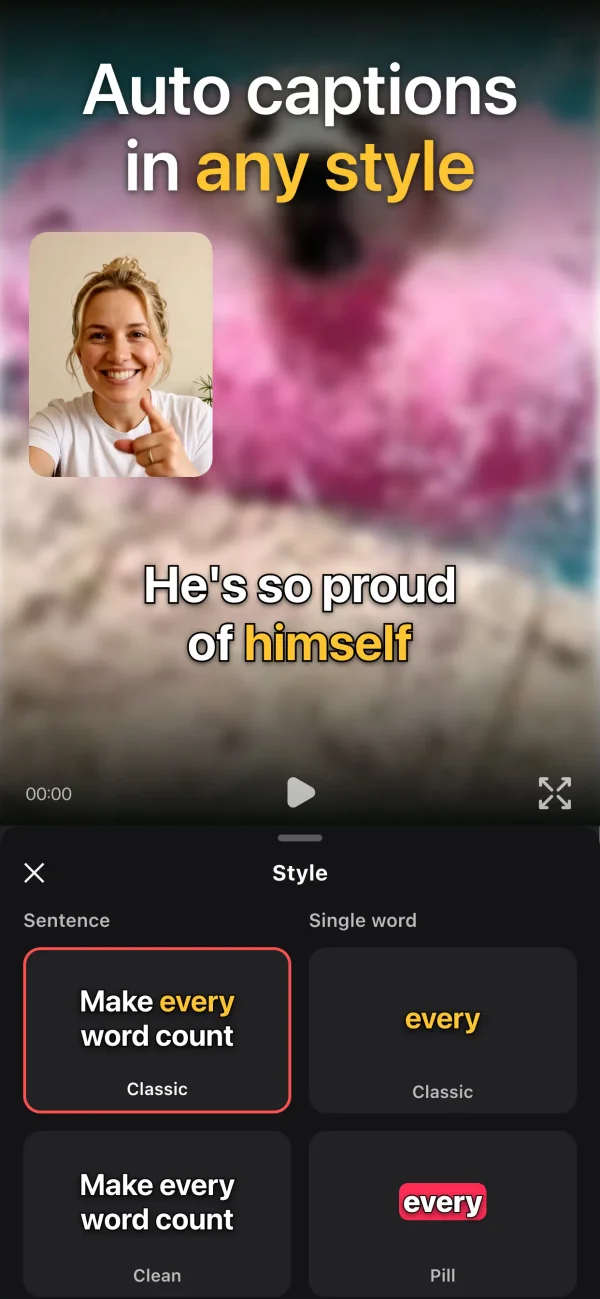
• FaceCam Subtitles — Generate subtitles from recorded FaceCam audio, then style, edit, and remove them right inside your project.
• FaceCam Controls — Set up your shot before recording: size, shape, position, front or back camera. Mirror it, adjust opacity and volume, round the corners from square to circle.
• Framing — Rotate anything with a snap at every right angle, pinch to zoom and reframe inside a facecam, and give every clip its own fill or fit.
• No Black Bars — Clips that don't fill a vertical frame get their own blurred copy, a color or an image behind them.
• Background Effects — Remove or blur your facecam background using person segmentation. No green screen needed.
• Trim, Merge & Transitions — Trim every clip, combine them into one video, and choose a cut or a crossfade at every join.
• Playback Speed — Play any clip from 0.5x to 2x. Voices keep their natural pitch, so sped-up commentary still sounds like you.
• Blur Box — Hide a name, a message or a face with a soft blur or a mosaic. It covers facecams too, and exports exactly as previewed.
• Animated Stickers — Browse thousands of GIPHY stickers, add them to your video, and watch them animate in preview and export.
• Text Overlays — Add captions, titles, and callouts directly onto your recordings.
WHO IT’S FOR
• Reaction creators making react videos for YouTube, TikTok, and Instagram
• Gamers recording gameplay with facecam commentary and highlight clips
• Educators and tutorial makers producing walkthroughs and how-tos
• Sports fans, music and movie reviewers building commentary content
• Social media creators responding to trends, memes, and news
• Anyone who wants to react as someone else — a pirate, a robot, or their own character
PURCHASE OPTIONS
• Free — Record, react, edit, caption and export with a small watermark.
• Pro — Monthly subscription. Removes the watermark and unlocks all export qualities. Includes 30 AI credits with the first purchase.
• ReactCam AI — Everything in Pro, plus credits for AI characters and voices: 60 credits every week on the weekly plan, or every month on the yearly plan. The weekly plan starts with a 3-day free trial that includes 20 credits.
• Credit Packs — 60 or 200 credits that never expire.
Subscriptions renew automatically unless cancelled at least 24 hours before the end of the current period. Payment is charged to your Apple Account. Manage or cancel anytime in your App Store account settings. Plan credits don’t roll over to the next period.
Privacy Policy:
https://reactcam.app/privacy.html
Terms of Use:
https://reactcam.app/terms.html
Support:
apps@threeaxis.xyz
What’s new
Version 2.5.3 · Nov 25, 2026
• New: Live FaceCam. Record your screen with your face floating live over any game or app, and it stays in the video. Tap Record screen, then Start Recording, and open what you want to record. On iOS 18 or later.
• Pick Vertical or Square for your face, or No face for just the screen. A short guide shows the steps the first time. To finish, come back to ReactCam and tap Stop Recording.
• Bug fixes and improvements.
App privacy
What Axis SA declares on the App Store about how this app handles data.
-
Data linked to you
May be collected and linked to your identity.
- Contact info
-
Data not linked to you
May be collected but is not linked to your identity.
- Usage data
- Diagnostics
Privacy practices may vary, for example with the features you use or your age.
Information
- Seller
- Axis SA
- Category
- Photo & Video
- Version
- 2.5.3
- Updated
- Nov 25, 2026
- Released
- May 8, 2022
- Size
- 34.4 MB
- Requires
- iOS 15.0 or later
- Age rating
- 4+
- Price
- Free
- In-app purchases
- Yes
- Languages
- English, Arabic, French, German, Hindi, Indonesian, Italian, Japanese, Korean, Polish, Portuguese, Russian + 7 more
- Copyright
- © Three Axis
You might also like
-
 Reacts: Reaction Video MakerAI Captions & Teleprompter
-
 Reaction Cam: Video Duet MakerReact with a Facecam Overlay
-
 React - make reaction contentmeme,movie,game,cooking,music
-
 EZReactReaction videos made easily
-
 Reel: Screen Recorder Face CamCamera Overlay, No Watermark
-
 React CameraAdd yourself to photos, videos
-
 Facecam Screen Recorder: PIPReaction, Tutorial Video Maker
-
 Reakt: Record Reaction VideosRecord Facecam & Split Screen
-
 Reaction Video MakerDual capture - video remix
-
 ClipDuet: Reaction Video MakerFacecam PiP · Clip to TikTok