
Read Aloud: PDF Voice Reader
Text to Speech & Offline EPUB
Designed for iPhone, iPad
Free · In-app purchases
- Age rating4+
- CategoryProductivity
- DeveloperRomain Lefebvre
- LanguagesEnglish+ 29 more
- Size40.5 MB
Links to the official App Store page
Download.org hosts no file of Read Aloud: PDF Voice Reader. The button opens its official App Store page, published by Romain Lefebvre. Listing last checked on Nov 27, 2026.
Screenshots

About
Turn your own text and documents into audio.
SUBSCRIPTION REQUIRED
Read Aloud is a subscription app. An active auto-renewable subscription is required to use the app and the features below. Before subscribing, Try It First lets you preview a bundled sample.
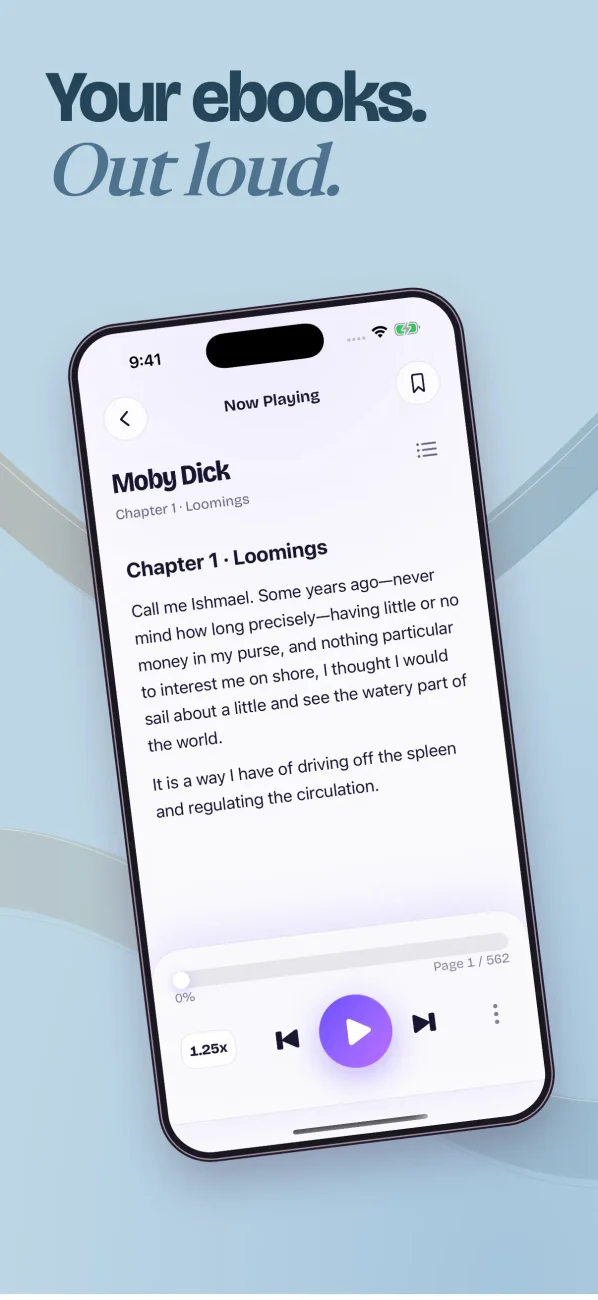
Read Aloud is a text-to-speech reader for people who want to listen instead of staring at a screen. Import your own PDFs, EPUB ebooks, DOCX documents, TXT files, web articles, and scanned pages, then listen with natural voices, word-by-word highlighting, translation, offline playback, and a sleep timer.
IMPORT YOUR OWN CONTENT
Import and read aloud:
• PDF files
• EPUB ebooks
• DOCX documents
• TXT files
• Web pages and articles
• Scanned pages
You can also import selected public-domain texts from Project Gutenberg into your library.
LISTEN LIKE MUSIC
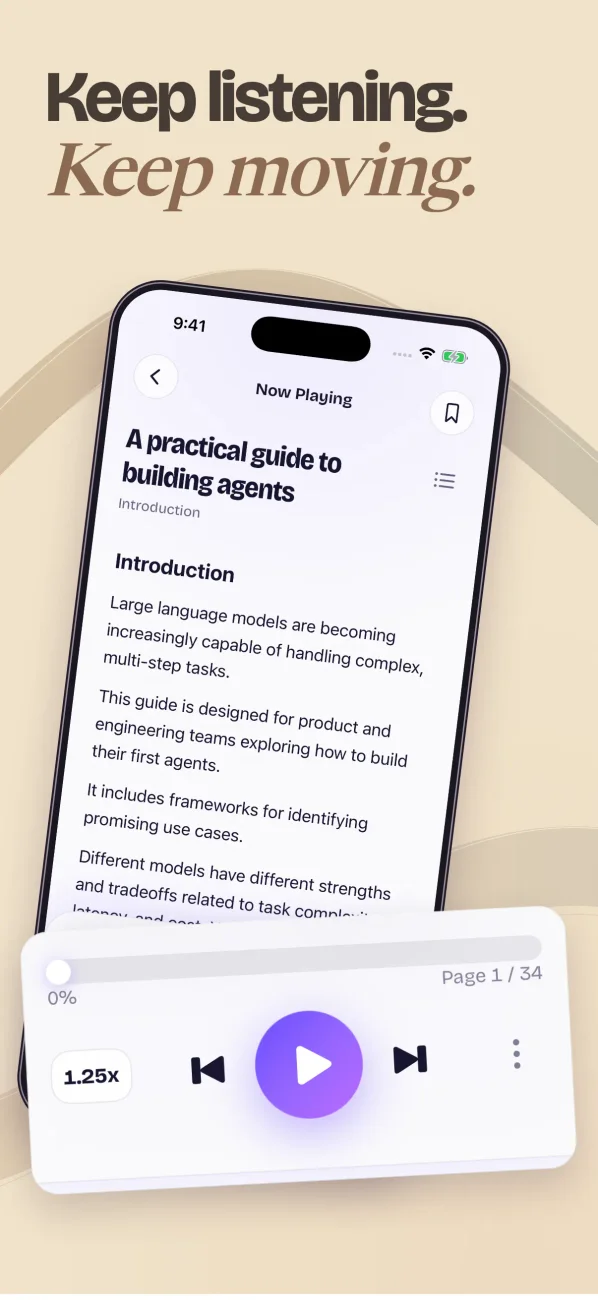
Start a document, lock your iPhone, open another app, and keep listening in the background. Turn reports, books, notes, and articles into audio for your commute, walk, workout, chores, or bedtime.
FOLLOW EVERY WORD
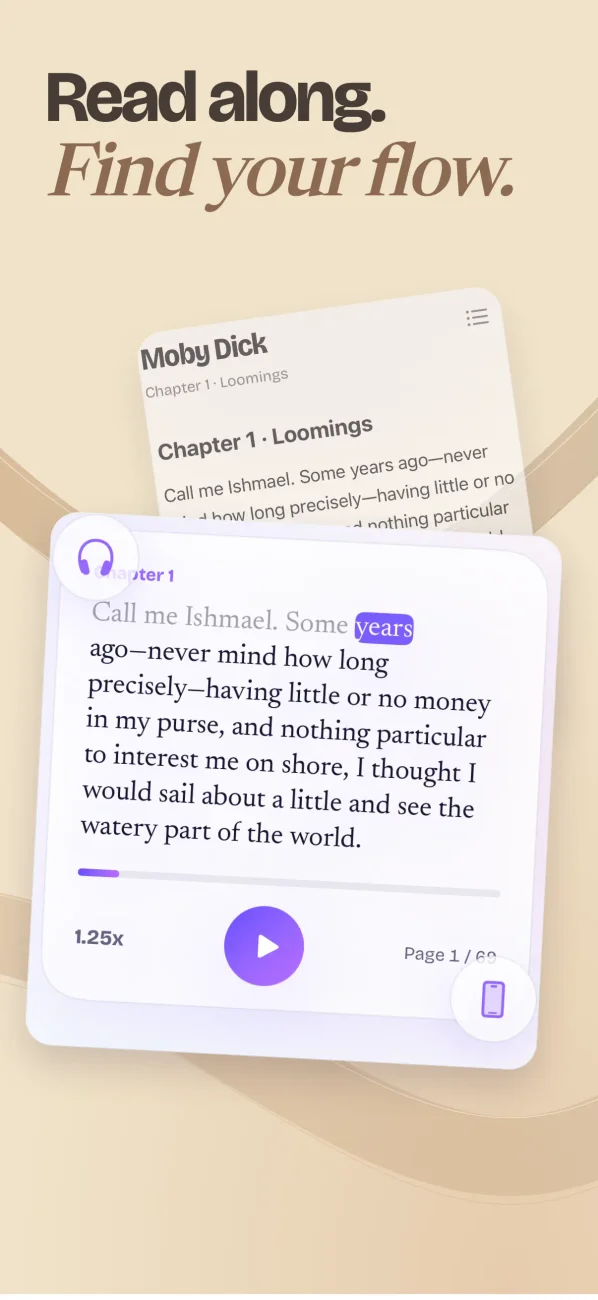
Read along with real-time text highlighting. The current sentence and word stay visible, so it is easier to stay focused and continue exactly where you left off.
NATURAL VOICES
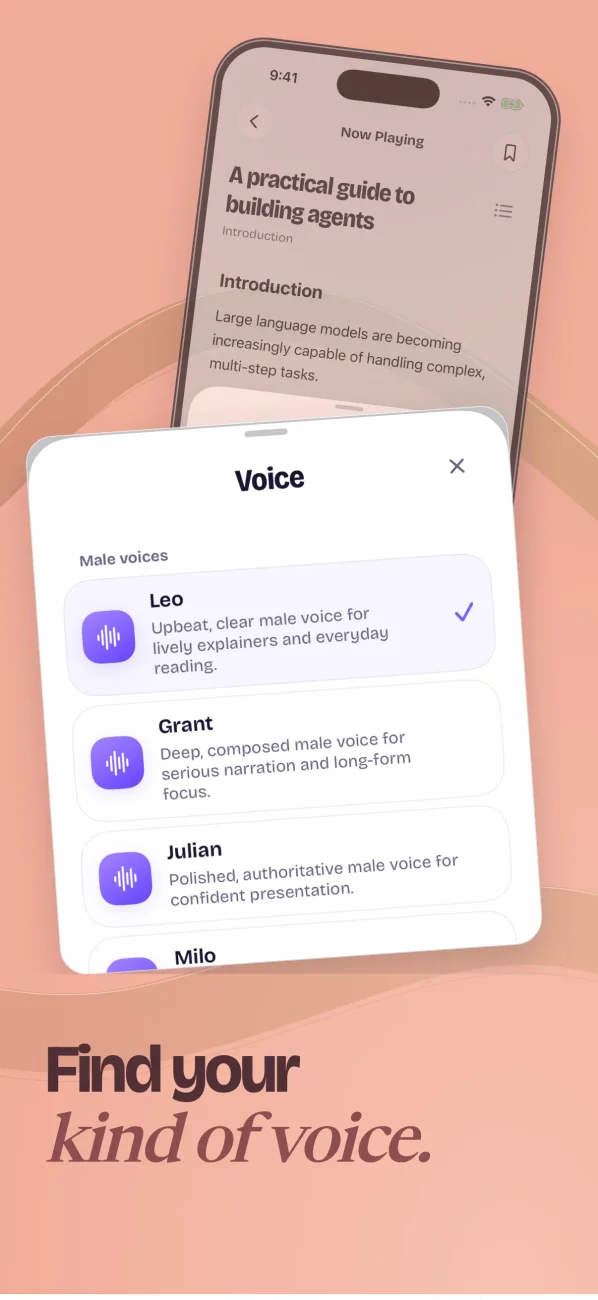
Choose clear, natural-sounding voices and adjust reading speed to match your pace. Natural voice playback requires a one-time 400 MB model download. The app shows the size and asks for confirmation before starting the download.
LISTEN IN ANY LANGUAGE
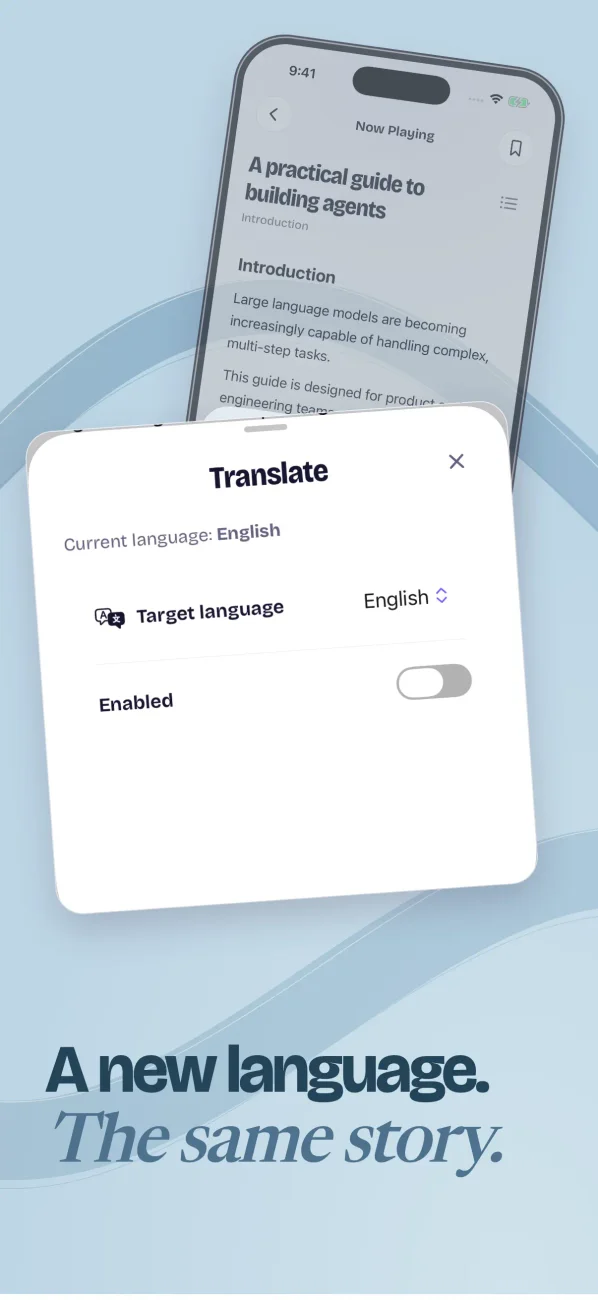
Translate text while you read and listen. Useful for language learning, travel, school, work, and understanding content in another language.
OFFLINE MODE
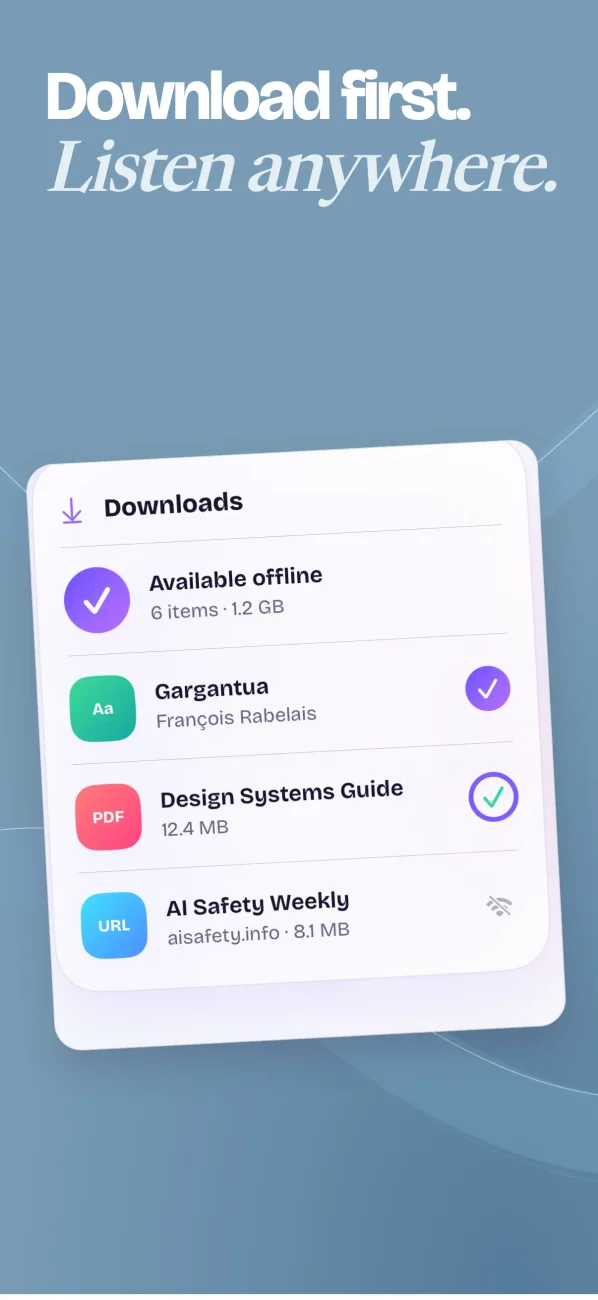
Prepare imported books and documents for offline listening. Perfect for flights, trains, commutes, and places with no internet.
SLEEP TIMER
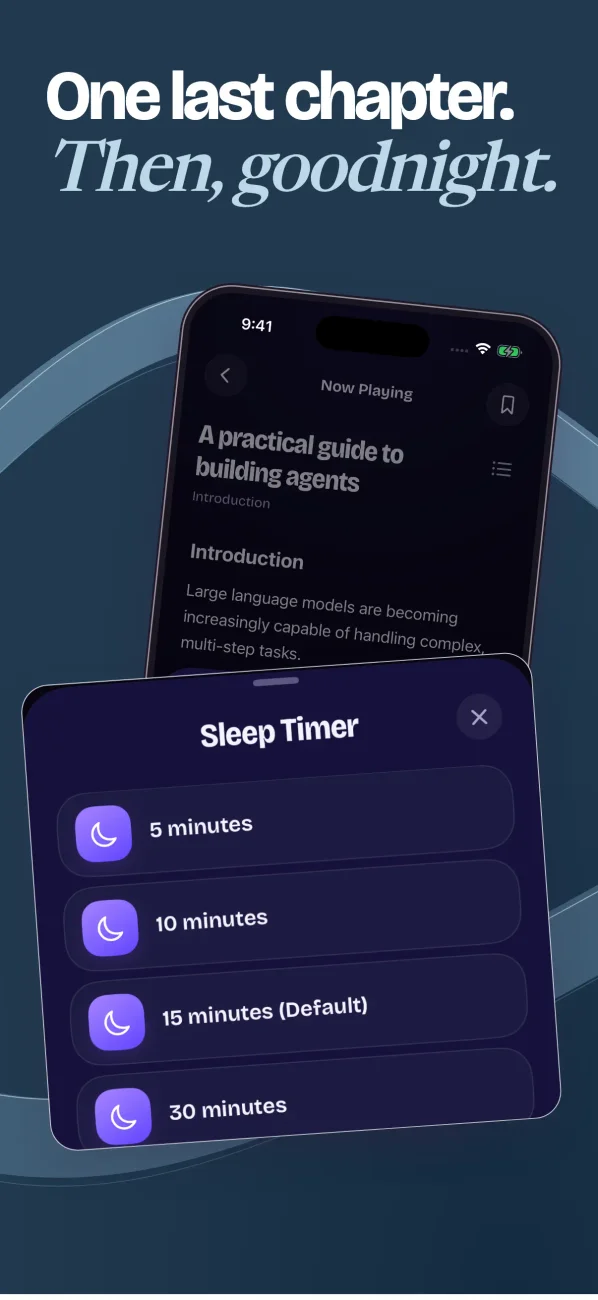
Stop playback after 15, 30, 45 minutes, 1 hour, or at the end of a chapter.
PERFECT FOR
• Students
• Busy professionals
• Ebook readers
• Language learners
• People with long reading lists
• Anyone who prefers listening over reading
Read Aloud turns your PDFs, ebooks, articles, documents, and web pages into a calm listening experience.
Privacy Policy: https://pagetovoice.com/privacy
Terms of Use (EULA): https://www.apple.com/legal/internet-services/itunes/dev/stdeula/
What’s new
Version 1.4.1 · Nov 26, 2026
Improved when the app asks for your feedback after listening.
App privacy
What Romain Lefebvre declares on the App Store about how this app handles data.
-
Data not collected
The developer does not collect any data from this app.
Privacy practices may vary, for example with the features you use or your age.
Information
- Seller
- Romain Lefebvre
- Category
- Productivity
- Version
- 1.4.1
- Updated
- Nov 26, 2026
- Released
- Aug 3, 2026
- Size
- 40.5 MB
- Requires
- iOS 18.0 or later
- Age rating
- 4+
- Price
- Free
- In-app purchases
- Yes
- Languages
- English, Arabic, Bengali, Dutch, French, German, Gujarati, Hindi, Indonesian, Italian, Japanese, Javanese + 18 more
- Copyright
- © Read Aloud: AI Voice Reader - 2026
You might also like
-
 READER-SProductivity
-
 My Read OfflineRead web text without internet
-
 AIMeetProAI Recorder & Transcriber
-
 Lirawi: Text to Speech ReaderListen to PDFs, books & scans
-
 Tmibao - File RedactionOn-device file redaction
-
 Ai Sales Roleplay CoachDrill your real objections
-
 Read PDF Out Loud: TTS VoiceText to Speech Reader Offline
-
 Read Text AloudText to speech read aloud app
-
 BookAloud: Text to SpeechRead Books Aloud with AI
-
 Bunbit: Habit Tracker AppWeekly reviews, better plans