
- Age rating4+
- CategoryProductivity
- DeveloperMatt Lamborne
- LanguagesEnglish
- Size72.3 MB
Links to the official App Store page
Download.org hosts no file of Read First. The button opens its official App Store page, published by Matt Lamborne. Listing last checked on Nov 23, 2026.
Screenshots


About
Your scrolling apps stay shut until you've read today's pages.
Read First uses Apple's Screen Time to lock the apps that eat your evenings. Read your pages, snap a photo of the page you're on, and they open back up. That's the whole deal.
HOW IT WORKS
1. Pick the apps that take your time
2. Add your book and the date you want to finish it
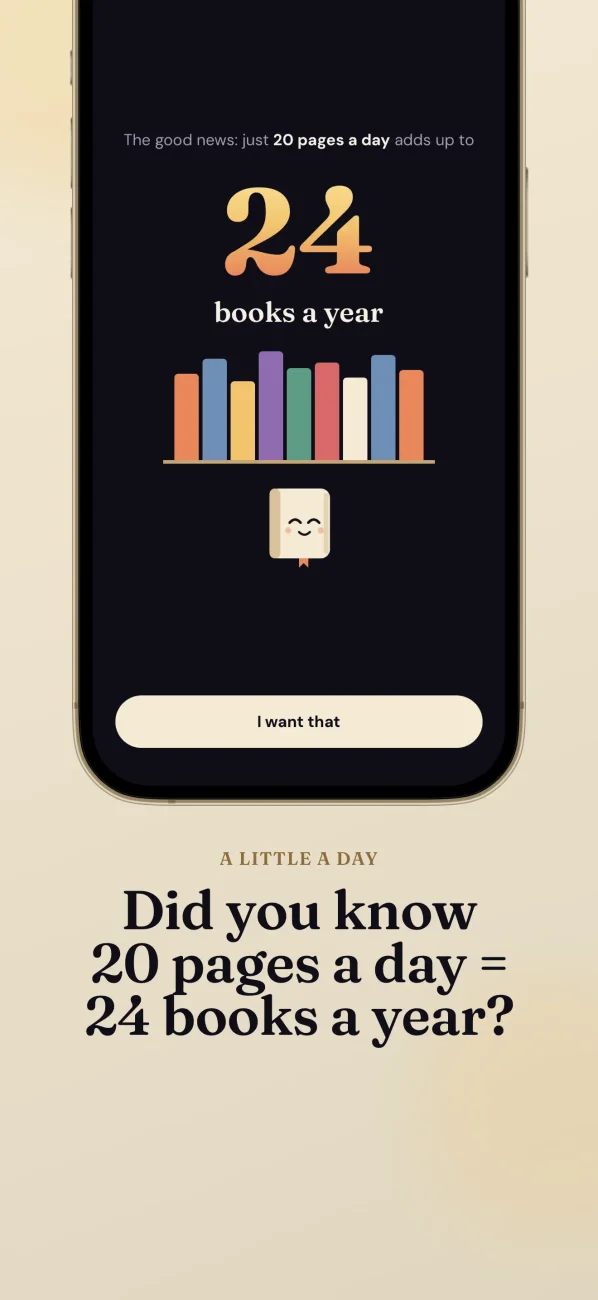
3. Read First works out today's page count
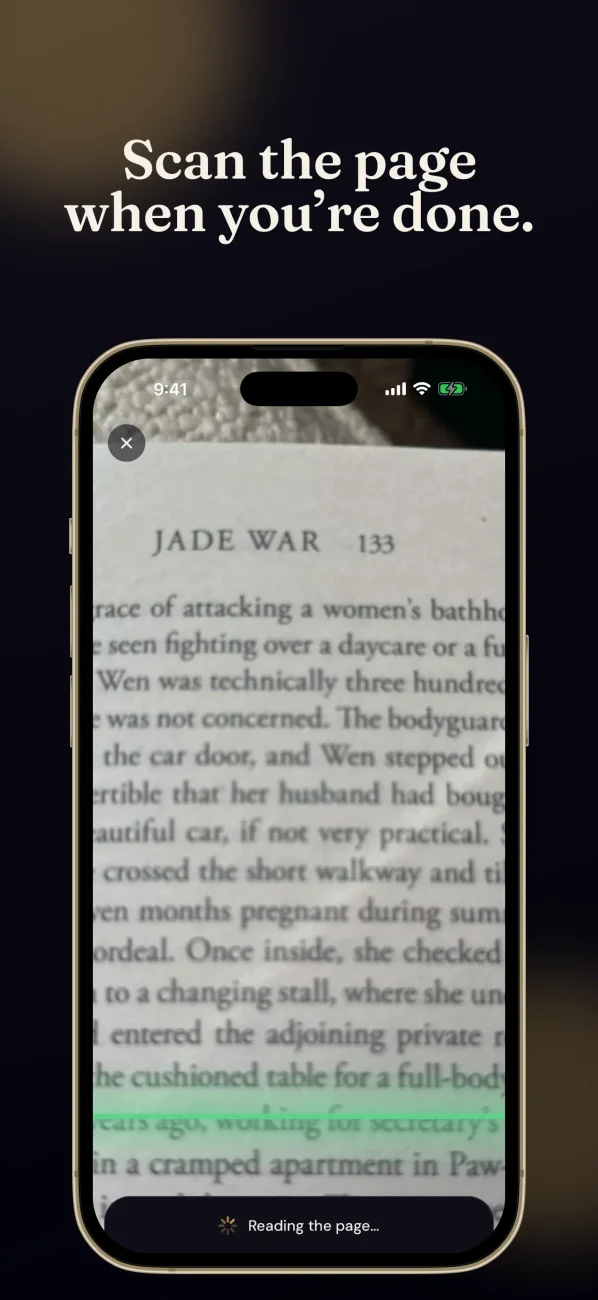
4. Read, snap the page, type where you got to. Your apps open.
FOCUS TIMER
Spin the dial, lock your apps for 5 minutes or 2 hours, and just read. A gentle tune plays when you're done, and the countdown shows on your Lock Screen.
MAKE IT YOURS
• All day: locked until you've read
• Reading hours: locked only during the hours you choose
• Relock rounds: read, get a few hours free, then a new page count
• Normal or Hard: decide whether the lock screen can be dismissed
• Reading reminders and a Home Screen widget for today's pages
A LIBRARY THAT GROWS
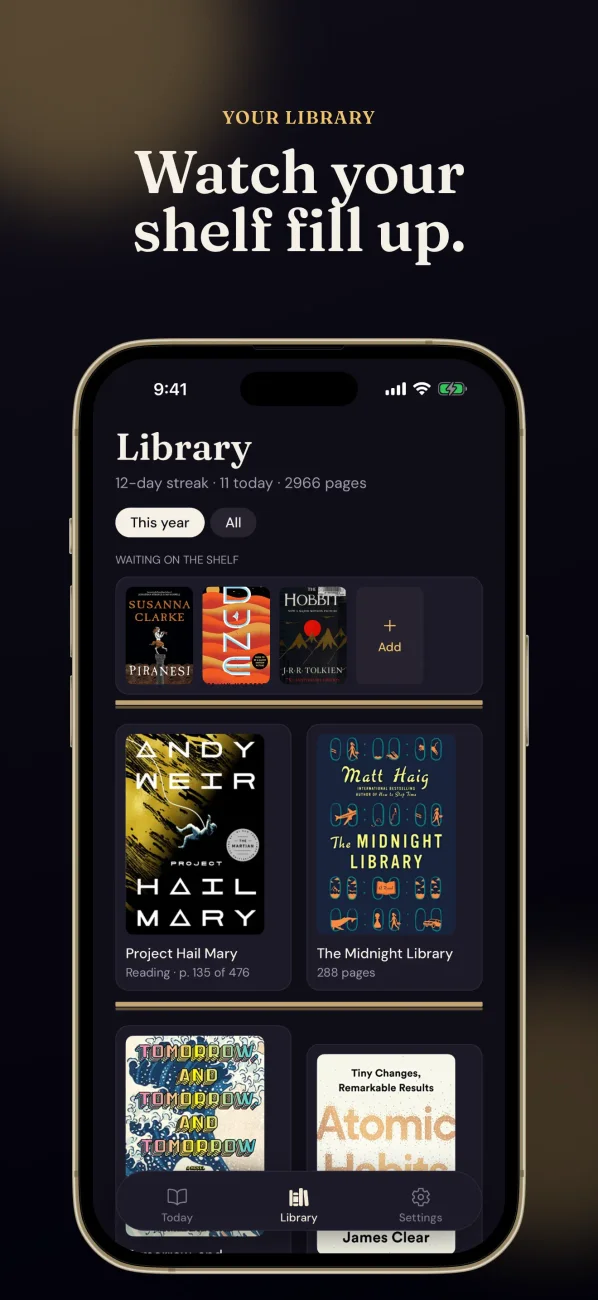
Covers pulled in automatically, an up-next shelf, your finished books and a daily streak. And Folio, a small book who is very happy when you read.
PRIVATE BY DESIGN
No account. Your books, pages and photos stay on your iPhone. Screen Time gives Read First anonymous tokens only, so it can't see which apps you picked or anything you do in them. We use anonymous analytics to improve the app, never your name, your books or which apps you lock.
SUBSCRIPTION
Read First requires a subscription. The plans, prices and any free trial are shown in the app before you subscribe. Payment is charged to your Apple ID at the end of a free trial, or when you subscribe if there is no trial. It renews automatically unless you cancel at least 24 hours before the end of the period. Manage or cancel in Settings › Apple ID › Subscriptions.
Terms of Use: https://read-first.app/terms
Privacy Policy: https://read-first.app/privacy
What’s new
Version 1.1.4 · Nov 20, 2026
• A new look: Today and Focus now sit in a candlelit library, with Folio on the stage. Tap your book to reveal today's pages.
• Books from videos: share a TikTok to Read First and the books it mentions go straight onto your shelf.
• The home screen widget has a new design, and shows when your apps are locked even if Read First is closed.
• New messages on the lock screen when you open a locked app.
• Smaller fixes and polish.
App privacy
What Matt Lamborne declares on the App Store about how this app handles data.
-
Data not linked to you
May be collected but is not linked to your identity.
- Purchases
- Identifiers
- Usage data
- Other data
Privacy practices may vary, for example with the features you use or your age.
Information
- Seller
- Matt Lamborne
- Category
- Productivity
- Version
- 1.1.4
- Updated
- Nov 20, 2026
- Released
- Oct 2, 2026
- Size
- 72.3 MB
- Requires
- iOS 16.4 or later
- Age rating
- 4+
- Price
- Free
- In-app purchases
- Yes
- Languages
- English
- Copyright
- © 2026 Matt Lamborne
You might also like
-
 Pailtime: Stop Doom ScrollingScreen Time Limit, App Blocker
-
 SocialZen: Stop DoomscrollingThe people, not the feed
-
 NFC Habit Tracker: TagTrackDaily Routine & Goal Planner
-
 Bricked: App Blocker & FocusLimit Screen Time & Scrolling
-
 Read to Unlock: App BlockerEarn Screen Time by Reading
-
 Aspra: Goals & DisciplineAccountability & habit tracker
-
 Home Stories: House RenovationRemodel Budget & Cost Tracker
-
 KeptoReceipt scanner & warranties
-
 Humanize AI - ByPass DetectorHumanizer AI & BypassGPT