Read Master: PDF, P7M, Docs
All documents reader: PDF
Designed for iPhone, iPad
In-app purchases
- Age rating4+
- CategoryProductivity
- DeveloperAdnan riaz
- LanguagesEnglish
- Size40.3 MB
Links to the official App Store page
Download.org hosts no file of Read Master: PDF, P7M, Docs. The button opens its official App Store page, published by Adnan riaz. Listing last checked on Nov 11, 2026.
Screenshots
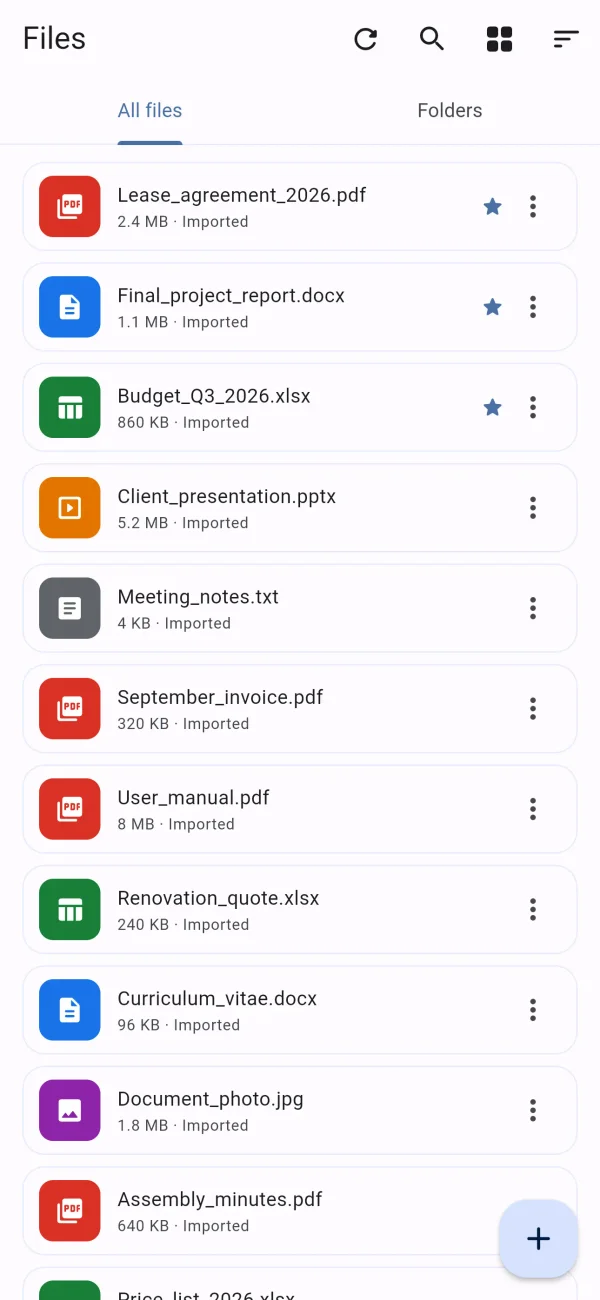
About
Open, view and manage all your documents quickly, without needing multiple apps installed.
With Read Master you can open almost any file format: PDF, Word (DOC/DOCX), Excel (XLS/XLSX), PowerPoint (PPT/PPTX), TXT, P7M (digitally signed files), images, and many more.
FEATURES:
• Open PDF, DOC, DOCX, XLS, XLSX, PPT, PPTX, TXT and P7M files
• Fast and lightweight file viewer
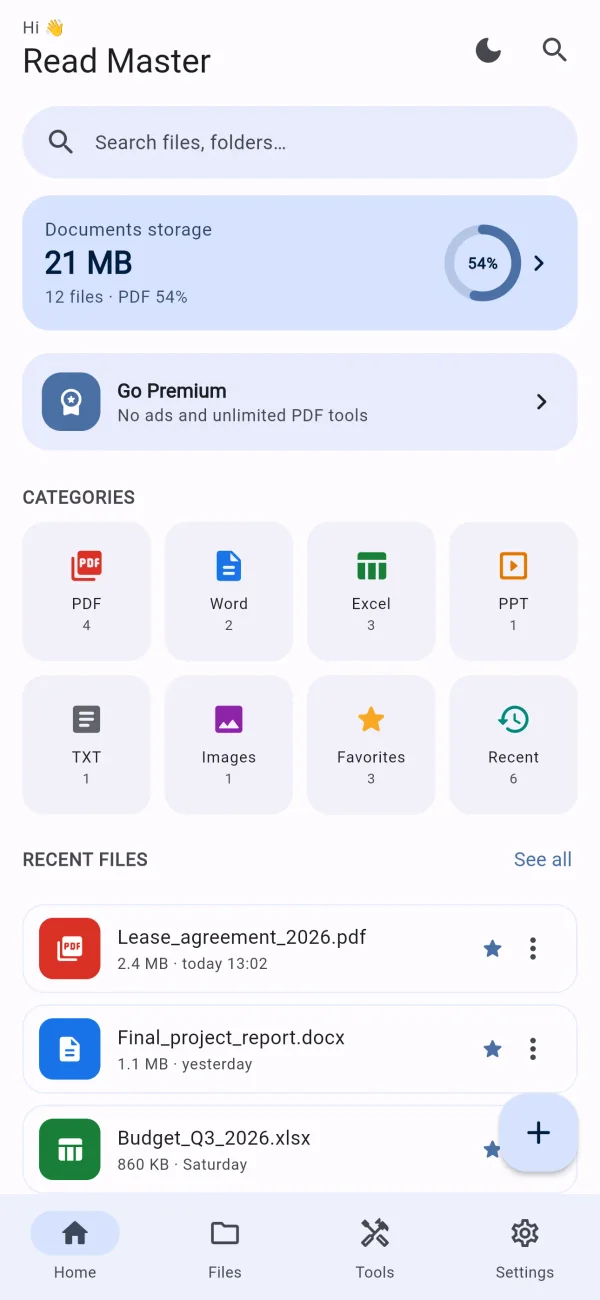
• Built-in file manager to browse all documents on your device
• Simple, clean and intuitive interface
• Search for files by name or type
• Recent files list for quick access
• Share documents easily with other apps
• Works offline, no internet connection required to view files
• Supports digitally signed P7M documents, ideal for legal and administrative files
Whether you need to check a PDF contract, review a signed P7M document, open an Office file sent by email, or simply browse the files stored on your phone, Read Master gives you a single, reliable tool to do it all.
No clutter, no unnecessary permissions — just a fast, dependable document reader designed to make your daily file management easier.
Download Read Master today and keep all your documents organized and accessible in one place!
PDF EDITOR AND SIGNATURE:
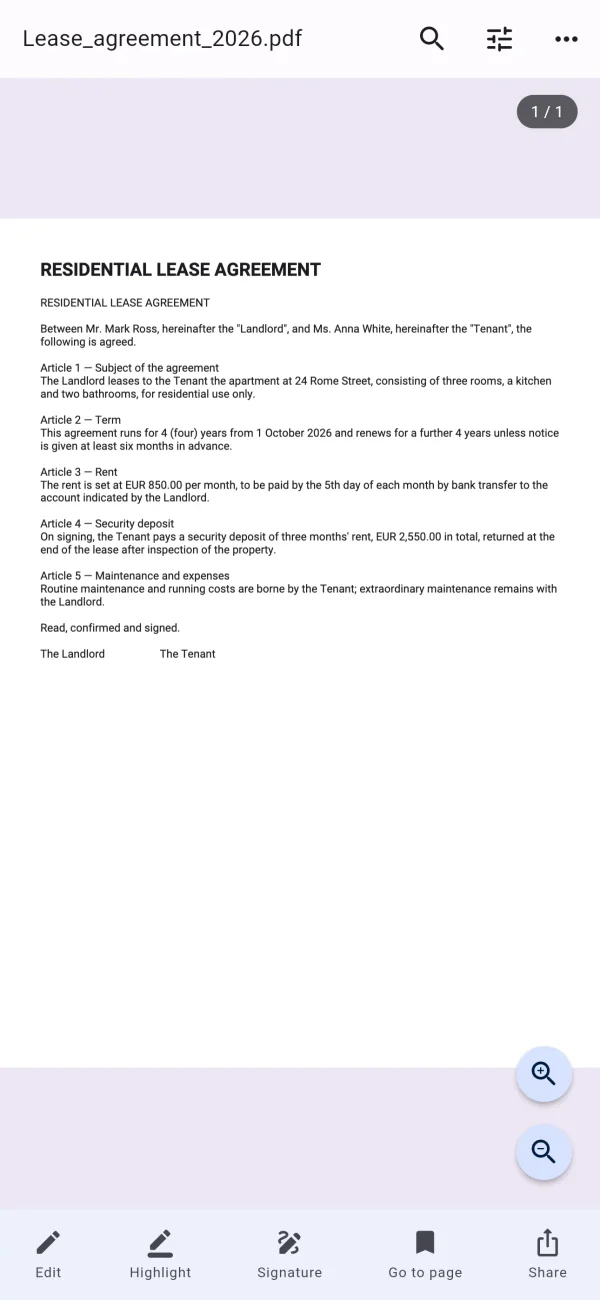
• Tap a line of text and rewrite it, right on the page
• Add text with size, colour and bold
• Whiteout, highlight, underline, strikethrough, shapes, free drawing
• Draw your signature and drag it exactly where it belongs, resize it, add several
• Fill in PDF forms and save them
• Undo and redo, then save as a new PDF
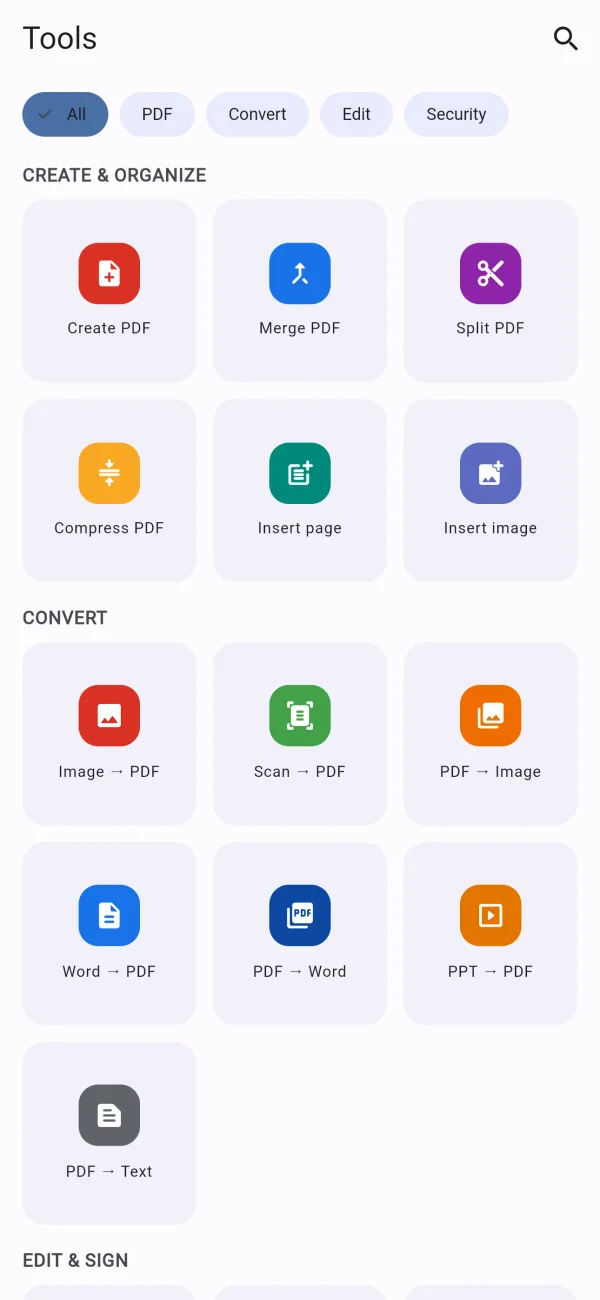
• Two compression levels: light (keeps the text) or strong (smaller scans)
• Interface in 10 languages, right-to-left for Arabic
Terms of Use (EULA): https://www.apple.com/legal/internet-services/itunes/dev/stdeula/
Privacy Policy: https://gist.github.com/alutori-lang/2ba10df05262d9141daa0c822b83bc20
What’s new
Version 1.0.1 · Oct 7, 2026
Real PDF editing: tap existing text to rewrite it, add text, whiteout, highlight, shapes and free drawing. Draw your signature and drag it exactly where it belongs, resize it, add more than one. Fill PDF forms. Page rotation is now kept when merging and splitting, 'Remove password' really removes the encryption, compression tells you honestly how much it saved, and text written into PDFs is correct in every alphabet. Interface in 10 languages.
App privacy
What Adnan riaz declares on the App Store about how this app handles data.
-
Data used to track you
May be used to track you across apps and websites owned by other companies.
- Location
- Identifiers
- Usage data
-
Data not linked to you
May be collected but is not linked to your identity.
- Location
- Identifiers
- Usage data
- Diagnostics
Privacy practices may vary, for example with the features you use or your age.
Information
- Seller
- Adnan riaz
- Category
- Productivity
- Version
- 1.0.1
- Updated
- Oct 7, 2026
- Released
- Oct 6, 2026
- Size
- 40.3 MB
- Requires
- iOS 16.0 or later
- Age rating
- 4+
- In-app purchases
- Yes
- Languages
- English
- Copyright
- © 2026 Adnan Riaz
You might also like
-
 P7M Viewer – Open & ConvertOpen, verify & convert .p7m
-
 P7M Reader: Open PDFExtract PDFs on your device
-
 Photo to PDF Converter - RydraSign, Edit & Scan Documents
-
 Geo SurveyField Mapping Made Simple
-
 Открытый регион 62Productivity
-
 ArceseProductivity
-
 Supervision JTIProductivity
-
 PhysicalAddress.comProductivity
-
 Gas SalesProductivity
-
 Sign Documents: SignicaYour Signature, Digitized