
Reader AI: Read & Learn
Read, Listen & Learn
Designed for iPhone, iPad
Free · In-app purchases
- Age rating12+
- CategoryBooks
- Developer江 刘
- LanguagesEnglish+ 20 more
- Size85.5 MB
Links to the official App Store page
Download.org hosts no file of Reader AI: Read & Learn. The button opens its official App Store page, published by 江 刘. Listing last checked on Nov 17, 2026.
Screenshots
About
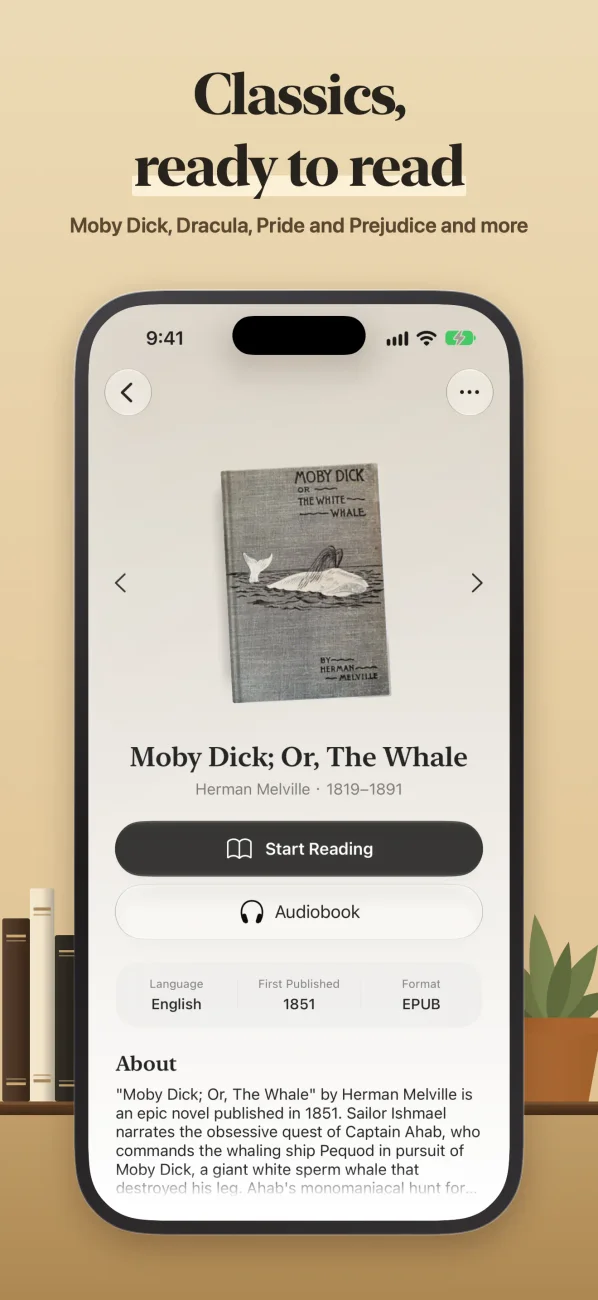
Read books and web articles in their original language, with help when you need it.
Reader AI brings reading, language learning and listening together. Import your own books, save articles from a link or the Safari share sheet, or follow websites with Feeds, then read in a layout you can make your own.
READ AND UNDERSTAND
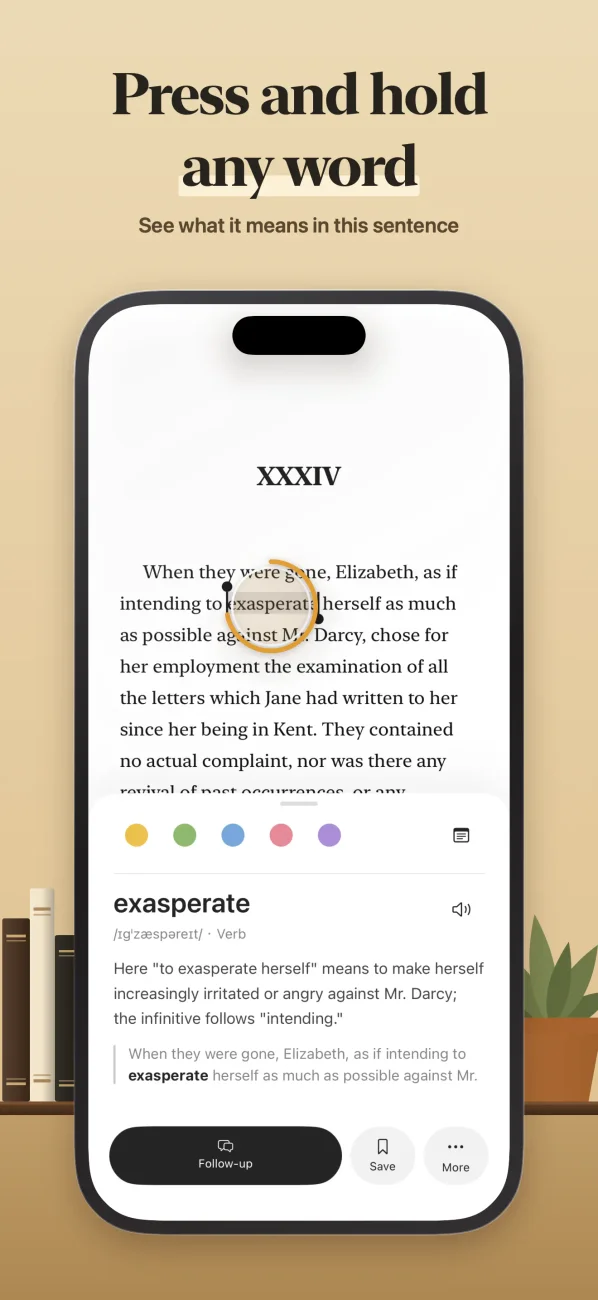
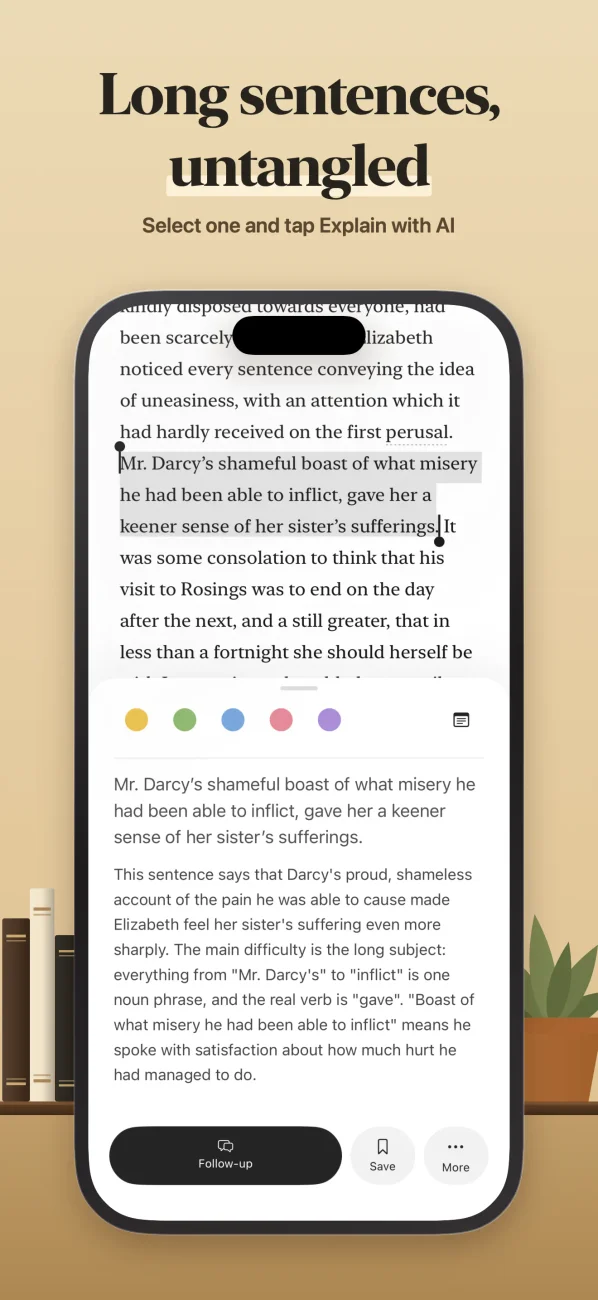
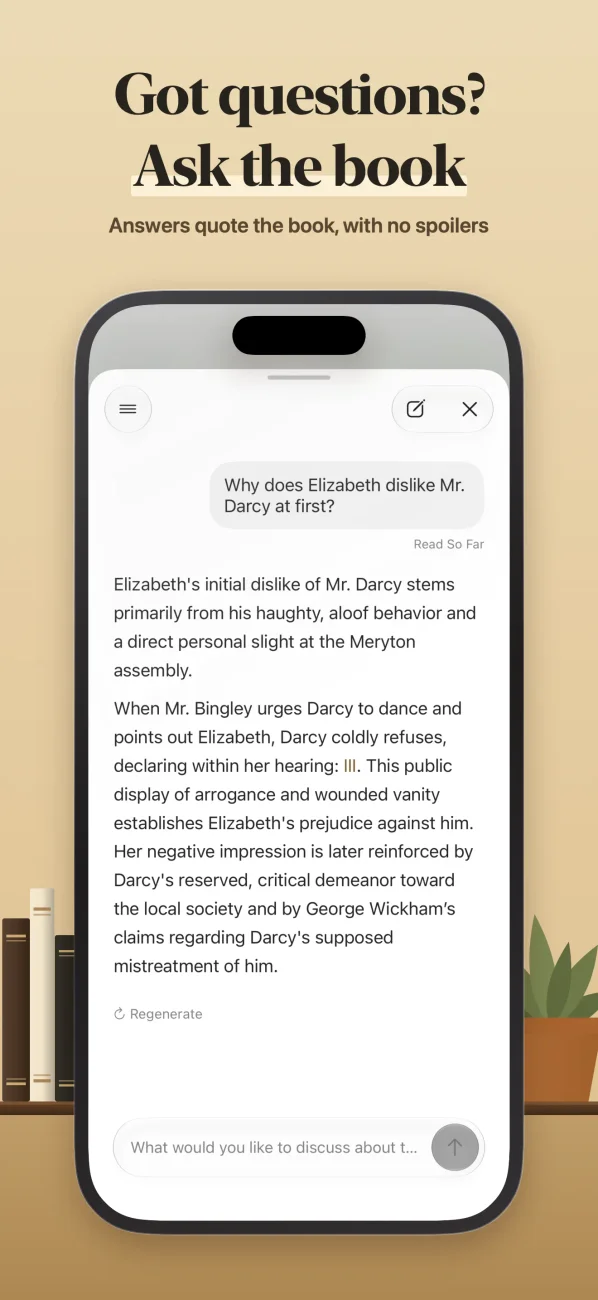
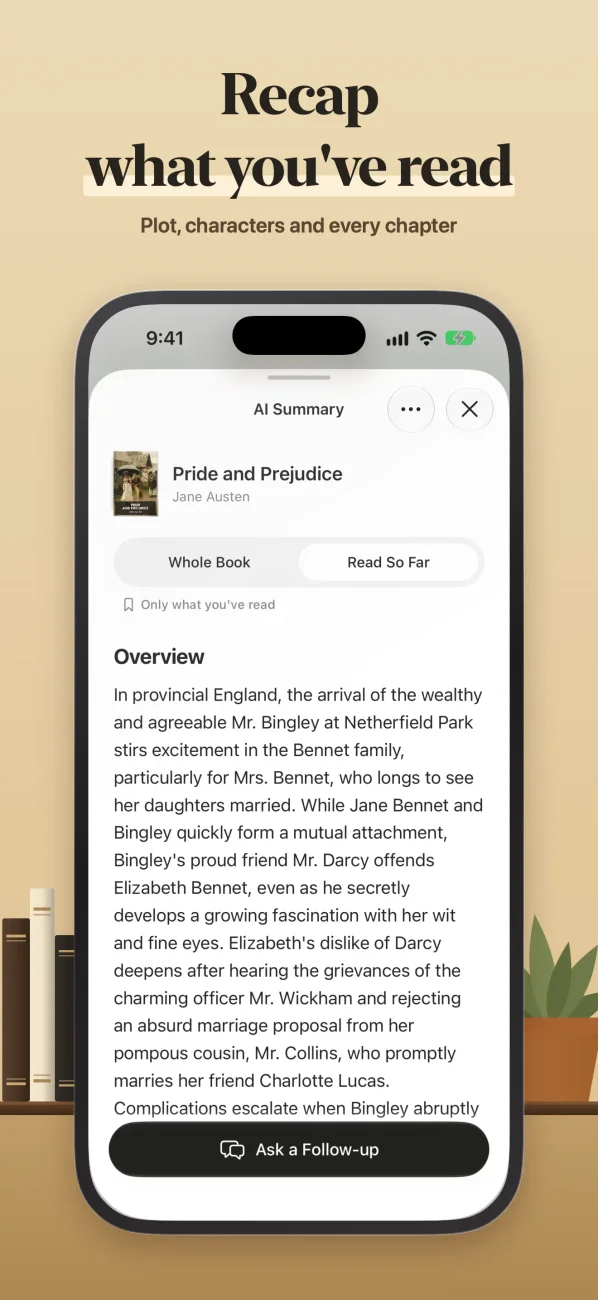
Look up words in context and ask AI to explain sentences, expressions and passages. Set your native language and level for explanations that fit you. Read books and articles side by side with a translation, or the translation only. Ask about a book, quoting several passages, images or part of a PDF page, follow answers back to the text, or get an AI summary of the book or what you've read so far.
LISTEN AND FOLLOW ALONG
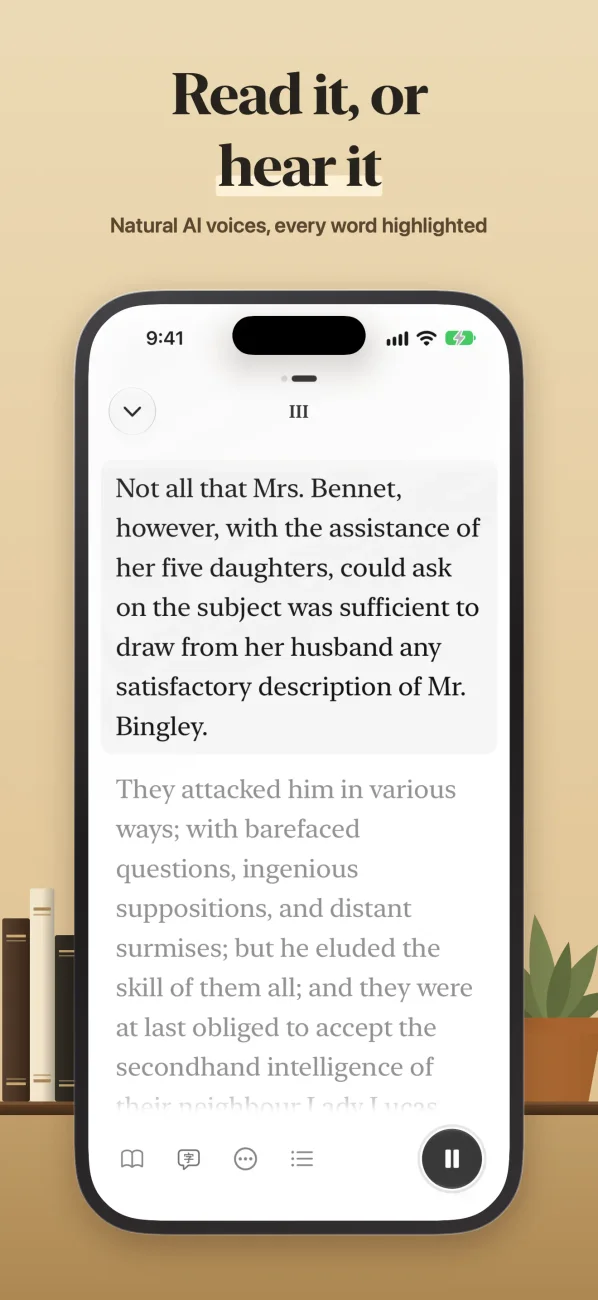
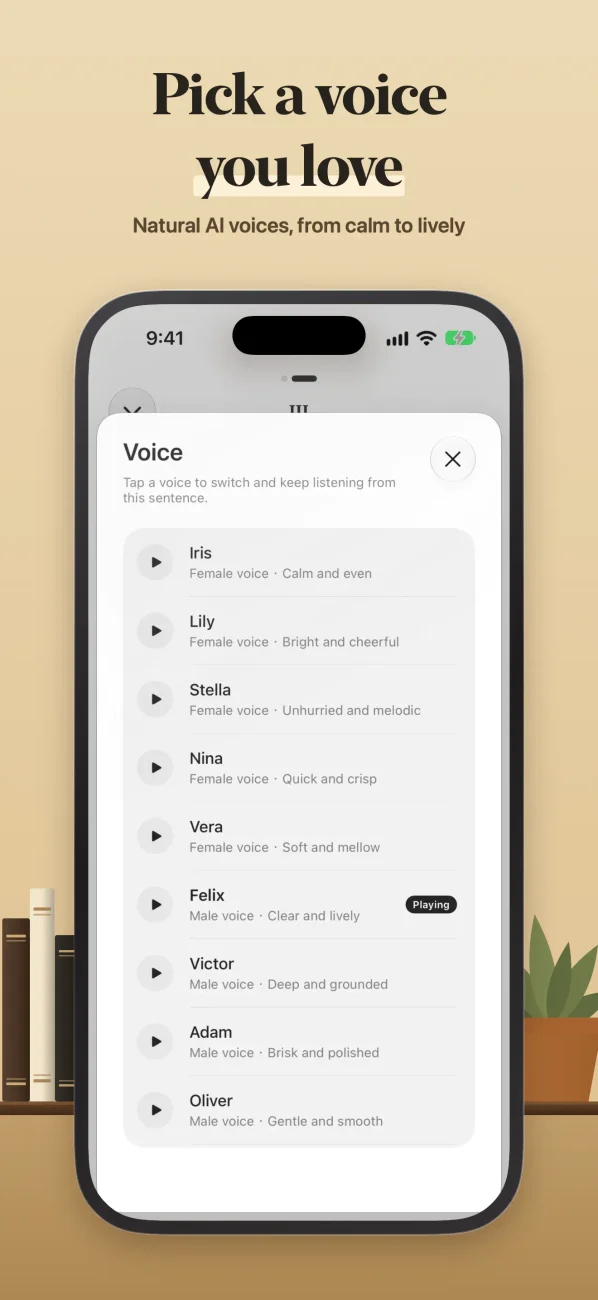
Narration runs on your device after you download a voice pack. Follow the highlighted text, change voices, turn on translated subtitles, and switch between the reader and player without losing your place. PDFs with selectable text can be narrated too. With Pro, Daily Podcast turns new articles from your feeds into an episode each day.
BUILD YOUR LIBRARY
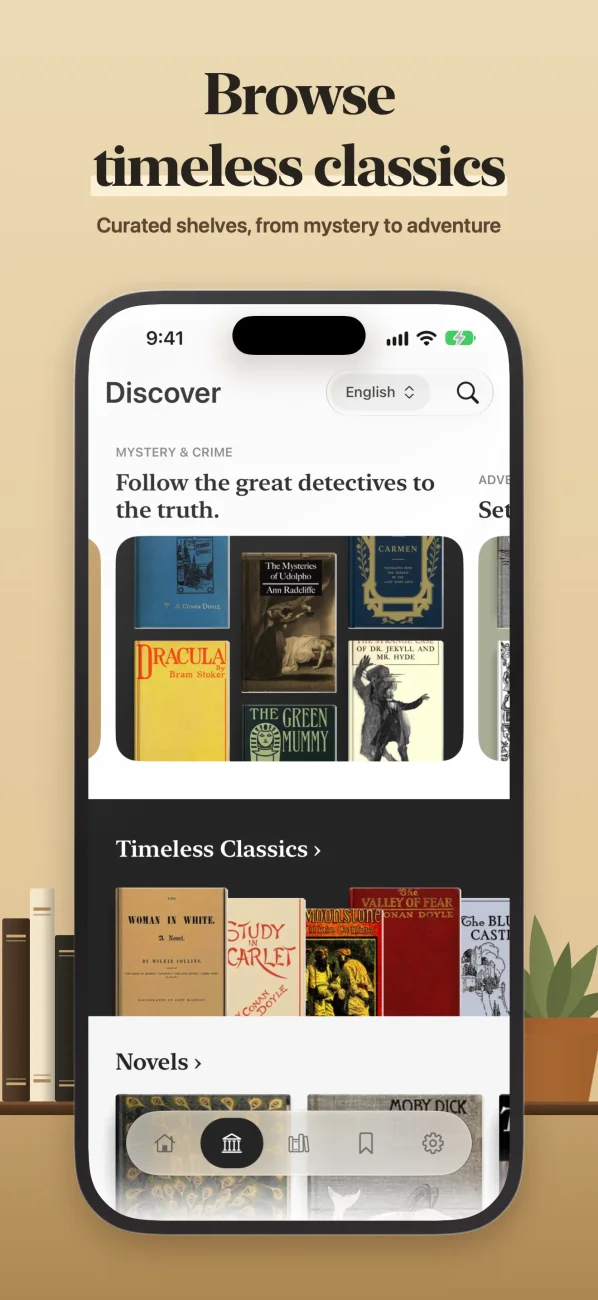
Import EPUB, TXT, MOBI, AZW3, PDF and other formats. Follow websites and blogs with Feeds. Import from your WebDAV library or OPDS catalogs. Dropbox, OneDrive, Box, Google Drive imports and the Discover catalog are available outside mainland China. Add books to Want to Read and organize articles into folders.
MAKE READING YOUR OWN
Adjust fonts, spacing and colors, choose a page-turning effect, and use an external keyboard. On iPad, read in separate windows with a sidebar for contents, search and thumbnails. Highlight passages and add notes. Write on PDFs with Apple Pencil or your finger, using pens, highlighter, shapes and a zoom window, then export them. Text on scanned PDF pages is recognized on your device, so you can look up words.
REMEMBER WHAT YOU READ
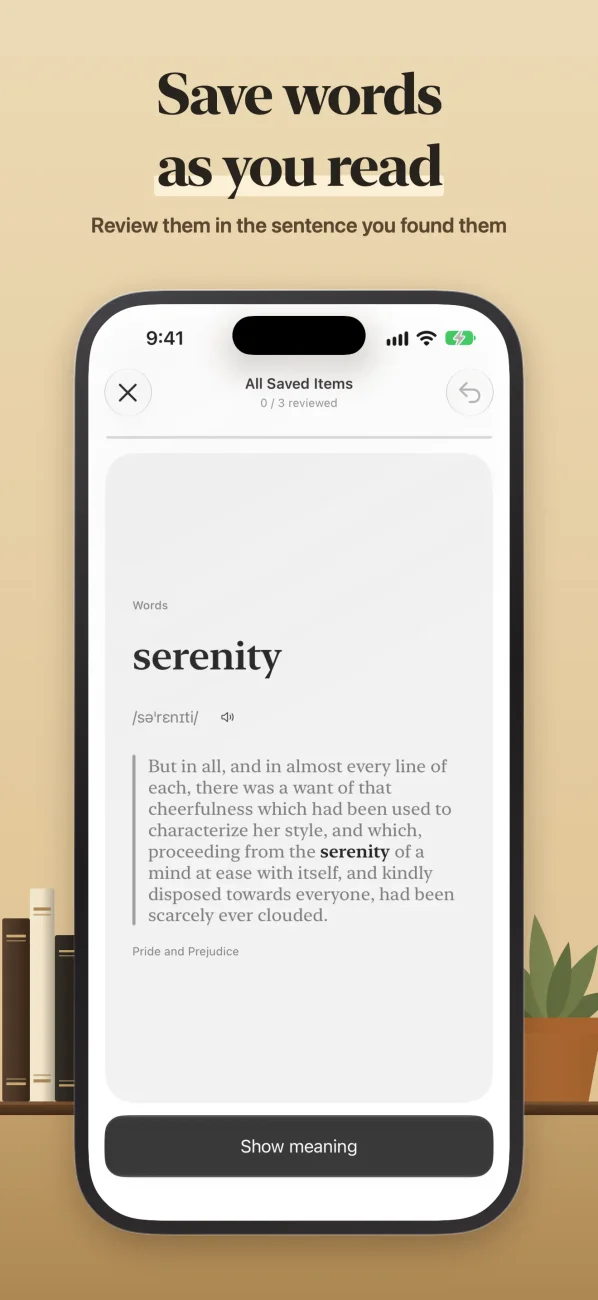
Save words, expressions and sentences in Saved with their meanings and original sentences. Review them by writing or typing your answers, see how each review went, track your progress and return to the original passage.
FREE READING AND PRO
Reading, highlighting, notes and PDF annotation are free. The free bookshelf holds 3 books (articles and the sample book don't count); add a spot for 3 AI credits. The sample book and your first 3 books are free to listen to and translate; other books unlock listening or translation for 5 credits each. A one-time No bookshelf limit purchase or Pro removes the limit and makes every book free to listen to and translate. Free AI credits let you try lookups, explanations and article translation; outside mainland China, you can also watch a short video for credits. Pro includes lookups, explanations, pronunciation, Book Chat, AI Summary, Similar Books and Daily Podcast. Plans and prices are shown in the app.
NO APP ACCOUNT REQUIRED
Your library, progress and study data are stored on your device and in your iCloud storage. AI features process the requested text and needed context. Narration and book translation run on your device; for Daily Podcast, our server reads your feeds to write each episode. Reward videos outside mainland China are provided by Google AdMob. AI output may contain errors. Only import content you have the right to use.
Requires iOS 18 or later.
Payment is charged to your Apple Account when you confirm a purchase. Subscriptions renew automatically unless canceled at least 24 hours before the current period ends. Manage or cancel subscriptions in your Apple Account settings and restore purchases in the app.
Terms of Use (EULA):
https://www.apple.com/legal/internet-services/itunes/dev/stdeula/
Privacy Policy:
https://reader.lorpaves.com/privacy/
Terms of Service:
https://reader.lorpaves.com/terms/
What’s new
Version 1.8.0 · Nov 13, 2026
Review by writing or typing your answers, checked for you. See how each review went, with simpler review statistics.
• Write your answers by hand: When you review words and phrases, read the translation and the original sentence with the word blanked out, listen to it, then write it. Your handwriting is recognized on your device and checked automatically, so you no longer rate yourself with Again or Good. If you can’t write it, tap Don’t Know to see the answer; if your writing was misread, tap I Was Right. Capital letters and accents are ignored.
• Type answers and build sentences: Choose Keyboard from the menu at the top right of the review screen to type your answers. If you have a keyboard for the book’s language, it switches to it. Set sentence cards to Keyboard to rebuild each sentence from word tiles: tap them in order or drag to rearrange. Flashcards are still available, and words and sentences each keep their own mode.
• See how each review went: When you finish, you’ll see how many cards you reviewed, your recall rate and how long it took, plus your streak and the days you reviewed this week. Words you didn’t remember are listed below; tap one for its details, or view all the cards from the round.
• Simpler review statistics: Review Statistics now fits on three cards: cards reviewed, recall rate and mastery, including how many cards are due tomorrow and within 7 days.
• Look up saved items again: After you change your native language, saved items keep their original explanations. Open a saved item and tap the button at the top to look it up again in your new language. It uses the same credits as the original lookup.
This update requires iOS 18 or later.
App privacy
What 江 刘 declares on the App Store about how this app handles data.
-
Data used to track you
May be used to track you across apps and websites owned by other companies.
- Purchases
- Identifiers
- Usage data
-
Data linked to you
May be collected and linked to your identity.
- Purchases
- Location
- Identifiers
- Usage data
-
Data not linked to you
May be collected but is not linked to your identity.
- Location
- Identifiers
- Usage data
- Diagnostics
Privacy practices may vary, for example with the features you use or your age.
Information
- Seller
- 江 刘
- Category
- Books
- Version
- 1.8.0
- Updated
- Nov 13, 2026
- Released
- Sep 23, 2026
- Size
- 85.5 MB
- Requires
- iOS 18.0 or later
- Age rating
- 12+
- Price
- Free
- In-app purchases
- Yes
- Languages
- English, Danish, Dutch, Finnish, French, German, Greek, Indonesian, Italian, Japanese, Korean, Polish + 9 more
- Copyright
- © 2026 ReaderAI
You might also like
-
 Quill - AI Book ReaderAI-Powered Ebook Reader
-
 Aloud: Listen to Any BookAudiobooks offline. Yours.
-
 Book Havenread classics
-
 BookLight: EPUB TranslatorTap to Translate & Save Words.
-
 purrpage. Double-Page ReaderRead, listen & ask your books
-
 Tingwen ReaderListen with customize voice
-
 Witbound: Audiobook Read-AlongDyslexia Reading & Epub Sync
-
 Mythos Reader - AI for BooksAsk questions. Read deeper
-
 Mus'haf — Accessible QuranYour daily reading companion
-
 角端Books