- Age rating4+
- CategoryEducation
- DeveloperiPortfolio Inc.
- LanguagesEnglish+ 1 more
- Size210.8 MB
Links to the official App Store page
Download.org hosts no file of READING &. The button opens its official App Store page, published by iPortfolio Inc. Listing last checked on Nov 20, 2026.
Screenshots


About
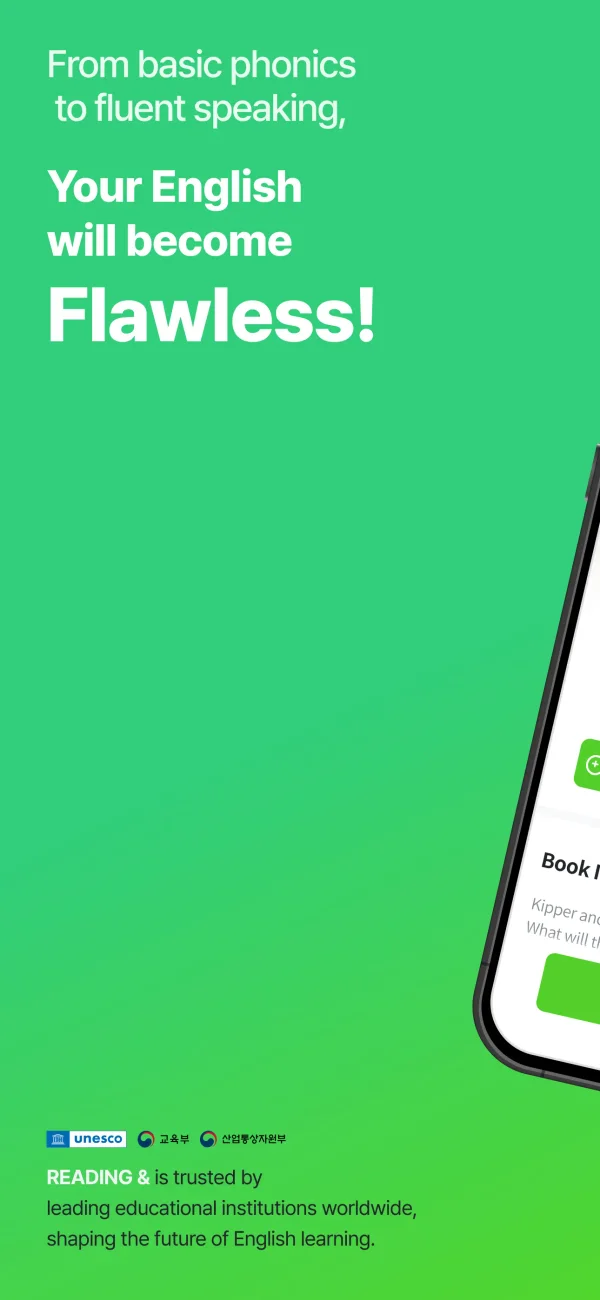
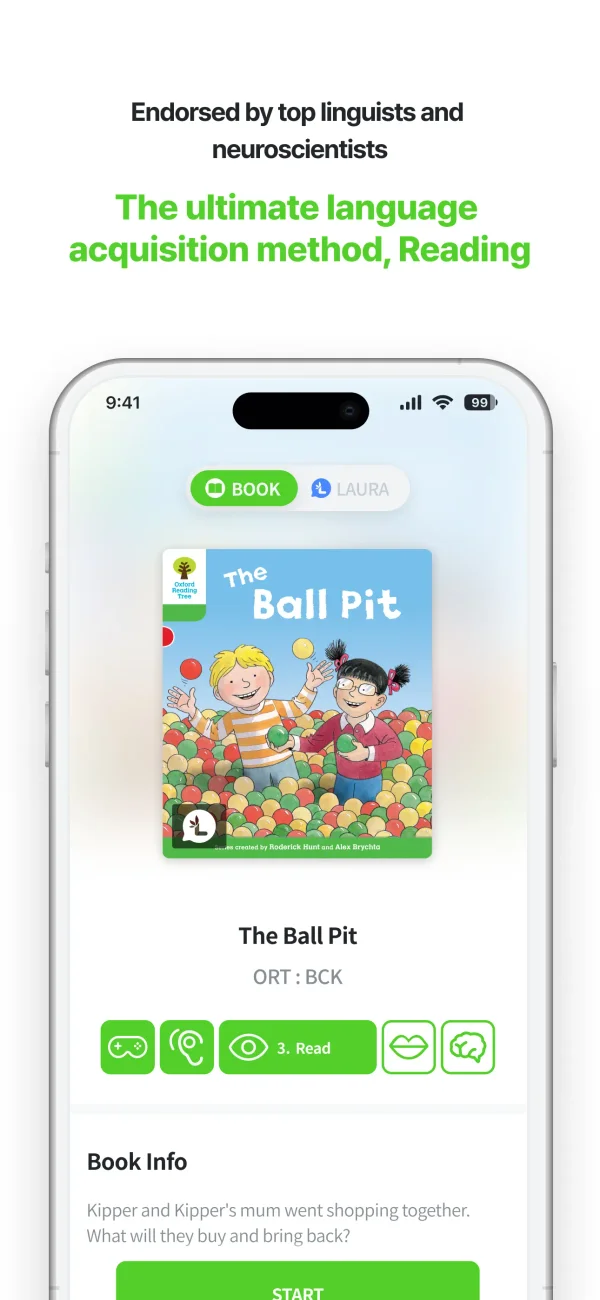
Meet the premium readers from the Oxford University Press and Collins at ‘READING &’!
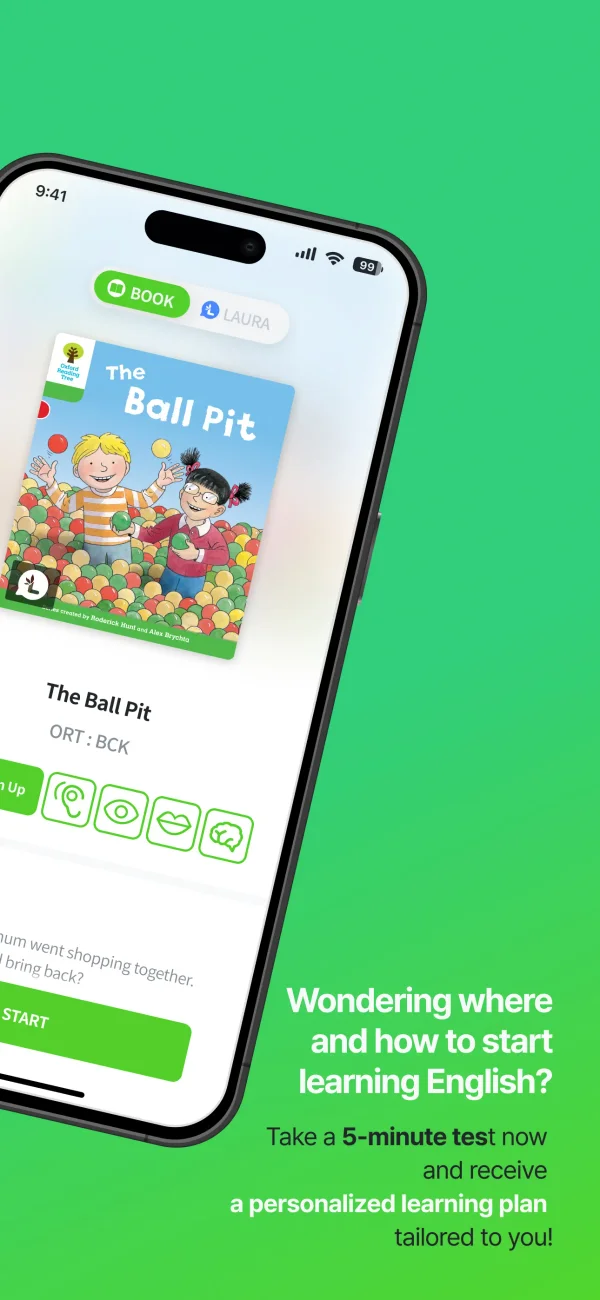
Oxford Reading Tree (ORT) and Collins Big Cat series are now available at READING &!
ORT, the world’s best-seller readers used in 80% of the primary schools in the UK!
Big Cat, is the popular series beloved by over 10,000 libraries in the primary schools in the UK!
Have your own digital library that houses a massive collection of high-quality English books, and enjoy reading wherever you are and whenever you want!
Awesome #1. 5 times more efficient
5 steps of multi-dimensional reading system is applied in every book.
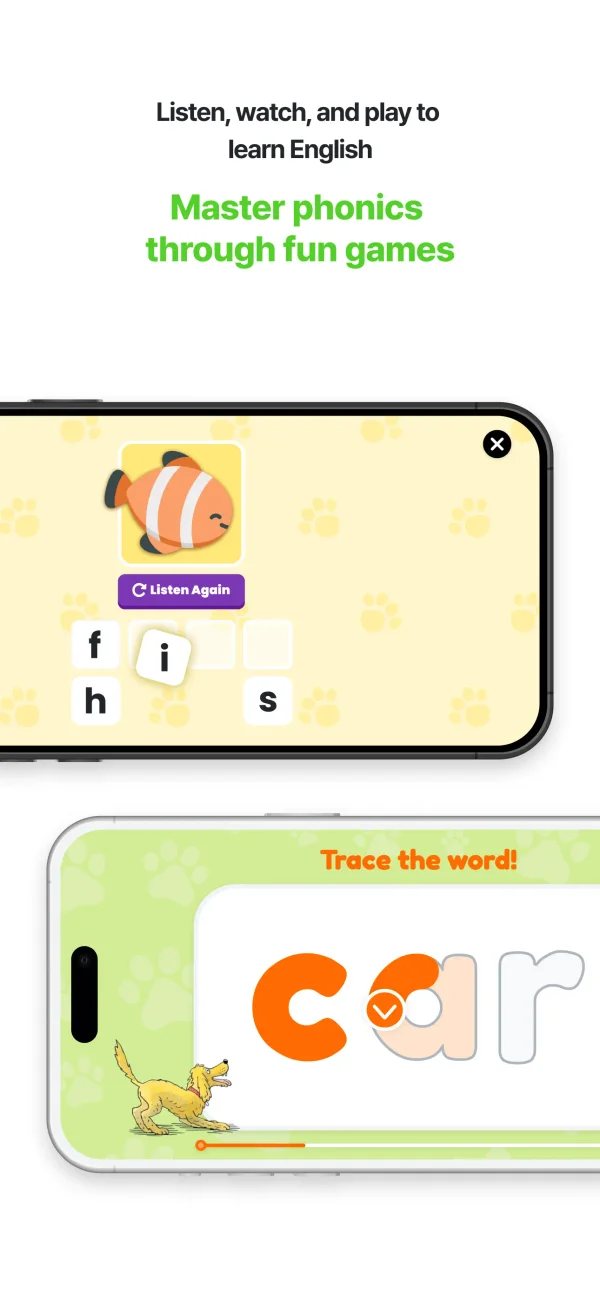
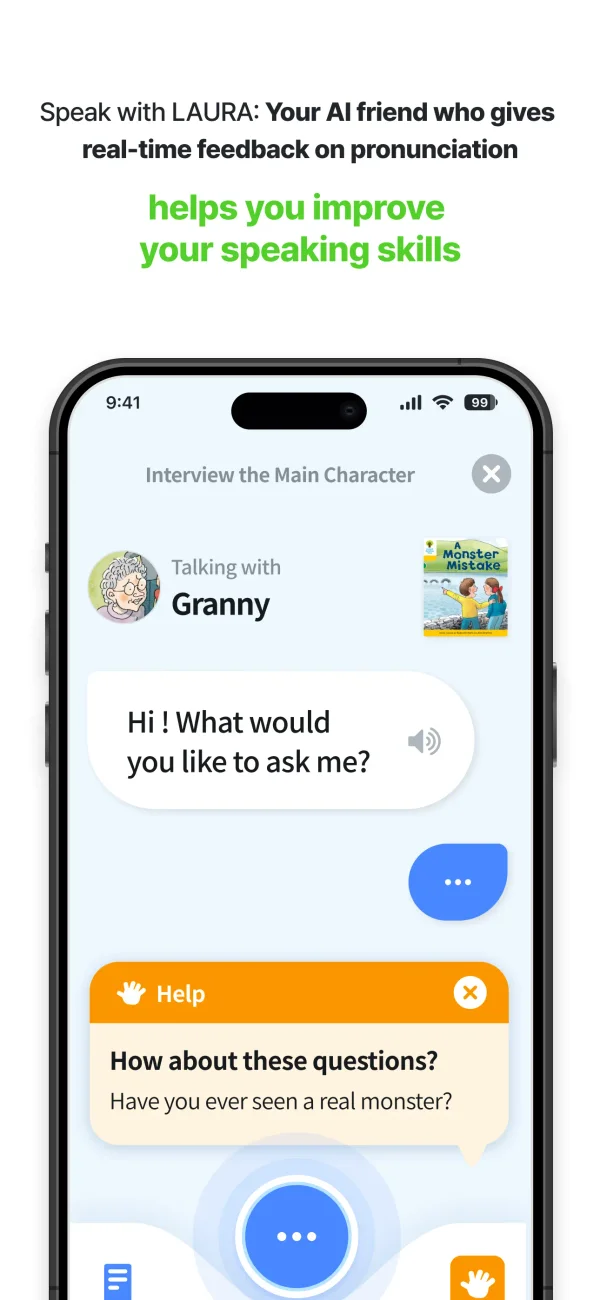
READING & transformed one-dimensional paper books to multi-functional digital contents that carries out the holistic process of language acquisition: vocabulary game, listening, reading, speaking, spelling check and after activities.
Users can benefit from 5 times more efficient language learning system through our productive 5-Step Multi-Dimension Reading.
Awesome #2. Up to 4 different devices
Use up to 4 different mobile devices at a time! Every reading data synchronizes.
We also support offline mode. Download your books and read them offline.
Awesome #3. Additional features for your self-study
- Both British & American pronunciation available (some books might provide only one)
- Audio speed control
- Record your own speaking
- Listen to the audio per page or sentence
- Built-in dictionary (Oxford English-Korean dictionary with 185,000 words)
- Personalized vocabulary list
- Pen tool: highlight or underline important vocabulary, make in-page highlights
- Reading Diary: store your own speaking files
This application may require access to the permissions below (to avoid the malfunction).
- [Optional] Microphone: to record audio in Stage 3 and 4
- [Optional] Photos: to register your profile picture
Instructions to turn the permission off:
- Microphone: Settings > Privacy > App permissions > Microphone > turn off READING &
- Photo: Settings > Privacy > App permissions > Storage > turn off READING &
If you disable access for these permissions, you may use the app but several features of your device may no longer function as intended.
What’s new
Version 4.38.0 · Nov 11, 2026
- Read Along is now available in Step3 of MDR.
- We’ve improved the app's usability.
App privacy
What iPortfolio Inc. declares on the App Store about how this app handles data.
-
Data linked to you
May be collected and linked to your identity.
- Contact info
- User content
- Identifiers
- Usage data
- Other data
-
Data not linked to you
May be collected but is not linked to your identity.
- Diagnostics
Privacy practices may vary, for example with the features you use or your age.
Information
- Seller
- iPortfolio Inc.
- Category
- Education
- Version
- 4.38.0
- Updated
- Nov 11, 2026
- Released
- Jul 5, 2016
- Size
- 210.8 MB
- Requires
- iOS 17.0 or later
- Age rating
- 4+
- Price
- Free
- Languages
- English, Korean
- Copyright
- © iPortfolio Inc.