ReadingClock: Reading Tracker
Book Log, Timer & Daily Goals
Designed for iPhone, iPad
Free · In-app purchases
- Age rating4+
- CategoryEducation
- DeveloperLe Huang
- LanguagesEnglish+ 6 more
- Size21.3 MB
Links to the official App Store page
Download.org hosts no file of ReadingClock: Reading Tracker. The button opens its official App Store page, published by Le Huang. Listing last checked on Nov 21, 2026.
Screenshots

About
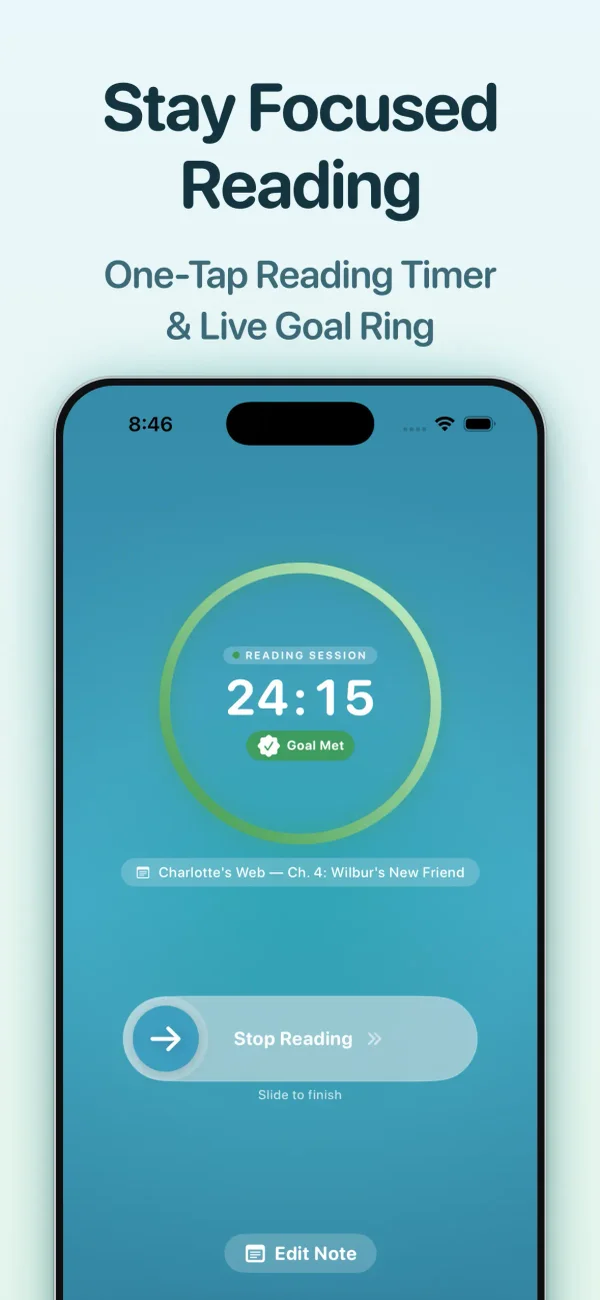
ReadingClock is a simple reading timer and tracker for building a daily reading habit. Tap to start, read, and watch your minutes add up toward your daily and weekly goals.
Whether you're a kid logging reading for school, a parent cheering on a young reader, or an adult who wants to read more, ReadingClock keeps you consistent.
FEATURES
- Reading timer: slide to start, slide to stop, and your session is logged automatically
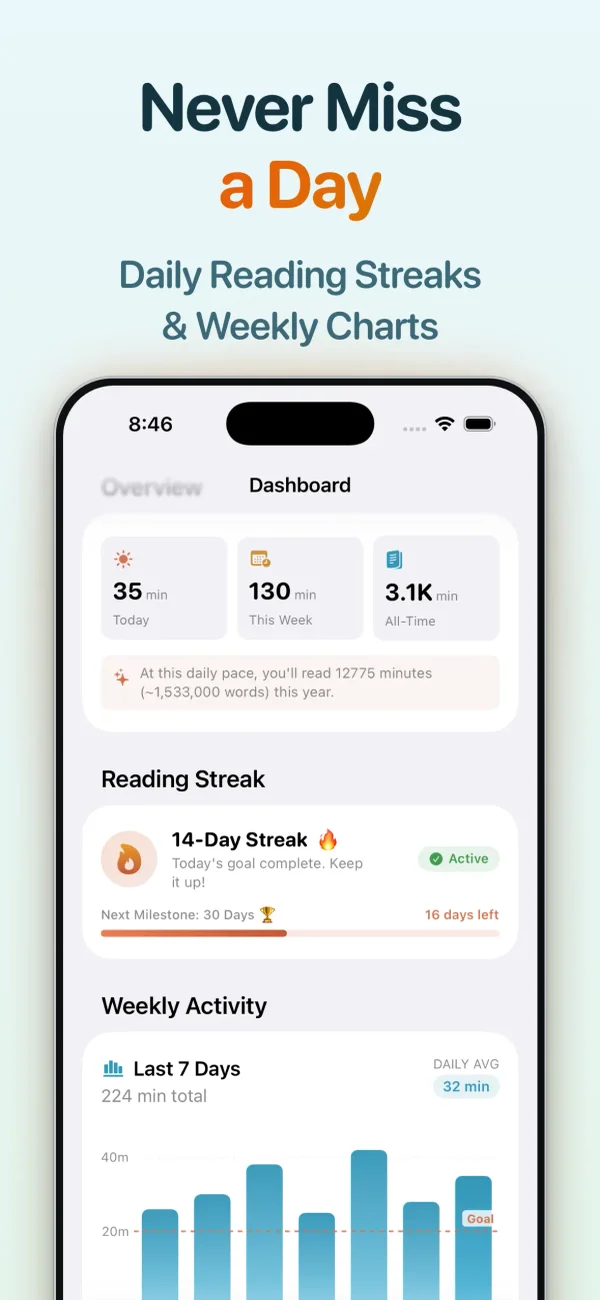
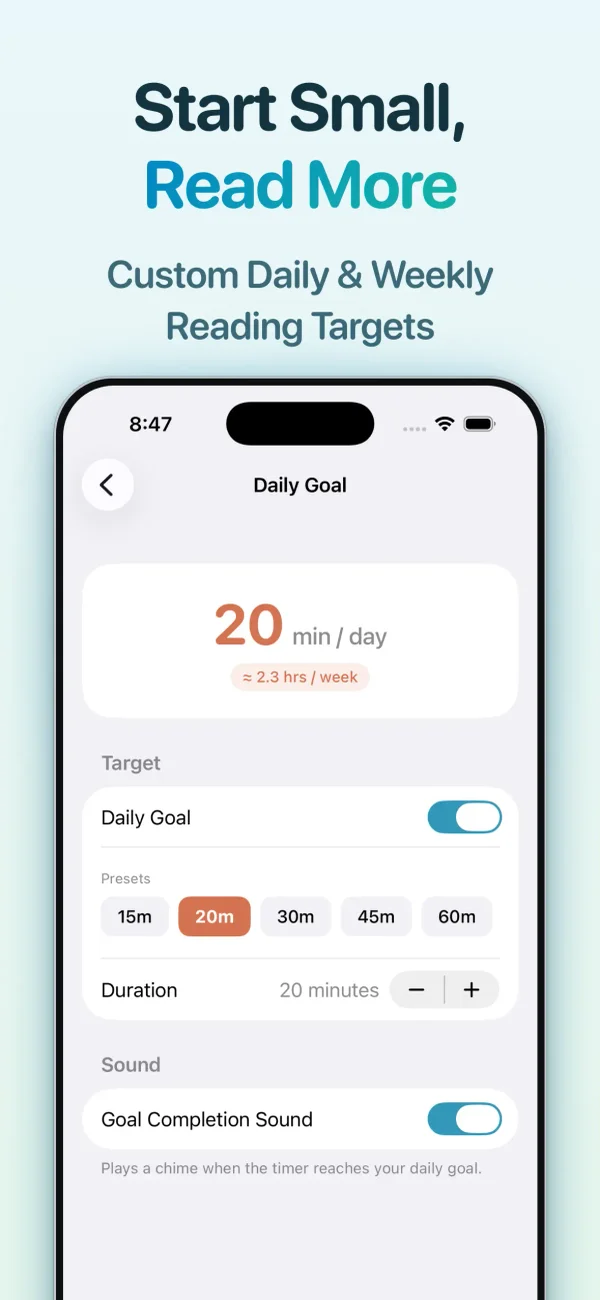
- Daily and weekly reading goals with progress at a glance
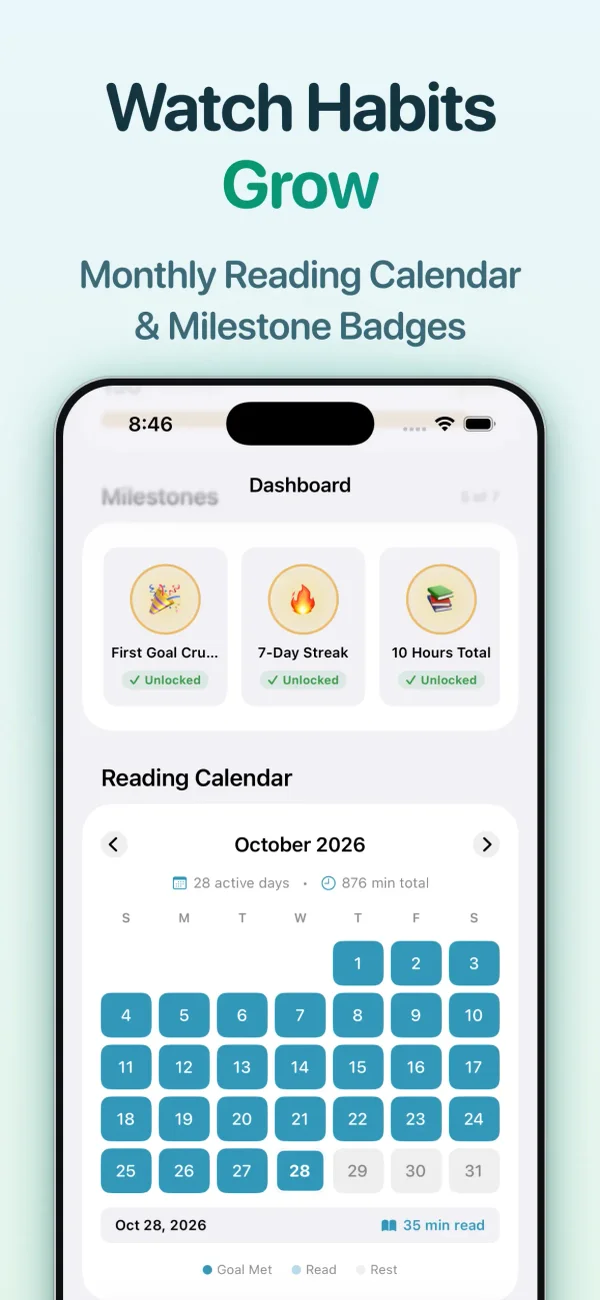
- Reading calendar that shows how consistent you've been all month
- Streaks and milestones: celebrate 7-day and 30-day streaks, 10, 50, and 100 hours, and more
- Share your wins with friends and family
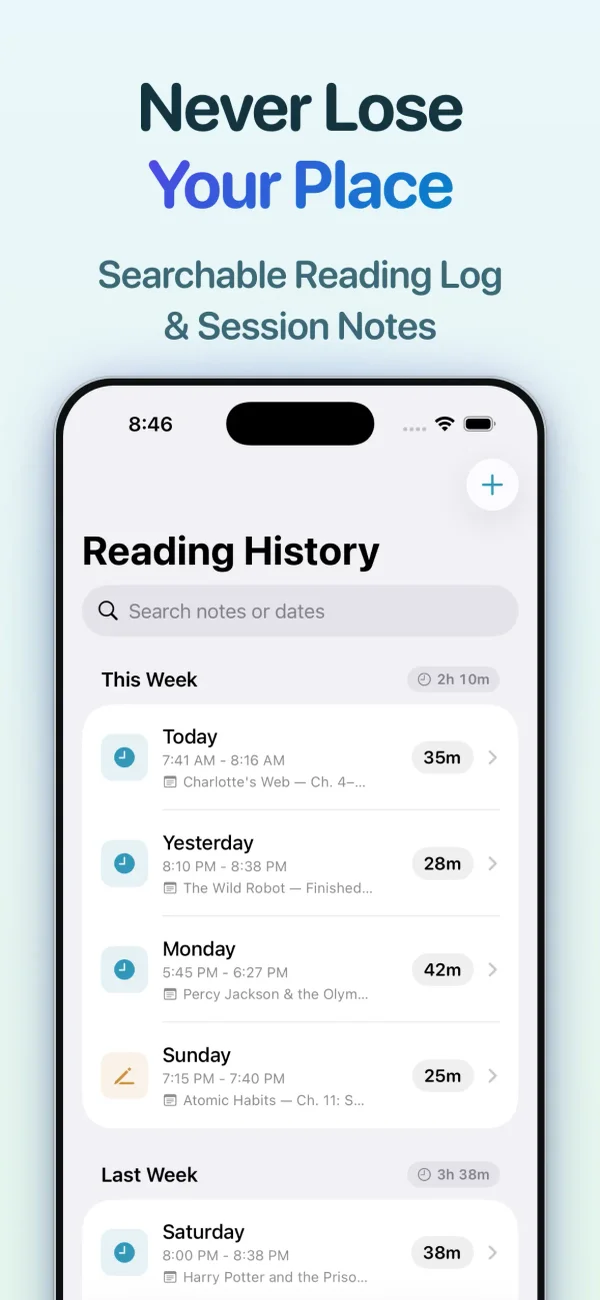
- Reading notes for thoughts, favorite quotes, and progress
- Add, edit, or delete reading logs anytime
- Total reading time for today, this week, and all time
- Optional sound and milestone alerts when you reach your daily goal
- Smart long-session review to easily trim your time if you forget to stop the timer
WHY I BUILT READINGCLOCK
I'm Grace, a mother of two. My kids read every day, and although their school asks for only 20 minutes, they usually read for 40 minutes to an hour. Watching how much their reading and writing improved over time inspired me to build an app that helps other readers keep the same routine.
My children gave me a lot of feedback on this app. It wouldn't be here without them!
"I love ReadingClock! I use it for my reading time at home and for my homework." - my son
"ReadingClock is so helpful! Also my mom always takes my feedback to make the app better!" - my daughter
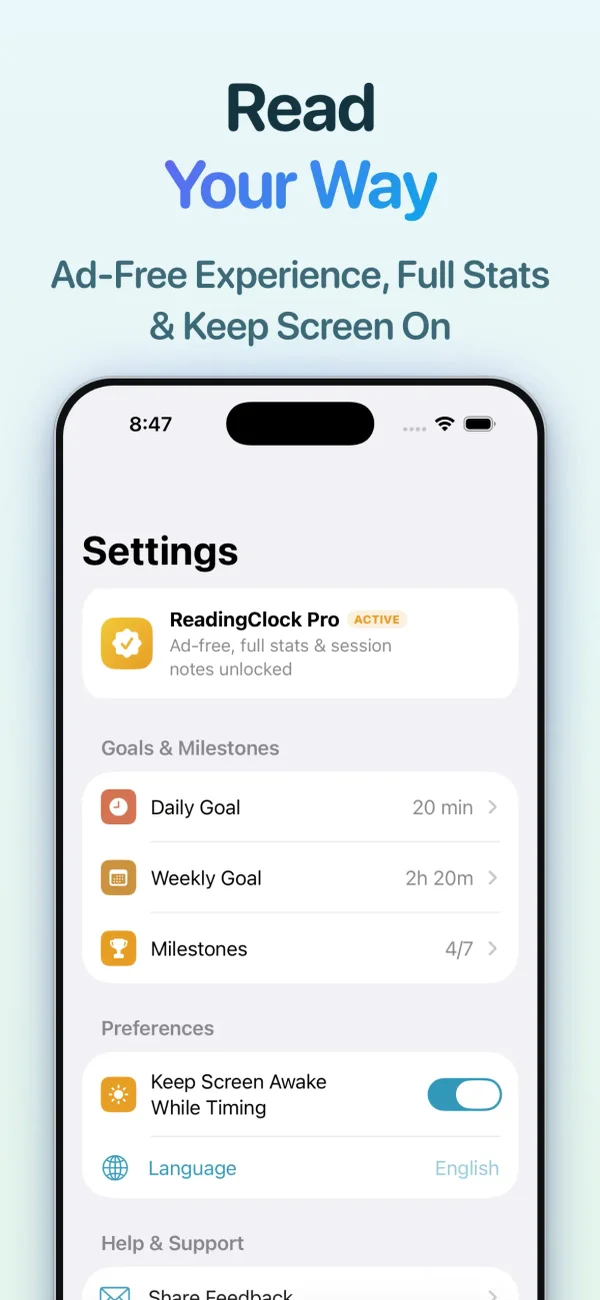
Upgrade to ReadingClock Pro to enjoy the app ad-free.
What’s new
Version 2.1.0 · Nov 16, 2026
Hi there, Grace here! In this update:
- Forgot to stop the timer? If a session runs past 90 minutes, you can now easily keep the full time, trim it to your daily goal (or 1 or 2 hours), or discard it.
- Reading milestone notifications: Get a friendly alert when you hit your daily goal, double your goal, or reach 1 or 2 hours—plus a check-in at 90 minutes in case you forgot to stop the clock.
- Battery saver for Keep Screen Awake: When Keep Screen Awake is turned on, your screen now goes back to sleep automatically after 1 hour so your battery doesn't drain if you step away.
If you have any feedback or ideas, feel free to reach out at higracehuang@gmail.com. Happy reading!
App privacy
What Le Huang declares on the App Store about how this app handles data.
-
Data not collected
The developer does not collect any data from this app.
Privacy practices may vary, for example with the features you use or your age.
Information
- Seller
- Le Huang
- Category
- Education
- Version
- 2.1.0
- Updated
- Nov 16, 2026
- Released
- Nov 30, 2023
- Size
- 21.3 MB
- Requires
- iOS 17.0 or later
- Age rating
- 4+
- Price
- Free
- In-app purchases
- Yes
- Languages
- English, German, Japanese, Korean, Simplified Chinese, Spanish, Traditional Chinese
- Copyright
- © Grace Huang 2026
You might also like
-
 ReadingTime - Family TrackerFamily book & reading tracker
-
 Microreads - Books in 15minMicrolearning, Book Summaries
-
 Resident PocketbookEducation
-
 Homework Tracker:Homework HeroLesson & Homework Tracker
-
 Quran Chat - Ask, Read, PrayLearn Islam, Quran, & Prayer
-
 ClockWise: Learn to Tell TimeAnalog, Digital Clock Practice
-
 Reader ZoneEducation
-
 Speed reading - ReaderSpreeder reader for pdf & ePub
-
 DLVGuide for DreamlightA guide for your Valley
-
 TalkBox.MomFor Current TalkBox Families