
ReadKit - Reading Hub
RSS news and read later
Designed for iPhone, iPad, Mac
Free · In-app purchases
- Age rating4+
- CategoryNews
- DeveloperBalazs Varkonyi
- LanguagesEnglish
- Size45.2 MB
Links to the official App Store page
Download.org hosts no file of ReadKit - Reading Hub. The button opens its official App Store page, published by Balazs Varkonyi. Listing last checked on Nov 20, 2026.
Screenshots


About
Your All-in-One Reading Companion
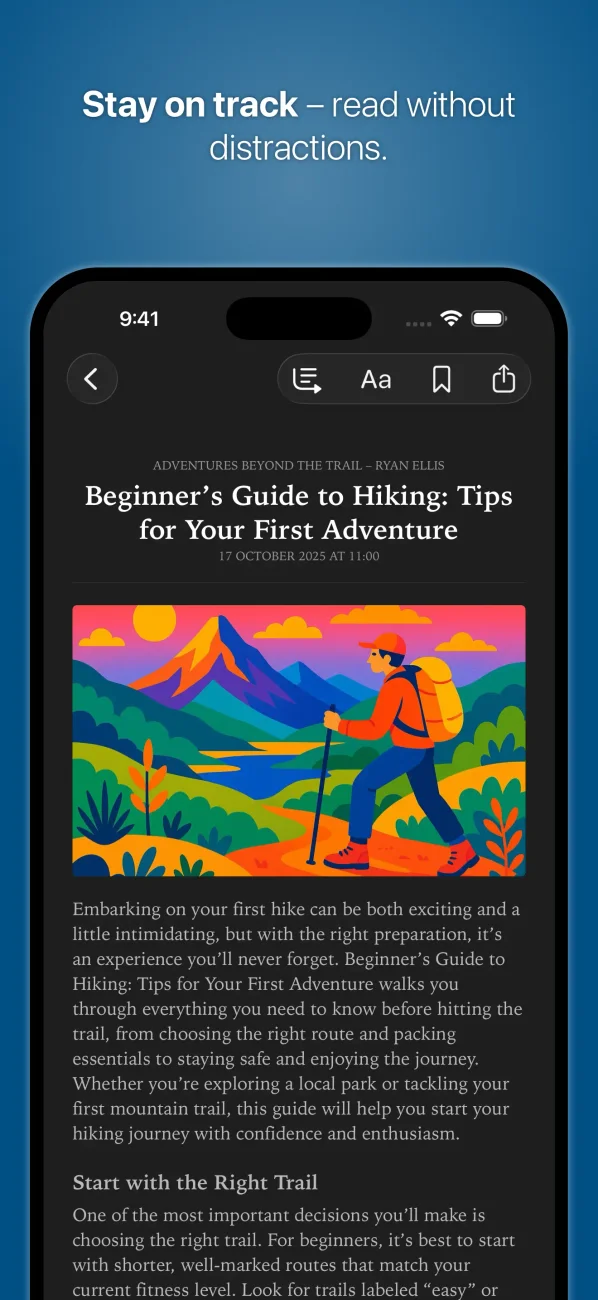
ReadKit is a powerful, all-in-one read-later and RSS client that brings together your favorite news, articles, and feeds. With major providers and built-in iCloud RSS and Read Later sync, ReadKit lets you save and read articles later, providing a distraction-free reading experience anytime and anywhere.
KEY FEATURES
• All-in-One Reading Hub: Access all your accounts in one place with multi-account support.
• Cross-Platform: Universal app with full feature parity on iOS and macOS.
• iCloud RSS and Read Later: Built-in services with iCloud sync.
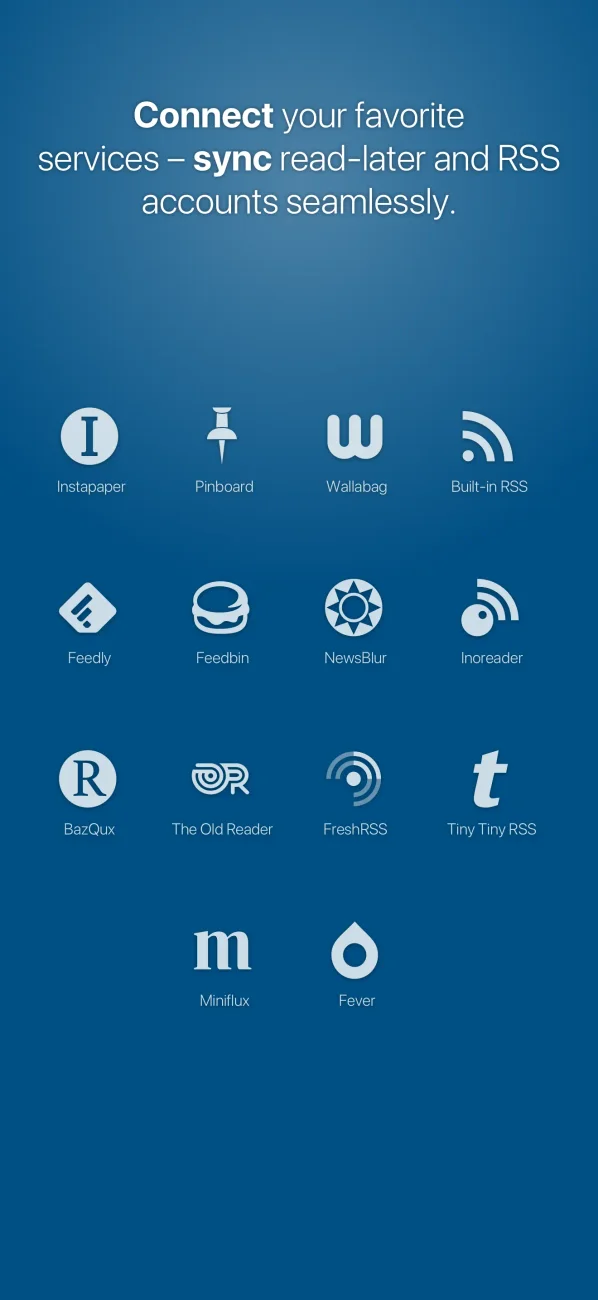
• Flexible Syncing: Sync with major RSS aggregators and read-later services.
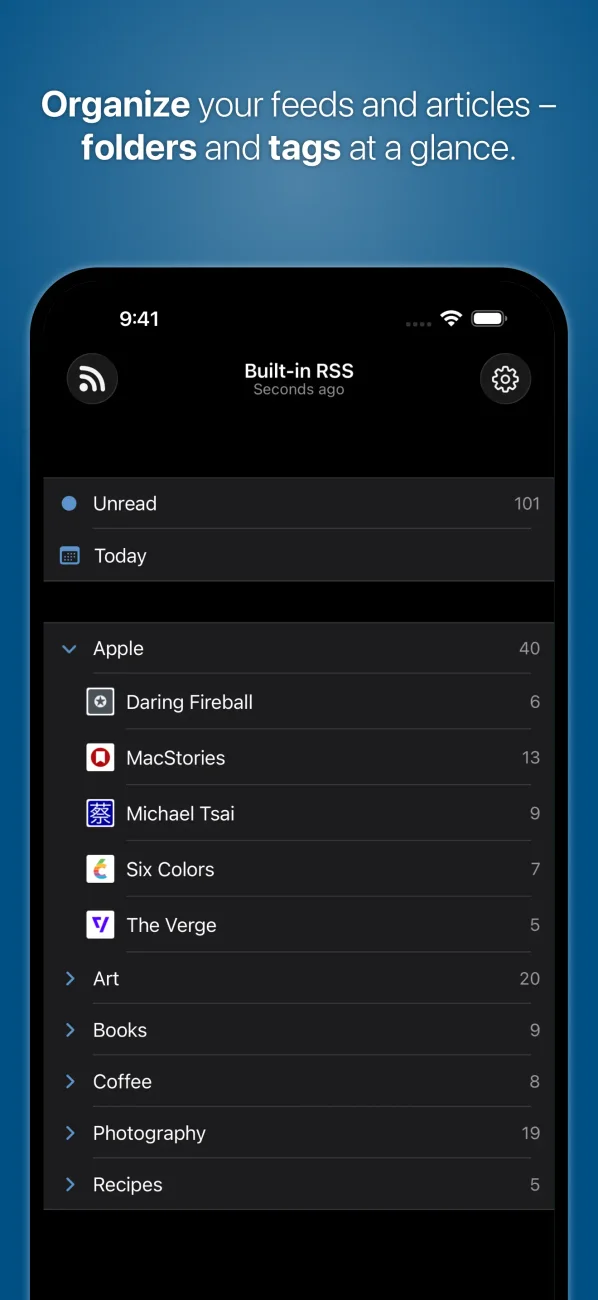
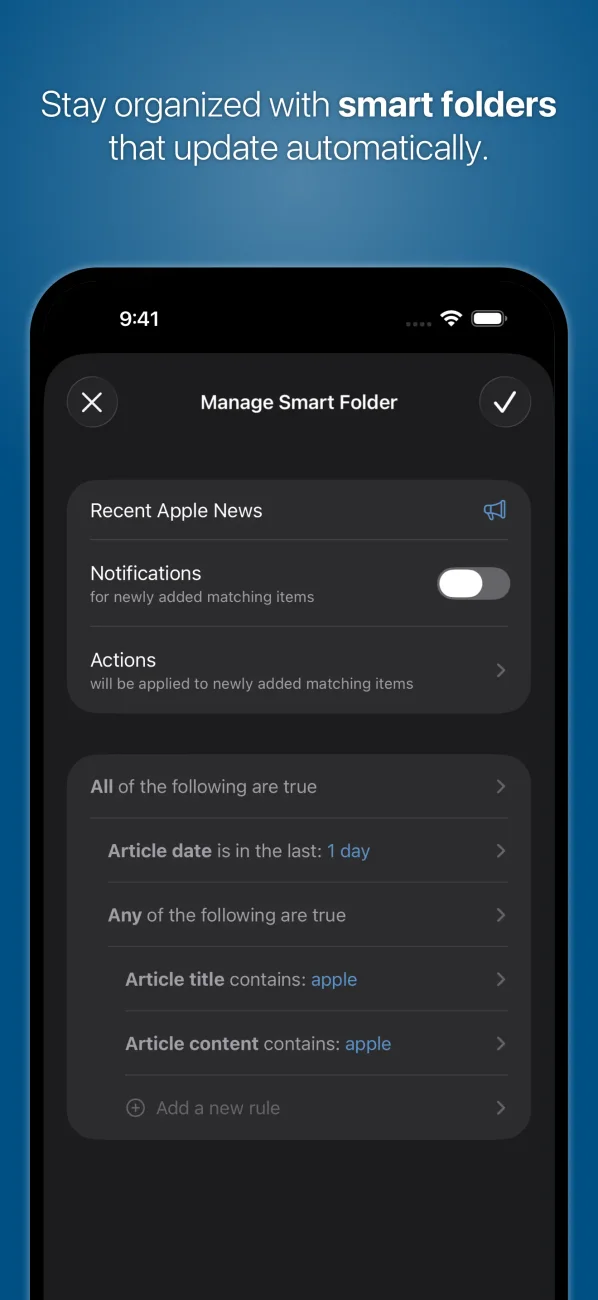
• Advanced Organization: Manage feeds, folders, tags and automatically updated smart folders.
• Smart Folder Actions: Mark items read or starred and filter content.
• Offline Access: Read articles offline with cached images.
• Enhanced Reading Experience: Built-in reader mode extracts full article content, with options for automatic activation.
• Wide Gesture Support: Navigate, mark articles read and perform quick actions.
• In-App Browser: View links and references without leaving the app.
• App Badge Preferences: Customize the badge to display the count of unread items.
• Mark as Read Options: Mark articles read while scrolling, by pulling up, or in one tap.
• Contextual Marking: Quickly mark articles as read above or below directly from the context menu.
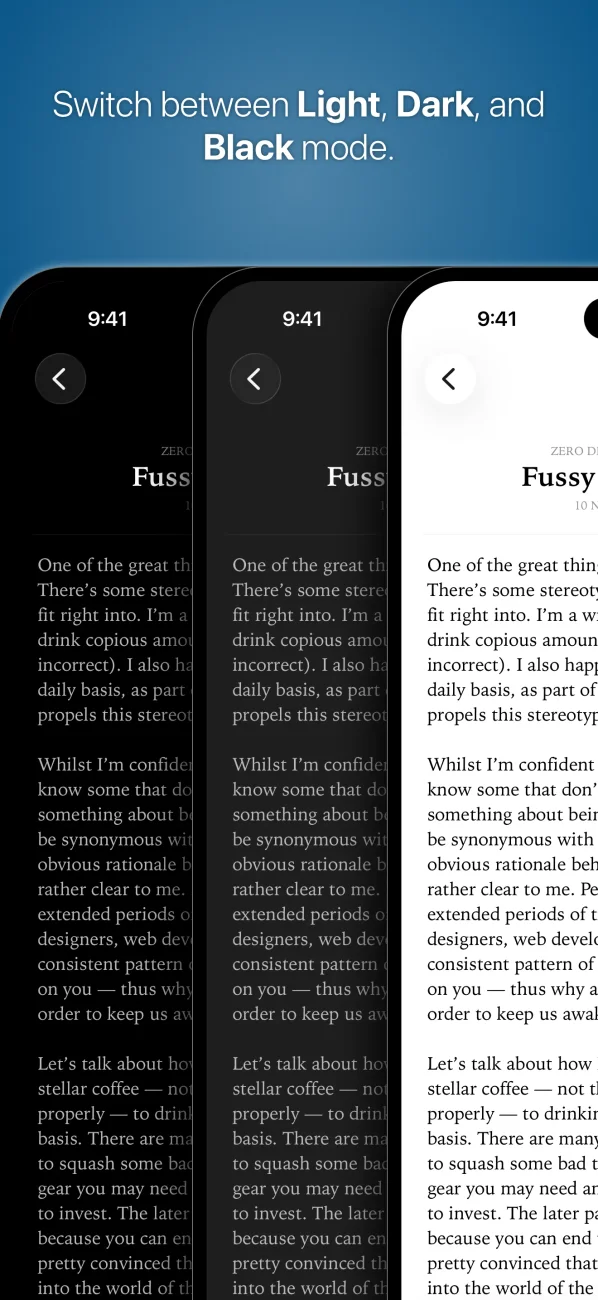
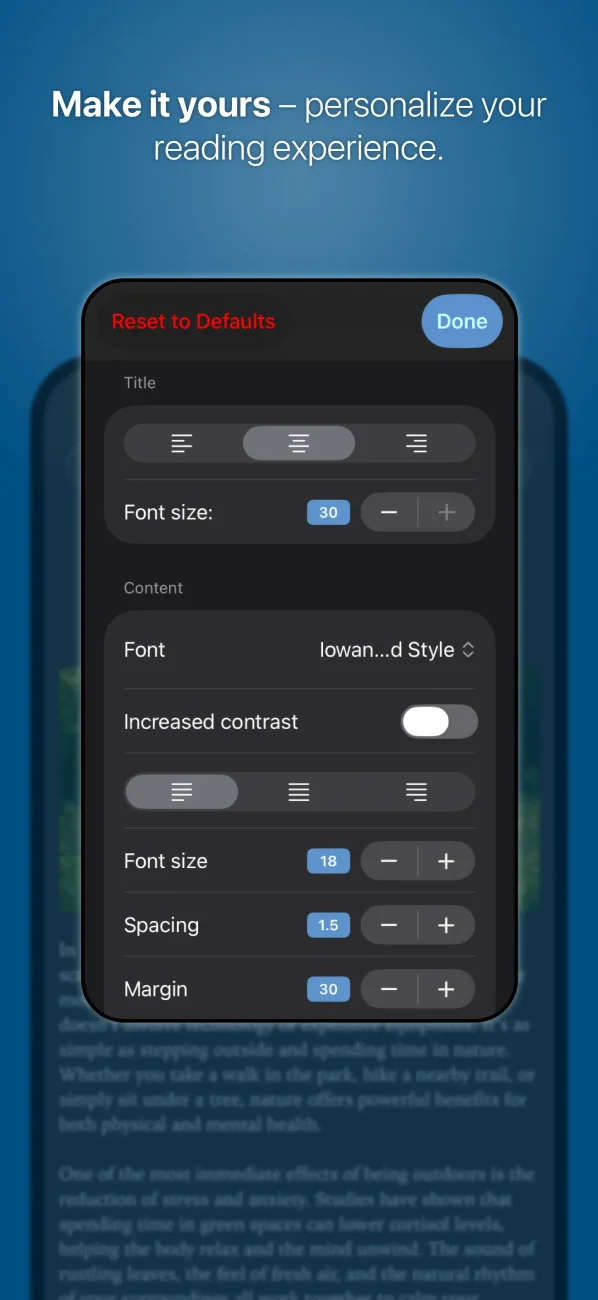
• Customizable Interface: Choose themes, light or dark mode, and app icons to suit your style.
• Powerful Search: Search articles by content, title, or source.
• Filter Articles: Easily filter articles by read or starred status.
• Background Syncing: Always stay updated with background sync.
• Content Sharing: Use the share extension to save articles from Safari and other apps for later reading.
• Email Articles: Send articles directly via email to share with others.
• Share via Apps and Services: Share articles through the share sheet.
• YouTube Channel Support: Subscribe to YouTube channels and playlists through RSS feeds.
• Full Keyboard Support: Optimized for hardware keyboards on macOS and iPad.
• Feed Import/Export: Import or export subscriptions via OPML files.
• Application Settings Export: Export and import appearance, reading, general behavior and gesture preferences.
Enjoy ReadKit’s essential features completely free — no ads, no data mining. Unlock additional features with ReadKit Premium, available via a universal subscription or a one-time lifetime purchase for iOS, macOS, or both. A free trial is also available.
PREMIUM FEATURES
• Multi-Account Support: Manage multiple accounts simultaneously.
• Unlimited Smart Folders: Create and customize more than one smart folder per account.
• Enhanced Reader Mode: Extract full-text content from articles, even when missing from the feed source.
• Article Summary: summarize articles using AI on supported devices (requires ReadKit Premium, Apple Intelligence and iOS 26).
• Unlimited Feeds: Remove the 20-feed limit for the built-in RSS service.
• Advanced Organization Tools: Organize feeds and articles into folders or tags.
• Image Caching: Enjoy offline reading with cached images.
• Themes & Custom Icons: Unlock exclusive themes and choose custom app icons.
• Full OPML Support: Import and export feed subscriptions with ease.
• Account and Smart Folder Export: Export account settings with smart folders and import them individually.
• Early Access: Enjoy upcoming premium features as they're released.
SUPPORTED SERVICES
• Built-in RSS and Read Later services with iCloud sync.
• News Reader Services: BazQux, Feedbin, Feedly, Fever, FreshRSS, Inoreader, Miniflux, NewsBlur, The Old Reader, Tiny Tiny RSS
• Read Later & Bookmarking Services: Instapaper, Wallabag and Pinboard
Privacy Policy: https://readkit.app/privacy
Terms of Use: https://readkit.app/terms-of-use
What’s new
Version 4.1.1 · Nov 13, 2026
• Entry list sorting and grouping can now be configured per account and sync across devices for iCloud RSS and iCloud Read Later accounts.
• Improved iCloud account setup to preserve existing preferences.
• Fixed an issue that could cause iCloud Read Later sync to crash.
• Fixed entry list rows not updating their read status after synchronization.
• Fixed disclosure sections in articles so they can be expanded and collapsed normally.
ReadKit 4.1 introduced Feed Health monitoring, enhanced feed management, and article import and export, along with various improvements. For the complete list of changes, see the ReadKit 4.1 release notes.
App privacy
What Balazs Varkonyi declares on the App Store about how this app handles data.
-
Data not collected
The developer does not collect any data from this app.
Privacy practices may vary, for example with the features you use or your age.
Information
- Seller
- Balazs Varkonyi
- Category
- News
- Version
- 4.1.1
- Updated
- Nov 13, 2026
- Released
- May 4, 2022
- Size
- 45.2 MB
- Requires
- iOS 17.0 or later
- Age rating
- 4+
- Price
- Free
- In-app purchases
- Yes
- Languages
- English
- Copyright
- © 2013-2026 Balazs Varkonyi
You might also like
-
 Fiery Feeds: RSS ReaderA news reader for power users
-
 Unread: An RSS ReaderNews
-
 NewsBlur: RSS News ReaderFollow sites. Find your focus.
-
 FeedbinFollow your passions.
-
 Reeder.News
-
 FeedFlow - RSS Feed ReaderRead Offline. Sync Your Way.
-
 lire: RSS ReaderFull-text RSS
-
 Reeder ClassicNews Reader
-
 RSS MobileNews
-
 feeder.co - RSS Feed ReaderNews