Readometer - track your speed
Track your reading speed
Designed for iPhone, iPad
Free
- Age rating4+
- CategoryProductivity
- DeveloperJoel Grayson
- LanguagesEnglish
- Size695.0 KB
Links to the official App Store page
Download.org hosts no file of Readometer - track your speed. The button opens its official App Store page, published by Joel Grayson. Listing last checked on Nov 12, 2026.
Screenshots
About
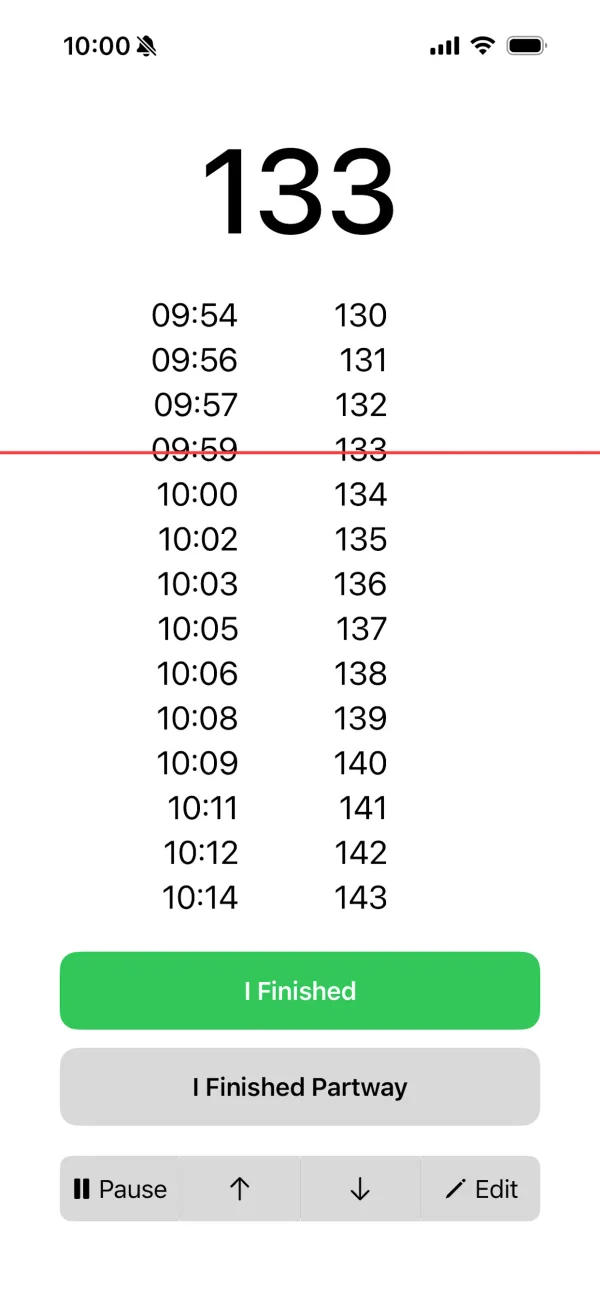
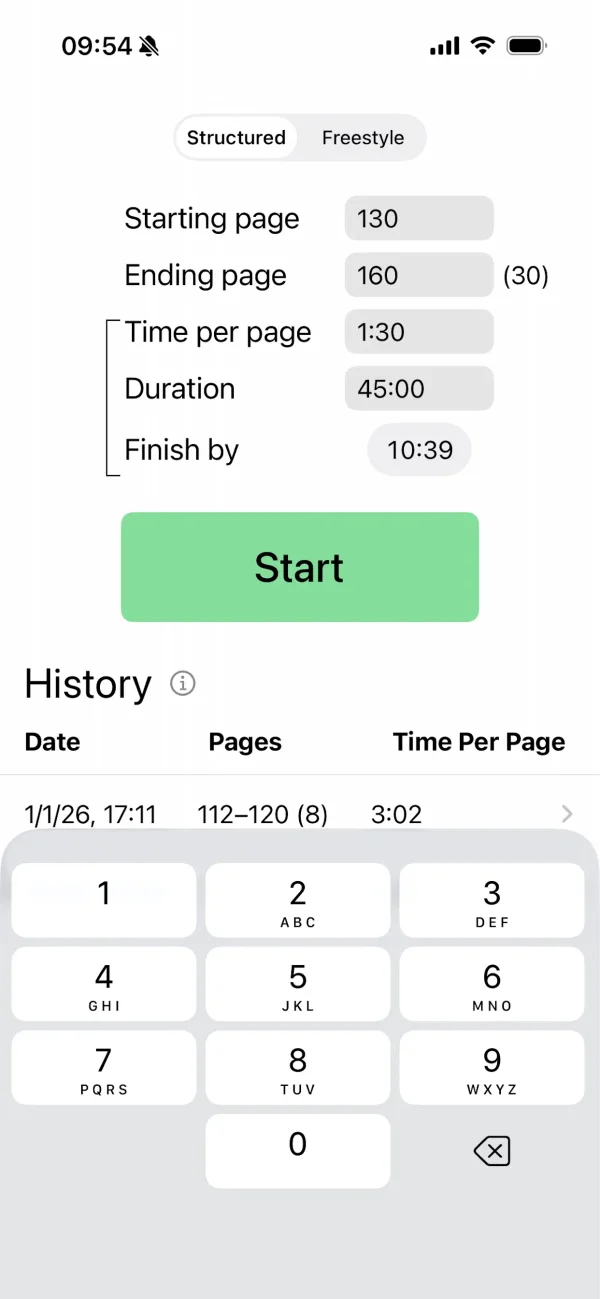
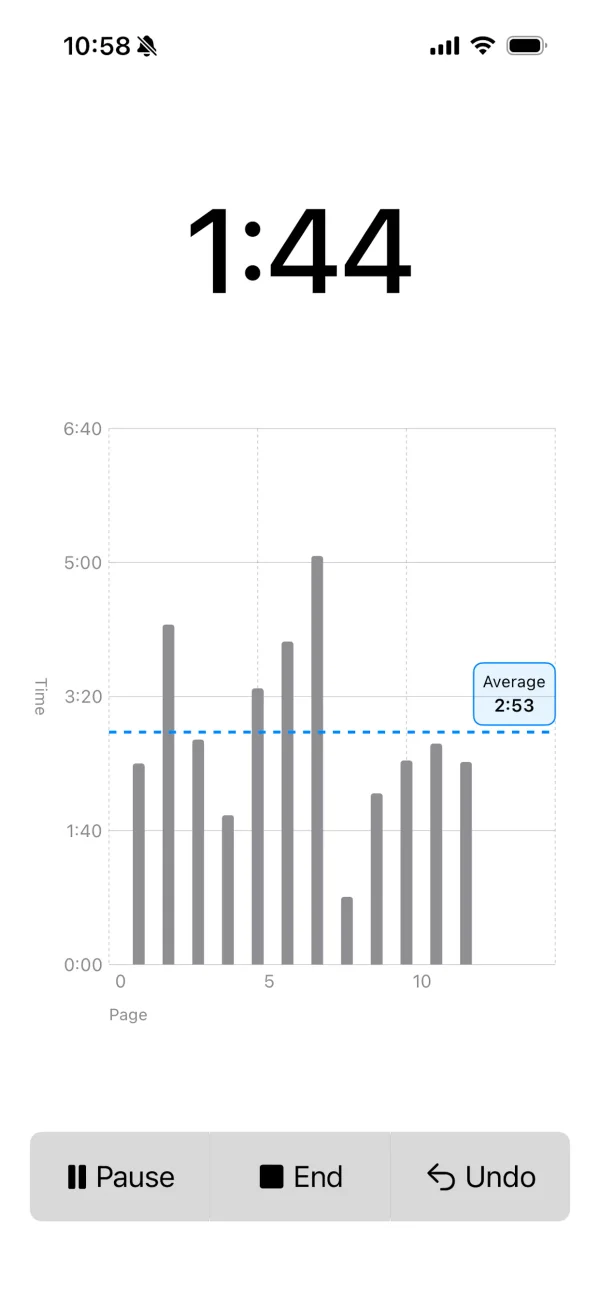
Readometer is built for people who want to pace themselves while reading or see how fast they can read. For example, a student who wants to finish 90 pages of reading HW in 2 hours can pace themselves in Readometer’s Structured mode. Or, a person who wants to read faster can track their current reading speed while reading a physical book, with a goal of getting down to 1:00 per page.
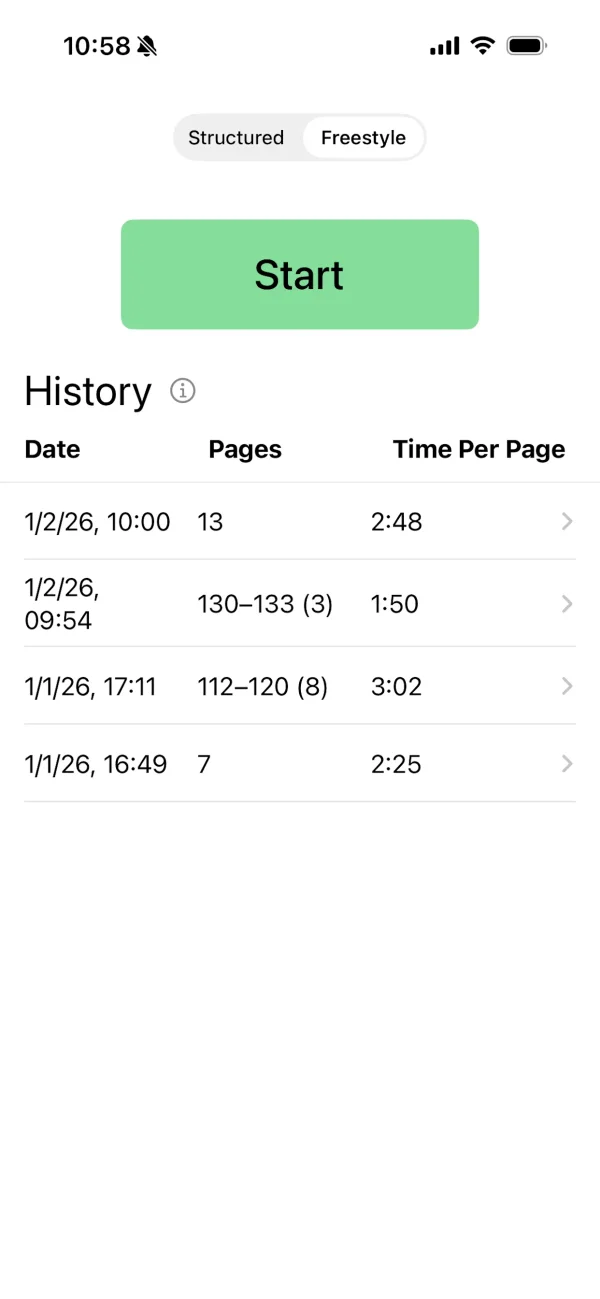
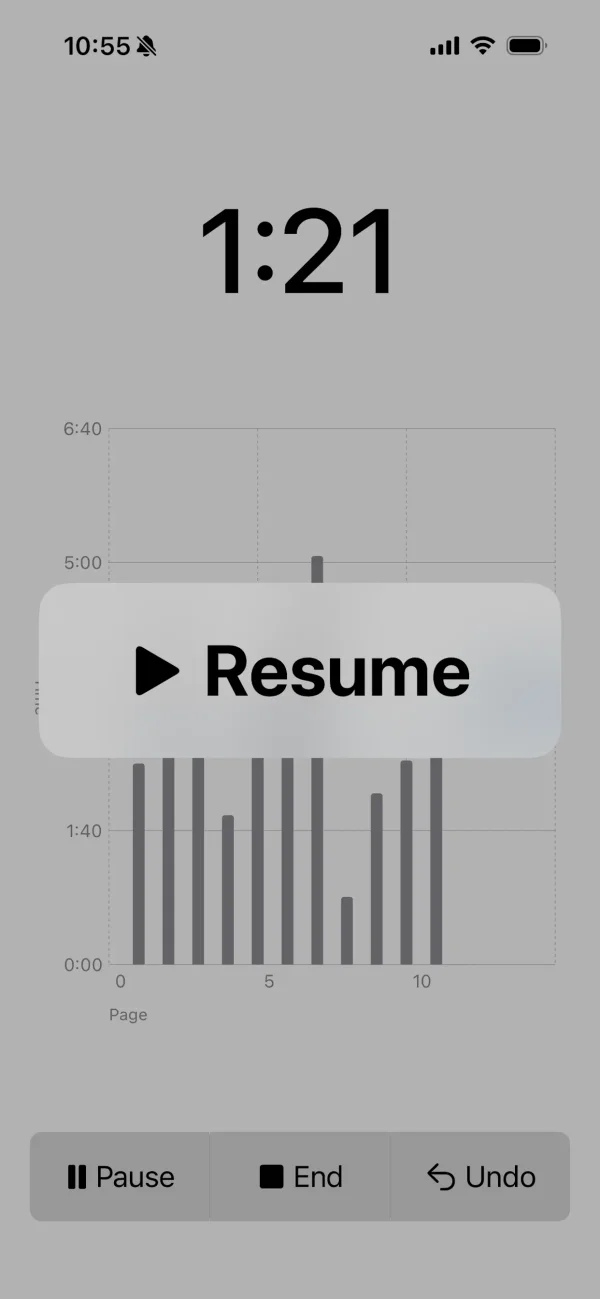
Readometer tracks how quickly you are reading (minutes and seconds per page). In the Structured mode, enter the page range you plan to read and how quickly you plan to read. Then, it will show you which page you should be on throughout your reading session so you can pace yourself. In the Freestyle mode, you can just start reading and tap when you turn the page. It will tell you how quickly you have been reading.
App privacy
What Joel Grayson declares on the App Store about how this app handles data.
-
Data not collected
The developer does not collect any data from this app.
Privacy practices may vary, for example with the features you use or your age.
Information
- Seller
- Joel Grayson
- Category
- Productivity
- Version
- 1.0
- Updated
- Jan 6, 2026
- Released
- Jan 6, 2026
- Size
- 695.0 KB
- Requires
- iOS 17.0 or later
- Age rating
- 4+
- Price
- Free
- Languages
- English
- Copyright
- © 2026 Joel Grayson
You might also like
-
 LocalScribe — AI Meeting NotesPrivate transcripts. Smart AI.
-
 IntentNote: AI NotesAI coach for workouts & goals
-
 CAPTURR for Roam ResearchNative. Fast. Works Offline.
-
 Dyslexia Notes - ADHD NotepadAdjustable fonts & colors
-
 DSearch: Skip Feed & AI SearchADHD Direct App Launcher
-
 SubFeeds: AI RSS ReaderRSS News, Smarter with AI
-
 Consolidate: Study PlannerStudy planner and companion
-
 Mentor AI - Ask Chatbot & ArtAI Chatbot Assistant
-
 SwiftRead - Speed ReadingRead faster, learn more
-
 Dextr Personal CRMYour Relationship Address Book